6 Best Software for Custom Jewelry Design for 2026, Vetted and Compared
Best software for custom jewelry design, compared. 6 tools with published prices, free plans and limits. Hidden costs and gaps are flagged. Read before you buy.
- Editor's choice
 Fusion 360
Parametric CAD and manufacturing prep
Starts atSee websiteVisit autodesk.comFull review - Great alternative
 ZBrush
Sculpted organic jewelry forms
Starts atSee websiteVisit maxon.netFull review - Also consider
 KeyShot
Live product visualization
Starts at$7.92 a monthVisit keyshot.comFull review
Direct answer
Fusion 360 comes first here, mainly for Parametric CAD and manufacturing prep. Listed starting prices: KeyShot from $7.92 a month. ZBrush is the stronger choice for sculpted organic jewelry forms, while KeyShot suits live product visualization. The remaining 3 options are covered below with prices and limits.
TL;DR:
- The list opens with Fusion 360, aimed at Parametric CAD and manufacturing prep.
- For dedicated jewelry design and production, 3Design is worth a look.
- Neither Fusion 360 nor 3Design, nor any of the other 4 tools, has a permanent free plan; trials and quotes are the norm.
- KeyShot has the lowest monthly starting price in this list: $7.92 per month.
Last checked November 2026. Prices and plan details were read from the vendors' own pages in November 2026; vendors change plans often, so confirm the current price on the vendor site before you buy.
Quick comparison
| Tool | Best for | Starts at | Free plan? | |
|---|---|---|---|---|
| Fusion 360 | Parametric CAD and manufacturing prep | See website | Not stated | Visit |
| ZBrush | Sculpted organic jewelry forms | See website | Not stated | Visit |
| KeyShot | Live product visualization | $7.92 a month | Free trial | Visit |
 V-Ray | Photorealistic rendering across systems | See website | Not stated | Visit |
 Adobe Illustrator | Vector sketches and technical drawings | See website | Not stated | Visit |
| 3Design | Dedicated jewelry design and production | See website | Not stated | Visit |
The best software for custom jewelry design
Short on time? The summary and table above give the quick view of 6 tools for software for custom jewelry design, and the profiles that follow give the detail behind each entry.
Fusion 360 is a good fit for Parametric CAD and manufacturing prep. Autodesk Fusion, formerly Fusion 360, is a cloud-based product for 3D CAD, modeling, manufacturing, industrial design, electronics and mechanical engineering.
Also, Fusion is a general-purpose CAD product, so jewelry-specific tools and workflows are less prominent than in dedicated packages. In practice, pick Fusion when precise, parametric design and manufacturing preparation matter more than jewelry-tailored features. No starting price is listed for Fusion 360 here; confirm pricing on the vendor site. Free plan details: Not stated.
Where it is weaker: General CAD, not jewelry-specific.
- Also supports industrial design work
- Cloud-based 3D CAD system
- Cloud workflow may not suit everyone
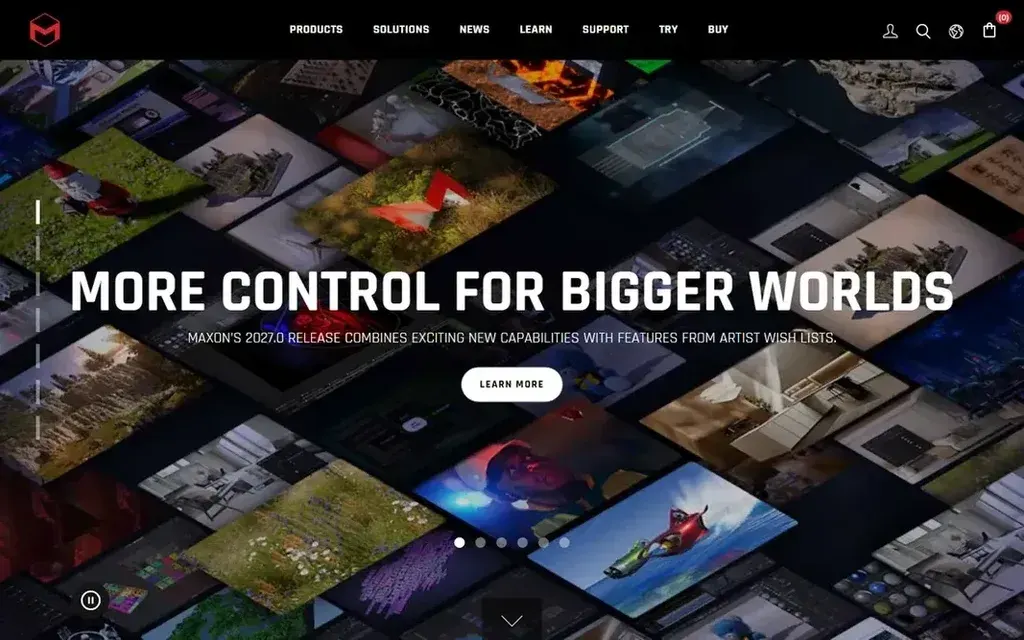
Where ZBrush fits: sculpted organic jewelry forms. ZBrush by Maxon is a digital sculpting tool widely used for highly in-depth organic forms. More specifically, for custom jewelry, it fits designers who want to sculpt flowing shapes, textured surfaces or artistic centerpieces that are hard to build with traditional CAD primitives.
Points against: Not jewelry-specific.
Beyond that, ZBrush is not aimed at jewelry production, so exact dimensions and manufacturing preparation normally need another tool. Its sculpting approach can be slower for straightforward, dimension-driven pieces. Pricing for ZBrush is not stated here, so ask the vendor for current figures. On free options: Not stated.
- Deals with fine surface detail
- Well suited to organic and artistic shapes
- Ramp-up time for new users
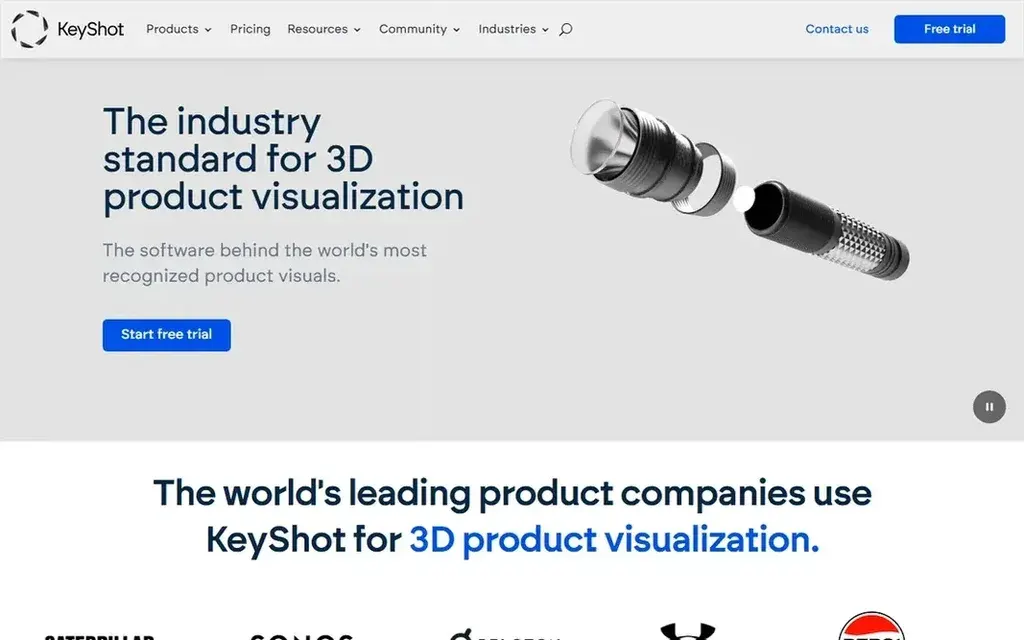
KeyShot works best for live product visualization. KeyShot is 3D rendering and visualization software that emphasizes live rendering and collaboration from concept to product launch.
From a buyer's view, KeyShot does not replace a modeling package, so jewelry geometry must come from another application. Its value relies on how much presentation rendering your workflow needs. KeyShot pricing: $7.92 per month. Trial and free access: Free trial.
Watch-outs: Rendering focus, not modeling.
- Live rendering technology
- Supports collaboration to launch
- Needs a separate modeling tool
For Photorealistic rendering across systems, V-Ray is a natural candidate. V-Ray by Chaos is a photorealistic 3D rendering plugin available for widely used design systems like 3ds Max, SketchUp, Rhino, Maya and Blender. More specifically, rendering settings and plugin management add a layer of complexity.
For jewelry, it helps produce high-quality images of metal, gemstone and surface detail inside a modeling environment you already use. Choose it when photorealism is essential and your team already works in a supported system. V-Ray does not model jewelry, so it depends entirely on the host application and the quality of the geometry. This comparison lists no price for V-Ray; ask the vendor. Free options: Not stated.
Watch-outs: Plugin setup brings complexity.
- Plugin for plenty of widely used products
- Photorealistic rendering engine
- Rendering only, no modeling
Adobe Illustrator works best for vector sketches and technical drawings. If your central goal is creating printable or castable models, choose a dedicated 3D package and use Illustrator for concept and presentation work.
Downsides: Not a 3D modeling tool.
In practice, Adobe Illustrator is vector graphics software used for line art, layouts and technical drawings. From a buyer's view, in jewelry design it supports concept sketching, presentation sheets and clean vector illustrations of designs before or alongside 3D work. Adobe Illustrator does not show a starting price in this comparison, so check the vendor site for current pricing. Trial and free access: Not stated.
- Capable for line art and layouts
- Industry-standard vector graphics
- Restricted for manufacturing prep
3Design
Best for: Dedicated jewelry design and production
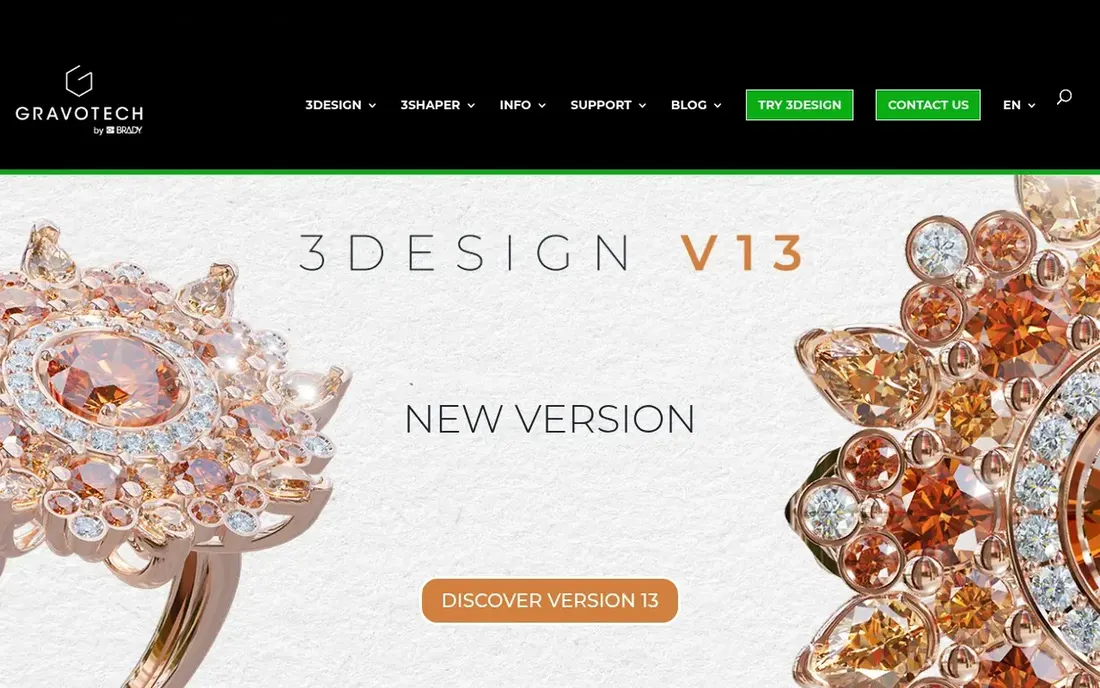
Think of 3Design for dedicated jewelry design and production. 3Design is a 3D software suite positioned around jewelry design, creation and production. Its vendor describes it as 3D jewelry software for professionals, which makes it a natural starting point for custom pieces where the workflow is centered on jewelry instead of general modeling.
Confirm the exact feature set and compatibility on the vendor site before committing. More specifically, since it is specialized, 3Design may feel less adaptable for designers who also work on broader product or character projects. 3Design shows no starting price here, so confirm the cost on the vendor site. Free options: Not stated.
What to check first: Narrower appeal outside jewelry.
- Spans design through production
- Focused toolset for jewelry professionals
- Less suited to general product design
How the list was put together
Pricing pages, product documentation and feature lists were the main sources, and every entry carries at least one honest drawback. Where a price is missing, the vendor does not list one publicly or ties it to a quote. Always confirm before budgeting. The order reflects how well each tool fits the most common buying scenario for software for custom jewelry design, then price clarity, then free plan access. It is a starting point, not a verdict.
Pre-purchase checklist
- Confirm the entry price on the vendor page. For Fusion 360, ZBrush, V-Ray and others that means a quote rather than a fixed price.
- Take the trial from KeyShot and push a live task through it before you pay.
- Read the limits listed for Fusion 360 first: general CAD, not jewelry-specific.
- See whether ZBrush offers onboarding or training, and whether it is included in the price.
- Before rolling out Fusion 360, verify the integrations your workflow depends on.
FAQ
Do these tools publish their prices?
Not all of them. Fusion 360, ZBrush, V-Ray and others publish no starting price, so expect a quote request for those. The rest, KeyShot included, show a starting price, though seats and billing terms still change the final cost.
What is the cheapest option for software for custom jewelry design in this list?
On published monthly entry prices, KeyShot is the lowest here at $7.92 per month. Entry price is only part of the cost, because seats, add-ons and billing terms can change the total. All 6 picks in this software for custom Jewelry design comparison list a starting price, free plan details and the main limits on their cards above.
Do I need separate modeling and rendering software?
Modeling tools for example 3Design, ZBrush and Fusion 360 build the jewelry geometry, whereas KeyShot and V-Ray produce realistic images. Some workflows combine multiple tools, so check compatibility before building a stack.
Can I try these tools before paying?
Often, yes. KeyShot offers a free trial. Use your own data and a real task during the test, and check what the free tier or trial limits before you rely on it. For the full picture, the cards above cover all 6 entries of this software for custom Jewelry design list, including price, free plan and limits.
How are the tools for software for custom jewelry design ordered?
Fusion 360 sits first and 3Design last because the order follows typical fit for software for custom jewelry design, then price clarity and free access. It is a judgement call, so read each profile for fit and limits.
Sources
- https://www.autodesk.com/products/fusion-360
- https://www.maxon.net/en/zbrush
- https://www.keyshot.com
- https://www.chaos.com/vray
- https://www.adobe.com/products/illustrator.html
- https://www.3design.com