6 Best Slide Design Software for Consultants for 2026, Vetted and Compared
Best slide design software for consultants: 6 tools compared on price, free plans and fit. Fit and flaws are laid out for each entry. Reviewed this month.
- Editor's choice
 Prezi
Interactive presentations with live audience input
Starts atSee websiteVisit prezi.comFull review - Great alternative
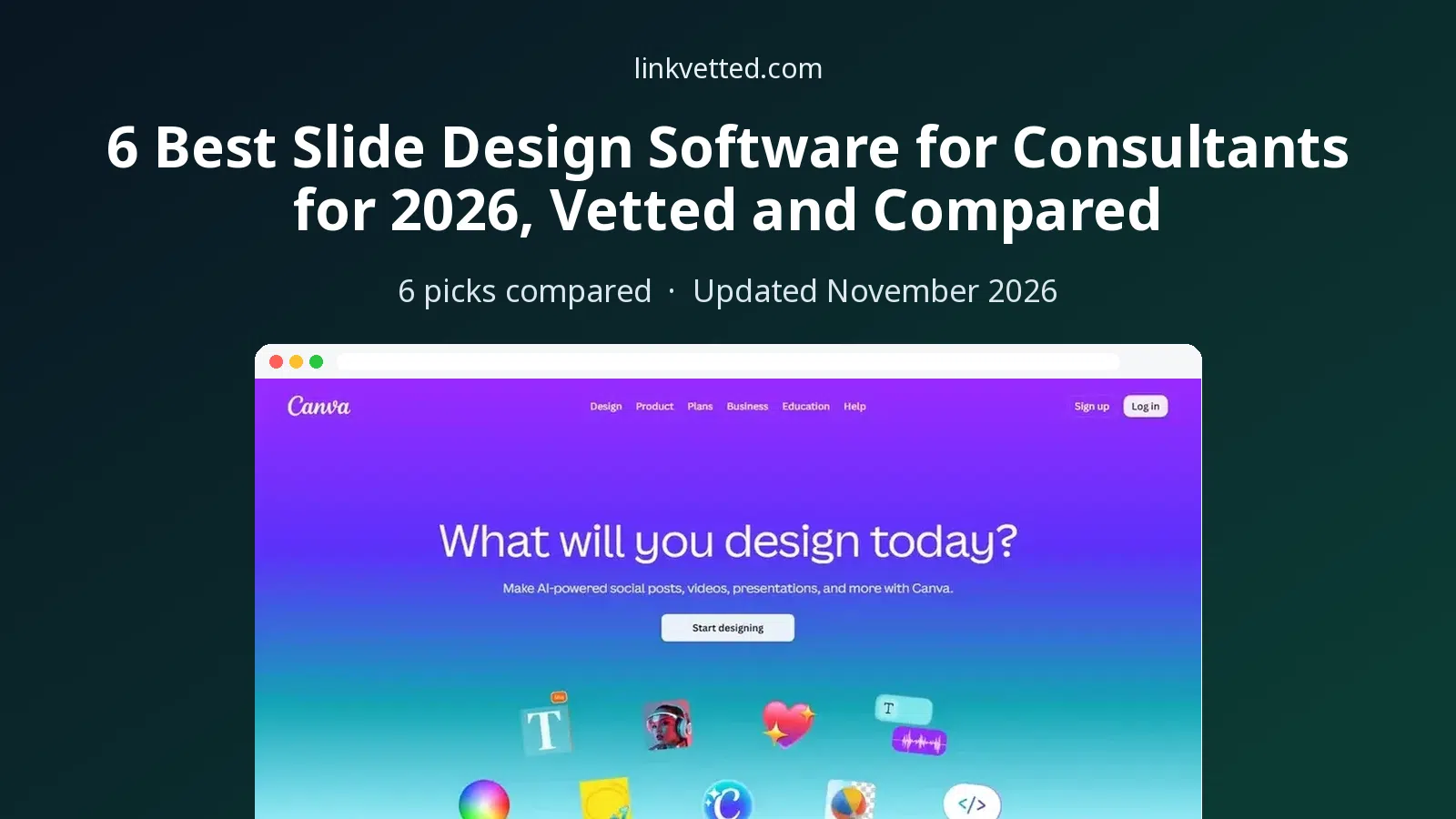
 Canva
Quick visual layouts and templates
Starts atSee websiteVisit canva.comFull review - Also consider
 Beautiful.ai
On-brand enterprise deck creation
Starts at$14.50 a monthVisit beautiful.aiFull review
Direct answer
Prezi leads the list, best for interactive presentations with live audience input. Listed starting prices: Beautiful.ai from $14.50 a month and Pitch from €10 per month. Look at Canva for quick visual layouts and templates, and at Beautiful.ai for on-brand enterprise deck creation. Details, prices and limits for the rest of the 6 tools are below.
TL;DR:
- This list starts with Prezi, which is built for interactive presentations with live audience input.
- Check the limits for Prezi before you commit: nonlinear format may not suit formal client decks.
- Pitch stands alone as the one tool in this list with a free plan.
- The lowest published monthly entry price here is $14.50 per month, from Beautiful.ai.
Last checked November 2026. Prices and plan details were read from the vendors' own pages in November 2026; vendors change plans often, so confirm the current price on the vendor site before you buy.
Quick comparison
| Tool | Best for | Starts at | Free plan? | |
|---|---|---|---|---|
| Prezi | Interactive presentations with live audience input | See website | Not stated | Visit |
| Canva | Quick visual layouts and templates | See website | Not stated | Visit |
| Beautiful.ai | On-brand enterprise deck creation | $14.50 a month | Free trial | Visit |
 Lucidchart | Diagram-heavy consulting slides | See website | Not stated | Visit |
 Microsoft PowerPoint | Full-control client and pitch decks | See website | Not stated | Visit |
 Pitch | Collaborative team presentation workflows | €10 per month | Yes | Visit |
Slide Design Software for Consultants compared in detail
Short on time? The summary and table above give the quick view of 6 slide design software for consultants, and the profiles that follow give the detail behind each entry.
Pick Prezi if this describes you: interactive presentations with live audience input. Prezi is an interactive presentation product for educators, trainers, and teams.
Honest limits: Nonlinear format may not suit formal client decks.
New users face a ramp-up time. The interactive format can feel unconventional for formal consulting deliverables and may not match client expectations for linear decks. Pricing for Prezi is not stated here, so ask the vendor for current figures. As for free access: Not stated.
- Interactive presentation format
- Live polls and quizzes from phones
- Ramp-up time for new users
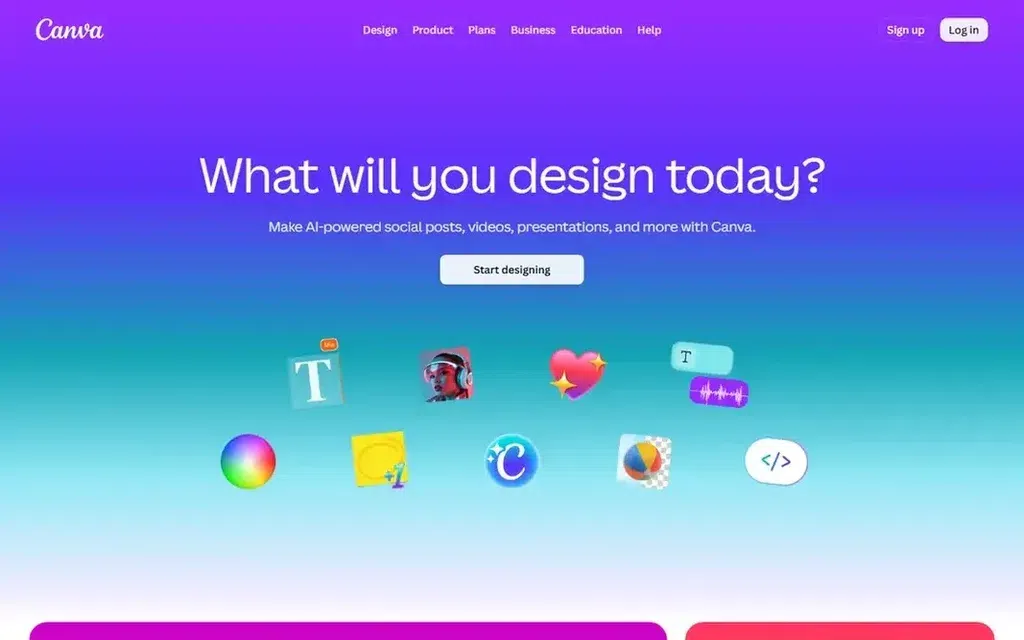
Pick Canva if this describes you: quick visual layouts and templates. For data-heavy consulting slides, Canva gives you less precise control over complicated charts and dense layouts than dedicated presentation software.
Points against: Less precise control for complex charts.
Pricing for Canva is not stated here, so ask the vendor for current figures. On free options: Not stated.
- Straightforward drag-and-drop editing
- Large template and element library
- Brand consistency needs discipline
Beautiful.ai is designed for on-brand enterprise deck creation. Beautiful.ai is an AI presentation system designed for enterprise teams, keeping every deck on-brand and ready to share across the company.
Consultants working inside bigger organizations may value the emphasis on consistent branding and quicker slide assembly. Entry price for Beautiful.ai: $14.50 per month. Trial and free access: Free trial.
Watch-outs: Less manual layout control.
- Aimed at enterprise teams
- Brand consistency across teams
- May feel constrained for custom designs
Where Lucidchart fits: Diagram-heavy consulting slides. Lucidchart is a diagramming tool powered by intelligence, used to build diagrams with AI, data, and automation.
Worth adding: consultants who require process maps, system diagrams, or flowcharts for client slides can build them in Lucidchart and place them into presentations. Choose Lucidchart when diagram accuracy and process visualization are the core need. This comparison lists no price for Lucidchart; ask the vendor. As for free access: Not stated.
Downsides: Slide layout features are restricted.
- Handy for process and system visuals
- Connects with typical work tools
- Not a full slide design tool
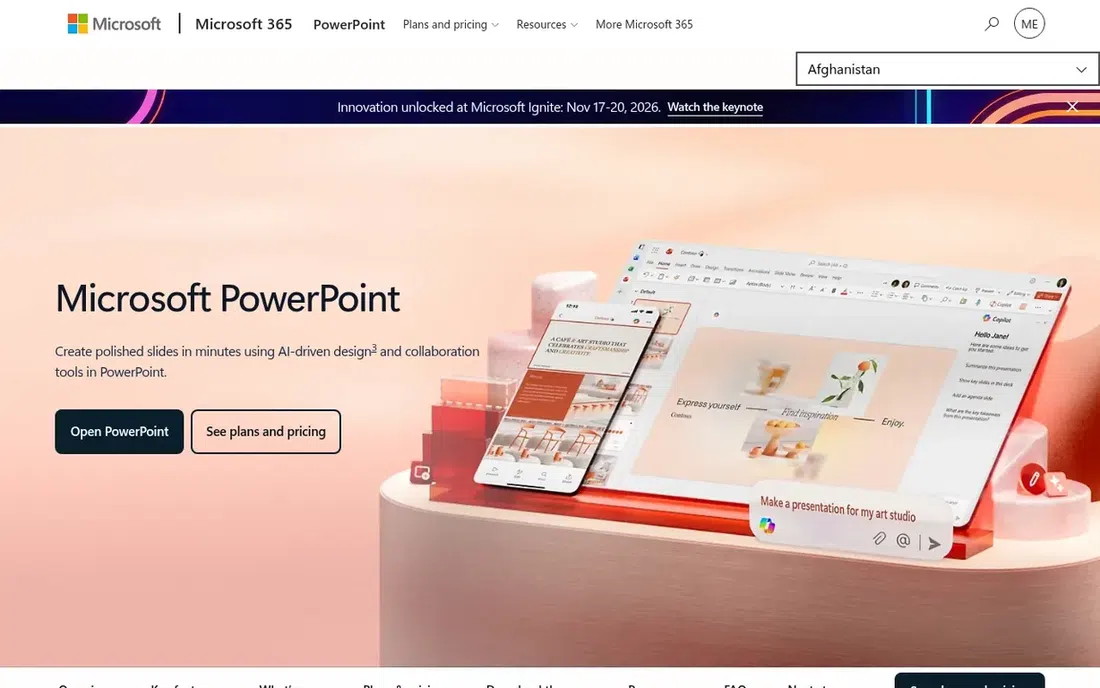
Microsoft PowerPoint works best for full-control client and pitch decks. Choose PowerPoint when control and compatibility matter most.
It provides consultants granular control over layouts, charts, and formatting, which fits in-depth client deliverables and board materials. Check the vendor site for Microsoft PowerPoint pricing; none is listed in this comparison. Free plan details: Not stated.
Trade-offs to know: Design work can be manual.
- Familiar to most consulting teams
- In-depth slide and layout control
- Live collaboration needs setup
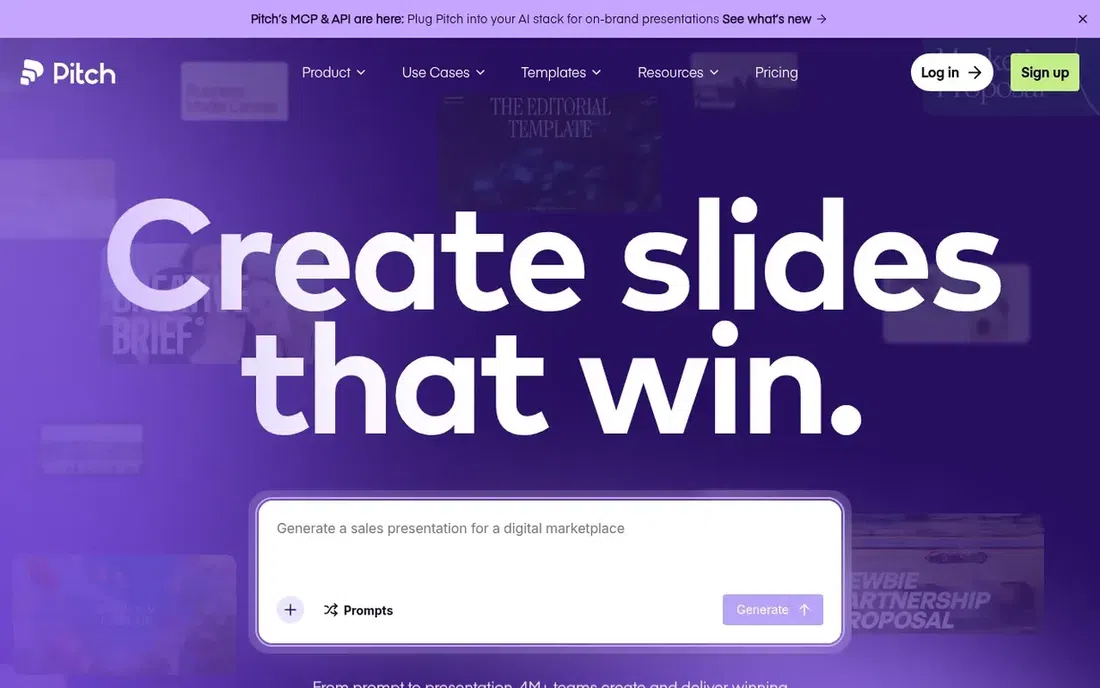
Pitch targets collaborative team presentation workflows. Choose Pitch when collaboration speed and a shared workspace are the priority over legacy compatibility. Pitch is a collaborative presentation product for teams that want to produce, share, and deliver better work.
Points against: May need file conversion for some clients.
Its AI presentation workspace is targeted at groups producing decks together, with shared editing and delivery in one place. Pitch is less entrenched than office suites in conservative client environments, so file exchange may need conversion. On cost, Pitch starts like this: €10 per month. Pitch has a free plan.
- AI-assisted presentation workspace
- Designed for team collaboration
- Less established in conservative client environments
How we compared the tools
Selection started from tools commonly considered for slide design software for consultants, then narrowed to 6 that have clear pricing information or a clear quote process. Where a vendor does not publish a price, the entry says quote. Where a price depends on seats or billing term, the entry says so. The ranking is editorial: typical fit first, then clear pricing, then free access. If your needs are unusual, read the profiles rather than relying on position.
What to confirm before you sign up
- Get a written quote from Prezi, Canva, Lucidchart and Microsoft PowerPoint; the list shows no starting price for them.
- Look at the free plan from Pitch closely: its caps decide whether it is usable for real work.
- Take the trial from Beautiful.ai and push a live task through it before you pay.
- Before choosing Prezi, weigh its main limit: nonlinear format may not suit formal client decks.
- List the apps you already depend on and check that Microsoft PowerPoint supports each one on the plan you would buy.
- Ask Lucidchart whether prices are locked for the first term and what happens at renewal.
FAQ
Can I try these tools before paying?
Often, yes. Pitch has a free plan and Beautiful.ai offers a free trial. Use your own data and a real task during the test, and check what the free tier or trial limits before you rely on it. All 6 picks in this slide design software for consultants comparison list a starting price, free plan details and the main limits on their cards above.
Which slide design software is best for client-facing consulting decks?
The first pick on this list is Prezi, because it suits interactive presentations with live audience input. Canva is better for quick visual layouts and templates, and Beautiful.ai for on-brand enterprise deck creation. Check price and limits against your own needs before choosing.
Is Prezi the right pick for everyone comparing slide design software for consultants?
No single tool suits every team. Prezi comes first because it fits interactive presentations with live audience input, while Canva suits fast visual layouts and templates and Beautiful.ai suits on-brand enterprise deck creation. Match the tool to your own size, budget and workflow before deciding.
Can Canva replace PowerPoint for consulting work?
Canva is capable for quick, attractive layouts and templates, but it gives you less precise control for complicated charts and dense analytical slides. Numerous consultants use Canva for visual sections and PowerPoint for in-depth data work. As for the details, consider your deck complexity before switching entirely.
What is the cheapest option for slide design software for consultants in this list?
On published monthly entry prices, Beautiful.ai is the lowest here at $14.50 per month. Entry price is only part of the cost, because seats, add-ons and billing terms can change the total. For the full picture, the cards above cover all 6 entries of this slide design software for consultants list, including price, free plan and limits.
Do these tools publish their prices?
Not all of them. Prezi, Canva, Lucidchart and Microsoft PowerPoint publish no starting price, so expect a quote request for those. The rest, Beautiful.ai included, show a starting price, though seats and billing terms still change the final cost.
Sources
- https://prezi.com
- https://www.canva.com
- https://www.beautiful.ai
- https://www.lucidchart.com
- https://www.microsoft.com/microsoft-365/powerpoint
- https://pitch.com