Best Branding Design Software for Consultants for 2026: Our 6 Vetted Picks
Shortlisting the best branding design software for consultants? 6 products compared on cost, free access and ideal buyer. Real limits included. See which fits.
- Editor's choice
 Affinity Designer
Precision vector and raster design
Starts atSee websiteVisit affinity.serif.comFull review - Great alternative
 Sketch
Mac-based interface and brand design
Starts at$12 per editor a monthVisit sketch.comFull review - Also consider
 Adobe Illustrator
Precise vector logo and identity work
Starts atSee websiteVisit adobe.comFull review
Direct answer
This list puts Affinity Designer first for precision vector and raster design. Listed starting prices: Sketch from $12 per editor a month and Figma from $3 per month. For a different need, Sketch covers Mac-based interface and brand design and Adobe Illustrator covers precise vector logo and identity work. All 6 tools are compared below on price, free plan and limits.
TL;DR:
- Affinity Designer takes the first slot, best suited to precision vector and raster design.
- The main caution on Canva: restricted precision for complex vector work.
- Affinity Designer, Figma and the 4 others all need a premium plan or a trial, since no free plan is listed.
- For the cheapest start, look at Figma: $3 per month.
Last checked November 2026. Prices and plan details were read from the vendors' own pages in November 2026; vendors change plans often, so confirm the current price on the vendor site before you buy.
Quick comparison
| Tool | Best for | Starts at | Free plan? | |
|---|---|---|---|---|
| Affinity Designer | Precision vector and raster design | See website | Not stated | Visit |
| Sketch | Mac-based interface and brand design | $12 per editor a month | Free trial | Visit |
| Adobe Illustrator | Precise vector logo and identity work | See website | Not stated | Visit |
 Canva | Quick client-ready layouts and templates | See website | Not stated | Visit |
 Adobe Photoshop | Image editing and brand imagery | See website | Not stated | Visit |
 Figma | Collaborative brand and product design | $3 per month | Not stated | Visit |
Tool-by-tool breakdown
LinkVetted compared 6 branding design software for consultants. The goal is a practical shortlist: published prices, free plan facts, best-fit use cases and honest limits for every entry.
Affinity Designer makes the most sense for precision vector and raster design. Affinity Designer is professional graphic and vector design software made for precision, speed and freedom, with crisp vector art and bold graphics as its focus. Teams that exchange layered source files constantly may prefer Illustrator.
The main drawbacks: Smaller ecosystem of plugins and tutorials.
Consultants who want a single application for logo drawing, layout elements and raster touches will find it capable. Its ecosystem of plugins, templates and shared agency workflows is smaller than Adobe's, which can matter when clients expect native Adobe files. Affinity Designer shows no starting price here, so confirm the cost on the vendor site. Free access: Not stated.
- Professional output without subscription pressure
- Vector and raster work in one app
- Less typical in agency handoffs
Sketch is aimed squarely at Mac-based interface and brand design. Sketch is a design, prototype, collaborate and handoff tool made by designers for designers, with a focus on keeping attention on the work itself.
Pick Sketch when digital product and interface branding dominate the engagement. Starting cost for Sketch: $12 per editor per month. Free plan details: Free trial.
Honest limits: Less suited to print production.
- Clean workflow for digital brand assets
- Prototype and handoff in one tool
- Mac-only system
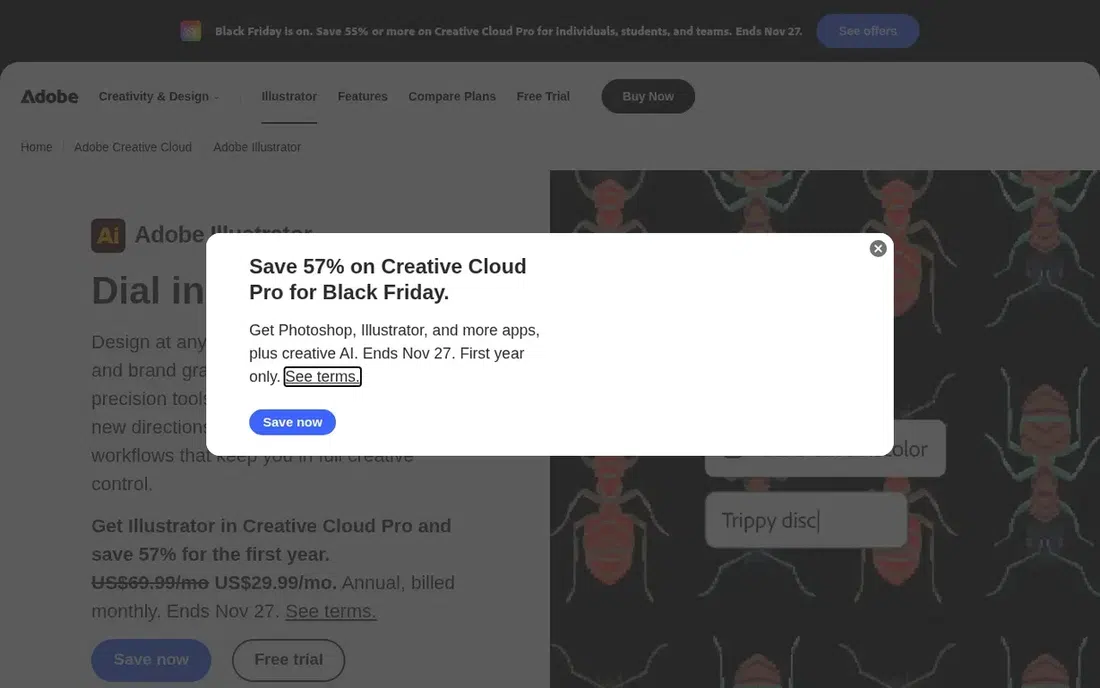
Adobe Illustrator serves precise vector logo and identity work. The depth of the toolset means new users face a real ramp-up time.
Honest limits: Subscription-based access.
The software is accessed through an Adobe subscription instead of a one-time purchase. Check the vendor site for Adobe Illustrator pricing; none is listed in this comparison. Trial and free access: Not stated.
- Generative AI turns prompts into editable vectors
- Industry-standard vector toolset
- Ramp-up time for newcomers
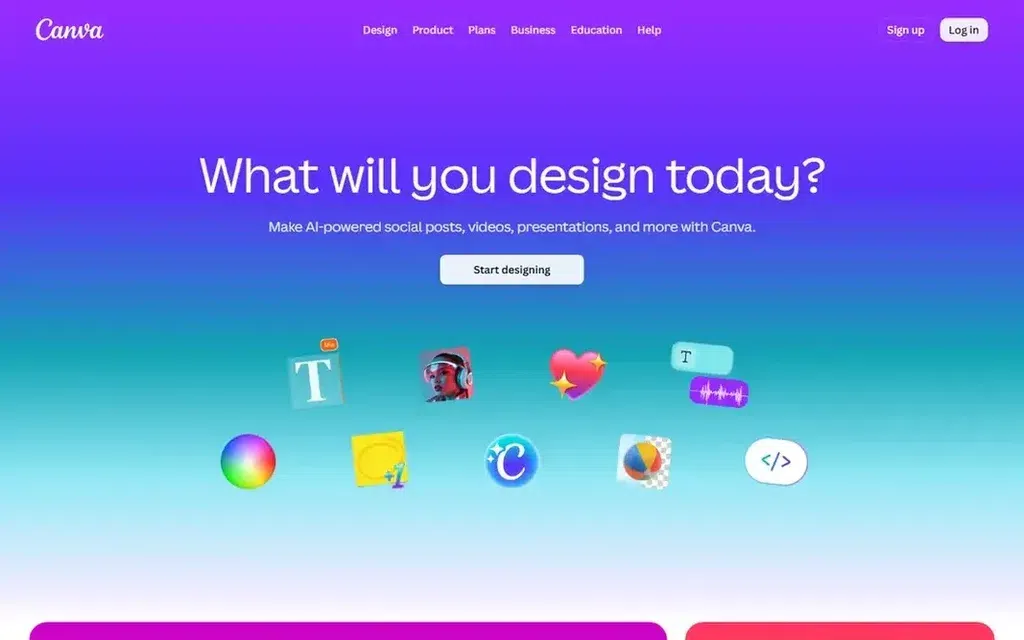
Pick Canva if this describes you: quick client-ready layouts and templates. It does well as a companion tool for consultants who already have a logo or brand system and have to apply it rapidly across numerous formats. Worth adding: consultants building a master identity file should pair it with a dedicated vector tool.
Trade-offs to know: Designs can feel template-driven.
As for the details, pick Canva when speed and accessibility matter more than pixel-level precision. Beyond that, Canva is less suited to intricate vector construction or strict print production control, and heavy template use can make outputs look generic. No starting price is listed for Canva here; confirm pricing on the vendor site. Free options: Not stated.
Upsides: videos and presentations.
- Supports logos, posters
- Large template library for social and print
- Restricted precision for complicated vector work
Pick Adobe Photoshop if this describes you: image editing and brand imagery. Photoshop is Adobe's photo and design application for complicated edits, custom scenes and combining images, available online and through a mobile app.
Limits to weigh: Subscription-based access.
It suits branding projects where photography, texture and composite visuals carry much of the visual story. Adobe Photoshop does not show a starting price in this comparison, so check the vendor site for current pricing. On free options: Not stated.
- Capable photo editing and compositing
- Handy for mockups and visual scenes
- Not made for scalable vector logos
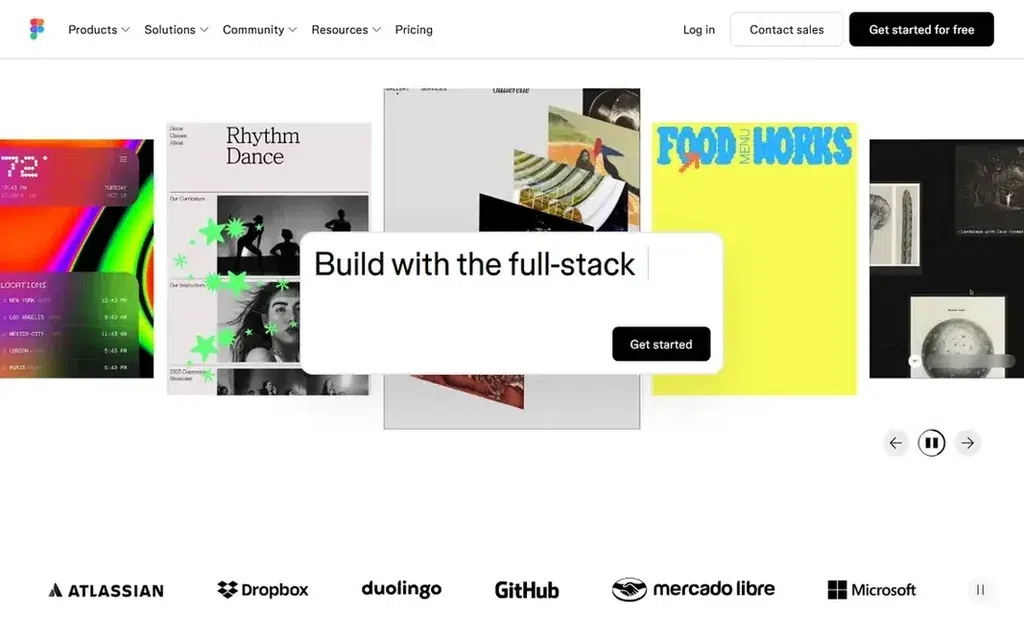
Figma targets collaborative brand and product design. Figma describes itself as a collaborative canvas where design, code and AI come together, moving from concept to production with an entire team in one place. For consultants, that makes it handy for brand systems, style guides and digital touchpoints that clients and developers have to review together.
Its vector illustration depth is narrower than a dedicated drawing application, so complicated logo construction may still belong elsewhere. Also, very large files can also strain browser performance. Price to start with Figma: $3 per month. On free options: Not stated.
Limits to weigh: Vector drawing less deep than Illustrator.
- Live collaboration in one canvas
- Bridges design
- Browser performance varies by project size
Our selection method
For each of the 6 tools we noted price, free plan or trial, fit for branding design software for consultants and the main limit, using vendor pages and documentation. Prices and plan limits come from vendor pages and can change, so confirm them on the vendor site before you buy. We ordered the tools by general fit, then by how clearly pricing is shown, then by free access. A buyer with unusual needs may reorder them.
Before you commit
- Ask Affinity Designer, Adobe Illustrator, Canva and Adobe Photoshop for a written quote, since no starting price is shown.
- Take the trial from Sketch and push a live task through it before you pay.
- Before choosing Affinity Designer, weigh its main limit: smaller ecosystem of plugins and tutorials.
- Compare total cost, not headline price: for Canva, add extra seats, add-ons and any usage-based charges.
- Ask Figma whether prices are locked for the first term and what happens at renewal.
FAQ
Which tool should consultants start with for logo design?
Adobe Illustrator is the usual starting point since it is built around editable vector artwork that scales from business cards to signage. Consultants who require speed over precision may begin in Canva and move master files into a vector tool later.
Can I try these tools before paying?
Often, yes. Sketch offers a free trial. Use your own data and a real task during the test, and check what the free tier or trial limits before you rely on it. For the full picture, the cards above cover all 6 entries of this branding design software for consultants list, including price, free plan and limits.
What is the cheapest option for branding design software for consultants in this list?
On published monthly entry prices, Figma is the lowest here at $3 per month. Entry price is only part of the cost, because seats, add-ons and billing terms can change the total. Prices, free plan details and limits for all 6 tools in this branding design software for consultants roundup sit on the individual cards above.
Do these tools publish their prices?
Not all of them. Affinity Designer, Adobe Illustrator, Canva and Adobe Photoshop publish no starting price, so expect a quote request for those. The rest, Sketch included, show a starting price, though seats and billing terms still change the final cost.
Does any tool for branding design software for consultants here have a free plan?
No tool in this list, Affinity Designer and Figma included, has a permanent free plan. Sketch offer a trial. Trials and quotes are the usual route, so plan a short evaluation period. Each of the 6 options in this branding design software for consultants guide has its own card above with the price, free plan and limits.
Can Canva replace professional design software for branding?
Canva is capable for applying an existing brand across social posts, posters and presentations rapidly. It provides less precision for constructing complicated vector marks and strict print production.
Sources
- https://affinity.serif.com/en-us/designer
- https://www.sketch.com
- https://www.adobe.com/products/illustrator.html
- https://www.canva.com
- https://www.adobe.com/products/photoshop.html
- https://www.figma.com