Best Product Design Software for Hardware Startups for 2026: Our 6 Vetted Picks
6 best product design software for hardware startups, with entry costs, free tiers and the buyer each one serves. With pricing notes and limits. Pick by budget.
- Editor's choiceCreo
Parametric 3D CAD for complicated products
Starts atSee websiteVisit ptc.comFull review - Great alternative
 Onshape
Cloud-native CAD with built-in PDM
Starts at$1,500 per user per yearVisit onshape.comFull review - Also consider
 KeyShot
Live rendering and product visualization
Starts at$7.92 a monthVisit keyshot.comFull review
Direct answer
If you need Parametric 3D CAD for complicated products, Creo is the first tool to look at here. Listed starting prices: Onshape from $1,500 per user per year and KeyShot from $7.92 a month. For a different need, Onshape covers cloud-native CAD with built-in PDM and KeyShot covers live rendering and product visualization. The other 3 tools in the list cover narrower or pricier cases.
TL;DR:
- Creo is the opening pick, best for Parametric 3D CAD for complicated products.
- One limit worth knowing about Altium Designer: concentrated on electronics instead of mechanical CAD.
- Inventor suits 3D CAD with simulation and documentation.
- Onshape is the only tool of the 6 with a free plan.
- KeyShot is the lowest-priced starter here at $7.92 per month.
Last checked November 2026. Prices and plan details were read from the vendors' own pages in November 2026; vendors change plans often, so confirm the current price on the vendor site before you buy.
Quick comparison
| Tool | Best for | Starts at | Free plan? | |
|---|---|---|---|---|
| Creo | Parametric 3D CAD for complicated products | See website | Not stated | Visit |
| Onshape | Cloud-native CAD with built-in PDM | $1,500 per user per year | Yes | Visit |
| KeyShot | Live rendering and product visualization | $7.92 a month | Free trial | Visit |
| Altium Designer | Professional PCB design and manufacturing | See website | Not stated | Visit |
 Fusion 360 | Integrated CAD, CAM and PCB for small teams | See website | Not stated | Visit |
| Inventor | 3D CAD with simulation and documentation | See website | Not stated | Visit |
Every option for product design software for hardware startups explained
This LinkVetted guide covers 6 product design software for hardware startups. Each profile lists a starting price, free plan details, strengths and drawbacks, so you can drop poor fits quickly.
Creo
Best for: Parametric 3D CAD for complicated products
For Parametric 3D CAD for complicated products, Creo is a natural candidate. Creo is PTC's 3D CAD software for parametric design, with tools that support advancing design capabilities and simulation. Newcomers face a steeper ramp-up time, and the desktop-oriented setup is heavier than browser-based alternatives.
What to check first: Steeper ramp-up time for newcomers.
Very early-stage teams may not need its depth. Pick Creo when product complexity and long-term design control outweigh the onboarding effort. In practice, engineering teams with prior experience in professional CAD environments commonly find its workflow familiar and dependable for in-depth part and assembly design. No starting price is listed for Creo here; confirm pricing on the vendor site. Free options: Not stated.
- Supports design and simulation workflows
- Well established in industrial product development
- Heavier setup than cloud-first tools
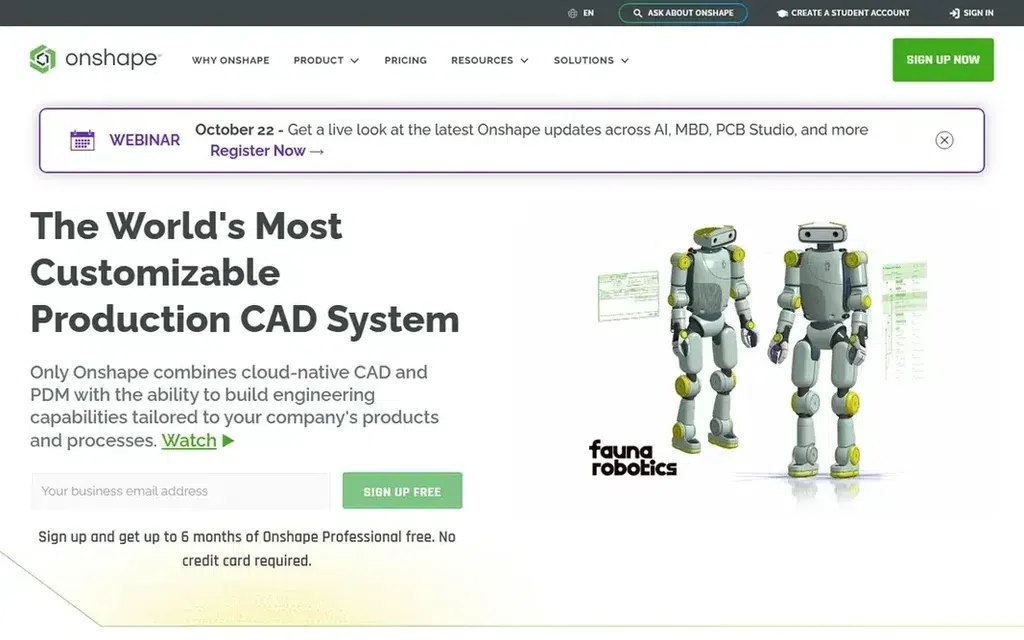
Onshape is a good fit for cloud-native CAD with built-in PDM. Onshape is a cloud-native product development product built around CAD with integrated product data management. That makes it a good fit for distributed hardware startups that want version control and collaboration baked in from day one instead of added later.
Downsides: Less suited to offline or air-gapped work.
Worth adding: consider Onshape when collaboration speed and low IT overhead matter more than deep offline capability. The trade-off is dependence on connectivity and on the vendor system for your design data. On cost, Onshape starts like this: $1,500 per user per year. Onshape has a free plan.
- Configurable with no local IT required
- Built-in PDM with version control
- Needs a stable internet connection
Think of KeyShot for live rendering and product visualization. Hardware startups use it to turn CAD models into presentable visuals for investor decks, packaging and pre-launch marketing. For everyday use, rendering also demands capable hardware.
As for the details, KeyShot does not replace CAD modeling, so it complements instead of substitutes for a design package. In daily use, bring it in when visual communication is a bottleneck, and keep modeling in your primary CAD tool. Entry price for KeyShot: $7.92 per month. Trial and free access: Free trial.
Points against: A visualization tool.
- Handy for marketing and design reviews
- Supports collaboration from concept to launch
- Not a CAD modeler
Altium Designer
Best for: Professional PCB design and manufacturing

Altium Designer is aimed squarely at professional PCB design and manufacturing. Altium Designer is a PCB design engine handling schematics, simulation, layout and manufacturing output. Choose Altium Designer when board complexity and manufacturing reliability are central to the product.
Worth adding: hardware startups building connected or electronics-heavy products commonly need this depth once boards grow beyond straightforward prototypes. It is an electronics tool, so mechanical work still needs a separate CAD package, and its depth can overwhelm very straightforward designs. Startups with minimal circuitry may find lighter or open source choices sufficient. Pricing for Altium Designer is not stated here, so ask the vendor for current figures. On free options: Not stated.
The main drawbacks: Concentrated on electronics instead of mechanical CAD.
- Schematic capture through layout and manufacturing
- Aimed at high-performance product teams
- Deeper feature set than straightforward boards need
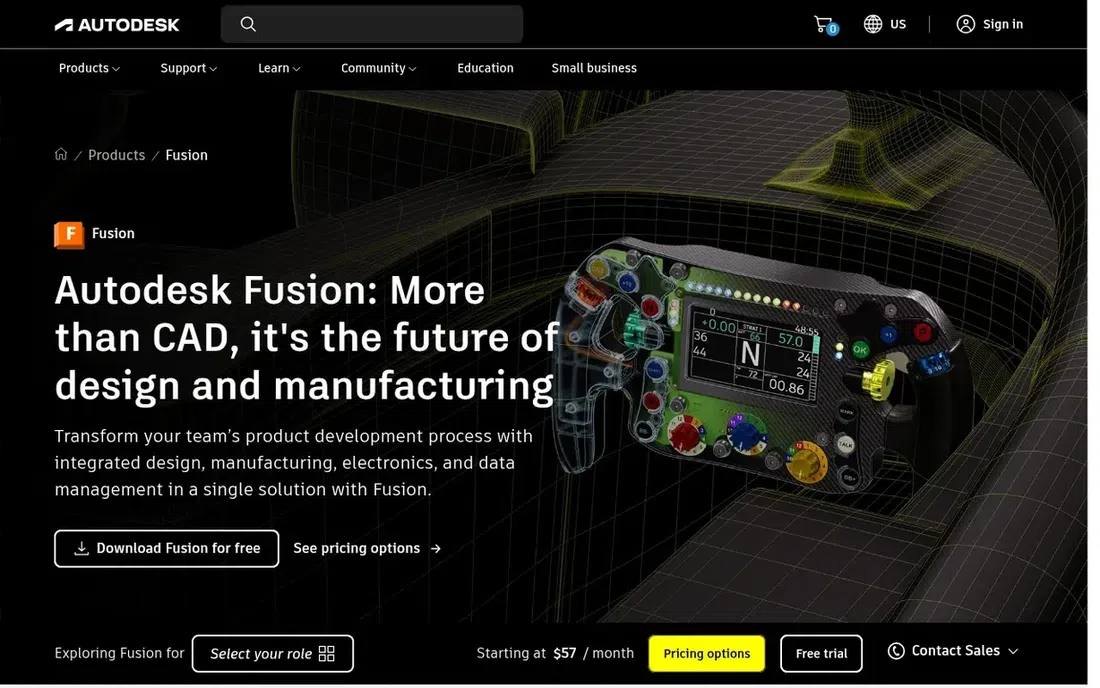
Fusion 360 was built for integrated CAD, CAM and PCB for small teams. Since it is cloud-connected, the experience relies on dependable internet access, and very large assemblies can challenge modest workstations. Otherwise, Fusion 360 is a sensible default for startups that value integration over depth in any single discipline.
What Fusion 360 does well: CAE and PCB in one system.
Teams with strict on-premises requirements or highly specialized surfacing needs may prefer a desktop-first CAD system. Beyond that, for a hardware startup, that breadth means one environment can carry a concept from mechanical design through PCB layout and into manufacturing preparation. Fusion 360 does not show a starting price in this comparison, so check the vendor site for current pricing. Free options: Not stated. What to check first: Large assemblies can strain lighter hardware.
- Cloud-based with subscription or free download choice
- Merges CAD, CAM
- Cloud dependency for collaboration and storage
Inventor
Best for: 3D CAD with simulation and documentation
Inventor works best for 3D CAD with simulation and documentation. Choose Inventor when mechanical documentation and simulation depth are the deciding factors.
In daily use, startups wanting one integrated system may prefer Fusion 360. Check the vendor site for Inventor pricing; none is listed in this comparison. Trial and free access: Not stated.
Watch-outs: Primarily mechanical, electronics handled elsewhere.
- Supports industrial design and simulation
- Available through Autodesk channels
- Subscription model to run
How the list was put together
LinkVetted looked at what each vendor publishes: pricing, plan limits, feature coverage for product design software for hardware startups and stated drawbacks. No hands-on testing is claimed. Where a price is missing, the vendor does not list one publicly or ties it to a quote. Always confirm before budgeting. Tools are placed by general fit for product design software for hardware startups, with price clarity and free access as tie-breakers. A different team can reasonably rank them differently.
What to confirm before you sign up
- Ask Creo, Altium Designer, Fusion 360 and Inventor for a written quote, since no starting price is shown.
- Look at the free plan from Onshape closely: its caps decide whether it is usable for real work.
- Take the trial from KeyShot and push a live task through it before you pay.
- Read the limits listed for Creo first: steeper ramp-up time for newcomers.
- Ask Onshape which support channels and response times come with the plan you would buy.
- Ask Creo how an export works before you move any records in; an easy exit lowers the risk.
FAQ
Is Creo the right pick for everyone comparing product design software for hardware startups?
No single tool suits every team. Creo comes first because it fits Parametric 3D CAD for complex products, while Onshape suits cloud-native CAD with built-in PDM and KeyShot suits real-time rendering and product visualization. Match the tool to your own size, budget and workflow before deciding.
Do hardware startups need both mechanical CAD and PCB design software?
Most hardware products combine an enclosure or mechanical assembly with electronics, so both disciplines normally appear. Map your product architecture first, then decide whether integration or best-in-class depth matters more.
Can I try these tools before paying?
Often, yes. Onshape has a free plan and KeyShot offers a free trial. Use your own data and a real task during the test, and check what the free tier or trial limits before you rely on it. For the full picture, the cards above cover all 6 entries of this product design software for hardware startups list, including price, free plan and limits.
Do these tools publish their prices?
Not all of them. Creo, Altium Designer, Fusion 360 and Inventor publish no starting price, so expect a quote request for those. The rest, Onshape included, show a starting price, though seats and billing terms still change the final cost.
What is the cheapest option for product design software for hardware startups in this list?
On published monthly entry prices, KeyShot is the lowest here at $7.92 per month. Entry price is only part of the cost, because seats, add-ons and billing terms can change the total. Prices, free plan details and limits for all 6 tools in this product design software for hardware startups roundup sit on the individual cards above.
Sources
- https://www.ptc.com/en/products/creo
- https://www.onshape.com
- https://www.keyshot.com
- https://www.altium.com/altium-designer
- https://www.autodesk.com/products/fusion-360
- https://www.autodesk.com/products/inventor