Best Prototyping Software for Hardware Startups in 2026: Prices, Free Plans and 5 Picks
Best prototyping software for hardware startups in 2026: 5 tools with starting prices, free plans and limits. Honest caveats for every entry. No filler.
- Editor's choice
 Axure RP
Prototypes with in-depth specifications
Starts at$29 per user a monthVisit axure.comFull review - Great alternative
 Sketch
Focused interface design and handoff
Starts at$12 per editor a monthVisit sketch.comFull review - Also consider
 Figma
Collaborative interface and flow prototyping
Starts at$3 per monthVisit figma.comFull review
Direct answer
Axure RP leads the list, best for prototypes with detailed specifications. Listed starting prices: Axure RP from $29 per user a month, Sketch from $12 per editor a month and Figma from $3 per month. Sketch is the stronger choice for focused interface design and handoff, while Figma suits collaborative interface and flow prototyping. All 5 tools are compared below on price, free plan and limits.
TL;DR:
- Axure RP takes the first slot, best suited to prototypes with in-depth specifications.
- A fair warning about Axure RP: interface feels less modern.
- 2 of 5 tools offer a free plan: Framer, Marvel.
- Marvel is the one to check for Wireframing, testing, and inspection.
Last checked November 2026. Prices and plan details were read from the vendors' own pages in November 2026; vendors change plans often, so confirm the current price on the vendor site before you buy.
Quick comparison
| Tool | Best for | Starts at | Free plan? | |
|---|---|---|---|---|
| Axure RP | Prototypes with in-depth specifications | $29 per user a month | Not stated | Visit |
| Sketch | Focused interface design and handoff | $12 per editor a month | Free trial | Visit |
| Figma | Collaborative interface and flow prototyping | $3 per month | Not stated | Visit |
 Framer | Publishing interactive web demos | $10 per month | Yes | Visit |
| Marvel | Wireframing, testing, and inspection | See website | Yes | Visit |
The best prototyping software for hardware startups
Choosing prototyping software for hardware startups usually comes down to price, fit and limits. This LinkVetted guide sets 5 tools side by side on those three points, with the facts kept short and checkable.
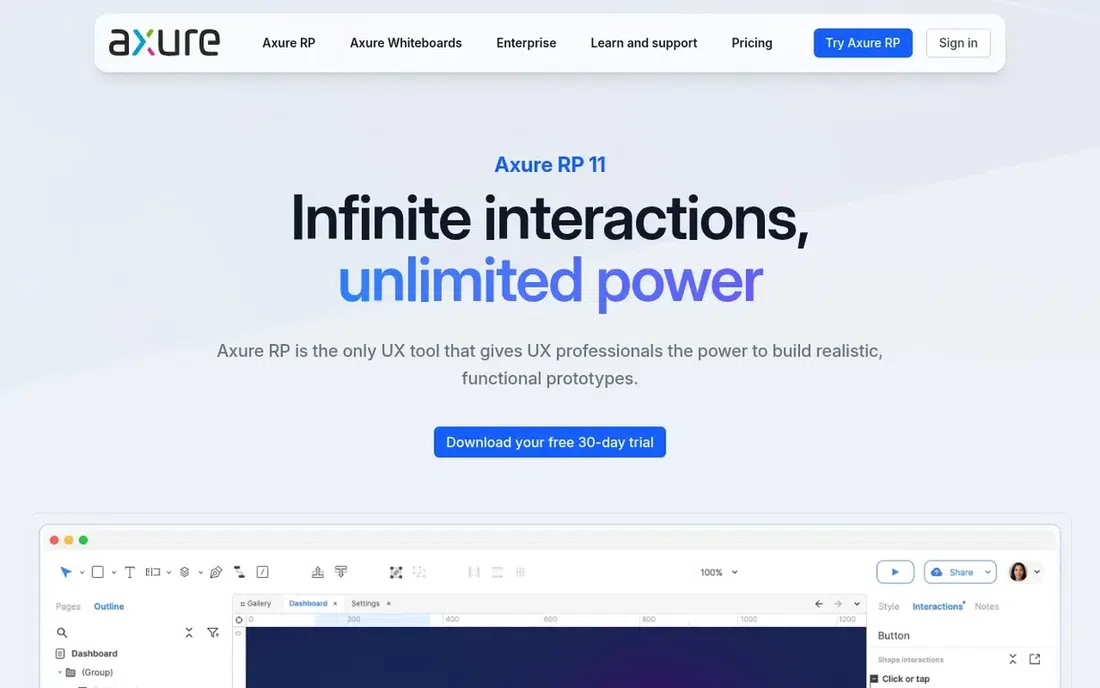
Axure RP is aimed squarely at prototypes with in-depth specifications. Axure RP can feel heavier than canvas-first design tools, and live collaboration is less smooth.
Hardware startups with engineering-heavy stakeholders often value its ability to pair interactive prototypes with written requirements in one file. Axure RP cost at the entry level: $29 per user per month. Free access: Not stated.
Limits to weigh: Collaboration is less fluid.
- Well suited to complicated flows
- Merges prototypes, specs, diagrams
- Interface feels less modern
Sketch is aimed squarely at focused interface design and handoff. Sketch runs on Mac, which can limit cross-platform teams, and its collaboration is less live than browser-first tools.
Beyond that, symbols and shared styles help keep companion app screens consistent. Sketch is a design, prototype, collaborate, and handoff tool made by designers for designers. Sketch starts at: $12 per editor per month. Free plan details: Free trial.
Where it falls short: Collaboration less live.
- Designer-focused workflow
- Clean prototyping and handoff
- Mac-only product
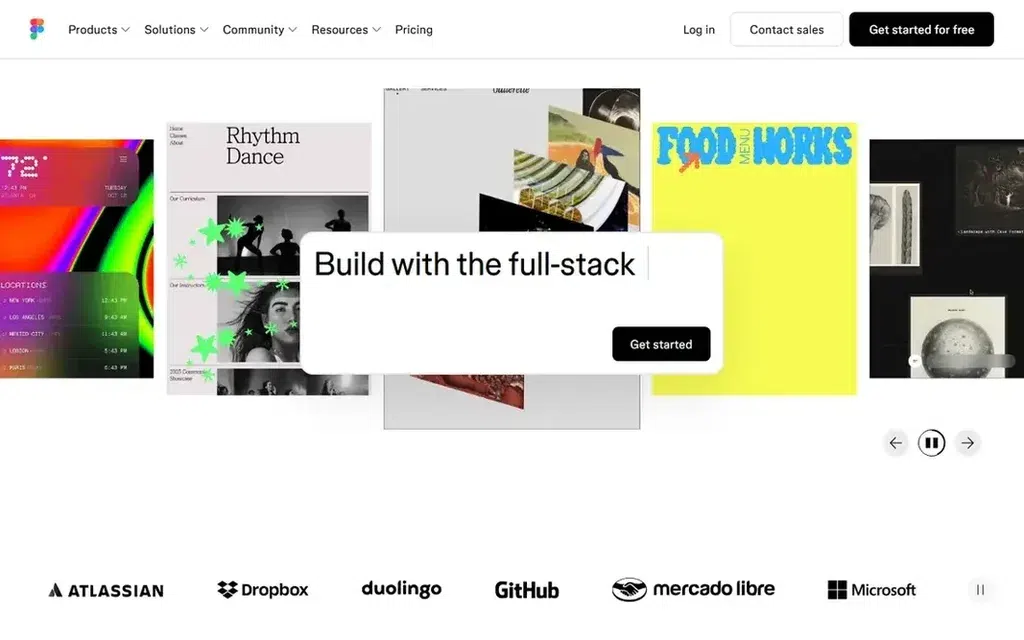
Figma is built with collaborative interface and flow prototyping in mind. Figma is a collaborative canvas where design, code, and AI come together, letting teams move from first idea to shipped product in one place. From a buyer's view, Figma's prototyping manages common transitions well, but highly conditional or sensor-driven behavior may need another tool.
More specifically, for hardware startups, it performs well for companion app interfaces, dashboard screens, and clickable flows that stakeholders can review together. Worth adding: shared libraries keep UI elements consistent as the product evolves. Choose Figma when team collaboration and a single source of truth matter more than advanced interaction scripting. Figma pricing: $3 per month. As for free access: Not stated.
Where it shines: Design and prototype in one canvas. Drawbacks to consider: Large files can slow down.
- Live team collaboration
- Shared component libraries
- Complicated interaction logic needs extras
Where Framer fits: publishing interactive web demos. Hardware startups can use it to publish interactive marketing demos, landing pages, or concept sites that stakeholders can open in a browser.
Choose it when you need a live, shareable web prototype instead of an app design file. Price to start with Framer: $10 per month. A free plan is available with Framer.
Where it falls short: Web-focused instead of device UI.
- Design agent for rapid iteration
- Editable output after launch
- Less suited to app handoff
Marvel
Best for: Wireframing, testing, and inspection
Choose Marvel for Wireframing, testing, and inspection. Pick it for early-stage flow testing instead of high-fidelity interaction design.
Marvel is a collaborative design product to wireframe, prototype, user test, design, and inspect designs in one place, with API integrations available. Marvel's interaction capabilities are less advanced than specialized prototyping tools, and its design features are not as deep as canvas-first systems. No starting price is listed for Marvel here; confirm pricing on the vendor site. Marvel has a free plan.
Watch-outs: Design depth trails dedicated tools.
- API integrations available
- User testing support
- Less advanced interaction logic
What went into this list
Selection started from tools commonly considered for prototyping software for hardware startups, then narrowed to 5 that have clear pricing information or a clear quote process. Plan names, prices and limits change often. Treat the figures here as a starting point and verify them with the vendor. Order on the page follows fit for the typical buyer first, then price transparency and free access. Your own requirements should decide the final pick.
What to check before you buy
- Get a written quote from Marvel; the list shows no starting price for them.
- Check what the free option really includes: Framer and Marvel offer a free plan, and usage caps differ.
- Run a trial of Sketch with real work before paying for a year; your own workflow is the best test.
- Before choosing Axure RP, weigh its main limit: interface feels less modern.
- Confirm the exact Marvel plan that includes your must-have features.
- Make sure Sketch lets you export your data in a format another tool can read.
FAQ
Can I try these tools before paying?
Often, yes. Framer and Marvel have a free plan and Sketch offers a free trial. Use your own data and a real task during the test, and check what the free tier or trial limits before you rely on it. Prices, free plan details and limits for all 5 tools in this Prototyping software for hardware startups roundup sit on the individual cards above.
Which prototyping tool is a good match for hardware startups with small teams?
This list starts with Axure RP, which fits prototypes with in-depth specifications. For other needs, Sketch is aimed at focused interface design and handoff, and Figma at collaborative interface and flow prototyping. Check each tool's price and main limit first.
What should I check before choosing a prototyping tool?
Confirm product support, collaboration needs, and the fidelity of interactions you must demonstrate. Also review handoff and integration choices with your existing engineering stack.
Which options for prototyping software for hardware startups have a free plan?
On this list, Framer and Marvel include a free plan. Caps on seats, usage or features are common, so test the free plan against your real workload. One other tool offers a trial instead.
Do these tools publish their prices?
Not all of them. Marvel publishes no starting price, so expect a quote request for it. The rest, Axure RP included, show a starting price, though seats and billing terms still change the final cost.
How are the tools for prototyping software for hardware startups ordered?
Axure RP sits first and Marvel last because the order follows typical fit for prototyping software for hardware startups, then price clarity and free access. It is a judgement call, so read each profile for fit and limits.
Sources
- https://www.axure.com
- https://www.sketch.com
- https://www.figma.com
- https://www.framer.com
- https://marvelapp.com