Best Prototyping Software for Remote Teams (2026): 6 Picks Checked on Vendor Pages
Best prototyping software for remote teams in 2026: 6 tools with starting prices, free plans and limits. Honest caveats for every entry. Updated November 2026.
- Editor's choice
 Balsamiq
Quick low-fidelity wireframing and early testing
Starts at$16 per editor a monthVisit balsamiq.comFull review - Great alternative
 Axure RP
In-depth prototypes with specifications and diagrams
Starts at$29 per user a monthVisit axure.comFull review - Also consider
 ProtoPie
Realistic, advanced interaction prototyping
Starts atSee websiteVisit protopie.ioFull review
Direct answer
Start with Balsamiq if you need quick low-fidelity wireframing and early testing. Listed starting prices: Balsamiq from $16 per editor a month, Axure RP from $29 per user a month and Sketch from $12 per editor a month. Axure RP fits in-depth prototypes with specifications and diagrams; ProtoPie fits realistic, advanced interaction prototyping. Details, prices and limits for the rest of the 6 tools are below.
TL;DR:
- Number one here is Balsamiq, a fit for quick low-fidelity wireframing and early testing.
- Figma suits all-in-one collaborative design and prototyping.
- A permanent free plan is missing from all 6 tools, Balsamiq and Figma included; plan for a trial or a premium start.
- The cheapest monthly starting price in the list is $3 per month, offered by Figma.
- The main caution on Balsamiq: restricted for high-fidelity visual design.
Last checked November 2026. Prices and plan details were read from the vendors' own pages in November 2026; vendors change plans often, so confirm the current price on the vendor site before you buy.
Quick comparison
| Tool | Best for | Starts at | Free plan? | |
|---|---|---|---|---|
| Balsamiq | Quick low-fidelity wireframing and early testing | $16 per editor a month | Free trial | Visit |
| Axure RP | In-depth prototypes with specifications and diagrams | $29 per user a month | Not stated | Visit |
| ProtoPie | Realistic, advanced interaction prototyping | See website | Not stated | Visit |
 Sketch | Mac-based design teams wanting focused workflows | $12 per editor a month | Free trial | Visit |
 Adobe XD | Teams already inside the Adobe ecosystem | See website | Not stated | Visit |
 Figma | All-in-one collaborative design and prototyping | $3 a month | Not stated | Visit |
Tool-by-tool breakdown
LinkVetted put together this guide to prototyping software for remote teams for readers who want a clear shortlist without reading every vendor page. It compares 6 tools on starting price, free plans, who each one suits and where each one falls short.
Balsamiq is a good fit for quick low-fidelity wireframing and early testing. If your goal is a realistic, animated prototype, look at a dedicated interaction tool instead.
As for the details, use Balsamiq when speed of concepting and shared understanding matter more than finish. For everyday use, Balsamiq gives you quick, focused wireframing and prototyping tools, promising wireframes and prototypes without the friction. Entry price for Balsamiq: $16 per editor per month. As for free access: Free trial.
What to check first: Restricted for high-fidelity visual design.
- Test and refine
- Fast to sketch
- Not made for complicated interaction logic
Think of Axure RP for in-depth prototypes with specifications and diagrams. Axure RP is an all-in-one software design tool for creating prototypes, specifications and diagrams. Choose Axure RP when documentation quality and interaction logic matter as much as the prototype itself.
Teams that chiefly need fast visual prototypes may find it heavy. More specifically, the depth comes at a cost: the ramp-up time is steeper than lighter tools. The interface can feel dense for straightforward screen work. On cost, Axure RP starts like this: $29 per user per month. On free options: Not stated.
Downsides: Steeper ramp-up time than most tools.
- Merges prototypes
- Logic-driven interactions
- Interface feels dense for straightforward projects
Where ProtoPie fits: realistic, advanced interaction prototyping. Remote product teams use it to communicate complicated interaction ideas to developers before build, reducing ambiguity in handoff.
In daily use, the power comes with a ramp-up time, and straightforward wireframe tasks are better served by lighter tools. No starting price is listed for ProtoPie here; confirm pricing on the vendor site. On free options: Not stated.
Where it falls short: Overkill for straightforward wireframe work.
- Focus on realistic prototype behavior
- AI-assisted generation of interactions
- Advanced features need time to learn
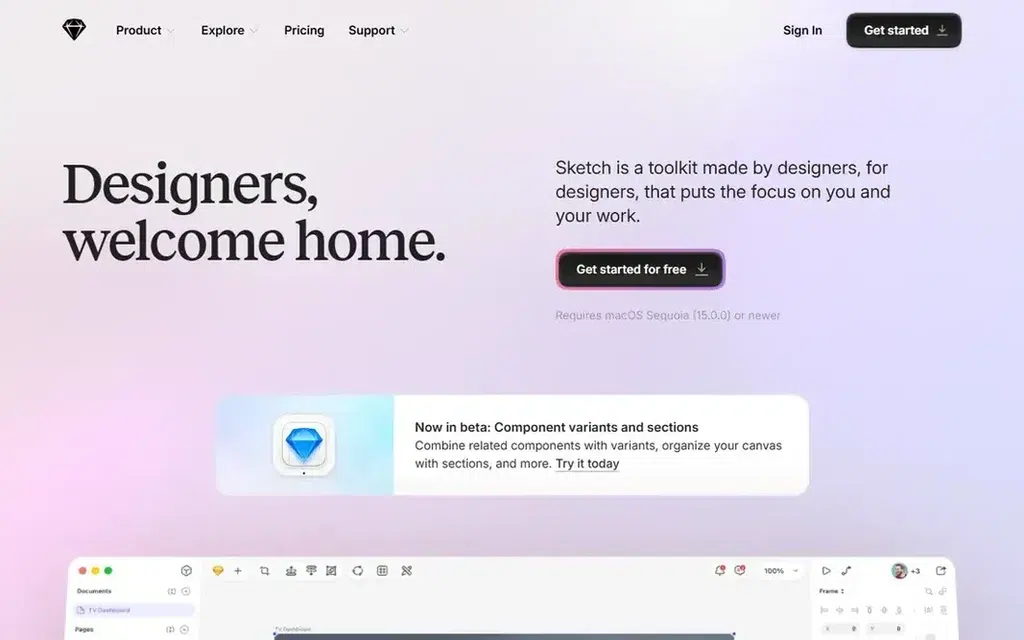
Sketch targets Mac-based design teams wanting focused workflows. Sketch describes itself as design, prototype, collaborate and handoff software made by designers for designers, with a focus on putting your work front and center.
Since Sketch is built around Apple systems, mixed-device remote teams may face friction compared to browser-first alternatives. Entry price for Sketch: $12 per editor per month. Free options: Free trial.
Points against: Live co-editing is less central than in browser-first tools.
- Designer-focused interface and workflow
- Prototyping and handoff in one app
- Native experience is tied to Apple systems
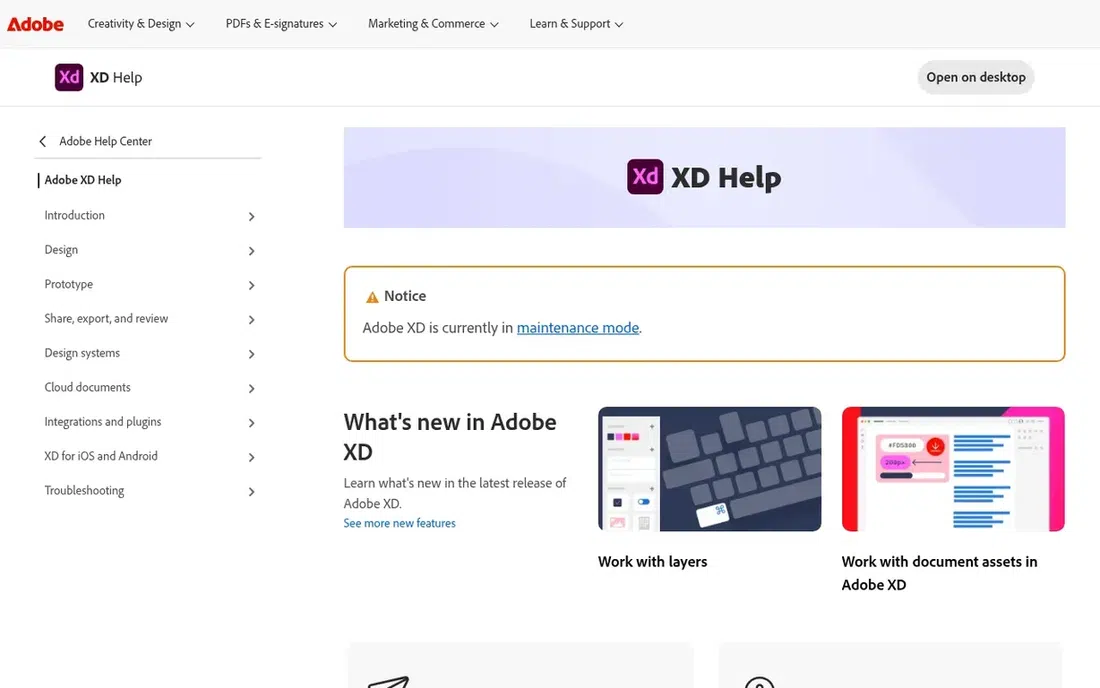
Adobe XD is designed for teams already inside the Adobe ecosystem. It makes most sense for teams already invested in Adobe's creative ecosystem, where assets move between applications and designers share familiar tooling. On top of that, Adobe has shifted attention toward other products in recent years, and XD's collaborative features trail browser-first tools.
Limits to weigh: Feature development has slowed in recent years.
In practice, pick XD mainly when existing Adobe workflows and files make switching expensive. In daily use, teams that require live co-editing or heavy handoff workflows should look elsewhere. Adobe XD shows no starting price here, so confirm the cost on the vendor site. As for free access: Not stated.
- Supports design and prototyping workflows
- Familiar to numerous designers trained on Adobe apps
- Collaboration is less smooth than browser-first rivals
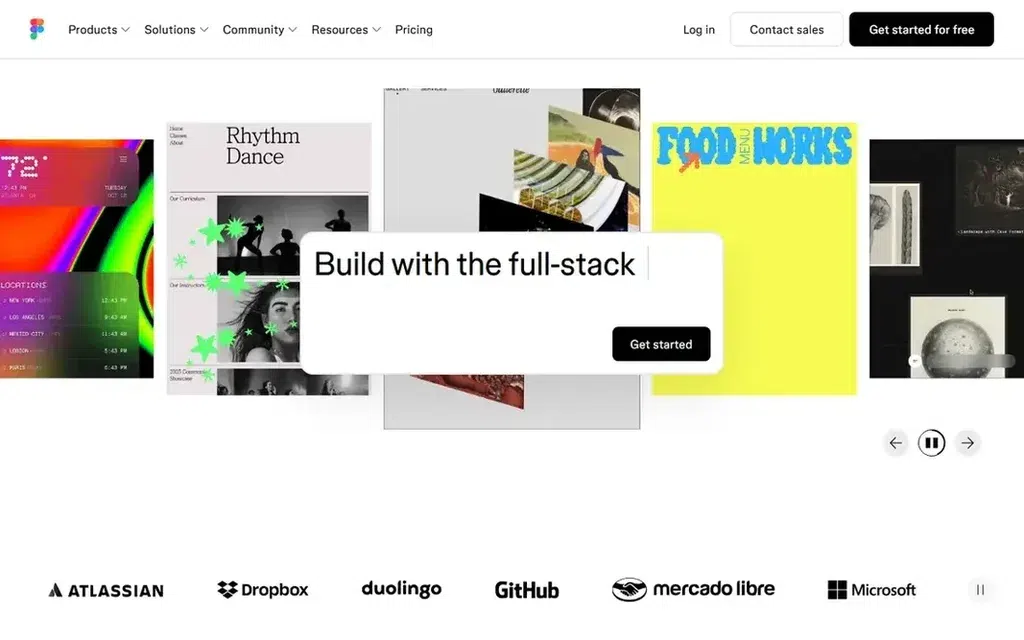
Figma targets all-in-one collaborative design and prototyping. For remote teams, that shared workspace matters most: designers, developers and stakeholders can review the same file rather than trading exports.
Where it is weaker: Wide feature set can overwhelm beginners.
Consider a more straightforward wireframing tool when speed of concepting matters more than fidelity. Teams that only need fast, low-fidelity wireframes may find it more than necessary. Entry price for Figma: $3 per month. Trial and free access: Not stated.
- Shared canvas for design and prototyping
- Designed for live team collaboration
- Complicated files can get heavy on slower connections
Our selection method
Selection started from tools commonly considered for prototyping software for remote teams, then narrowed to 6 that have clear pricing information or a clear quote process. Where a price is missing, the vendor does not list one publicly or ties it to a quote. Always confirm before budgeting. Tools are placed by general fit for prototyping software for remote teams, with price clarity and free access as tie-breakers. A different team can reasonably rank them differently.
What to confirm before you sign up
- Confirm the entry price on the vendor page. For ProtoPie and Adobe XD that means a quote rather than a fixed price.
- Take the trial from Balsamiq and Sketch and push a live task through it before you pay.
- Read the limits listed for Balsamiq first: restricted for high-fidelity visual design.
- Test the integrations you rely on with Figma before committing; some connectors sit on upper tiers.
- Verify that exporting from Sketch is possible on your plan and covers all your records.
FAQ
Does any tool for prototyping software for remote teams here have a free plan?
No tool in this list, Balsamiq and Figma included, has a permanent free plan. Balsamiq, Sketch offer a trial. Trials and quotes are the usual route, so plan a short evaluation period.
Can I try these tools before paying?
Often, yes. Balsamiq and Sketch offer a free trial. Use your own data and a real task during the test, and check what the free tier or trial limits before you rely on it. Each of the 6 options in this Prototyping software for remote teams guide has its own card above with the price, free plan and limits.
When should a team choose Axure RP over simpler tools?
Axure RP makes sense when prototypes must be accompanied by in-depth specifications and diagrams, for example in enterprise or regulated projects. If you chiefly need fast clickable screens, a lighter tool will be quicker to adopt.
What is the cheapest option for prototyping software for remote teams in this list?
On published monthly entry prices, Figma is the lowest here at $3 per month. Entry price is only part of the cost, because seats, add-ons and billing terms can change the total. All 6 picks in this Prototyping software for remote teams comparison list a starting price, free plan details and the main limits on their cards above.
How are the tools for prototyping software for remote teams ordered?
Balsamiq sits first and Figma last because the order follows typical fit for prototyping software for remote teams, then price clarity and free access. It is a judgement call, so read each profile for fit and limits.
Sources
- https://balsamiq.com
- https://www.axure.com
- https://www.protopie.io
- https://www.sketch.com
- https://www.adobe.com/products/xd.html
- https://www.figma.com