Best 3D Visualization Software in 2026: Prices, Free Plans and 5 Picks
Need the best 3D visualization software? We compare 5 tools on cost, free access and who each suits. Verdicts stay brief and factual. Narrow your shortlist.
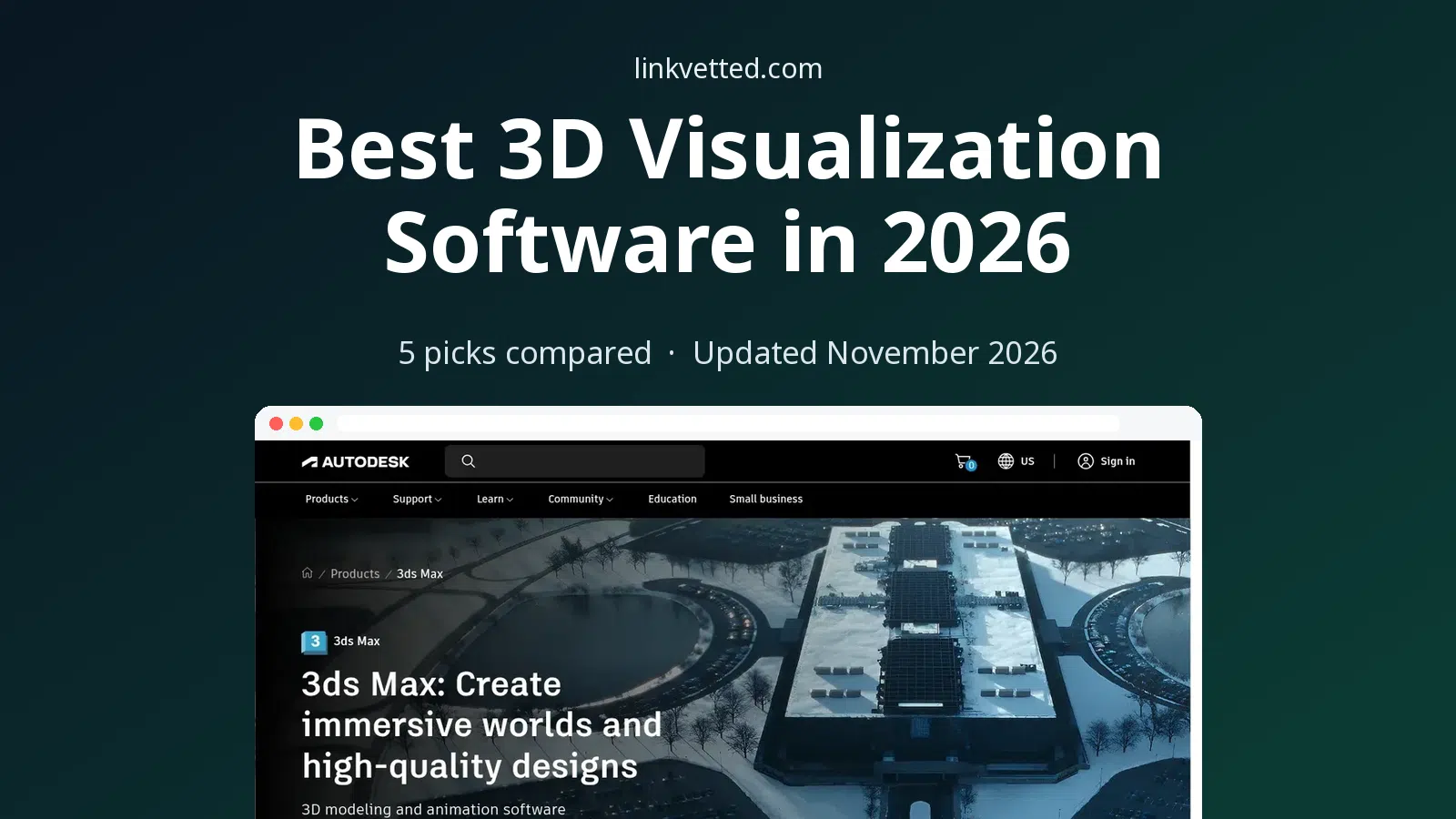
- Editor's choice
 Enscape
One-click live rendering and VR
Starts atSee websiteVisit enscape3d.comFull review - Great alternative
 KeyShot
Product design and live visualization
Starts at$7.92 per monthVisit keyshot.comFull review - Also consider
 Lumion
Live architectural rendering and walkthroughs
Starts at$96 named user per monthVisit lumion.comFull review
Direct answer
Start with Enscape if you need one-click live rendering and VR. Listed starting prices: KeyShot from $7.92 per month and Lumion from $96 named user per month. Look at KeyShot for product design and live visualization, and at Lumion for live architectural rendering and walkthroughs. The full list of 5 tools follows, with prices and free plan facts.
TL;DR:
- The list opens with Enscape, aimed at one-click live rendering and VR.
- The main caution on KeyShot: less centred on architectural scenes.
- Cinema 4D is the one to check for motion graphics and design-focused 3D.
- Starting prices begin at $7.92 per month with KeyShot.
- Neither Enscape nor Cinema 4D, nor any of the other 3 tools, has a permanent free plan; trials and quotes are the norm.
Last checked November 2026. Prices and plan details were read from the vendors' own pages in November 2026; vendors change plans often, so confirm the current price on the vendor site before you buy.
Quick comparison
| Tool | Best for | Starts at | Free plan? | |
|---|---|---|---|---|
| Enscape | One-click live rendering and VR | See website | Not stated | Visit |
| KeyShot | Product design and live visualization | $7.92 per month | Free trial | Visit |
| Lumion | Live architectural rendering and walkthroughs | $96 named user per month | Free trial | Visit |
 Autodesk 3ds Max | Professional modeling, animation, and rendering | See website | Not stated | Visit |
 Cinema 4D | Motion graphics and design-focused 3D | See website | Not stated | Visit |
Tool-by-tool breakdown
Choosing 3D visualization software usually comes down to price, fit and limits. This LinkVetted guide sets 5 tools side by side on those three points, with the facts kept short and checkable.
Enscape is a good fit for one-click live rendering and VR. Enscape from Chaos gives you live rendering and virtual reality for Revit, SketchUp, Rhino, ArchiCAD, and Vectorworks, with a one-click workflow.
It fits architects and designers who want to see changes rendered at once inside their existing design tools and share immersive views with clients. This comparison lists no price for Enscape; ask the vendor. Free plan details: Not stated.
Points against: Live focus over deep offline rendering.
- Integrates with Revit, SketchUp, Rhino, more
- Bundles virtual reality output
- Tied to supported host applications
KeyShot works best for product design and live visualization. KeyShot gives you live 3D rendering technology pitched at product design businesses, supporting collaboration from concept through product launch.
Its product-design focus makes it a weaker fit for large architectural scenes or character animation. Also, if your work is building visualization, Enscape or Lumion is more direct, whereas KeyShot fits teams presenting physical products and design concepts. KeyShot pricing: $7.92 per month. Free access: Free trial.
Limits to weigh: Narrower modeling scope than full suites.
- Supports collaboration from concept to launch
- Built around product design workflows
- Less centred on architectural scenes
Lumion is designed for live architectural rendering and walkthroughs. Lumion is real-time 3D rendering software aimed at architects, letting users move from concept to final render with speed, quality, and ease.
The main drawbacks: Centred on architecture instead of general 3D.
It suits architecture and landscape teams that want to visualize designs rapidly and present them plainly without deep rendering setup. On cost, Lumion starts like this: $96 named user per month. On free options: Free trial.
- Live rendering for architects
- Spans concept through final render
- Less suited to complicated character animation
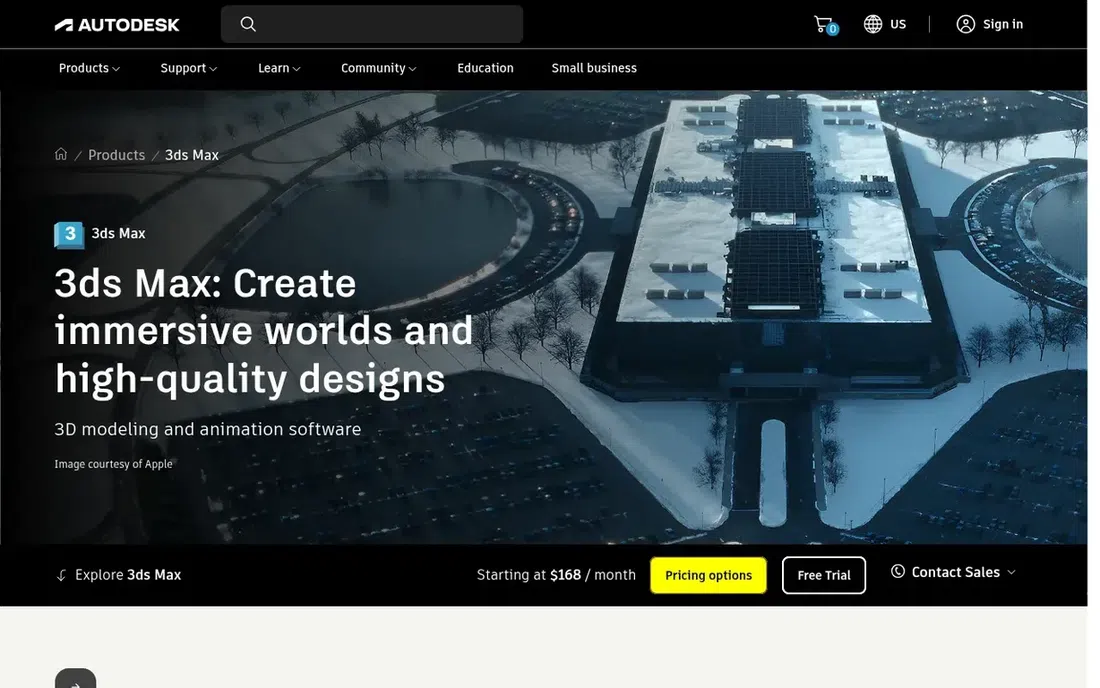
Autodesk 3ds Max targets professional modeling, animation, and rendering. Autodesk 3ds Max is a professional 3D modeling, animation, and rendering package pitched at artists and studios producing expansive worlds and high-quality designs.
If your central goal is fast design review or client walkthroughs, a real-time tool like Enscape or Lumion may fit better, whereas 3ds Max rewards users who require full production control. No starting price is listed for Autodesk 3ds Max here; confirm pricing on the vendor site. Free options: Not stated.
Trade-offs to know: Deep toolset takes time to learn.
- Solid fit for professional production work
- Aimed at expansive worlds and high-quality designs
- Heavier than light visualization tools

Cinema 4D is aimed squarely at motion graphics and design-focused 3D. Cinema 4D from Maxon is a 3D modeling, animation, and rendering application widely associated with motion graphics and design-led work.
It is less common in architectural and engineering pipelines, where Revit, SketchUp, or Rhino-based tools dominate. This comparison lists no price for Cinema 4D; ask the vendor. As for free access: Not stated.
Limits to weigh: Less typical in architectural pipelines.
- Works alongside Maxon rendering tools
- Widely used in motion graphics workflows
- Specialized features may need extras
Our selection method
Each tool was reviewed on what its vendor publishes: price, plan limits, core features and stated drawbacks. We did not run hands-on tests. Where a price is missing, the vendor does not list one publicly or ties it to a quote. Always confirm before budgeting. Tools are placed by general fit for 3D visualization software, with price clarity and free access as tie-breakers. A different team can reasonably rank them differently.
Questions to settle before buying
- Confirm the entry price on the vendor page. For Enscape, Autodesk 3ds Max and Cinema 4D that means a quote rather than a fixed price.
- Run a trial of KeyShot and Lumion with real work before paying for a year; your own workflow is the best test.
- Before choosing Enscape, weigh its main limit: tied to supported host applications.
- Test how quickly Enscape answers a pre-sales question; it hints at how support will feel later.
- Work out what KeyShot costs with your real seat count, add-ons and usage, not just the entry price.
FAQ
What is the cheapest option for 3D visualization software in this list?
On published monthly entry prices, KeyShot is the lowest here at $7.92 per month. Entry price is only part of the cost, because seats, add-ons and billing terms can change the total. Each of the 5 options in this 3D Visualization software guide has its own card above with the price, free plan and limits.
How are the tools for 3D visualization software ordered?
Enscape sits first and Cinema 4D last because the order follows typical fit for 3D visualization software, then price clarity and free access. It is a judgement call, so read each profile for fit and limits.
Can I try these options before paying?
Often, yes. KeyShot and Lumion offer a free trial. Use your own data and a real task during the test, and check what the free tier or trial limits before you rely on it. All 5 picks in this 3D Visualization software comparison list a starting price, free plan details and the main limits on their cards above.
Is Enscape the right pick for everyone comparing 3D visualization software?
No single tool suits every team. Enscape comes first because it fits one-click real-time rendering and VR, while KeyShot suits product design and real-time visualization and Lumion suits real-time architectural rendering and walkthroughs. Match the tool to your own size, budget and workflow before deciding.
Sources
- https://enscape3d.com
- https://www.keyshot.com
- https://lumion.com
- https://www.autodesk.com/products/3ds-max
- https://www.maxon.net/en/cinema-4d