Top 6 3D Rendering Software for Beginners for 2026 (Prices and Free Plans)
6 best 3D rendering software for beginners, with entry costs, free tiers and the buyer each one serves. Each listing flags where it falls short. No hype.
- Editor's choice
 V-Ray
Photorealistic plugin rendering
Starts atSee websiteVisit chaos.comFull review - Great alternative
 Lumion
Quick architectural visualization
Starts at$96 named user a monthVisit lumion.comFull review - Also consider
 Blender
All-in-one free 3D learning
Starts atSee websiteVisit blender.orgFull review
Direct answer
V-Ray is the first pick on this list for Photorealistic plugin rendering. Listed starting prices: Lumion from $96 named user a month and KeyShot from $7.92 a month. Lumion is better for quick architectural visualization, and Blender is better for all-in-one free 3D learning. The other 3 tools in the list cover narrower or pricier cases.
TL;DR:
- V-Ray sits first on this list: Photorealistic plugin rendering.
- For one-click architectural rendering, Enscape is worth a look.
- One limit worth knowing about V-Ray: needs a host application.
- A permanent free plan is missing from all 6 tools, V-Ray and Enscape included; plan for a trial or a premium start.
- For the cheapest start, look at KeyShot: $7.92 per month.
Last checked November 2026. Prices and plan details were read from the vendors' own pages in November 2026; vendors change plans often, so confirm the current price on the vendor site before you buy.
Quick comparison
| Tool | Best for | Starts at | Free plan? | |
|---|---|---|---|---|
| V-Ray | Photorealistic plugin rendering | See website | Not stated | Visit |
| Lumion | Quick architectural visualization | $96 named user a month | Free trial | Visit |
| Blender | All-in-one free 3D learning | See website | Not stated | Visit |
 KeyShot | Live product visualization | $7.92 a month | Free trial | Visit |
| 3ds Max | Long-term professional 3D path | See website | Not stated | Visit |
 Enscape | One-click architectural rendering | See website | Not stated | Visit |
6 3D rendering software for beginners in detail
LinkVetted put together this guide to 3D rendering software for beginners for readers who want a clear shortlist without reading every vendor page. It compares 6 tools on starting price, free plans, who each one suits and where each one falls short.
Where V-Ray fits: Photorealistic plugin rendering. V-Ray from Chaos is a photorealistic 3D rendering plugin available for design systems for example 3ds Max, SketchUp, Rhino, Maya and Blender. Since it is a plugin, V-Ray is not a starting point on its own.
Honest limits: Needs a host application.
You need a host application and some modeling knowledge first. Its rendering controls are deep, and beginners may need tutorials before results look right. Choose it when photorealism inside an existing product is the priority. Beginners who already work in one of those host applications can add rendering without switching tools, which keeps modeling and rendering in a familiar interface. This comparison lists no price for V-Ray; ask the vendor. Free access: Not stated.
What users get: Broad product support.
- Photorealistic rendering focus
- Works inside widely used design products
- Plugin settings can overwhelm beginners
Think of Lumion for quick architectural visualization. Lumion concentrates on architectural visualization, so animators and product designers may find its focus limiting.
As for the details, beginners in architecture can move from a design model to a presentable image with a workflow oriented around scenes, materials and lighting instead of low-level render settings. Price to start with Lumion: $96 named user per month. Free options: Free trial.
Limits to weigh: Concentrated on architecture.
- Concept-to-final-render workflow
- Live rendering engine
- Less suited to non-architectural 3D
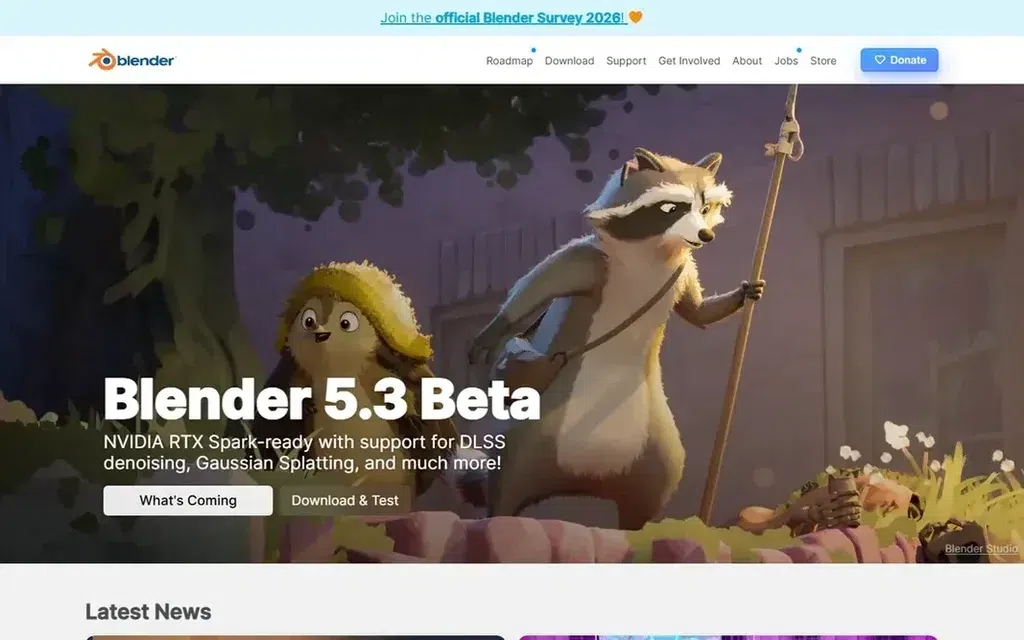
Blender serves all-in-one free 3D learning. Pick Blender when you want to learn the entire pipeline instead of one step of it.
Where Blender stands out: animation and rendering in one suite.
Where it is weaker: Rendering settings need study.
Blender is an open-source 3D creation suite that bundles modeling, animation, simulation and rendering in a single application. Blender shows no starting price here, so confirm the cost on the vendor site. Free plan details: Not stated.
- Complete modeling
- Runs on typical desktop operating systems
- Interface can feel dense at first
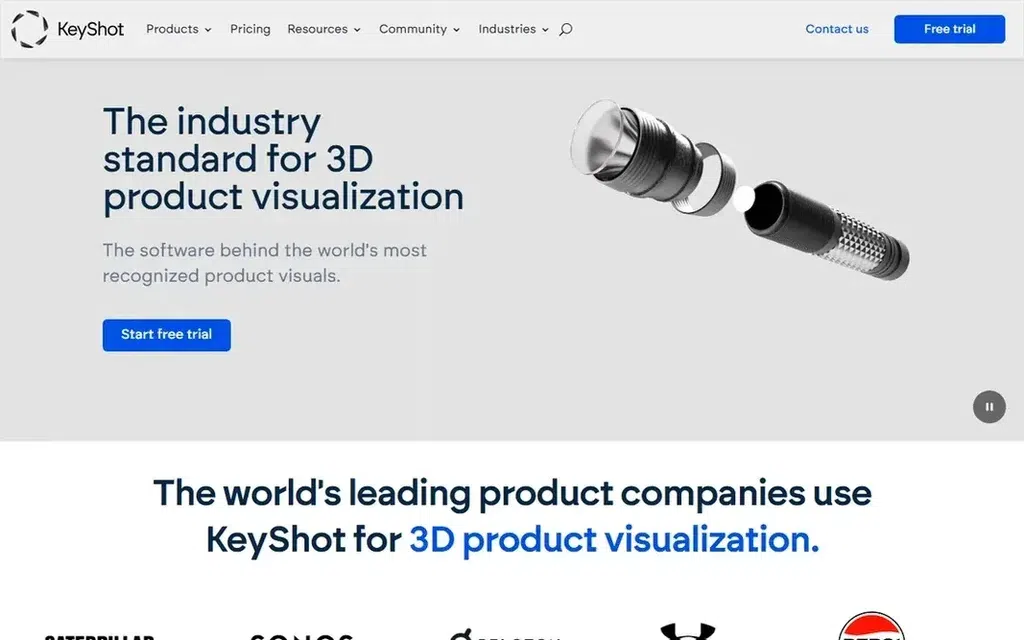
KeyShot is built with live product visualization in mind. Beginners in product design may find its focused purpose simpler to grasp than a general-purpose suite, since the workflow centers on presenting a designed object instead of building whole scenes and animations.
Beyond that, KeyShot is not a full modeling environment, so geometry typically comes from elsewhere. Entry price for KeyShot: $7.92 per month. Free options: Free trial.
Limits to weigh: Product-oriented instead of general 3D.
- Live rendering feedback
- Concept-to-launch workflow focus
- Less concentrated on modeling
3ds Max
Best for: Long-term professional 3D path
3ds Max targets long-term professional 3D path. Beginners who intend to work in studios or visualization businesses may encounter it frequently, and learning it early can build a foundation for professional modeling and rendering work across plenty of industries. As for the details, pick 3ds Max when you are committed to a professional path, and start with Blender if you want a gentler entry.
Upsides: animation and rendering.
Limits to weigh: Heavy application for casual learning.
From a buyer's view, the toolset is large and the interface assumes some prior 3D knowledge, so absolute beginners may progress slowly. Autodesk 3ds Max is professional 3D modeling, animation and rendering software for creating in-depth designs and expansive worlds. Check the vendor site for 3ds Max pricing; none is listed in this comparison. On free options: Not stated.
- Used across design and visualization fields
- Professional modeling
- Steep ramp-up time for beginners
Think of Enscape for one-click architectural rendering. Enscape offers live rendering and virtual reality for Revit, SketchUp, Rhino, ArchiCAD and Vectorworks, emphasizing a one-click workflow. Pick Enscape when you design buildings and want fast, interactive previews instead of deep manual render configuration.
Honest limits: Narrow architectural focus.
Also, architecture beginners benefit since rendering happens alongside the design model, letting them see spaces and materials change as they work instead of after a separate export step. Its scope is architectural visualization, so it is not the right choice for character animation or general product rendering. It also needs one of the supported host applications. Pricing for Enscape is not stated here, so ask the vendor for current figures. Trial and free access: Not stated.
- Live rendering and virtual reality
- Links up with typical architecture tools
- Relies on supported host software
Our selection method
The comparison looks at four things: starting price, free access, how well the feature set matches 3D rendering software for beginners, and the main limit of each tool. Seat minimums, billing terms and add-ons can move the real cost, so the starting prices here are a guide and not a quote. Tools are placed by general fit for 3D rendering software for beginners, with price clarity and free access as tie-breakers. A different team can reasonably rank them differently.
What to check before you buy
- Ask V-Ray, Blender, 3ds Max and Enscape for a written quote, since no starting price is shown.
- Use real work to test the free trial from Lumion and KeyShot, rather than a demo project.
- Before choosing V-Ray, weigh its main limit: needs a host application.
- Look at which plan of 3ds Max unlocks the features you need; entry tiers are often cut down.
- Ask V-Ray which support channels and response times come with the plan you would buy.
FAQ
How are the tools for 3D rendering software for beginners ordered?
V-Ray sits first and Enscape last because the order follows typical fit for 3D rendering software for beginners, then price clarity and free access. It is a judgement call, so read each profile for fit and limits.
What is the cheapest option for 3D rendering software for beginners in this list?
On published monthly entry prices, KeyShot is the lowest here at $7.92 per month. Entry price is only part of the cost, because seats, add-ons and billing terms can change the total. Prices, free plan details and limits for all 6 tools in this 3D Rendering software for beginners roundup sit on the individual cards above.
Do I need a separate modeling tool if I use V-Ray or Enscape?
V-Ray is a rendering plugin for platforms like 3ds Max, SketchUp, Rhino, Maya and Blender, and Enscape works inside Revit, SketchUp, Rhino, ArchiCAD and Vectorworks. Both need a supported host application, so plan your modeling software first.
Do these tools publish their prices?
Not all of them. V-Ray, Blender, 3ds Max and Enscape publish no starting price, so expect a quote request for those. The rest, Lumion included, show a starting price, though seats and billing terms still change the final cost.
Can I try these tools before paying?
Often, yes. Lumion and KeyShot offer a free trial. Use your own data and a real task during the test, and check what the free tier or trial limits before you rely on it.
Sources
- https://www.chaos.com/vray
- https://lumion.com
- https://www.blender.org
- https://www.keyshot.com
- https://www.autodesk.com/products/3ds-max
- https://enscape3d.com