Choosing 3D Sketching Software in 2026: 6 Options Compared
Weighing the best 3D sketching software? We lined up 6 products by cost, free access and fit. Price notes and drawbacks come with each one. Straight answers.
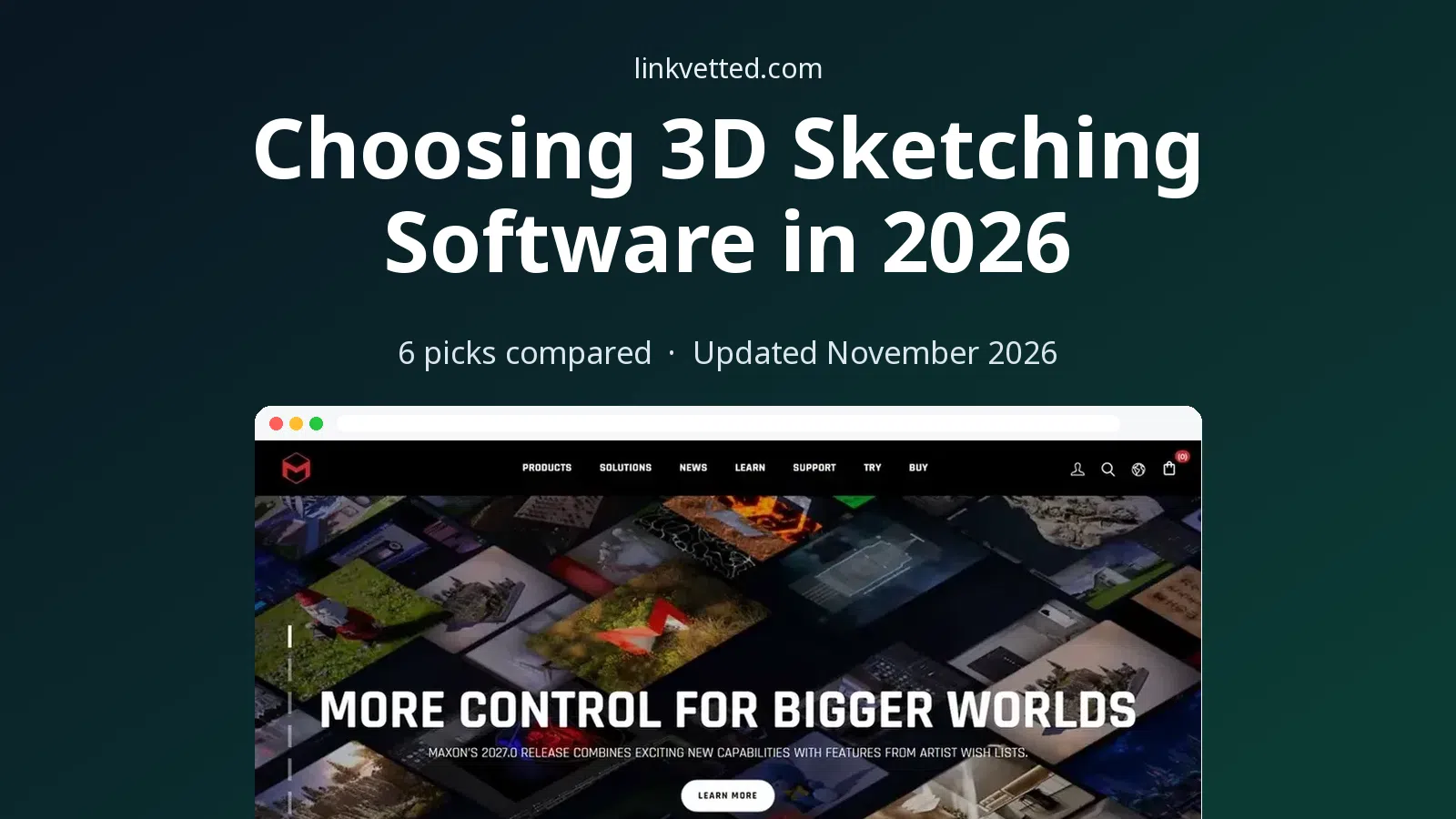
- Editor's choice
 Shapr3D
Precise modeling on iPad and desktop
Starts at$299 per editor seat a yearVisit shapr3d.comFull review - Great alternative
 Onshape
Cloud-native CAD with built-in PDM
Starts at$1,500 per user a yearVisit onshape.comFull review - Also consider
 Cinema 4D
Motion graphics and visualization
Starts atSee websiteVisit maxon.netFull review
Direct answer
Start with Shapr3D if you need precise modeling on iPad and desktop. Listed starting prices: Shapr3D from $299 per editor seat a year and Onshape from $1,500 per user a year. Look at Onshape for cloud-native CAD with built-in PDM, and at Cinema 4D for motion graphics and visualization. All 6 tools are compared below on price, free plan and limits.
TL;DR:
- Shapr3D sits first on this list: precise modeling on iPad and desktop.
- Free plans exist at 2 of 6 tools (Shapr3D, Onshape).
- Onshape is the lowest-priced starter here at $1,500 per user per year.
- What to know about ZBrush first: primarily for sculpting, not precision CAD.
Last checked November 2026. Prices and plan details were read from the vendors' own pages in November 2026; vendors change plans often, so confirm the current price on the vendor site before you buy.
Quick comparison
| Tool | Best for | Starts at | Free plan? | |
|---|---|---|---|---|
| Shapr3D | Precise modeling on iPad and desktop | $299 per editor seat a year | Yes | Visit |
| Onshape | Cloud-native CAD with built-in PDM | $1,500 per user a year | Yes | Visit |
| Cinema 4D | Motion graphics and visualization | See website | Not stated | Visit |
 ZBrush | Digital sculpting and detailing | See website | Not stated | Visit |
 Autodesk Fusion | Integrated CAD, CAM, and CAE | See website | Not stated | Visit |
 Blender | Open-source creative modeling and animation | See website | Not stated | Visit |
6 options for 3D sketching software in detail
LinkVetted compared 6 tools for 3D sketching software. The goal is a practical shortlist: published prices, free plan facts, best-fit use cases and honest limits for every entry.
Choose Shapr3D for precise modeling on iPad and desktop. Shapr3D is a 3D modeling software built for simplicity and precision, available on iPad, Mac, and Windows. It merges an easy-to-learn interface with professional-grade modeling tools, making it accessible for beginners whereas feature-rich enough for engineers.
On top of that, Shapr3D concentrates on modeling and lacks the deep simulation and manufacturing capabilities of Autodesk Fusion. Shapr3D is well-suited for product designers and engineers who require a mobile-friendly CAD option. The starting price for Shapr3D: $299 per editor seat per year. A free plan is available with Shapr3D.
Downsides: Needs subscription for full features.
- Cross-platform (iPad, Mac, Windows)
- Precise modeling tools
- Restricted advanced simulation
Onshape targets cloud-native CAD with built-in PDM. Onshape is a strong match for teams that require a configurable, scalable CAD system without IT overhead. It may not be a good match for those who prefer offline work or need deep sculpting tools.
Also, Onshape is a cloud-native product development product that merges CAD with built-in product data management (PDM). For organic modeling, Blender or ZBrush are more appropriate. Onshape pricing: $1,500 per user per year. You can start on Onshape without paying.
Best features of Onshape: Built-in product data management. Where it falls short: Needs internet connection.
- Accessible anywhere
- Completely cloud-based
- Subscription-based
Where Cinema 4D fits: motion graphics and visualization. Cinema 4D is a 3D modeling, animation, and rendering software known for its simplicity and solid motion graphics capabilities. It is widely used in advertising, film, and visualization for creating stunning visuals.
In daily use, Cinema 4D suits artists and designers who require a dependable tool for animation and rendering. For engineering-focused sketching, consider Autodesk Fusion or Onshape. Beyond that, Cinema 4D is primarily a visualization and animation tool, not a precision CAD option. Its cost can be high for individuals. Cinema 4D shows no starting price here, so confirm the cost on the vendor site. On free options: Not stated.
Strengths: Feature-rich motion graphics tools.
Where it falls short: Costly for hobbyists.
- Smooth integration with After Effects
- Approachable interface
- Less suited for precision CAD
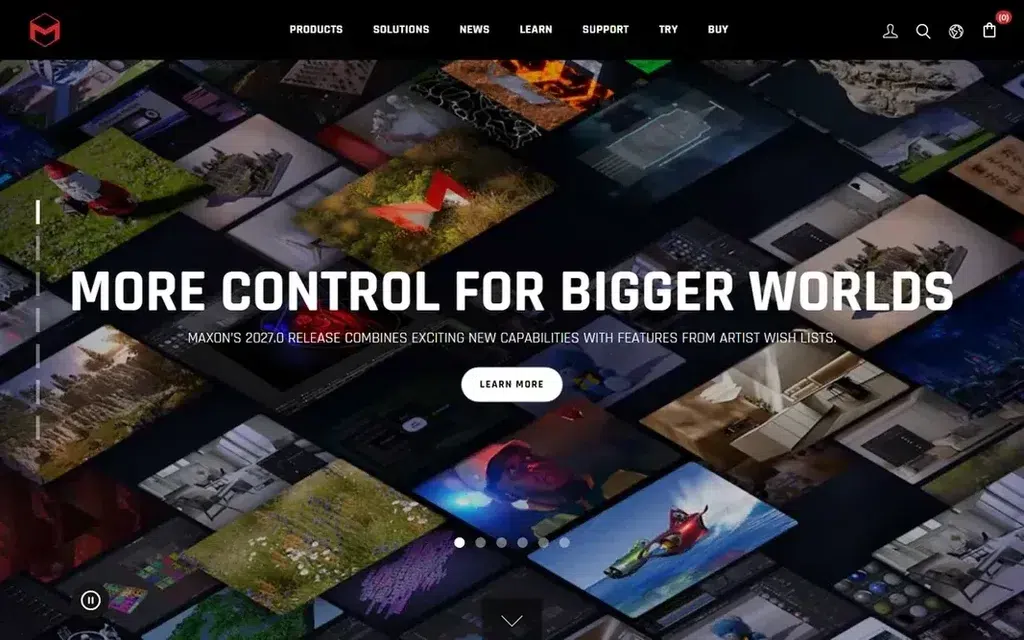
In short, ZBrush is for digital sculpting and detailing. It is widely used in character design, concept art, and visual effects for its capacity to manage high-detail meshes. For precise CAD modeling, consider Autodesk Fusion or Shapr3D instead.
ZBrush is a strong match for artists who focus on organic forms and need a solid sculpting environment. It also needs a subscription. Pricing for ZBrush is not stated here, so ask the vendor for current figures. Free access: Not stated.
Points against: Primarily for sculpting, not precision CAD.
- Industry-standard sculpting brushes
- Capable for organic shapes
- Steep ramp-up time
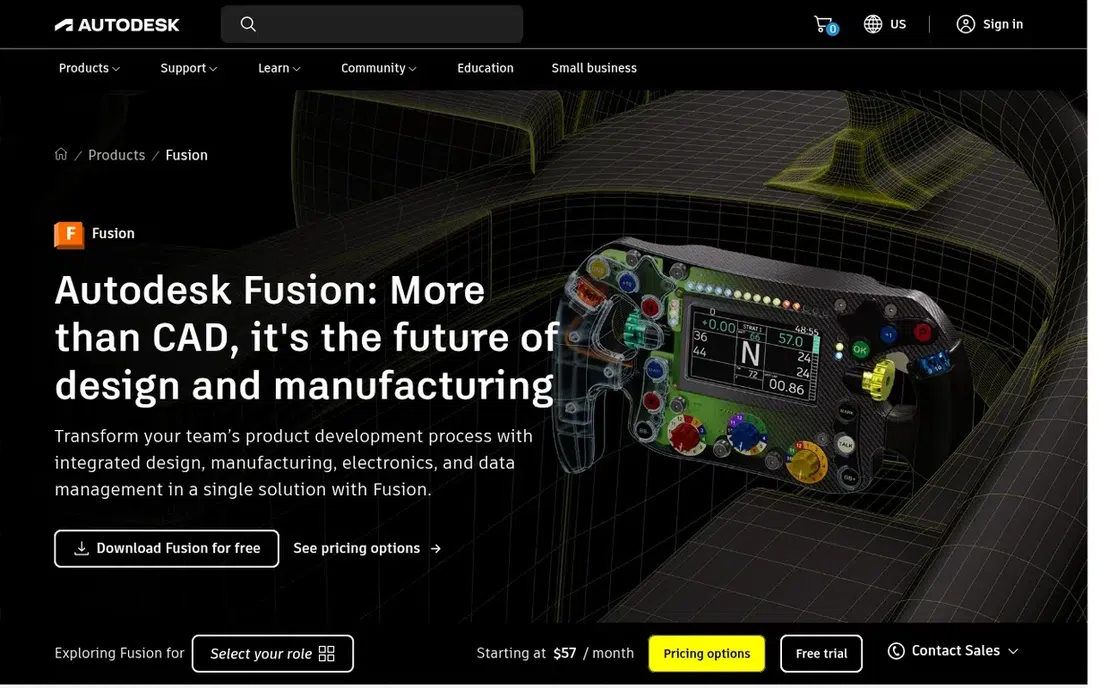
Autodesk Fusion was built for integrated CAD, CAM, and CAE. Autodesk Fusion, formerly Fusion 360, is a cloud-based system that integrates 3D CAD, CAM, CAE, and PCB design.
Autodesk Fusion shows no starting price here, so confirm the cost on the vendor site. Free options: Not stated.
Downsides: Needs subscription for full features.
- Comes with manufacturing and simulation
- Parametric and direct modeling
- Steeper ramp-up time
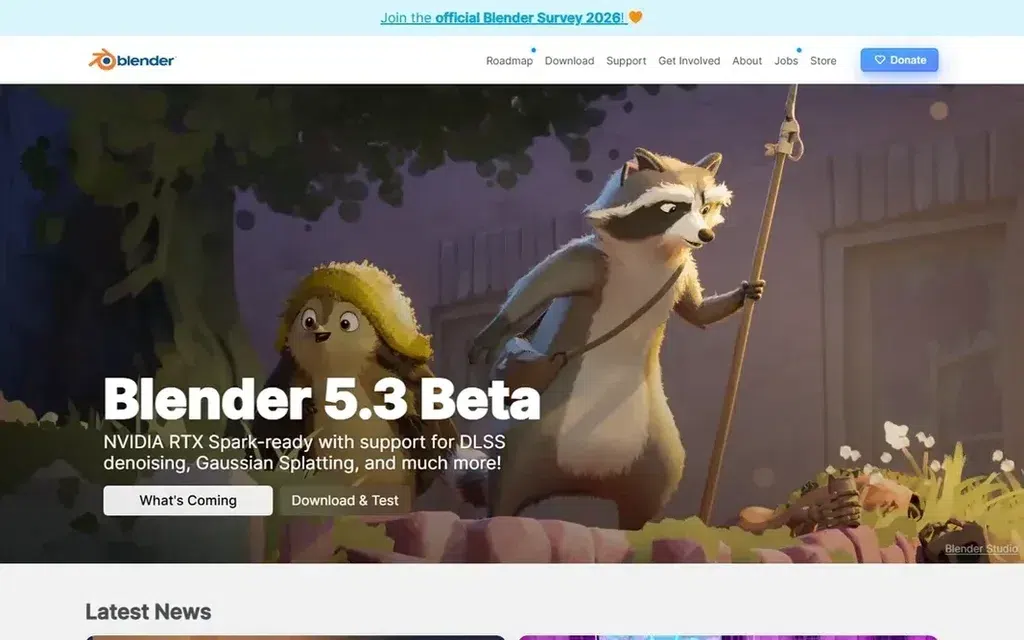
Blender is built with open-source creative modeling and animation in mind. It is widely used by artists, animators, and indie studios for its feature-rich polygon modeling and sculpting tools.
It also has a steeper ramp-up time for beginners. In practice, if you need parametric CAD or manufacturing integration, Autodesk Fusion or Onshape would be more appropriate. No starting price is listed for Blender here; confirm pricing on the vendor site. Free access: Not stated.
Downsides: Less centred on precision CAD.
- Full modeling and animation tools
- Active community and frequent updates
- Interface can be complicated for beginners
How we built this list
Before you commit
- Get a written quote from Cinema 4D, ZBrush, Autodesk Fusion and Blender; the list shows no starting price for them.
- Check what the free option really includes: Shapr3D and Onshape offer a free plan, and usage caps differ.
- Before choosing Shapr3D, weigh its main limit: restricted advanced simulation.
- Confirm you can export your data from Autodesk Fusion, so leaving later does not mean losing records.
- Test how quickly Onshape answers a pre-sales question; it hints at how support will feel later.
FAQ
Do these tools publish their prices?
Not all of them. Cinema 4D, ZBrush, Autodesk Fusion and Blender publish no starting price, so expect a quote request for those. The rest, Shapr3D included, show a starting price, though seats and billing terms still change the final cost.
How are the tools for 3D sketching software ordered?
The order follows typical fit for 3D sketching software, with Shapr3D first and Blender last, then price clarity and free access. It is editorial judgement, not a score, so another team could rank the tools differently.
Can I try these options before paying?
Often, yes. Shapr3D and Onshape have a free plan. Use your own data and a real task during the test, and check what the free tier or trial limits before you rely on it. All 6 picks in this 3D Sketching software comparison list a starting price, free plan details and the main limits on their cards above.
What is the cheapest option for 3D sketching software in this list?
On published monthly entry prices, Onshape is the lowest here at $1,500 per user per year. Entry price is only part of the cost, because seats, add-ons and billing terms can change the total. For the full picture, the cards above cover all 6 entries of this 3D Sketching software list, including price, free plan and limits.
What is the best 3D sketching software for beginners?
Shapr3D comes first here and is built for precise modeling on iPad and desktop. Buyers with other needs may prefer Onshape (for cloud-native CAD with built-in PDM) or Cinema 4D (for motion graphics and visualization). Compare costs and limits first.
Sources
- https://www.shapr3d.com
- https://www.onshape.com
- https://www.maxon.net/en/cinema-4d
- https://www.maxon.net/en/zbrush
- https://www.autodesk.com/products/fusion-360
- https://www.blender.org