The 5 Best Computer Software for Sketching in 2026, Ranked
Comparing the best computer software for sketching? 5 contenders, each with entry cost, free tier and best-fit buyer. Pros and cons for every tool. Plain facts.
- Editor's choice
 Clip Studio Paint
Illustration, comics and animation
Starts atSee websiteVisit clipstudio.netFull review - Great alternative
 Affinity Designer
Precise vector design work
Starts atSee websiteVisit affinity.serif.comFull review - Also consider
 Concepts
Infinite-canvas ideation and planning
Starts at$10 a monthVisit concepts.appFull review
Direct answer
Clip Studio Paint is the first pick on this list for Illustration, comics and animation. Listed starting prices: Concepts from $10 a month. If your case is different, Affinity Designer suits precise vector design work and Concepts suits infinite-canvas ideation and planning. Details, prices and limits for the rest of the 5 tools are below.
TL;DR:
- Clip Studio Paint takes the first slot, best suited to Illustration, comics and animation.
- Adobe Photoshop fits sketching combined with image editing.
- The main caution on Concepts: not a traditional raster paint app.
- Clip Studio Paint, Adobe Photoshop and the 3 others all need a premium plan or a trial, since no free plan is listed.
Last checked November 2026. Prices and plan details were read from the vendors' own pages in November 2026; vendors change plans often, so confirm the current price on the vendor site before you buy.
Quick comparison
| Tool | Best for | Starts at | Free plan? | |
|---|---|---|---|---|
| Clip Studio Paint | Illustration, comics and animation | See website | Not stated | Visit |
| Affinity Designer | Precise vector design work | See website | Not stated | Visit |
| Concepts | Infinite-canvas ideation and planning | $10 a month | Free trial | Visit |
 Sketchbook | Focused digital drawing and painting | See website | Not stated | Visit |
 Adobe Photoshop | Sketching combined with image editing | See website | Not stated | Visit |
Tool-by-tool breakdown
Choosing computer software for sketching usually comes down to price, fit and limits. This LinkVetted guide sets 5 tools side by side on those three points, with the facts kept short and checkable.
Clip Studio Paint targets Illustration, comics and animation. Clip Studio Paint is a paint application for digital illustration, comics and animation. It offers a set of drawing brushes alongside conveniences targeted at comic and animation production, and it runs on computers, tablets and phones.
The breadth of features means the interface can feel dense for someone who only wants fast sketches. In practice, Illustrators and comic artists who want one environment for drawing, inking and sequential art are the core audience. Clip Studio Paint shows no starting price here, so confirm the cost on the vendor site. Free access: Not stated.
Where it is weaker: Interface rewards time spent learning.
- Tools for comics and animation work
- Brushes tuned for illustration and comics
- Feature set can feel dense at first
Affinity Designer was built for precise vector design work. Designers who primarily draw freehand should start with Sketchbook or Concepts.
Where it falls short: Fewer natural-media sketching tools.
Affinity Designer is professional vector design software made for precision, speed and freedom. Affinity Designer shows no starting price here, so confirm the cost on the vendor site. Free plan details: Not stated.
- Crisp vector art and bold graphics
- Aimed at precision and speed
- Vector-first instead of paint-first
Choose Concepts for infinite-canvas ideation and planning. It is best treated as a thinking and layout tool.
If your end goal is a refined painting, pair it with a dedicated drawing app for example Sketchbook or Clip Studio Paint. Price to start with Concepts: $10 per month. Free access: Free trial.
Limits to weigh: Less suited to finished illustration.
- Simple sharing with clients and other apps
- Infinite canvas for freeform work
- Not a traditional raster paint app
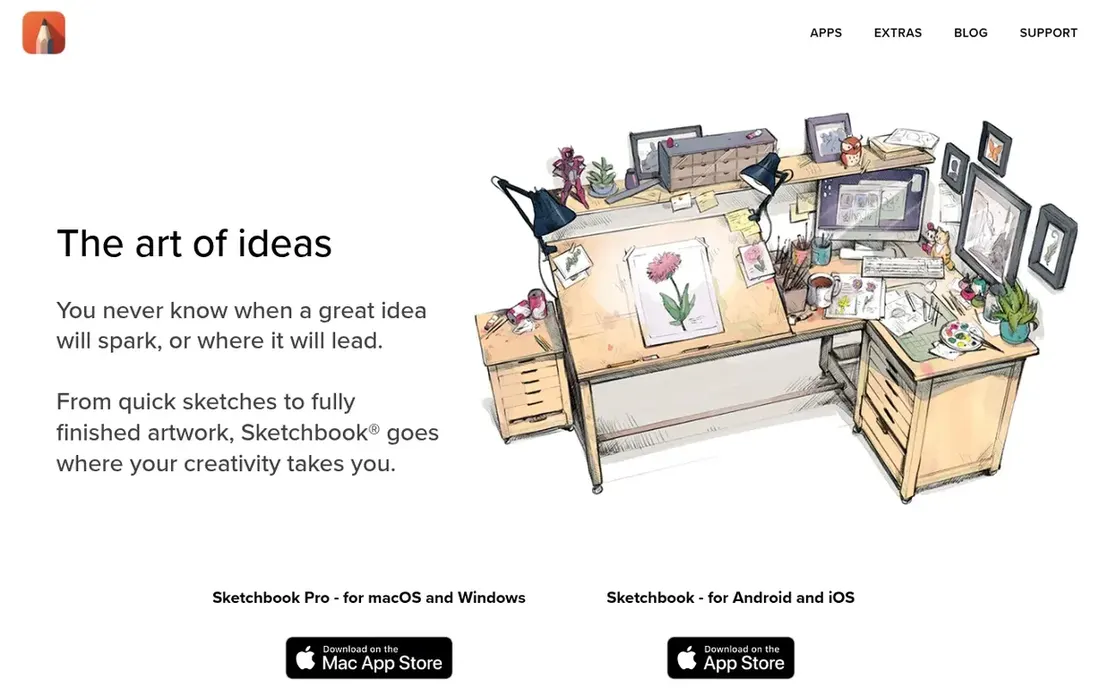
Sketchbook works best for focused digital drawing and painting. Sketchbook is sketching, painting and illustration software built around a clean drawing environment. Its professional-grade brushes and tools are presented in an interface that stays simple to pick up, which makes it a natural fit for beginners and hobbyists who primarily want to draw.
Where Sketchbook stands out: Professional-grade drawing tools.
Artists who require compositing, advanced selection tools or vector output should look at Photoshop or a vector program instead, and treat Sketchbook as a dedicated drawing companion. The trade-off is scope. Sketchbook concentrates on drawing instead of photo manipulation, layout or vector production. So it is less handy if your work blends heavy image editing with sketching. Check the vendor site for Sketchbook pricing; none is listed in this comparison. As for free access: Not stated. Points against: Fewer vector design features.
- Clean
- Approachable interface
- Restricted photo editing depth
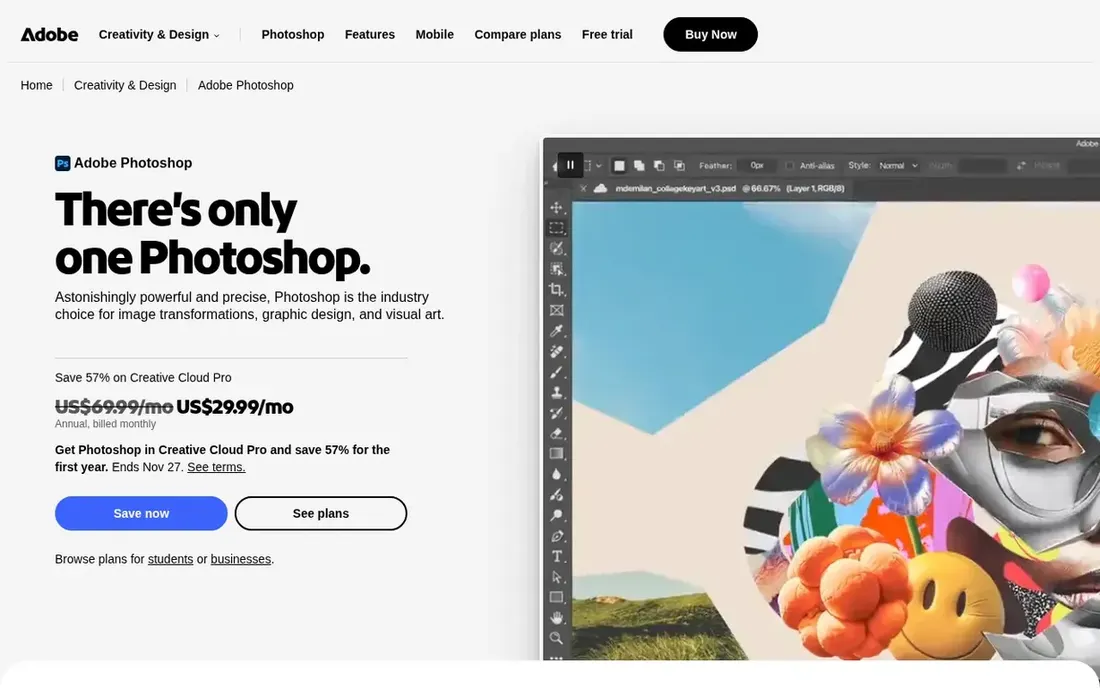
Adobe Photoshop is designed for sketching combined with image editing. Photoshop is Adobe's image editing and design application, and it also serves as a capable sketching environment through its brush and layer tools.
Limits to weigh: Interface can overwhelm beginners.
For everyday use, the online and mobile choices add flexibility for working away from a desktop. If your goal is only to draw, a lighter dedicated app for example Sketchbook is simpler to start with. Check the vendor site for Adobe Photoshop pricing; none is listed in this comparison. Free options: Not stated.
- Works online and in a mobile app
- Broad editing and compositing tools
- Heavier than a pure sketching app
How we built this list
A buyer's checklist
- Get a written quote from Clip Studio Paint, Affinity Designer, Sketchbook and Adobe Photoshop; the list shows no starting price for them.
- Use real work to test the free trial from Concepts, rather than a demo project.
- Read the limits listed for Clip Studio Paint first: feature set can feel dense at first.
- Ask Concepts about contract length, onboarding fees and user minimums before you sign.
- Map your must-have features to a specific Adobe Photoshop plan before you compare prices.
FAQ
Is a dedicated sketching app better than a full design suite?
A full suite like Photoshop or Illustrator makes sense when sketching is one step inside a bigger editing or vector workflow. In practice, decide based on what happens to the sketch after it is drawn.
Can I try these tools before paying?
Often, yes. Concepts offers a free trial. Use your own data and a real task during the test, and check what the free tier or trial limits before you rely on it.
How are the tools for computer software for sketching ordered?
Clip Studio Paint sits first and Adobe Photoshop last because the order follows typical fit for computer software for sketching, then price clarity and free access. It is a judgement call, so read each profile for fit and limits.
Can I sketch on a computer without a drawing tablet?
Most sketching programs work with a mouse, but pressure-sensitive tools and natural strokes rely on a drawing tablet. A tablet is worth considering if you plan to draw on a regular basis.
What is the difference between raster and vector sketching software?
Raster apps like Sketchbook and Photoshop build images from pixels, which fits painting and textured sketches. Vector apps like Illustrator and Affinity Designer build images from scalable shapes, which fits logos and precise graphics.
What is the cheapest option for computer software for sketching in this list?
On published monthly entry prices, Concepts is the lowest here at $10 per month. Entry price is only part of the cost, because seats, add-ons and billing terms can change the total.
Sources
- https://www.clipstudio.net
- https://affinity.serif.com/designer
- https://concepts.app
- https://www.sketchbook.com
- https://www.adobe.com/products/photoshop.html