Top 6 Tools for Drawing on Computer for 2026 (Prices and Free Plans)
Best tools for drawing on computer in 2026: 6 contenders with entry costs and free tiers. Each listing flags where it falls short. Pick with confidence.
- Editor's choice
 Adobe Illustrator
Vector graphics and illustration
Starts atPricing on requestVisit adobe.comFull review - Great alternative
 Procreate
IPad digital painting
Starts atPricing on requestVisit procreate.comFull review - Also consider
 Affinity Designer
Professional vector design
Starts atPricing on requestVisit affinity.serif.comFull review
Direct answer
Adobe Illustrator is the first pick on this list for vector graphics and illustration. Procreate fits iPad digital painting; Affinity Designer fits professional vector design. The full list of 6 tools follows, with free plan facts. None of these vendors publish plan prices, so pricing is on request for every option.
TL;DR:
- Number one here is Adobe Illustrator, a fit for vector graphics and illustration.
- None of the 6 tools, from Adobe Illustrator to Adobe Photoshop, has a free plan, so budget for a subscription or use a trial.
- The main caution on Clip Studio Paint: interface can be overwhelming for new users.
- Adobe Photoshop is the one to check for versatile digital painting and photo editing.
Last checked November 2026. Pricing on request: vendors did not publish plan prices when this guide was last checked (November 2026), so ask each vendor for a written quote.
Quick comparison
| Tool | Best for | Starts at | Free plan? | |
|---|---|---|---|---|
| Adobe Illustrator | Vector graphics and illustration | Pricing on request | Not stated | Visit |
| Procreate | IPad digital painting | Pricing on request | Not stated | Visit |
| Affinity Designer | Professional vector design | Pricing on request | Not stated | Visit |
 Clip Studio Paint | Comic and manga illustration | Pricing on request | Not stated | Visit |
 Rebelle | Realistic watercolor and oil painting | Pricing on request | Not stated | Visit |
 Adobe Photoshop | Versatile digital painting and photo editing | Pricing on request | Not stated | Visit |
Tools for Drawing on Computer, one by one
This LinkVetted guide covers 6 options for tools for drawing on computer. Each profile lists a starting price, free plan details, strengths and drawbacks, so you can drop poor fits quickly.
Where Adobe Illustrator fits: vector graphics and illustration. Recent updates bundle AI-powered features that can create editable vector graphics from text prompts.
Also, for a one-time purchase vector alternative, consider Affinity Designer. Illustrator's subscription cost and complexity may not suit hobbyists or those concentrated on raster painting. Adobe Illustrator shows no starting price here, so confirm the cost on the vendor site. Free access: Not stated.
Honest limits: Subscription required.
- Generative AI features for rapid prototyping
- Precise control over paths and shapes
- Steeper ramp-up time for beginners
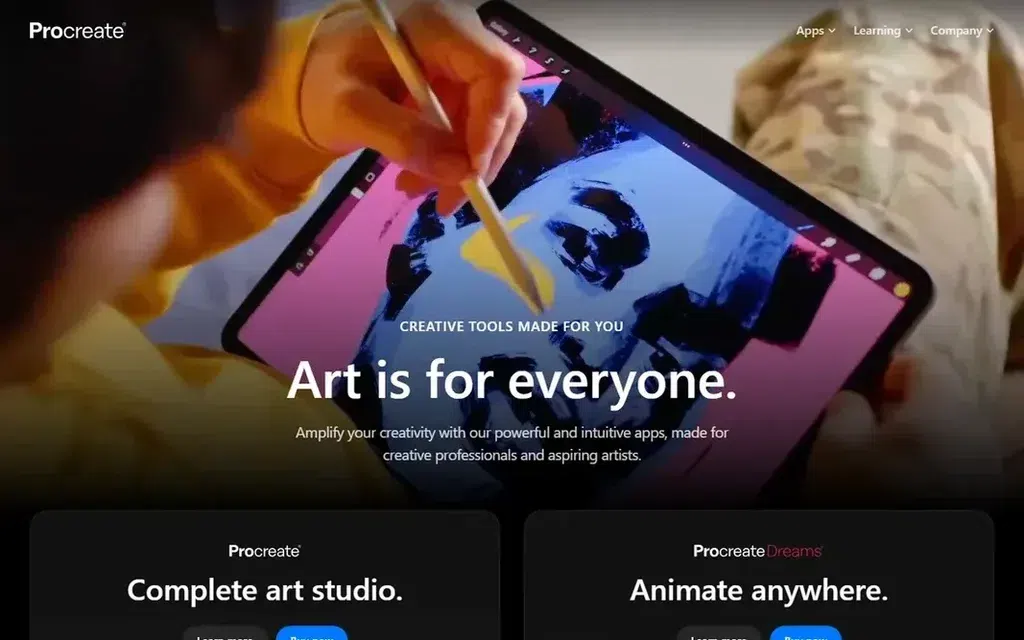
Where Procreate fits: iPad digital painting. Procreate is a feature-rich drawing and animation app designed exclusively for iPad. It provides a fluid drawing experience with a focus on natural brush strokes and a minimalist interface.
For everyday use, for those who need vector tools, Adobe Illustrator or Affinity Designer are more suitable. Artists appreciate its portability and the lack of a subscription, making it a favorite among digital painters. Procreate shows no starting price here, so confirm the cost on the vendor site. Free options: Not stated.
Trade-offs to know: Exclusive to iPad.
- Optimized for Apple Pencil
- One-time purchase with no subscription
- Not available on desktop
Affinity Designer works best for professional vector design. Affinity Designer is a professional vector design software that supplies a compelling alternative to Adobe Illustrator.
If you depend on broad external plugins, Illustrator might be more suitable. Affinity Designer shows no starting price here, so confirm the cost on the vendor site. Free access: Not stated.
Trade-offs to know: Smaller community and fewer tutorials. Best features of Affinity Designer: One-time purchase.
- Quick and responsive performance
- Smooth switching between vector and raster
- Restricted compatibility with some Adobe formats
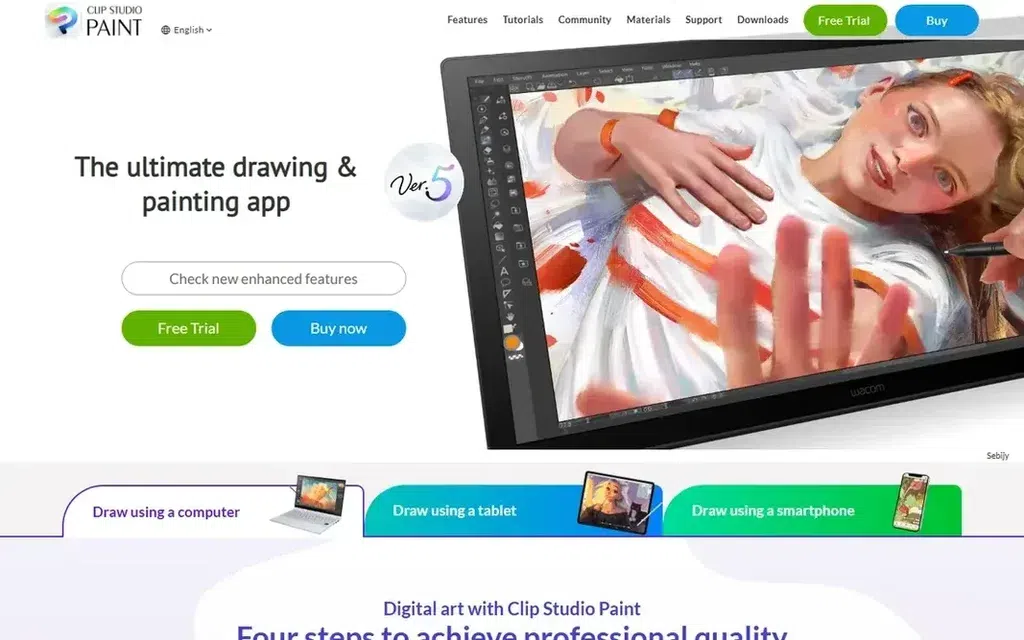
Choose Clip Studio Paint for comic and manga illustration. It bundles features like panel templates, speech bubble tools, and many different downloadable assets.
Downsides: Interface can be overwhelming for new users.
As for the details, the software is recognised for its natural brush feel and is available on Windows, macOS, iOS, and Android. Pricing for Clip Studio Paint is not stated here, so ask the vendor for current figures. Free options: Not stated.
- Configurable brushes and pen settings
- Specialized tools for comics and manga
- Some features need extra purchases
Rebelle targets realistic watercolor and oil painting. Rebelle is a digital painting software that concentrates on simulating real-world media like watercolor, oil, and acrylic.
For everyday use, artists who want to replicate traditional painting techniques will find Rebelle's tools both unique and inspiring. Rebelle shows no starting price here, so confirm the cost on the vendor site. As for free access: Not stated.
Downsides: Niche focus may not appeal to all artists.
- Supports Mac and Windows
- Advanced simulation of real wet media
- Can be demanding on system resources
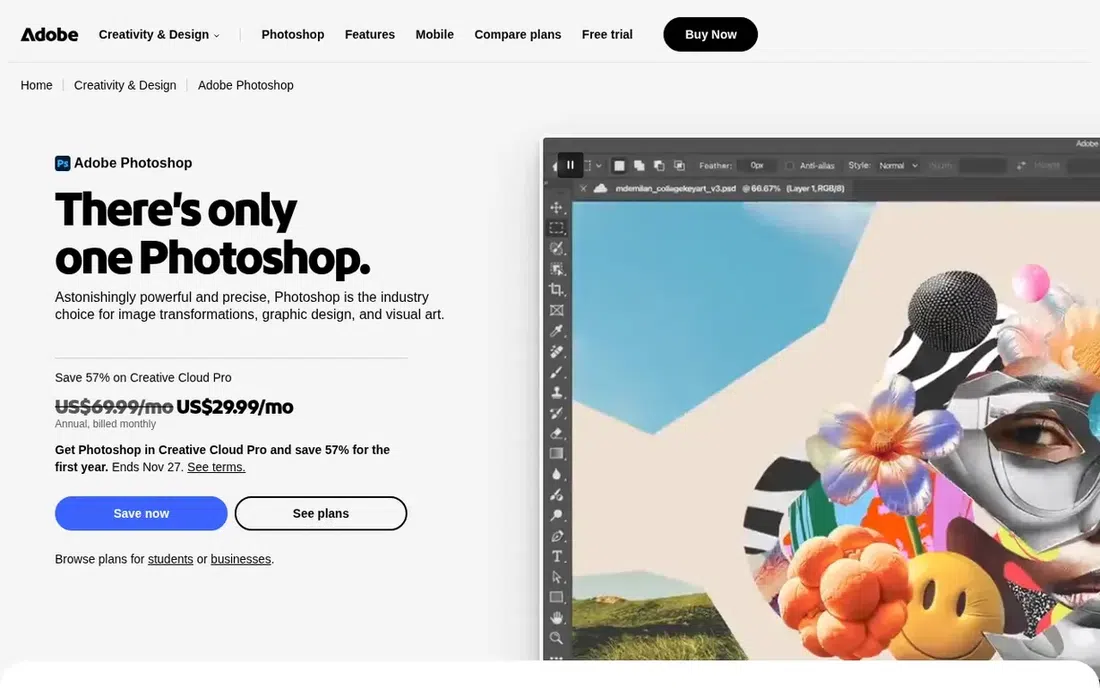
In short, Adobe Photoshop is for versatile digital painting and photo editing. Even so, Photoshop's subscription model and steep ramp-up time might deter beginners or those on a tight budget.
Where it is weaker: Can be resource-intensive on older hardware.
Adobe Photoshop shows no starting price here, so confirm the cost on the vendor site. Free access: Not stated.
- Deep brush engine with configurable settings
- Capable layer and selection tools
- Subscription-based model may not suit everyone
How we built this list
Questions to settle before buying
- Ask each vendor, from Adobe Illustrator to Adobe Photoshop, for a written quote; none of them publishes a starting price.
- Read the limits listed for Adobe Illustrator first: subscription required.
- Find out whether the entry plan of Rebelle covers your must-haves or only a trimmed-down version.
- A short pilot of Adobe Photoshop with your real workflow tells you more than a feature table.
- Ask Adobe Illustrator how an export works before you move any records in; an easy exit lowers the risk.
FAQ
Can I use these tools for vector drawing?
Adobe Illustrator and Affinity Designer are specialized for vector graphics. Photoshop and Clip Studio Paint are primarily raster-based but offer some vector capabilities. Procreate is raster-only.
Do I need a subscription for drawing software?
Not necessarily. Procreate and Affinity Designer are one-time purchases, whereas Adobe Photoshop and Illustrator need a subscription. Clip Studio Paint gives you both one-time and subscription choices based on the version.
Does any tool for tools for drawing on computer here have a free plan?
A permanent free plan is not offered by Adobe Illustrator, Adobe Photoshop or the other tools here. Plan a short evaluation period instead.
Which drawing tool is best for realistic painting?
Start with Adobe Illustrator if you need vector graphics and illustration. Procreate is the better match for iPad digital painting, and Affinity Designer for professional vector design. The best choice depends on budget, team size and workflow.
How are the tools for tools for drawing on computer ordered?
Adobe Illustrator sits first and Adobe Photoshop last because the order follows typical fit for tools for drawing on computer, then price clarity and free access. It is a judgement call, so read each profile for fit and limits.
Do these tools publish their prices?
No. None of the tools, from Adobe Illustrator to Adobe Photoshop, shows a fixed starting price here, so budget time for quotes.
Sources
- https://www.adobe.com/products/illustrator.html
- https://procreate.com
- https://affinity.serif.com/designer
- https://www.clipstudio.net
- https://www.escapemotions.com/products/rebelle
- https://www.adobe.com/products/photoshop.html