Best Graphic Design Software Brands (2026): 5 Picks Checked on Vendor Pages
Weighing the best graphic design software brands? We lined up 5 products by cost, free access and fit. Trade-offs are spelled out for each entry. Plain facts.
- Editor's choice
 Sketch
Interface design and developer handoff
Starts at$12 per editor a monthVisit sketch.comFull review - Great alternative
 CorelDRAW
Vector, illustration and technical drafting
Starts atSee websiteVisit coreldraw.comFull review - Also consider
 Adobe Illustrator
Professional vector illustration work
Starts atSee websiteVisit adobe.comFull review
Direct answer
This list puts Sketch first for interface design and developer handoff. Listed starting prices: Sketch from $12 per editor a month. Look at CorelDRAW for vector, illustration and technical drafting, and at Adobe Illustrator for professional vector illustration work. Prices, free plans and limits for all 5 tools follow.
TL;DR:
- Sketch sits first on this list: interface design and developer handoff.
- One limit worth knowing about CorelDRAW: smaller ecosystem than Adobe.
- None of the 5 tools, from Sketch to Affinity Designer, has a free plan, so budget for a subscription or use a trial.
- Sketch has the lowest monthly starting price in this list: $12 per editor per month.
- Affinity Designer fits precise vector design without subscriptions.
Last checked November 2026. Prices and plan details were read from the vendors' own pages in November 2026; vendors change plans often, so confirm the current price on the vendor site before you buy.
Quick comparison
| Tool | Best for | Starts at | Free plan? | |
|---|---|---|---|---|
| Sketch | Interface design and developer handoff | $12 per editor a month | Free trial | Visit |
| CorelDRAW | Vector, illustration and technical drafting | See website | Not stated | Visit |
| Adobe Illustrator | Professional vector illustration work | See website | Not stated | Visit |
 Canva | Quick everyday visual content | See website | Not stated | Visit |
 Affinity Designer | Precise vector design without subscriptions | See website | Not stated | Visit |
5 graphic design software brands in detail
This LinkVetted guide covers 5 graphic design software brands. Each profile lists a starting price, free plan details, strengths and drawbacks, so you can drop poor fits quickly.
Sketch targets interface design and developer handoff. Sketch is a design application for interface work, combining design, prototyping, collaboration and handoff.
Where it is weaker: Mac-only product.
Its homepage describes it as made by designers, for designers, with a focus on the work itself. It also runs on macOS only, which limits mixed-platform teams and may push Windows users toward browser-based or cross-platform alternatives. Price to start with Sketch: $12 per editor per month. As for free access: Free trial.
- Design
- Prototype and collaborate in one tool
- Not suited to print or photo editing
Where CorelDRAW fits: vector, illustration and technical drafting. Its ecosystem of plugins, learning material and collaboration is smaller than Adobe's, and the interface follows its own conventions.
Where it is weaker: Smaller ecosystem than Adobe.
No starting price is listed for CorelDRAW here; confirm pricing on the vendor site. Free options: Not stated.
- Choices for logos
- Vector and technical illustration in one suite
- Interface differs from Adobe conventions
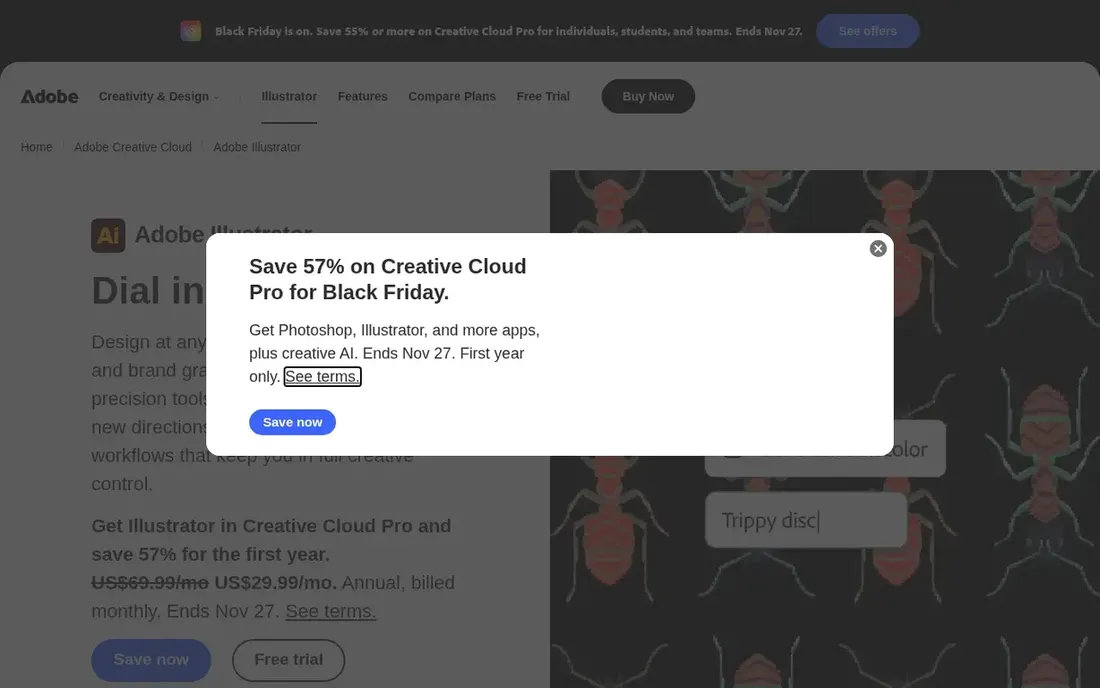
Think of Adobe Illustrator for professional vector illustration work. Its homepage flags generative AI that converts a text prompt into a fully editable vector graphic.
Points against: Feature depth can feel heavy for beginners.
No starting price is listed for Adobe Illustrator here; confirm pricing on the vendor site. Free access: Not stated.
- Industry-standard vector toolset
- Generative AI turns a text prompt into editable vector art
- Subscription-based access
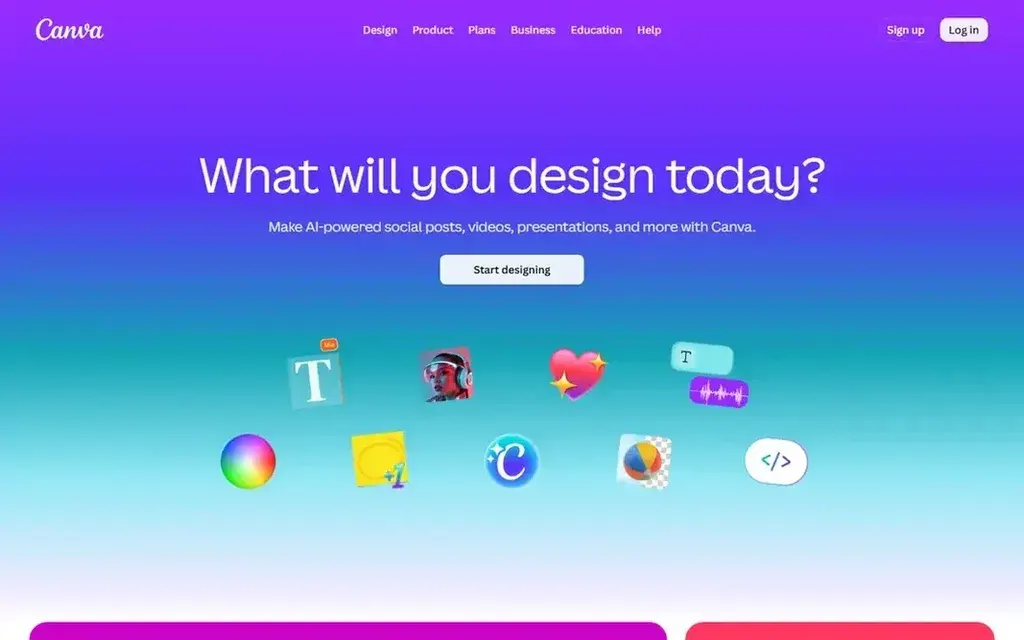
Canva serves quick everyday visual content. Canva trades fine-grained control for speed, so complicated vector illustration and advanced photo work are better handled in Illustrator or Photoshop.
Canva is an online graphic design tool positioned as a visual suite for everyone. Canva does not show a starting price in this comparison, so check the vendor site for current pricing. Trial and free access: Not stated.
Watch-outs: Output can feel template-driven.
- Templates for posts, posters
- Videos and logos
- Less precise control than pro design suites
Pick Affinity Designer if this describes you: precise vector design without subscriptions. Affinity Designer is professional graphic and vector design software aimed at precision, speed and creative freedom.
Its homepage emphasizes crisp vector art and bold graphics. Also, the surrounding ecosystem of plugins, tutorials and industry familiarity is smaller than Adobe's, which can matter for team hiring and file exchange. Affinity Designer does not show a starting price in this comparison, so check the vendor site for current pricing. As for free access: Not stated.
Watch-outs: Less familiar to Adobe-trained teams.
- Aimed at precision and speed
- Takes care of vector art and bold graphics
- Smaller external ecosystem
How these tools were picked
Selection started from tools commonly considered for graphic design software brands, then narrowed to 5 that have clear pricing information or a clear quote process. Seat minimums, billing terms and add-ons can move the real cost, so the starting prices here are a guide and not a quote. Order on the page follows fit for the typical buyer first, then price transparency and free access. Your own requirements should decide the final pick.
Before you commit
- Confirm the entry price on the vendor page. For CorelDRAW, Adobe Illustrator, Canva and Affinity Designer that means a quote rather than a fixed price.
- Run a trial of Sketch with real work before paying for a year; your own workflow is the best test.
- Read the limits listed for Sketch first: Mac-only system.
- Look at which plan of Sketch unlocks the features you need; entry tiers are often cut down.
- Compare total cost, not headline price: for Adobe Illustrator, add extra seats, add-ons and any usage-based charges.
FAQ
Does any tool for graphic design software brands here have a free plan?
A permanent free plan is not offered by Sketch, Affinity Designer or the other tools here. Sketch offer a trial. Plan a short evaluation period instead.
Do these tools publish their prices?
Not all of them. CorelDRAW, Adobe Illustrator, Canva and Affinity Designer publish no starting price, so expect a quote request for those. The rest, Sketch included, show a starting price, though seats and billing terms still change the final cost.
What should UI designers look for in design software?
Interface designers should prioritize prototyping, collaboration and developer handoff, which is where Sketch focuses. Check product support too, since Sketch runs on macOS, whereas cross-platform teams may need browser-based or Windows-compatible choices.
Is Sketch the right pick for everyone comparing graphic design software brands?
No single tool suits every team. Sketch comes first because it fits interface design and developer handoff, while CorelDRAW suits vector, illustration and technical drafting and Adobe Illustrator suits professional vector illustration work. Match the tool to your own size, budget and workflow before deciding.
Can I try these tools before paying?
Often, yes. Sketch offers a free trial. Use your own data and a real task during the test, and check what the free tier or trial limits before you rely on it.
Sources
- https://www.sketch.com
- https://www.coreldraw.com
- https://www.adobe.com/products/illustrator.html
- https://www.canva.com
- https://affinity.serif.com/en-us/designer