5 Best 3D Home Plan Software for 2026, Vetted and Compared
Best 3D home plan software in 2026: 5 contenders with entry costs and free tiers. Planner 5D comes first for simple 2D and 3D concept design. Compare quickly.
- Editor's choice
 Planner 5D
Simple 2D and 3D concept design
Starts at$19.99 per monthVisit planner5d.comFull review - Great alternative
 RoomSketcher
In-depth 2D and 3D floor plans
Starts at$12 per monthVisit roomsketcher.comFull review - Also considerChief Architect Home Designer
DIY home design and remodeling
Starts atSee websiteVisit homedesignersoftware.comFull review
Direct answer
Our first pick is Planner 5D, best for simple 2D and 3D concept design. Listed starting prices: Planner 5D from $19.99 per month and RoomSketcher from $12 per month. RoomSketcher is the stronger choice for in-depth 2D and 3D floor plans, while Chief Architect Home Designer suits DIY home design and remodeling. Details, prices and limits for the rest of the 5 tools are below.
TL;DR:
- Planner 5D sits first on this list: simple 2D and 3D concept design.
- For builders, remodelers, and designers, Cedreo is worth a look.
- Before buying RoomSketcher, weigh this: narrower than full home design suites.
- Starting prices begin at $12 per month with RoomSketcher.
- Planner 5D, RoomSketcher, Cedreo: these are the 3 tools out of 5 that offer a free plan.
Last checked November 2026. Prices and plan details were read from the vendors' own pages in November 2026; vendors change plans often, so confirm the current price on the vendor site before you buy.
Quick comparison
| Tool | Best for | Starts at | Free plan? | |
|---|---|---|---|---|
| Planner 5D | Simple 2D and 3D concept design | $19.99 per month | Yes | Visit |
| RoomSketcher | In-depth 2D and 3D floor plans | $12 per month | Yes | Visit |
| Chief Architect Home Designer | DIY home design and remodeling | See website | Not stated | Visit |
 Chief Architect Premier | Professional residential architecture | See website | Not stated | Visit |
 Cedreo | Builders, remodelers, and designers | See website | Yes | Visit |
The best 3D home plan software
LinkVetted put together this guide to 3D home plan software for readers who want a clear shortlist without reading every vendor page. It compares 5 tools on starting price, free plans, who each one suits and where each one falls short.
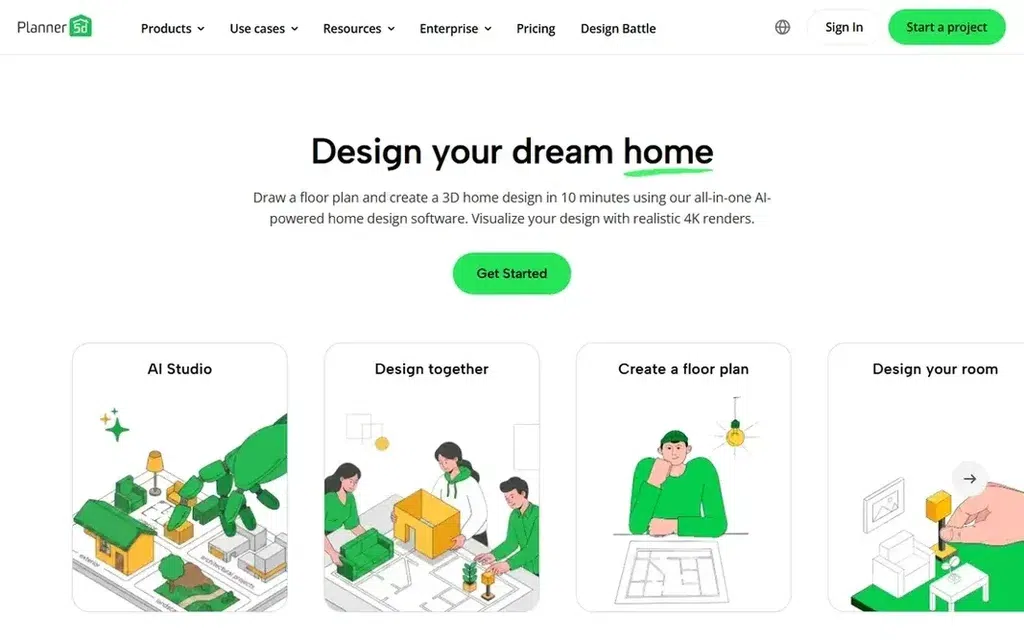
Pick Planner 5D if this describes you: simple 2D and 3D concept design. Planner 5D describes itself as an advanced yet easy-to-use 2D and 3D house design tool. Also, pick Planner 5D when speed and simplicity matter more than exhaustive technical detail in your plans.
Honest limits: Detail work may feel restricted.
You can lay out rooms in 2D and switch to 3D to see the space, which makes it a practical choice for early concepts and visual exploration. For everyday use, because it leans toward simplicity, very detailed construction or documentation work may push you toward more specialized software. The starting price for Planner 5D: $19.99 per month. Planner 5D includes a free tier.
- Approachable for beginners
- Centred on home design visualization
- Less suited to complicated documentation
Where RoomSketcher fits: in-depth 2D and 3D floor plans. If your work extends into heavy exterior modeling or full architectural documentation, a more full suite may serve you better.
Trade-offs to know: Narrower than full home design suites.
More specifically, the emphasis is on producing clean plans rapidly, which fits real estate, remodeling, and interior planning tasks where floor layout is the primary deliverable. RoomSketcher presents itself as a simple way to produce, edit, and visualize in-depth 2D and 3D floor plans. Price to start with RoomSketcher: $12 per month. You can start on RoomSketcher without paying.
- Clear focus on floor plans
- Aimed at quick plan output
- Exterior and structural depth may be restricted
Chief Architect Home Designer
Best for: DIY home design and remodeling
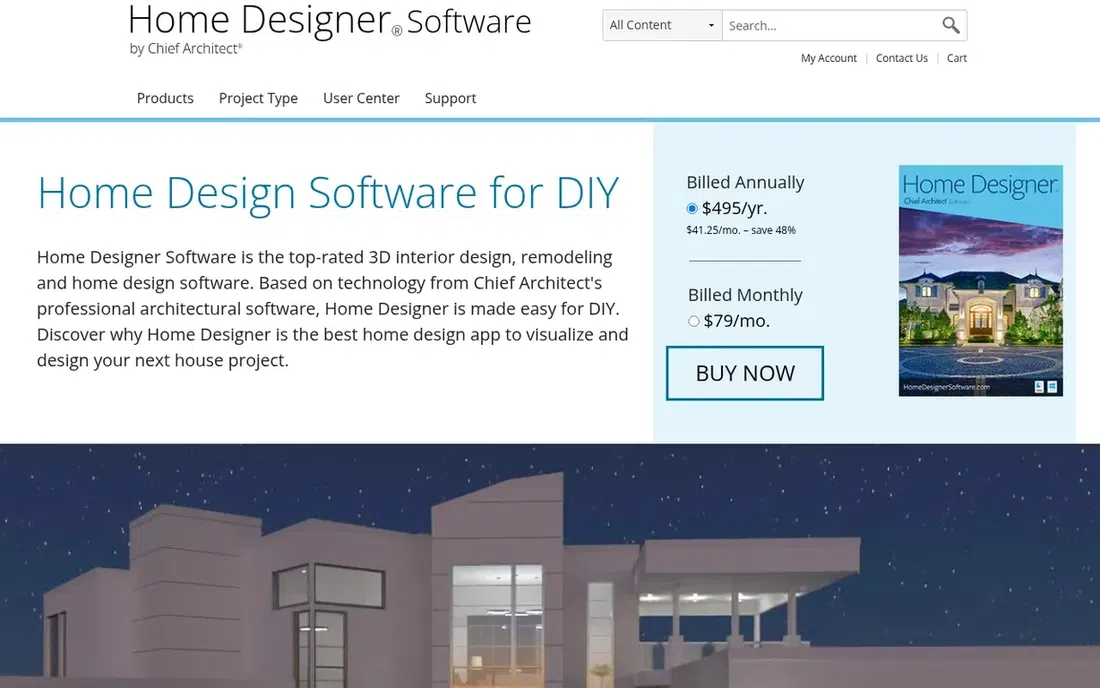
Chief Architect Home Designer is designed for DIY home design and remodeling. Chief Architect Home Designer is DIY home design, interior design, and remodeling software from the makers of Chief Architect. It lets you produce floor plans and then visualize the lead to 3D.
So you can see how rooms and layouts come together before committing. Choose Home Designer when you want plan drawing and 3D views in one consistent system. Worth adding: the tradeoff is depth: a fuller feature set normally means more time spent learning the interface. Check the vendor site for Chief Architect Home Designer pricing; none is listed in this comparison. Free options: Not stated.
Drawbacks to consider: May be more than casual planners need.
- Merges floor plans with 3D visualization
- Built by the creators of Chief Architect
- Deeper features take time to learn
Chief Architect Premier works best for professional residential architecture. Chief Architect Premier is professional home design software for residential work, including interior design and remodeling. It is geared toward users who produce architectural plans as part of their work and need a full toolset instead of a consumer sketchpad.
The main drawbacks: Overkill for straightforward DIY layouts.
That professional depth includes a ramp-up time and more complexity than a casual planner needs. In daily use, choose Premier when residential design is your profession. In daily use, if you are a homeowner testing a single room idea, Home Designer or a lighter tool is likely a better match. No starting price is listed for Chief Architect Premier here; confirm pricing on the vendor site. As for free access: Not stated.
- Full architectural toolset
- Professional home design focus
- Professional complexity
Cedreo serves builders, remodelers, and designers. The professional scope can feel like more than a casual DIY planner needs, and rendering workflows reward practice. Cedreo builds both 2D and 3D floor plans along with realistic interior and exterior renderings, and its homepage positions it for home builders, remodelers, architects, and home designers.
In daily use, choose Cedreo when client-facing plans and renderings are part of the job. If you just want a fast room sketch, a more straightforward tool may be quicker. Cedreo shows no starting price here, so confirm the cost on the vendor site. Cedreo includes a free tier.
The main drawbacks: Rendering workflow takes practice.
- Pitched at building professionals
- Interior and exterior renderings
- Professional focus may overwhelm casual users
How we compared the tools
Things to verify first
- Get a written quote from Chief Architect Home Designer, Chief Architect Premier and Cedreo; the list shows no starting price for them.
- Look at free plan limits closely: Planner 5D, RoomSketcher and Cedreo have one, and the caps decide whether it is usable for real work.
- Read the limits listed for Planner 5D first: less suited to complicated documentation.
- Before rolling out RoomSketcher, verify the integrations your workflow depends on.
- The entry price of Chief Architect Premier is only the starting point; model the full cost with seats and extras.
FAQ
What is the cheapest option for 3D home plan software in this list?
On published monthly entry prices, RoomSketcher is the lowest here at $12 per month. Entry price is only part of the cost, because seats, add-ons and billing terms can change the total. All 5 picks in this 3D home plan software comparison list a starting price, free plan details and the main limits on their cards above.
Is Planner 5D the right pick for everyone comparing 3D home plan software?
No single tool suits every team. Planner 5D comes first because it fits easy 2D and 3D concept design, while RoomSketcher suits detailed 2D and 3D floor plans and Chief Architect Home Designer suits DIY home design and remodeling. Match the tool to your own size, budget and workflow before deciding.
How are the tools for 3D home plan software ordered?
Planner 5D sits first and Cedreo last because the order follows typical fit for 3D home plan software, then price clarity and free access. It is a judgement call, so read each profile for fit and limits.
What is the difference between Home Designer and Chief Architect Premier?
Home Designer is positioned for DIY home design, interior design, and remodeling, whereas Premier is professional residential design software. Choose based on whether you are planning your own project or producing plans professionally.
Can I try these options before paying?
Often, yes. Planner 5D, RoomSketcher and Cedreo have a free plan. Use your own data and a real task during the test, and check what the free tier or trial limits before you rely on it.
Which tool is best for interior furnishing ideas?
This list starts with Planner 5D, which fits simple 2D and 3D concept design. For other needs, RoomSketcher is aimed at in-depth 2D and 3D floor plans, and Chief Architect Home Designer at DIY home design and remodeling. Check each tool's price and main limit first.
Sources
- https://planner5d.com
- https://www.roomsketcher.com
- https://www.homedesignersoftware.com
- https://www.chiefarchitect.com
- https://cedreo.com