Best 3D Printing Software for Beginners for 2026: Our 6 Vetted Picks
Weighing the best 3D printing software for beginners? We lined up 6 products by cost, free access and fit. Verdicts stay brief and factual. Plain facts.
- Editor's choiceOrcaSlicer
Open-source slicing with calibration tools
Starts atPricing on requestVisit orcaslicer.comFull review - Great alternative
 UltiMaker Cura
Straightforward, guided slicing for new users
Starts atPricing on requestVisit ultimaker.comFull review - Also consider
 Fusion 360
Parametric design and manufacturing basics
Starts atPricing on requestVisit autodesk.comFull review
Direct answer
OrcaSlicer comes first here, mainly for open-source slicing with calibration tools. UltiMaker Cura is better for straightforward, guided slicing for new users, and Fusion 360 is better for Parametric design and manufacturing basics. The other 3 tools in the list cover narrower or pricier cases. None of these vendors publish plan prices, so pricing is on request for every option.
TL;DR:
- OrcaSlicer sits first on this list: open-source slicing with calibration tools.
- One limit worth knowing about OrcaSlicer: more settings than a beginner needs at first.
- Neither OrcaSlicer nor Meshmixer, nor any of the other 4 tools, has a permanent free plan; trials and quotes are the norm.
- Meshmixer is the one to check for repairing and editing mesh files.
- Every tool from OrcaSlicer to Meshmixer works by quote, with no list price shown.
Last checked November 2026. Pricing on request: vendors did not publish plan prices when this guide was last checked (November 2026), so ask each vendor for a written quote.
Quick comparison
| Tool | Best for | Starts at | Free plan? | |
|---|---|---|---|---|
| OrcaSlicer | Open-source slicing with calibration tools | Pricing on request | Not stated | Visit |
| UltiMaker Cura | Straightforward, guided slicing for new users | Pricing on request | Not stated | Visit |
| Fusion 360 | Parametric design and manufacturing basics | Pricing on request | Not stated | Visit |
 FreeCAD | Free parametric modeling practice | Pricing on request | Not stated | Visit |
 Simplify3D | In-depth control over print settings | Pricing on request | Not stated | Visit |
 Meshmixer | Repairing and editing mesh files | Pricing on request | Not stated | Visit |
Our 6 3D printing software for beginners
LinkVetted put together this guide to 3D printing software for beginners for readers who want a clear shortlist without reading every vendor page. It compares 6 tools on starting price, free plans, who each one suits and where each one falls short.
OrcaSlicer
Best for: Open-source slicing with calibration tools
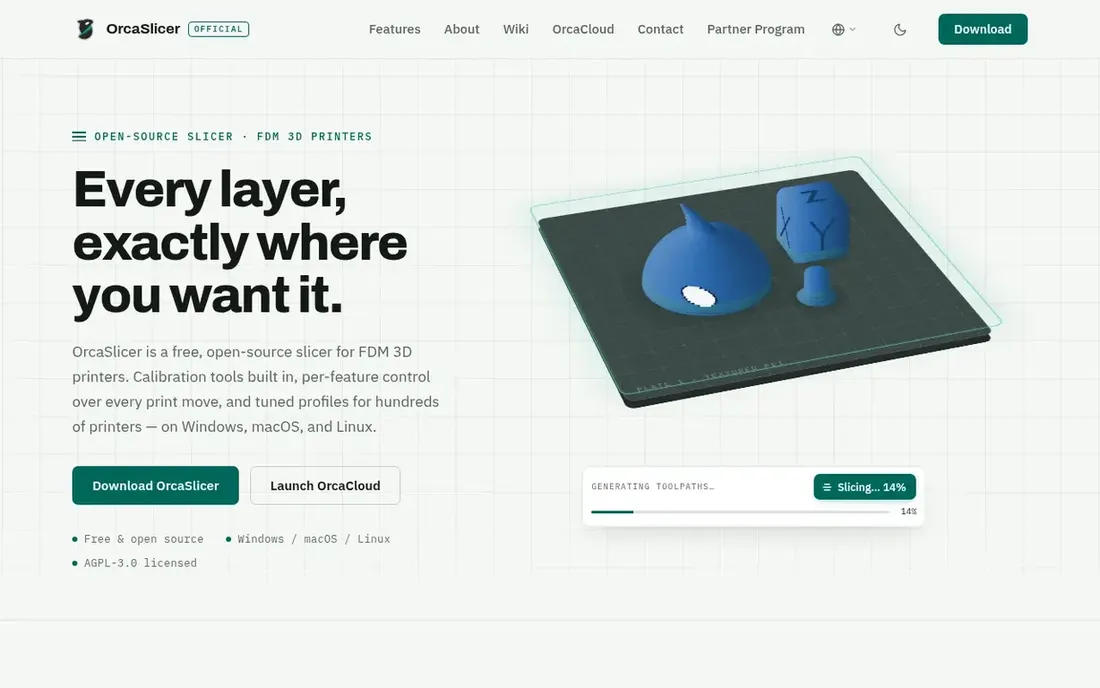
Choose OrcaSlicer for open-source slicing with calibration tools. Beginners who are curious about tuning print quality will find useful calibration routines, whereas the core slicing workflow remains usable for everyday prints. Also, the depth of choices can slow down newcomers, and some calibration steps involve trial and error.
Choose OrcaSlicer when you are ready to learn how settings affect results. For everyday use, if you want the shortest path from model to print, a more straightforward slicer may be less frustrating. OrcaSlicer shows no starting price here, so confirm the cost on the vendor site. Trial and free access: Not stated.
Where it is weaker: Needs some trial and error to tune.
- Smart support generation
- Free and open-source slicer
- More settings than a beginner needs at first
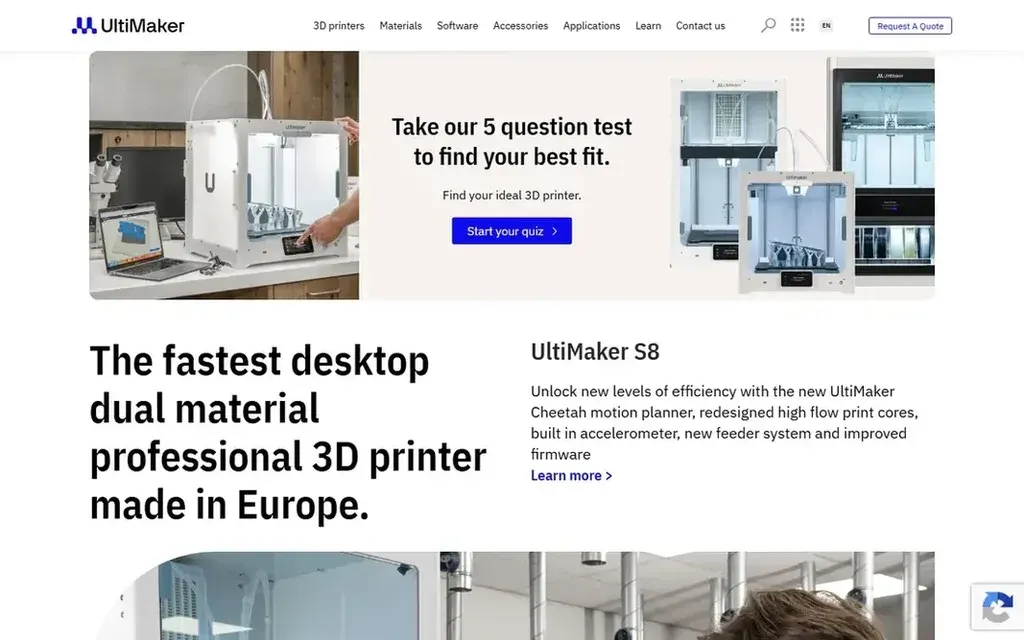
UltiMaker Cura is built with straightforward, guided slicing for new users in mind. The large set of adjustable settings can be intimidating, and beginners may have to ignore numerous choices at first. Pick it when slicing simplicity matters more than custom calibration control.
Its interface is approachable for beginners who want to load a model, choose entry-level settings and start a print without deep configuration. It does well as a first slicer before exploring more advanced choices. UltiMaker Cura does not show a starting price in this comparison, so check the vendor site for current pricing. On free options: Not stated.
Points against: Advanced settings can overwhelm beginners.
- Quick
- Free slicing software for 3D printing
- Less concentrated on CAD modeling
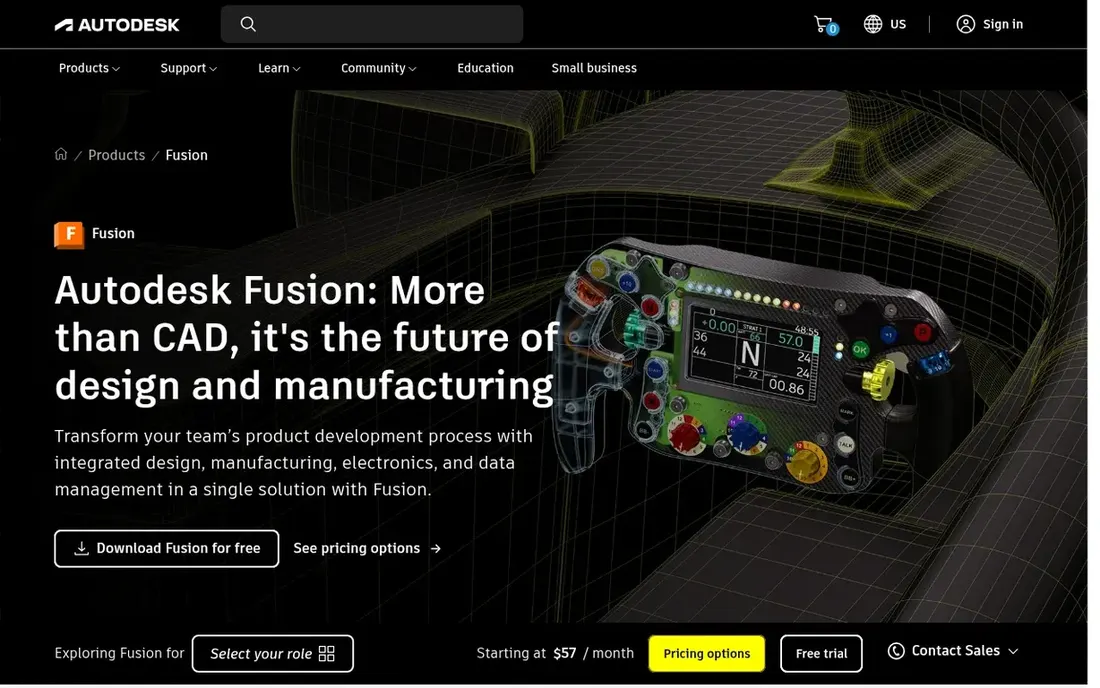
Fusion 360 makes the most sense for Parametric design and manufacturing basics. Fusion 360, now branded Autodesk Fusion, is a cloud-based product handling 3D CAD, modeling, manufacturing, industrial design, electronics and mechanical engineering.
Watch-outs: Needs account setup and learning time.
On top of that, beginners who want to design their own parts instead of only slice downloaded models will find a complete environment for sketching, modeling and preparing files. The breadth of features means a steeper ramp-up time than a dedicated slicer, and new users may need tutorials before producing a first model. Check the vendor site for Fusion 360 pricing; none is listed in this comparison. As for free access: Not stated.
- Wide modeling and industrial design tools
- Cloud-based access across devices
- Feature set can feel heavy for straightforward prints
FreeCAD serves free parametric modeling practice. FreeCAD is an open-source parametric 3D modeler that lets users build designs from sketches and parameters.
FreeCAD does not slice models, so you will need separate printing software. Pick it when design education is the goal and you are comfortable with open-source documentation. FreeCAD does not show a starting price in this comparison, so check the vendor site for current pricing. Free options: Not stated.
The main drawbacks: Interface and workflow take time to learn.
- No cost to use
- A decent match for learning design fundamentals
- Not a slicing tool
Simplify3D is aimed squarely at detailed control over print settings. Simplify3D is a slicing application known for giving users deep control over print settings and printer profiles. More specifically, new users may find the number of settings overwhelming before they have printed a handful of models.
Where it is weaker: Less beginner-friendly than entry-level slicers.
Worth adding: the ramp-up time is steeper than with straightforward slicers, and the software is commercial instead of free. Choose Simplify3D when manual control matters more than a guided first experience. Simplify3D does not show a starting price in this comparison, so check the vendor site for current pricing. Free plan details: Not stated.
- Deep control over slicing parameters
- Handy for users who want manual tuning
- Needs premium license
In short, Meshmixer is for repairing and editing mesh files. Meshmixer is an Autodesk tool for working with triangle meshes, frequently used to repair, combine or sculpt models before printing.
From a buyer's view, beginners who download files that require cleanup will find it handy for fixing issues that would otherwise cause print problems. Choose Meshmixer when repair and mesh editing are the specific tasks you face. No starting price is listed for Meshmixer here; confirm pricing on the vendor site. Free options: Not stated.
The main drawbacks: Not a full parametric CAD tool.
- Handy for preparing files before slicing
- Handy for fixing problematic meshes
- Interface can feel dated to new users
How we built this list
The comparison looks at four things: starting price, free access, how well the feature set matches 3D printing software for beginners, and the main limit of each tool. Prices and plan limits come from vendor pages and can change, so confirm them on the vendor site before you buy. The sequence is a judgement call: typical use case first, then pricing transparency, then free access. Use the profiles to check fit.
Questions to settle before buying
- Ask each vendor, from OrcaSlicer to Meshmixer, for a written quote; none of them publishes a starting price.
- Before choosing OrcaSlicer, weigh its main limit: more settings than a beginner needs at first.
- Find out what support FreeCAD includes on your plan, and whether onboarding help costs extra.
- Get the contract term, renewal terms and any onboarding fees from Simplify3D in writing.
- Test the integrations you rely on with Meshmixer before committing; some connectors sit on upper tiers.
FAQ
How are the tools for 3D printing software for beginners ordered?
OrcaSlicer sits first and Meshmixer last because the order follows typical fit for 3D printing software for beginners, then price clarity and free access. It is a judgement call, so read each profile for fit and limits.
Do these tools publish their prices?
No. None of the tools, from OrcaSlicer to Meshmixer, shows a fixed starting price here, so budget time for quotes.
Can I use free software for 3D printing?
Yes. Cura, OrcaSlicer and FreeCAD are free choices, and Fusion 360 provides a free download alongside its subscription offering. For everyday use, free tools include slicing and modeling well for beginners.
Can I try these tools before paying?
Not by default. None of the tools, from OrcaSlicer to Meshmixer, lists a free plan or a free trial here, so ask each vendor for a demo before committing.
Does any tool for 3D printing software for beginners here have a free plan?
No tool in this list, OrcaSlicer and Meshmixer included, has a permanent free plan. Trials and quotes are the usual route, so plan a short evaluation period.
Sources
- https://www.orcaslicer.com
- https://ultimaker.com/software/ultimaker-cura
- https://www.autodesk.com/products/fusion-360
- https://www.freecad.org
- https://www.simplify3d.com
- https://www.meshmixer.com