Best 3D Printing Software for FlashForge for 2026: Our 6 Vetted Picks
Compare 6 picks for the best 3D printing software for FlashForge, with prices, free plans and who each fits. The catches are listed up front. Updated for 2026.
- Editor's choiceSlic3r
Open-source slicing experimentation
Starts atPricing on requestVisit slic3r.orgFull review - Great alternative
 Meshmixer
Repairing and editing meshes
Starts atPricing on requestVisit meshmixer.comFull review - Also consider
 Blender
Artistic and organic modeling
Starts atPricing on requestVisit blender.orgFull review
Direct answer
For open-source slicing experimentation, Slic3r is where this list starts. If your case is different, Meshmixer suits repairing and editing meshes and Blender suits artistic and organic modeling. The remaining 3 options are covered below with prices and limits. None of these vendors publish plan prices, so pricing is on request for every option.
TL;DR:
- Slic3r takes the first slot, best suited to open-source slicing experimentation.
- Slic3r, Orca Slicer and the 4 others all sell by quote; expect sales conversations before you see a price.
- The main caution on Blender: not designed for slicing.
- Orca Slicer suits calibration and everyday slicing.
- A permanent free plan is missing from all 6 tools, Slic3r and Orca Slicer included; plan for a trial or a premium start.
Last checked November 2026. Pricing on request: vendors did not publish plan prices when this guide was last checked (November 2026), so ask each vendor for a written quote.
Quick comparison
| Tool | Best for | Starts at | Free plan? | |
|---|---|---|---|---|
| Slic3r | Open-source slicing experimentation | Pricing on request | Not stated | Visit |
| Meshmixer | Repairing and editing meshes | Pricing on request | Not stated | Visit |
| Blender | Artistic and organic modeling | Pricing on request | Not stated | Visit |
 Autodesk Fusion | Designing parts before printing | Pricing on request | Not stated | Visit |
 Simplify3D | In-depth manual print control | Pricing on request | Not stated | Visit |
| Orca Slicer | Calibration and everyday slicing | Pricing on request | Not stated | Visit |
The 6 tools in detail
Choosing 3D printing software for FlashForge usually comes down to price, fit and limits. This LinkVetted guide sets 6 tools side by side on those three points, with the facts kept short and checkable.
Slic3r
Best for: Open-source slicing experimentation
Slic3r is designed for open-source slicing experimentation. Slic3r is an open-source 3D printing toolbox that helped shape plenty of later slicers. It appeals to tinkerers who want a customizable, light program and are comfortable with manual setup.
Where Slic3r stands out: Open-source heritage.
Beyond that, Slic3r feels dated next to newer slicers, with fewer conveniences and less active development. On top of that, FlashForge users curious about the roots of modern slicing software may enjoy experimenting with it. Most users will get smoother results from a modern open-source slicer. No starting price is listed for Slic3r here; confirm pricing on the vendor site. Free access: Not stated.
Honest limits: Fewer modern conveniences.
- Customizable settings
- Light footprint
- Dated interface
Meshmixer works best for repairing and editing meshes. Meshmixer is an Autodesk tool for working with triangle meshes, handy for repairing, combining and smoothing models before printing.
Drawbacks to consider: Not a slicer.
For everyday use, Meshmixer does not slice files, and its development has slowed compared to newer tools. Check the vendor site for Meshmixer pricing; none is listed in this comparison. Free options: Not stated.
- Handy for fixing downloads
- Sculpting and mixing features
- Development has slowed
Where Blender fits: artistic and organic modeling. FlashForge users who make organic or artistic models can design in Blender and then export to a slicer.
For everyday use, Blender is not a slicer and does not prepare print files, so you still need slicing software. Check the vendor site for Blender pricing; none is listed in this comparison. Free options: Not stated.
Where it falls short: Not aimed at slicing.
- Capable free modeling suite
- Strong sculpting tools
- Complicated interface
In short, Autodesk Fusion is for designing parts before printing. Hobbyists and small workshops that require precise, editable models commonly pair it with a separate slicer for the final print setup.
Drawbacks to consider: Ramp-up time for CAD.
On top of that, Autodesk Fusion is a 3D design and engineering product instead of a dedicated slicer. In practice, for pure slicing, a dedicated slicer is more straightforward and quicker. Pricing for Autodesk Fusion is not stated here, so ask the vendor for current figures. As for free access: Not stated.
- Broad documentation
- Parametric CAD modeling
- Heavy for straightforward slicing tasks
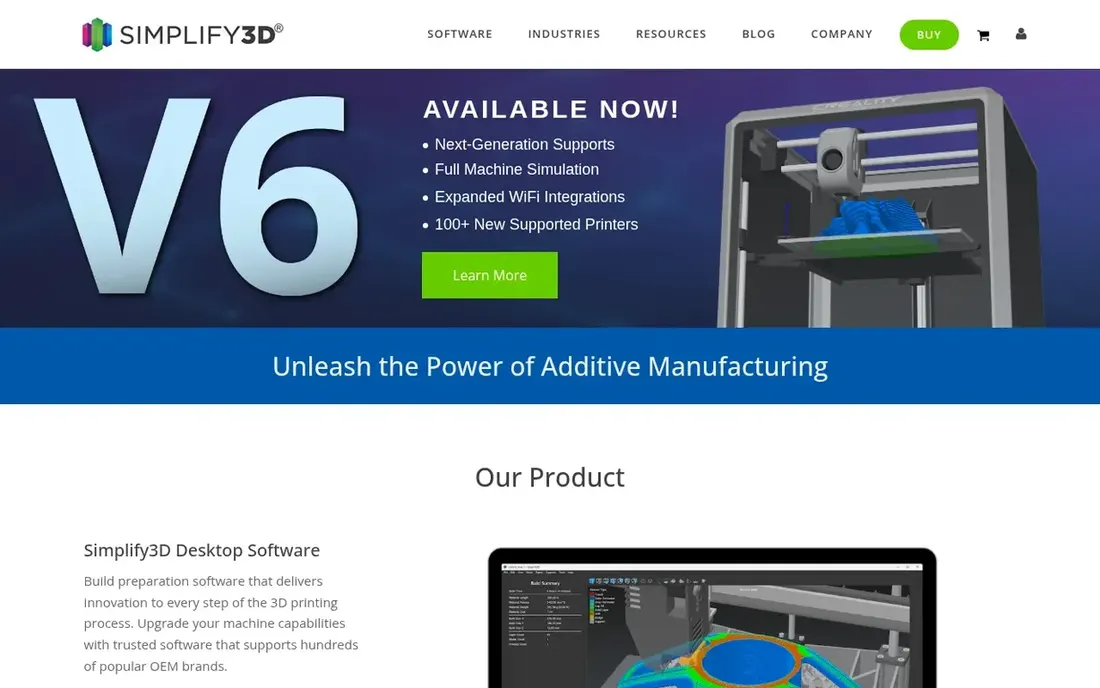
Pick Simplify3D if this describes you: in-depth manual print control. If you want a free, actively developed slicer, an open-source choice is the better fit.
Simplify3D is a long-established slicing program known for giving users in-depth control over print settings. Its interface and workflow feel less modern than newer slicers, and beginners may find the ramp-up time steep. Pricing for Simplify3D is not stated here, so ask the vendor for current figures. Free options: Not stated.
Drawbacks to consider: Interface feels dated.
- Granular setting control
- Long-standing slicer
- Less beginner-friendly
Orca Slicer
Best for: Calibration and everyday slicing
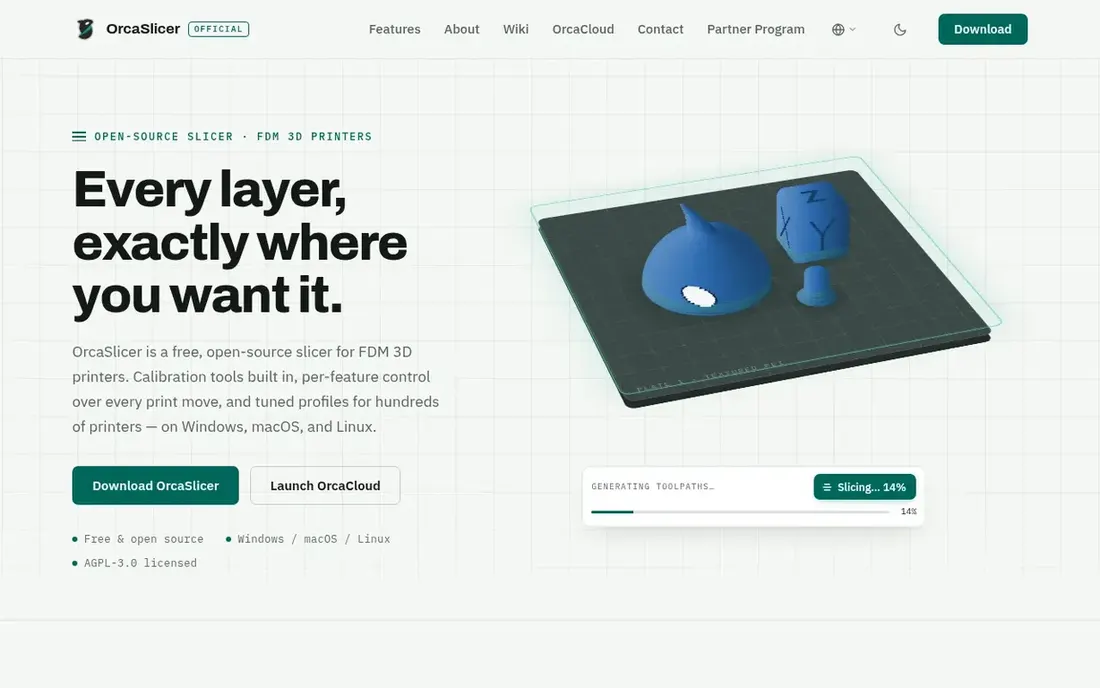
Pick Orca Slicer if this describes you: calibration and everyday slicing. Its official site flags advanced calibration, smart supports and a wide feature set.
Trade-offs to know: Needs some profile setup.
Beyond that, if you prefer a more straightforward, guided workflow, a more beginner-oriented slicer is the easier choice. Pricing for Orca Slicer is not stated here, so ask the vendor for current figures. On free options: Not stated.
- Advanced calibration tools
- Free and open source
- Numerous settings can overwhelm beginners
How we built this list
LinkVetted looked at what each vendor publishes: pricing, plan limits, feature coverage for 3D printing software for FlashForge and stated drawbacks. No hands-on testing is claimed. Plan names, prices and limits change often. Treat the figures here as a starting point and verify them with the vendor. Order on the page follows fit for the typical buyer first, then price transparency and free access. Your own requirements should decide the final pick.
Things to verify first
- Request quotes from Slic3r, Orca Slicer and the others; the list shows no fixed prices.
- Read the limits listed for Slic3r first: dated interface.
- Test how quickly Autodesk Fusion answers a pre-sales question; it hints at how support will feel later.
- Price Blender for your actual team size; headline prices rarely include add-ons or overage.
- Check the integration list for Orca Slicer against the tools you run today, and note which ones need a higher plan.
FAQ
Does any tool for 3D printing software for FlashForge here have a free plan?
No tool in this list, Slic3r and Orca Slicer included, has a permanent free plan. Trials and quotes are the usual route, so plan a short evaluation period.
Is Slic3r the right pick for everyone comparing 3D printing software for FlashForge?
No single tool suits every team. Slic3r comes first because it fits open-source slicing experimentation, while Meshmixer suits repairing and editing meshes and Blender suits artistic and organic modeling. Match the tool to your own size, budget and workflow before deciding.
Which program is a good match for fixing problematic models?
The first pick on this list is Slic3r, because it suits open-source slicing experimentation. Meshmixer is better for repairing and editing meshes, and Blender for artistic and organic modeling. Check price and limits against your own needs before choosing.
Do these tools publish their prices?
No. None of the tools, from Slic3r to Orca Slicer, shows a fixed starting price here, so budget time for quotes.
How are the tools for 3D printing software for FlashForge ordered?
The order follows typical fit for 3D printing software for FlashForge, with Slic3r first and Orca Slicer last, then price clarity and free access. It is editorial judgement, not a score, so another team could rank the tools differently.
Sources
- https://slic3r.org
- https://meshmixer.com
- https://www.blender.org
- https://www.autodesk.com
- https://www.simplify3d.com
- https://www.orcaslicer.com