Best Animation Software for Remote Teams for 2026: Our 5 Vetted Picks
Compare 5 best animation software for remote teams, with prices, free plans and who each fits. Every entry states what it lacks. Last reviewed November 2026.
- Editor's choice
 Toon Boom Harmony
End-to-end 2D series production
Starts atPricing on requestVisit toonboom.comFull review - Great alternative
 Moho
Efficient 2D character animation
Starts atPricing on requestVisit moho.lostmarble.comFull review - Also consider
 Adobe After Effects
Motion graphics and compositing
Starts atPricing on requestVisit adobe.comFull review
Direct answer
This list puts Toon Boom Harmony first for end-to-end 2D series production. Moho is better for efficient 2D character animation, and Adobe After Effects is better for motion graphics and compositing. The remaining 2 options are covered below with pricing notes and limits. None of these vendors publish plan prices, so pricing is on request for every option.
TL;DR:
- This list starts with Toon Boom Harmony, which is built for end-to-end 2D series production.
- Toon Boom Harmony, Autodesk Maya and the 3 others all sell by quote; expect sales conversations before you see a price.
- Check the limits for Toon Boom Harmony before you commit: specialized for 2D only.
- Toon Boom Harmony, Autodesk Maya and the 3 others all need a premium plan or a trial, since no free plan is listed.
Last checked November 2026. Pricing on request: vendors did not publish plan prices when this guide was last checked (November 2026), so ask each vendor for a written quote.
Quick comparison
| Tool | Best for | Starts at | Free plan? | |
|---|---|---|---|---|
| Toon Boom Harmony | End-to-end 2D series production | Pricing on request | Not stated | Visit |
| Moho | Efficient 2D character animation | Pricing on request | Not stated | Visit |
| Adobe After Effects | Motion graphics and compositing | Pricing on request | Not stated | Visit |
 Adobe Animate | Web, GIF and cartoon animation | Pricing on request | Not stated | Visit |
 Autodesk Maya | 3D character animation and VFX | Pricing on request | Not stated | Visit |
Tool-by-tool breakdown
This LinkVetted guide covers 5 animation software for remote teams. Each profile lists a starting price, free plan details, strengths and drawbacks, so you can drop poor fits quickly.
Toon Boom Harmony makes the most sense for end-to-end 2D series production. Toon Boom Harmony lets animators produce art in every style with one end-to-end 2D animation software. Worth adding: pick it when the deliverable is drawn animation at production scale, and look elsewhere for motion graphics or 3D work.
Remote 2D studios use it for episodic and commercial work where drawing, rigging and scene assembly happen in one pipeline, which simplifies handoffs between artists working from different locations and keeps style consistent across a series. Harmony centres on 2D, so 3D or live-action compositing needs other tools. Its depth also means new team members need ramp-up time. Toon Boom Harmony does not show a starting price in this comparison, so check the vendor site for current pricing. As for free access: Not stated.
Where it falls short: Specialized for 2D only.
- Supports numerous art styles
- Complete 2D animation pipeline
- Deep feature set takes time to learn
Moho is designed for efficient 2D character animation. Moho is positioned as a complete animation program for creating 2D movies, films and commercials, targeted at hobbyists and professional animators seeking a more efficient alternative. Choose it for efficient 2D production and pair it with other software for broader pipeline needs.
Points against: Less suited to 3D or VFX.
Distributed teams with tight schedules may find its focused 2D toolset handy for character-driven scenes, notably when artists want a lighter workflow than a full studio pipeline. Its ecosystem is also smaller than the major suites, which can matter for hiring and training. This comparison lists no price for Moho; ask the vendor. Free access: Not stated.
- Takes care of films and commercials
- Fits hobbyists and professionals
- Smaller ecosystem than major suites
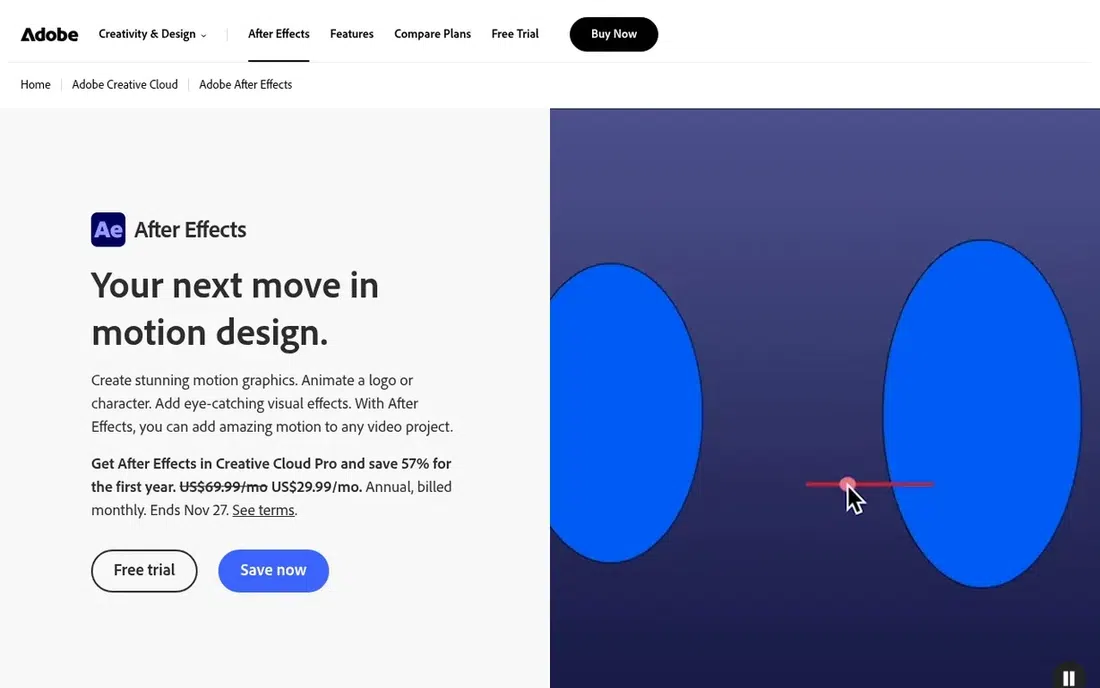
In short, Adobe After Effects is for motion graphics and compositing. Adobe After Effects is motion graphics software for taking an idea and making it move, with design output for film, TV, video and web. Worth adding: pick a 3D tool instead when the core deliverable is modeled characters or effects-driven sequences instead of graphics and compositing.
Points against: Compositing focus, not full 3D.
Remote teams commonly choose it since motion graphics and compositing tasks are typical across advertising, explainer and title work, so freelancers and in-house artists can share a familiar working vocabulary and hand off layered projects. It is not a full 3D animation package, so character rigging and simulation-heavy work normally sit elsewhere. Adobe After Effects shows no starting price here, so confirm the cost on the vendor site. Free access: Not stated.
- Video and web
- Suits mixed remote post teams
- Heavy projects need solid hardware
Adobe Animate targets web, GIF and cartoon animation. Teams needing frame-by-frame series work may prefer a dedicated 2D pipeline. Remote teams producing short-form web content, social clips or interactive cartoons can use it for fast, vector-based animation that is simple to revise and share across a distributed group.
The main drawbacks: Not aimed at 3D production.
Also, Adobe Animate is 2D animation software for creating Flash animation films, GIFs and cartoons, with tools for puppet design and tweening. On top of that, Animate is not a 3D or effects package, and its output style fits certain formats better than cinematic production. No starting price is listed for Adobe Animate here; confirm pricing on the vendor site. Free plan details: Not stated.
- Puppet design and tweening tools
- Familiar Adobe environment
- Dated reputation for some workflows
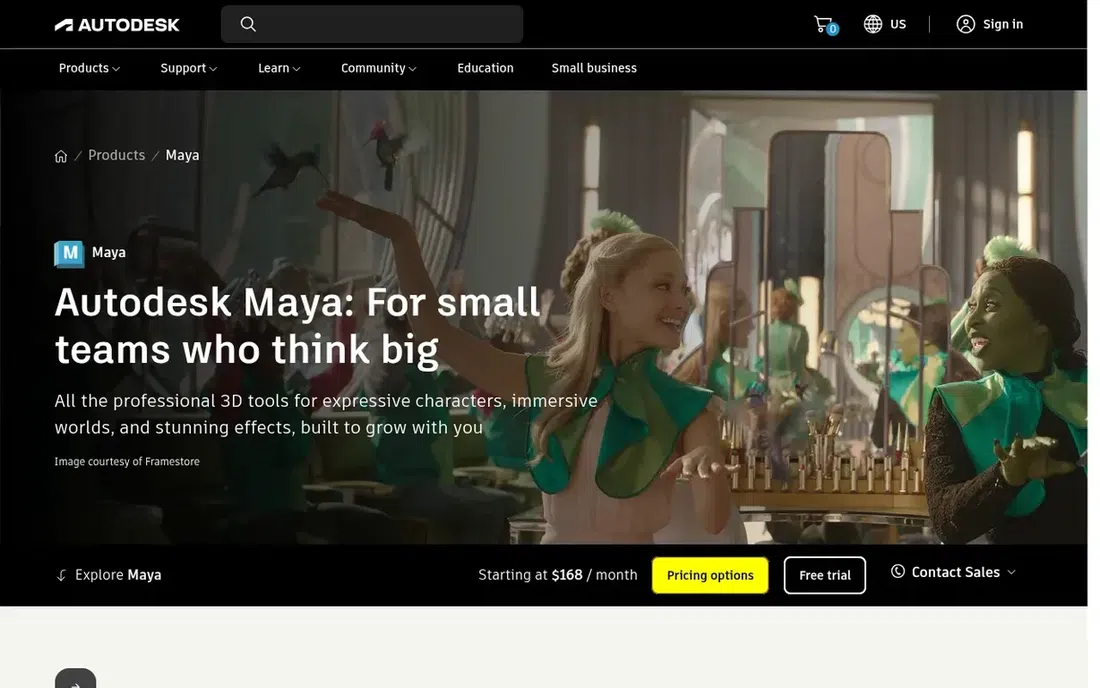
Autodesk Maya is a good fit for 3D character animation and VFX. Consider a 2D-focused tool when the work is illustration-led, and reserve Maya for genuine 3D character and effects pipelines.
Check the vendor site for Autodesk Maya pricing; none is listed in this comparison. Trial and free access: Not stated.
Trade-offs to know: Steep ramp-up time for newcomers.
- Professional 3D animation and VFX
- Aimed at complicated characters and worlds
- Heavy for simple 2D-style work
Our selection method
We compared the tools on published pricing, free plan or trial availability, feature coverage for animation software for remote teams, and the limits each vendor documents. Where a vendor does not publish a price, the entry says quote. Where a price depends on seats or billing term, the entry says so. The order reflects how well each tool fits the most common buying scenario for animation software for remote teams, then price clarity, then free plan access. It is a starting point, not a verdict.
What to check before you buy
- Request quotes from Toon Boom Harmony, Autodesk Maya and the others; the list shows no fixed prices.
- Read the limits listed for Toon Boom Harmony first: specialized for 2D only.
- Check the support hours and onboarding help Toon Boom Harmony offers; smaller vendors vary a lot here.
- Confirm you can export your data from Adobe After Effects, so leaving later does not mean losing records.
- Work out what Moho costs with your real seat count, add-ons and usage, not just the entry price.
FAQ
Is Toon Boom Harmony the right pick for everyone comparing animation software for remote teams?
No single tool suits every team. Toon Boom Harmony comes first because it fits end-to-end 2D series production, while Moho suits efficient 2D character animation and Adobe After Effects suits motion graphics and compositing. Match the tool to your own size, budget and workflow before deciding.
Can I try these tools before paying?
Not by default. None of the tools, from Toon Boom Harmony to Autodesk Maya, lists a free plan or a free trial here, so ask each vendor for a demo before committing.
How can distributed teams keep animation projects consistent?
Standardize on one primary pipeline and document handoff conventions so files move predictably between artists. Regular review checkpoints also help catch style drift early.
Do these tools publish their prices?
No. None of the tools, from Toon Boom Harmony to Autodesk Maya, shows a fixed starting price here, so budget time for quotes.
How are the tools for animation software for remote teams ordered?
Toon Boom Harmony sits first and Autodesk Maya last because the order follows typical fit for animation software for remote teams, then price clarity and free access. It is a judgement call, so read each profile for fit and limits.
Sources
- https://www.toonboom.com/products/harmony
- https://moho.lostmarble.com
- https://www.adobe.com/products/aftereffects.html
- https://www.adobe.com/products/animate.html
- https://www.autodesk.com/products/maya/overview