The 5 Best Software for Architecture Design in 2026, Ranked
5 tools for the best software for architecture design, compared on pricing, free plans and best-fit use. Every profile names its biggest catch. Start here.
- Editor's choice
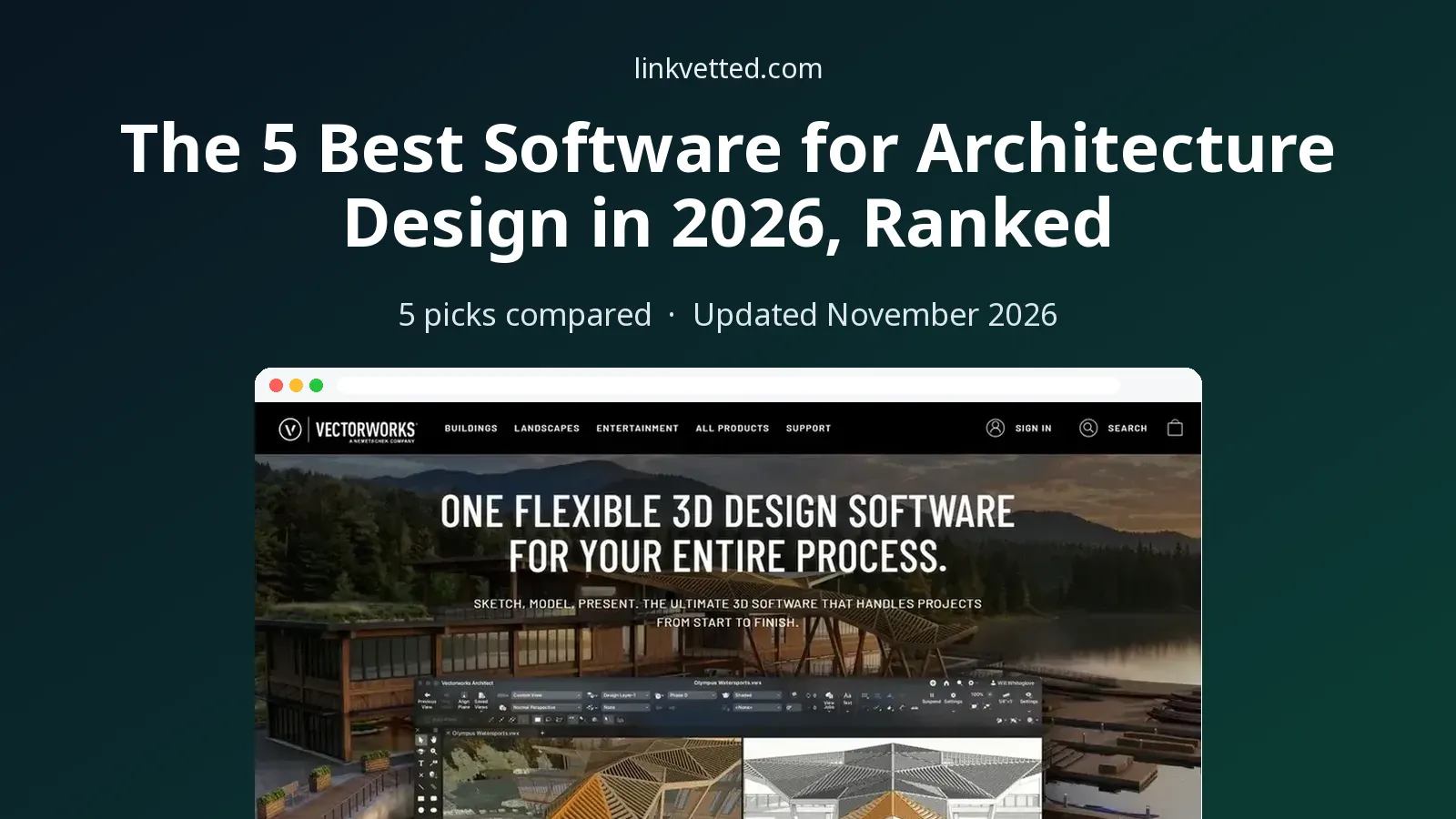
 Vectorworks Architect
Concept-to-construction design adaptability
Starts atSee websiteVisit vectorworks.netFull review - Great alternative
 Enscape
Live rendering and VR
Starts atSee websiteVisit enscape3d.comFull review - Also consider
 BricsCAD
Native DWG drafting and modeling
Starts at€330 a yearVisit bricsys.comFull review
Direct answer
Vectorworks Architect leads the list, best for concept-to-construction design adaptability. Listed starting prices: BricsCAD from €330 a year. Enscape is the stronger choice for live rendering and VR, while BricsCAD suits native DWG drafting and modeling. The other 2 tools in the list cover narrower or pricier cases.
TL;DR:
- Number one here is Vectorworks Architect, a fit for concept-to-construction design adaptability.
- One limit worth knowing about Enscape: not a design authoring tool.
- Allplan is the one to check for structural, civil and precast engineering.
- A permanent free plan is missing from all 5 tools, Vectorworks Architect and Allplan included; plan for a trial or a premium start.
Last checked November 2026. Prices and plan details were read from the vendors' own pages in November 2026; vendors change plans often, so confirm the current price on the vendor site before you buy.
Quick comparison
| Tool | Best for | Starts at | Free plan? | |
|---|---|---|---|---|
| Vectorworks Architect | Concept-to-construction design adaptability | See website | Not stated | Visit |
| Enscape | Live rendering and VR | See website | Not stated | Visit |
| BricsCAD | Native DWG drafting and modeling | €330 a year | Free trial | Visit |
 Autodesk Revit | Coordinated BIM design and documentation | See website | Not stated | Visit |
 Allplan | Structural, civil and precast engineering | See website | Not stated | Visit |
Tool-by-tool breakdown
LinkVetted put together this guide to software for architecture design for readers who want a clear shortlist without reading every vendor page. It compares 5 tools on starting price, free plans, who each one suits and where each one falls short.
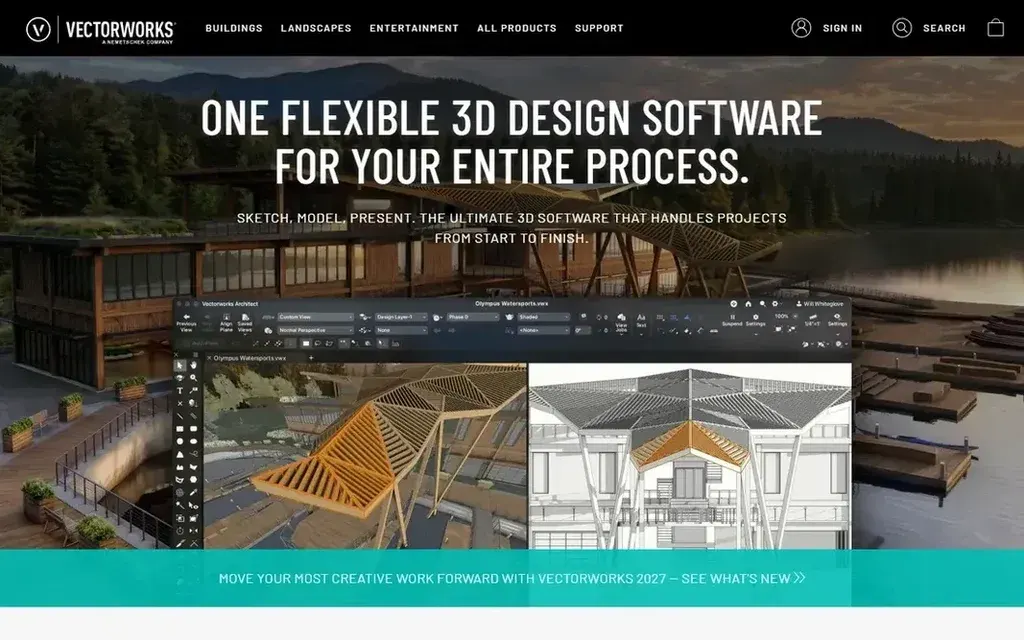
Vectorworks Architect targets concept-to-construction design adaptability. Vectorworks Architect is BIM software with the adaptability to support architecture projects from concept to construction.
Trade-offs to know: Broad toolset takes time.
The breadth of the toolset can take time to master, and teams should plan templates and standards early. No starting price is listed for Vectorworks Architect here; confirm pricing on the vendor site. Free options: Not stated.
- Adaptable BIM environment
- Carries through construction
- Workflow setup required
Enscape makes the most sense for live rendering and VR. It suits architects who want to visualize models quickly and review designs immersively, complementing BIM and CAD tools instead of replacing them, and it supports client presentations and design iteration with one-click rendering.
Trade-offs to know: Not a design authoring tool.
Pricing for Enscape is not stated here, so ask the vendor for current figures. On free options: Not stated.
- One-click rendering
- Works with major design tools
- Relies on host model quality
BricsCAD works best for native DWG drafting and modeling. BricsCAD from Bricsys is a single native-DWG system with product levels spanning 2D drafting, 3D modeling, BIM and mechanical design.
It can serve as a practical bridge for practices moving from drafting toward model-based work. Entry price for BricsCAD: €330 per year. As for free access: Free trial.
Limits to weigh: Add-on planning needed.
Where it shines: Several product levels.
- 2D
- Native DWG product
- BIM depth varies by level
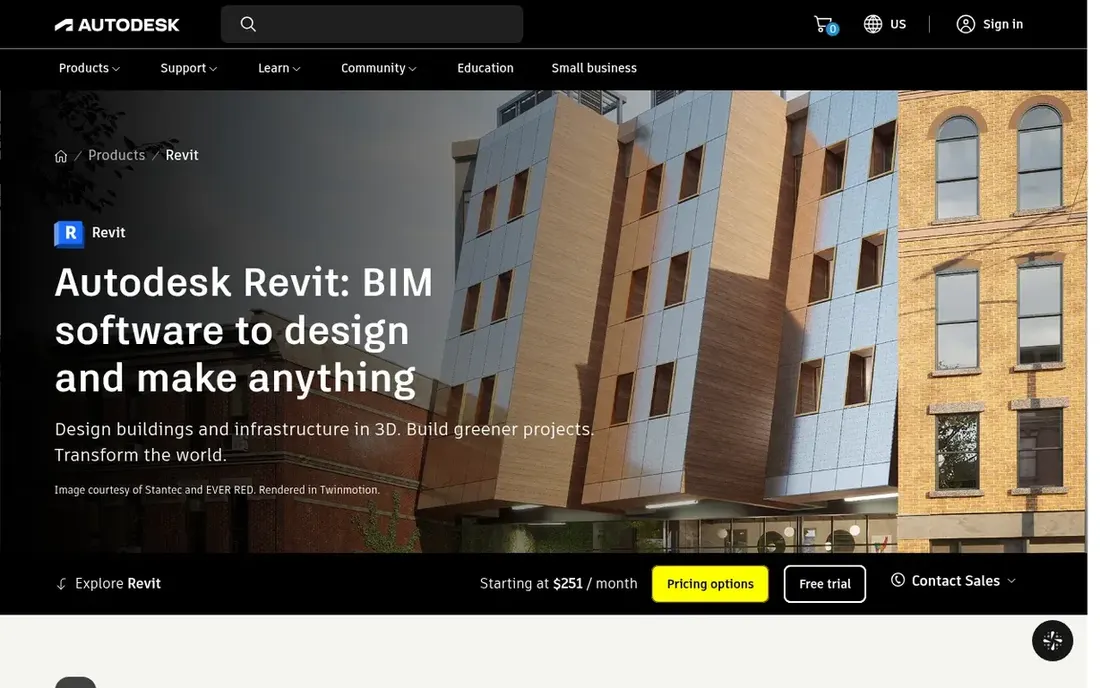
Pick Autodesk Revit if this describes you: Coordinated BIM design and documentation. Autodesk Revit is BIM software for designing, documenting and coordinating building projects.
The main drawbacks: Heavier resource needs.
It produces intelligent 3D models that keep drawings current as the model changes, and it bundles optional AI-assisted workflows. As for the details, Revit carries a ramp-up time and can demand capable hardware on large projects. No starting price is listed for Autodesk Revit here; confirm pricing on the vendor site. On free options: Not stated.
- Optional AI-assisted workflows
- Instant drawing updates
- Needs ramp-up time
Allplan serves structural, civil and precast engineering. It fits engineering-led teams and architects who coordinate closely with structural work, offering modeling and documentation tools tuned to those disciplines instead of a purely architectural design workflow.
Drawbacks to consider: Less architect-centric.
Allplan is less centered on architectural concept design, so design-led practices may find other tools more natural. Allplan shows no starting price here, so confirm the cost on the vendor site. Free plan details: Not stated.
- BIM and CAD in one
- Nemetschek-backed development
- Specialized ramp-up time
Our selection method
For each of the 5 tools we noted price, free plan or trial, fit for software for architecture design and the main limit, using vendor pages and documentation. Prices and plan limits come from vendor pages and can change, so confirm them on the vendor site before you buy. Tools are placed by general fit for software for architecture design, with price clarity and free access as tie-breakers. A different team can reasonably rank them differently.
What to confirm before you sign up
- Ask Vectorworks Architect, Enscape, Autodesk Revit and Allplan for a written quote, since no starting price is shown.
- Use real work to test the free trial from BricsCAD, rather than a demo project.
- Before choosing Vectorworks Architect, weigh its main limit: wide toolset takes time.
- Work out what Vectorworks Architect costs with your real seat count, add-ons and usage, not just the entry price.
- Get the contract term, renewal terms and any onboarding fees from Enscape in writing.
FAQ
Do these tools publish their prices?
Not all of them. Vectorworks Architect, Enscape, Autodesk Revit and Allplan publish no starting price, so expect a quote request for those. The rest, BricsCAD included, show a starting price, though seats and billing terms still change the final cost.
Is Vectorworks Architect the right pick for everyone comparing software for architecture design?
No single tool suits every team. Vectorworks Architect comes first because it fits concept-to-construction design flexibility, while Enscape suits real-time rendering and VR and BricsCAD suits native DWG drafting and modeling. Match the tool to your own size, budget and workflow before deciding.
Which software is a good match for BIM architecture design?
For most readers this guide would start with Vectorworks Architect, built for concept-to-construction design adaptability. Enscape is the alternative for live rendering and VR, and BricsCAD for native DWG drafting and modeling. The right answer depends on budget and workflow.
Does any tool for software for architecture design here have a free plan?
A permanent free plan is not offered by Vectorworks Architect, Allplan or the other tools here. BricsCAD offer a trial. Plan a short evaluation period instead.
Can I try these tools before paying?
Often, yes. BricsCAD offers a free trial. Use your own data and a real task during the test, and check what the free tier or trial limits before you rely on it. For the full picture, the cards above cover all 5 entries of this software for architecture design list, including price, free plan and limits.
Sources
- https://www.vectorworks.net/en-US/architect
- https://enscape3d.com
- https://www.bricsys.com
- https://www.autodesk.com/products/revit
- https://www.allplan.com