The 5 Best Software for 3D Modelling in 2026, Ranked
Compare 5 picks for the best software for 3d modelling, with prices, free plans and who each fits. Short, factual notes on every option. Numbers first.
- Editor's choiceFoundry Modo
Direct modeling and design
Starts atPricing on requestVisit foundry.comFull review - Great alternative
 Autodesk Fusion
Integrated CAD, CAM, and CAE
Starts atPricing on requestVisit autodesk.comFull review - Also consider
 Autodesk 3ds Max
Professional modeling and design visualization
Starts atPricing on requestVisit autodesk.comFull review
Direct answer
Start with Foundry Modo if you need direct modeling and design. Look at Autodesk Fusion for integrated CAD, CAM, and CAE, and at Autodesk 3ds Max for professional modeling and design visualization. The remaining 2 options are covered below with pricing notes and limits. None of these vendors publish plan prices, so pricing is on request for every option.
TL;DR:
- Number one here is Foundry Modo, a fit for direct modeling and design.
- The main caution on Blender: steeper ramp-up time for beginners.
- Foundry Modo, PTC Creo and the 3 others all sell by quote; expect sales conversations before you see a price.
- A permanent free plan is missing from all 5 tools, Foundry Modo and PTC Creo included; plan for a trial or a premium start.
- For Parametric CAD for engineering, PTC Creo is worth a look.
Last checked November 2026. Pricing on request: vendors did not publish plan prices when this guide was last checked (November 2026), so ask each vendor for a written quote.
Quick comparison
| Tool | Best for | Starts at | Free plan? | |
|---|---|---|---|---|
| Foundry Modo | Direct modeling and design | Pricing on request | Not stated | Visit |
| Autodesk Fusion | Integrated CAD, CAM, and CAE | Pricing on request | Not stated | Visit |
| Autodesk 3ds Max | Professional modeling and design visualization | Pricing on request | Not stated | Visit |
 Blender | Open-source general 3D creation | Pricing on request | Not stated | Visit |
| PTC Creo | Parametric CAD for engineering | Pricing on request | Not stated | Visit |
The best software for 3d modelling
LinkVetted put together this guide to software for 3d modelling for readers who want a clear shortlist without reading every vendor page. It compares 5 tools on starting price, free plans, who each one suits and where each one falls short.
Foundry Modo
Best for: Direct modeling and design
In short, Foundry Modo is for direct modeling and design. The software supplies a mix of features including modeling, sculpting, and texture painting in a unified environment. More specifically, Foundry Modo is a 3D modeling, animation, and rendering tool known for its direct modeling approach and artist-friendly workflow.
What to check first: Uncertain long-term support and updates.
Worth adding: Foundry has announced that it will cease future development of Modo after two decades. This means no new features or updates, which could impact long-term viability. Modo may still suit existing users or those with specific needs. Check the vendor site for Foundry Modo pricing; none is listed in this comparison. Trial and free access: Not stated.
- Capable direct modeling tools
- Adaptable workflow for artists
- Development has ceased
Where Autodesk Fusion fits: integrated CAD, CAM, and CAE. Autodesk Fusion, formerly Fusion 360, is a cloud-based product for 3D CAD, modeling, manufacturing, industrial design, electronics, and mechanical engineering. It integrates CAD, CAM, CAE, and PCB tools, making it a thorough option for product development.
Drawbacks to consider: Less concentrated on artistic modeling.
Worth adding: for those needs, consider tools like Blender or Cinema 4D. Fusion's cloud-based nature needs a stable internet connection and may raise data privacy concerns for some. It is optimized for precision engineering instead of artistic modeling, so it may not suit character or organic modeling. Autodesk Fusion shows no starting price here, so confirm the cost on the vendor site. On free options: Not stated.
- Merges CAD, CAM, CAE
- PCB in one system
- Cloud-dependent workflow
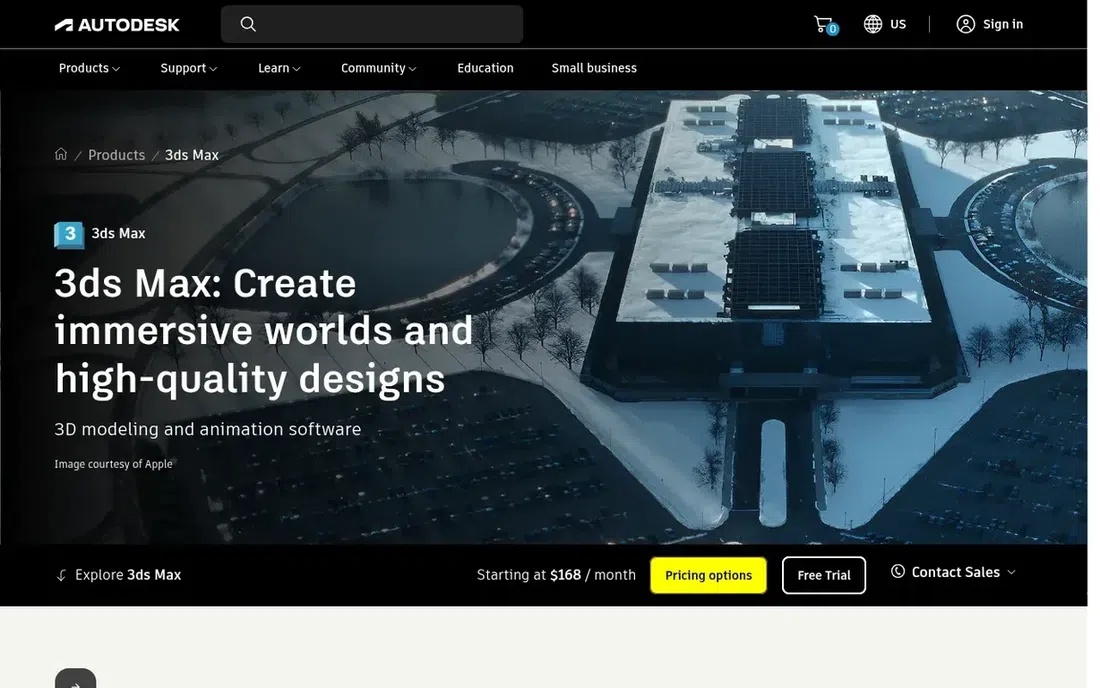
Autodesk 3ds Max is a good fit for professional modeling and design visualization. Autodesk 3ds Max is a professional 3D modeling, animation, and rendering software used extensively in architecture, product design, and visual effects. It supplies a solid set of tools for creating in-depth models and high-quality visualizations.
More specifically, 3ds Max is available only on Windows, which may limit its accessibility for some users. It also needs a subscription, which can be a consideration for individuals or small studios. From a buyer's view, the software is recognised for its capable rendering capabilities and integration with other Autodesk products. This comparison lists no price for Autodesk 3ds Max; ask the vendor. On free options: Not stated.
Watch-outs: Subscription-based licensing.
- Widely used in architecture and product visualization
- Thorough modeling and animation tools
- Windows-only product

Blender is designed for open-source general 3D creation. Blender is a free, open-source 3D creation suite that handles modeling, animation, rendering, and more. Its broad feature set makes it a good match for a broad range of projects, from straightforward models to complicated animations.
Where it is weaker: Steeper ramp-up time for beginners.
As for the details, Blender's interface and workflow can be challenging for newcomers. Some advanced features may lack the polish of commercial alternatives. For everyday use, if you need specialized tools or dedicated support, consider other choices. Even so, for plenty of users, Blender's capabilities and zero cost make it a compelling choice. Check the vendor site for Blender pricing; none is listed in this comparison. Trial and free access: Not stated.
- Full toolset for modeling, animation, rendering
- Free and open-source
- Interface can feel unconventional to users of commercial tools
PTC Creo
Best for: Parametric CAD for engineering
PTC Creo works best for Parametric CAD for engineering. If you need a more low-cost or artist-friendly tool, alternatives like Fusion or Blender may be worth considering.
Trade-offs to know: Pricey for individual users.
Creo is a commercial product with licensing costs that may be prohibitive for hobbyists or small companies. No starting price is listed for PTC Creo here; confirm pricing on the vendor site. As for free access: Not stated.
- Solid for complicated assemblies
- Solid parametric modeling
- Steep ramp-up time
Selection criteria
Pre-purchase checklist
- Ask each vendor, from Foundry Modo to PTC Creo, for a written quote; none of them publishes a starting price.
- Read the limits listed for Foundry Modo first: development has ceased.
- Ask Autodesk 3ds Max about contract length, onboarding fees and user minimums before you sign.
- Run a one or two week pilot of Foundry Modo with the people who will use it every day.
- Ask Blender how an export works before you move any records in; an easy exit lowers the risk.
FAQ
Is Houdini a good match for beginners?
It is a good match for technical artists and those working on complicated effects. Beginners might find it overwhelming and may prefer more accessible tools.
Is Foundry Modo the right pick for everyone comparing software for 3d modelling?
No single tool suits every team. Foundry Modo comes first because it fits direct modeling and design, while Autodesk Fusion suits integrated CAD, CAM, and CAE and Autodesk 3ds Max suits professional modeling and design visualization. Match the tool to your own size, budget and workflow before deciding.
Does any tool for software for 3d modelling here have a free plan?
No tool in this list, Foundry Modo and PTC Creo included, has a permanent free plan. Trials and quotes are the usual route, so plan a short evaluation period.
Can I try these tools before paying?
Not by default. None of the tools, from Foundry Modo to PTC Creo, lists a free plan or a free trial here, so ask each vendor for a demo before committing.
Do these tools publish their prices?
No. None of the tools, from Foundry Modo to PTC Creo, shows a fixed starting price here, so budget time for quotes.
Which software is best for architectural visualization?
For most readers this guide would start with Foundry Modo, built for direct modeling and design. Autodesk Fusion is the alternative for integrated CAD, CAM, and CAE, and Autodesk 3ds Max for professional modeling and design visualization. The right answer depends on budget and workflow.
Sources
- https://www.foundry.com/products/modo
- https://www.autodesk.com/products/fusion-360
- https://www.autodesk.com/products/3ds-max
- https://www.blender.org
- https://www.ptc.com/en/products/creo