The 5 Best Software for Fashion Photography Retouching in 2026, Ranked
5 options for the best software for fashion photography retouching, with entry costs, free tiers and the buyer each one serves. The catches are listed up front.
- Editor's choice
 Adobe Lightroom
Efficient editing and organization
Starts atSee websiteVisit adobe.comFull review - Great alternative
 ON1 Photo RAW
All-in-one raw editing
Starts at$49.99Visit on1.comFull review - Also consider
 Luminar Neo
AI-assisted creative edits
Starts atSee websiteVisit skylum.comFull review
Direct answer
For efficient editing and organization, Adobe Lightroom is where this list starts. Listed starting prices: ON1 Photo RAW from $49.99 and Retouch4me from $169 a year. ON1 Photo RAW is better for all-in-one raw editing, and Luminar Neo is better for AI-assisted creative edits. The other 2 tools in the list cover narrower or pricier cases.
TL;DR:
- Adobe Lightroom takes the first slot, best suited to efficient editing and organization.
- For in-depth, layer-based retouching, Adobe Photoshop is worth a look.
- Neither Adobe Lightroom nor Adobe Photoshop, nor any of the other 3 tools, has a permanent free plan; trials and quotes are the norm.
- Expect to ask for a quote from Adobe Lightroom, Luminar Neo and Adobe Photoshop; the other tools show a starting price.
- Before buying Adobe Lightroom, weigh this: less precise retouching than Photoshop.
Last checked November 2026. Prices and plan details were read from the vendors' own pages in November 2026; vendors change plans often, so confirm the current price on the vendor site before you buy.
Quick comparison
| Tool | Best for | Starts at | Free plan? | |
|---|---|---|---|---|
| Adobe Lightroom | Efficient editing and organization | See website | Not stated | Visit |
| ON1 Photo RAW | All-in-one raw editing | $49.99 | Free trial | Visit |
| Luminar Neo | AI-assisted creative edits | See website | No | Visit |
 Retouch4me | Automatic skin retouching | $169 a year | Not stated | Visit |
 Adobe Photoshop | In-depth, layer-based retouching | See website | Not stated | Visit |
The 5 tools in detail
LinkVetted compared 5 tools for software for fashion photography retouching. The goal is a practical shortlist: published prices, free plan facts, best-fit use cases and honest limits for every entry.
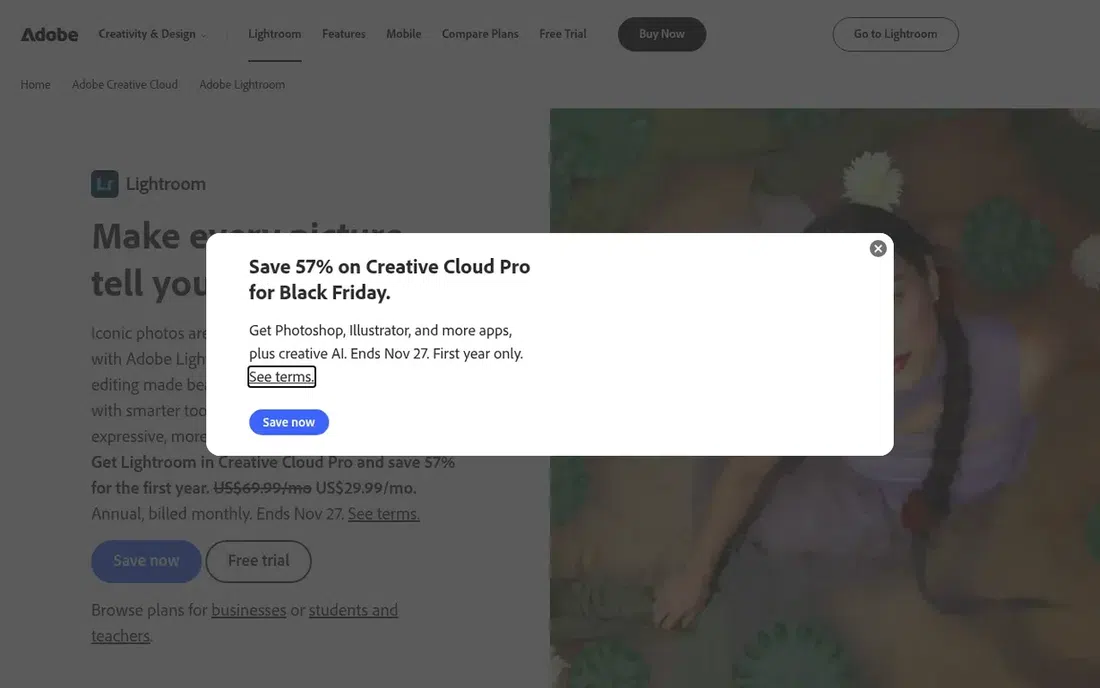
Adobe Lightroom works best for efficient editing and organization. Lightroom lacks the advanced retouching capabilities of Photoshop, like complicated healing or compositing. In daily use, Adobe Lightroom is a photo editing and organizing tool built for photographers.
It gives you feature-rich batch editing, color grading, and library management, making it right for fashion photographers handling large volumes of images. Its non-destructive workflow lets for fast adjustments across several photos. Pricing for Adobe Lightroom is not stated here, so ask the vendor for current figures. Free options: Not stated.
Watch-outs: Subscription required.
- Cloud sync across devices
- Strong photo management and batch processing
- Less precise retouching than Photoshop
In short, ON1 Photo RAW is for all-in-one raw editing. ON1 Photo RAW is an all-in-one raw photo editor that merges editing, organizing, and effects. It uses AI to assist with tasks like masking and skin retouching.
Its one-time purchase model appeals to photographers seeking an alternative to subscriptions. More specifically, Whereas ON1 supplies solid retouching tools, it may not match the depth of Photoshop for intricate fashion edits. Its ecosystem is smaller, and some advanced techniques may need workarounds. What you pay to start with ON1 Photo RAW: $49.99. Free access: Free trial.
Watch-outs: May lack some advanced retouching features. Reasons to shortlist it: Built-in organizing.
- AI-powered editing tools
- One-time purchase
- Less established in high-end fashion
Luminar Neo is built with AI-assisted creative edits in mind. It provides tools for skin retouching, sky replacement, and portrait enhancement, making it accessible for fashion photographers who want fast, creative results.
Luminar Neo shows no starting price here, so confirm the cost on the vendor site. There is no free plan with Luminar Neo.
Limits to weigh: Less manual control.
- AI-powered enhancements
- Approachable interface
- Restricted advanced retouching
Retouch4me serves automatic skin retouching. Retouch4me is not a standalone editor and focuses on specific retouching functions, so it cannot replace a full-featured editor. It performs best as an addition to Photoshop or similar software.
Points against: Needs host application like Photoshop.
From a buyer's view, Retouch4me is a set of AI-powered plugins built to automate typical retouching tasks like skin smoothing, eye enhancement, and fabric cleanup. It connects with host applications like Photoshop and aims to preserve natural skin texture. It is a strong match for fashion photographers who require quick, consistent results. Price to start with Retouch4me: $169 per year. Free options: Not stated.
- Straightforward one-click workflow
- AI plugins for skin, eyes, fabric
- Restricted to specific retouching tasks
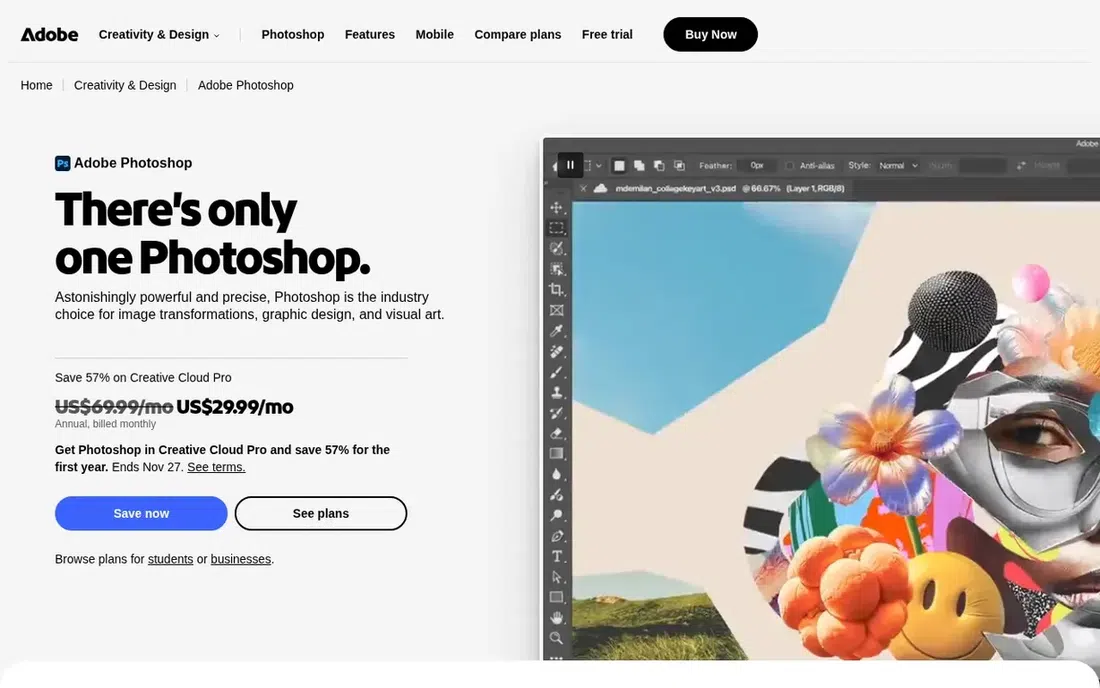
Adobe Photoshop is built with in-depth, layer-based retouching in mind. It supplies precise control over skin, fabric, and color through tools for example frequency separation, dodge and burn, and advanced masking.
Limits to weigh: Steep ramp-up time for beginners.
Main advantages: Plugs into other Adobe apps and plugins.
On top of that, Photoshop's depth can be overwhelming for straightforward edits, and its subscription model may not suit everyone. Adobe Photoshop does not show a starting price in this comparison, so check the vendor site for current pricing. Free plan details: Not stated.
- Smart objects for non-destructive edits
- Broad retouching tools like healing brush and clone stamp
- Needs subscription
How we chose
For each of the 5 tools we noted price, free plan or trial, fit for software for fashion photography retouching and the main limit, using vendor pages and documentation. Where a price is missing, the vendor does not list one publicly or ties it to a quote. Always confirm before budgeting. Order on the page follows fit for the typical buyer first, then price transparency and free access. Your own requirements should decide the final pick.
What to confirm before you sign up
- Get a written quote from Adobe Lightroom, Luminar Neo and Adobe Photoshop; the list shows no starting price for them.
- Use real work to test the free trial from ON1 Photo RAW, rather than a demo project.
- Before choosing Adobe Lightroom, weigh its main limit: less precise retouching than Photoshop.
- Let daily users try Adobe Lightroom on real work; their feedback beats any feature checklist.
- Ask Adobe Photoshop how an export works before you move any records in; an easy exit lowers the risk.
FAQ
Can I use AI tools for fashion retouching?
Yes, tools like Retouch4me and Luminar Neo offer AI-powered features that automate tasks like skin smoothing and eye enhancement. They can accelerate workflow but may need manual adjustments for precise results.
Does any tool for software for fashion photography retouching here have a free plan?
A permanent free plan is not offered by Adobe Lightroom, Adobe Photoshop or the other tools here. ON1 Photo RAW offer a trial. Plan a short evaluation period instead.
How are the tools for software for fashion photography retouching ordered?
Adobe Lightroom sits first and Adobe Photoshop last because the order follows typical fit for software for fashion photography retouching, then price clarity and free access. It is a judgement call, so read each profile for fit and limits.
Do these tools publish their prices?
Not all of them. Adobe Lightroom, Luminar Neo and Adobe Photoshop publish no starting price, so expect a quote request for those. The rest, ON1 Photo RAW included, show a starting price, though seats and billing terms still change the final cost.
Is Adobe Lightroom the right pick for everyone comparing software for fashion photography retouching?
No single tool suits every team. Adobe Lightroom comes first because it fits efficient editing and organization, while ON1 Photo RAW suits all-in-one raw editing and Luminar Neo suits AI-assisted creative edits. Match the tool to your own size, budget and workflow before deciding.
Sources
- https://www.adobe.com/products/photoshop-lightroom.html
- https://www.on1.com/products/photo-raw
- https://skylum.com/luminar
- https://retouch4.me
- https://www.adobe.com/products/photoshop.html