Best Presentation Software for Pitch Decks (2026): 5 Picks Checked on Vendor Pages
Best presentation software for pitch decks in 2026: 5 contenders with entry costs and free tiers. Each listing flags where it falls short. Updated for 2026.
- Editor's choice
 Apple Keynote
Refined decks on Apple devices
Starts atSee websiteVisit apple.comFull review - Great alternative
 Beautiful.ai
Brand-consistent decks for teams
Starts at$14.50 per monthVisit beautiful.aiFull review - Also consider
 Prezi
Interactive, non-linear storytelling
Starts atSee websiteVisit prezi.comFull review
Direct answer
This list puts Apple Keynote first for refined decks on Apple devices. Listed starting prices: Beautiful.ai from $14.50 per month and Pitch from €10 a month. Beautiful.ai fits brand-consistent decks for teams; Prezi fits interactive, non-linear storytelling. Details, prices and limits for the rest of the 5 tools are below.
TL;DR:
- Top of the list is Apple Keynote, which targets refined decks on Apple devices.
- Only Pitch offers a free plan among these 5 tools.
- The main caution on Prezi: unusual format can distract.
- Pitch is the one to check for collaborative team deck building.
Last checked November 2026. Prices and plan details were read from the vendors' own pages in November 2026; vendors change plans often, so confirm the current price on the vendor site before you buy.
Quick comparison
| Tool | Best for | Starts at | Free plan? | |
|---|---|---|---|---|
| Apple Keynote | Refined decks on Apple devices | See website | Not stated | Visit |
| Beautiful.ai | Brand-consistent decks for teams | $14.50 per month | Free trial | Visit |
| Prezi | Interactive, non-linear storytelling | See website | Not stated | Visit |
 Microsoft PowerPoint | In-depth, refined pitch deck building | See website | Not stated | Visit |
 Pitch | Collaborative team deck building | €10 a month | Yes | Visit |
Presentation Software for Pitch Decks, one by one
Short on time? The summary and table above give the quick view of 5 presentation software for pitch decks, and the profiles that follow give the detail behind each entry.
Where Apple Keynote fits: refined decks on Apple devices. Keynote is Apple's presentation app for creating, editing, saving and sharing presentations on Mac, iPad, iPhone and the web. Complicated collaboration across systems is less smooth than browser-first tools.
The main drawbacks: Best experience is Apple-only.
The experience is most solid on Apple devices, and teams mixing Windows and Apple hardware may face friction when sharing or editing files. From a buyer's view, decks built in Keynote frequently look sharp, and the cross-device support helps when presenting from different hardware. Pick Keynote when your team is Apple-based and visual polish is a priority. Apple Keynote does not show a starting price in this comparison, so check the vendor site for current pricing. On free options: Not stated.
- Available on the web
- Works across Apple devices
- Sharing with Windows users needs care
Beautiful.ai is aimed squarely at brand-consistent decks for teams. Automatic layout assistance helps teams move quicker whereas staying within brand guidelines.
Trade-offs to know: Less manual layout freedom.
Choose Beautiful.ai when brand consistency across plenty of decks is the central requirement. From a buyer's view, smaller teams or solo founders may find the team-oriented approach more than they need. Beautiful.ai pricing: $14.50 per month. On free options: Free trial.
- Keeps decks on-brand
- Aimed at enterprise teams
- Best fit for bigger organizations
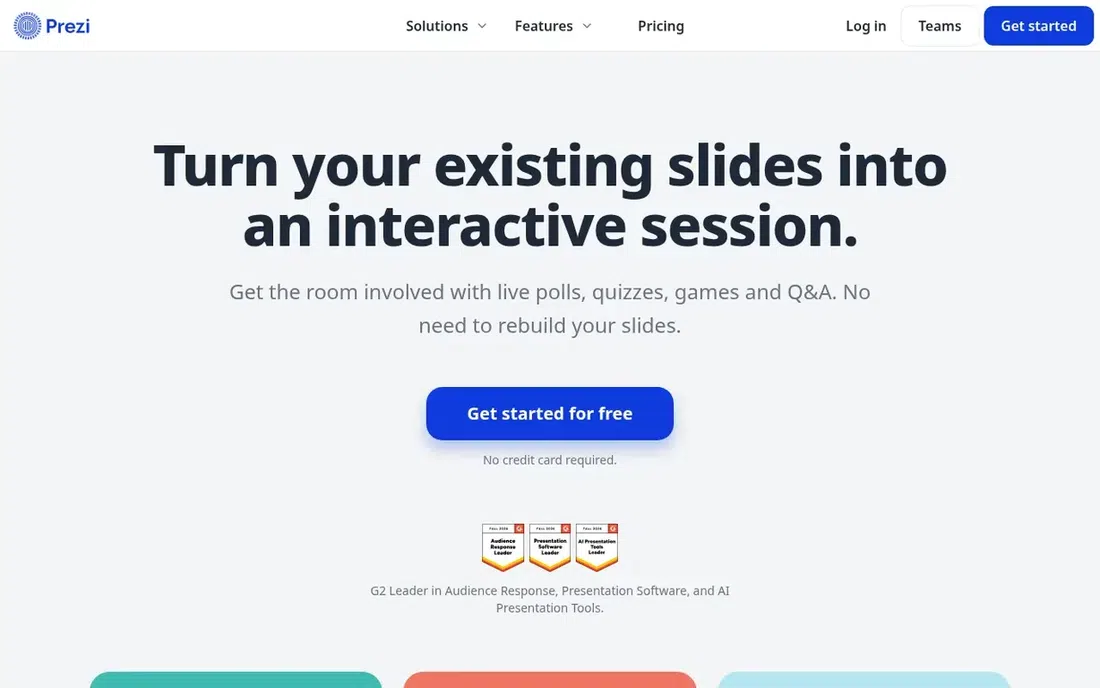
Prezi is designed for interactive, non-linear storytelling. For pitch decks, it suits presenters who want a memorable, conversation-driven delivery instead of a straight sequence of slides. As for the details, Prezi is an interactive presentation product targeted at educators, trainers and teams.
In practice, the interactive style can overshadow content if the deck is information-heavy, and some investors expect a conventional slide format. More specifically, choose Prezi when engagement during a live session is the priority. On top of that, building a tightly structured financial or product narrative may be more straightforward in a standard editor. This comparison lists no price for Prezi; ask the vendor. Free options: Not stated.
Downsides: Unusual format can distract.
- Audience joins from phones
- Live polls and quizzes
- Less well suited to dense slide content
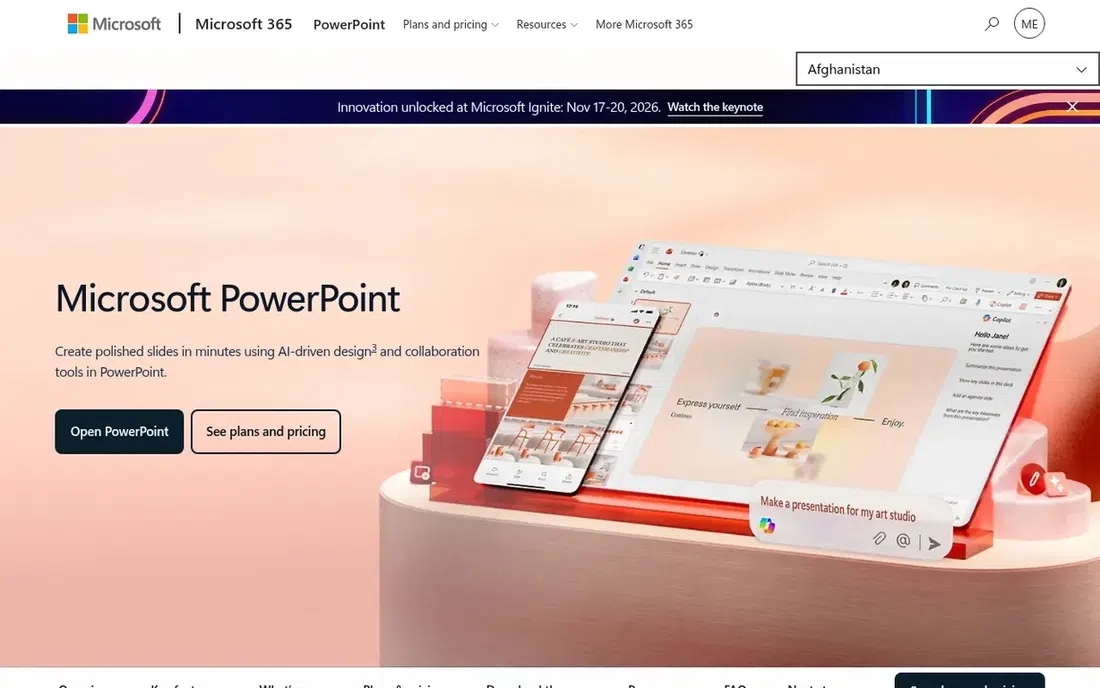
Microsoft PowerPoint works best for in-depth, refined pitch deck building. Microsoft PowerPoint is a long-standing presentation maker aimed at creating clean slideshows and in-depth pitch decks.
The main drawbacks: Collaboration can feel less fluid.
In daily use, the tradeoff is that solid visual design depends heavily on your own effort or a template, so quick, design-led teams may prefer a tool with built-in layout help. No starting price is listed for Microsoft PowerPoint here; confirm pricing on the vendor site. As for free access: Not stated.
- Familiar slide editing interface
- Widely accepted file format
- Design work is mostly manual
Think of Pitch for collaborative team deck building. Pitch is a collaborative presentation product for teams that want to build, share and deliver better work, positioned as an AI presentation workspace.
What to check first: Less established than older tools.
For everyday use, the emphasis on collaboration makes it a reasonable fit for pitch decks that evolve through rounds of feedback. Pick Pitch when teamwork and shared editing are central to your deck process. Pitch starts at: €10 per month. Pitch includes a free tier.
- AI-assisted presentation workspace
- Focus on creating and sharing
- May suit teams more than solo users
How we built this list
Before you commit
- Confirm the entry price on the vendor page. For Apple Keynote, Prezi and Microsoft PowerPoint that means a quote rather than a fixed price.
- Look at the free plan from Pitch closely: its caps decide whether it is usable for real work.
- Use real work to test the free trial from Beautiful.ai, rather than a demo project.
- Before choosing Apple Keynote, weigh its main limit: best experience is Apple-only.
- Check how data leaves Beautiful.ai: formats, limits and whether exports are available on every plan.
- Ask the daily users to test Prezi on a live task before you roll it out to everyone.
FAQ
Which options for presentation software for pitch decks have a free plan?
Pitch is the only tool in this list with a free plan. Free plans usually cap users, projects or features, so check the limits on the vendor page. One other tool offers a trial instead. All 5 picks in this presentation software for pitch Decks comparison list a starting price, free plan details and the main limits on their cards above.
Do these tools publish their prices?
Not all of them. Apple Keynote, Prezi and Microsoft PowerPoint publish no starting price, so expect a quote request for those. The rest, Beautiful.ai included, show a starting price, though seats and billing terms still change the final cost.
What is the cheapest option for presentation software for pitch decks in this list?
On published monthly entry prices, Beautiful.ai is the lowest here at $14.50 per month. Entry price is only part of the cost, because seats, add-ons and billing terms can change the total. For the full picture, the cards above cover all 5 entries of this presentation software for pitch Decks list, including price, free plan and limits.
Can I try these tools before paying?
Often, yes. Pitch has a free plan and Beautiful.ai offers a free trial. Use your own data and a real task during the test, and check what the free tier or trial limits before you rely on it. Prices, free plan details and limits for all 5 tools in this presentation software for pitch Decks roundup sit on the individual cards above.
Sources
- https://www.apple.com/keynote
- https://www.beautiful.ai
- https://prezi.com
- https://www.microsoft.com/microsoft-365/powerpoint
- https://pitch.com