Best Presentation Software for Investors in 2026: Prices, Free Plans and 6 Picks
Best presentation software for investors in 2026: 6 contenders with entry costs and free tiers. Clear notes on pricing gaps and limits. Skim the table first.
- Editor's choice
 Google Slides
Straightforward browser-based team decks
Starts atSee websiteVisit workspace.google.comFull review - Great alternative
 Beautiful.ai
Consistent, on-brand team decks
Starts at$14.50 a monthVisit beautiful.aiFull review - Also consider
 Pitch
Collaborative team deck building
Starts at€10 per monthVisit pitch.comFull review
Direct answer
For simple browser-based team decks, Google Slides is where this list starts. Listed starting prices: Beautiful.ai from $14.50 a month and Pitch from €10 per month. Look at Beautiful.ai for consistent, on-brand team decks, and at Pitch for collaborative team deck building. The full list of 6 tools follows, with prices and free plan facts.
TL;DR:
- The list opens with Google Slides, aimed at straightforward browser-based team decks.
- Only Pitch offers a free plan among these 6 tools.
- The cheapest monthly starting price in the list is $14.50 per month, offered by Beautiful.ai.
- Genially is the one to check for interactive and animated presentations.
- Check the limits for Beautiful.ai before you commit: less manual layout freedom.
Last checked November 2026. Prices and plan details were read from the vendors' own pages in November 2026; vendors change plans often, so confirm the current price on the vendor site before you buy.
Quick comparison
| Tool | Best for | Starts at | Free plan? | |
|---|---|---|---|---|
| Google Slides | Straightforward browser-based team decks | See website | Not stated | Visit |
| Beautiful.ai | Consistent, on-brand team decks | $14.50 a month | Free trial | Visit |
| Pitch | Collaborative team deck building | €10 per month | Yes | Visit |
 Microsoft PowerPoint | In-depth, adaptable investor pitch decks | See website | Not stated | Visit |
 Prezi | Interactive, story-led presentations | See website | Not stated | Visit |
 Genially | Interactive and animated presentations | See website | Not stated | Visit |
Tool-by-tool breakdown
Choosing presentation software for investors usually comes down to price, fit and limits. This LinkVetted guide sets 6 tools side by side on those three points, with the facts kept short and checkable.
Google Slides makes the most sense for straightforward browser-based team decks. Choose a more design-capable tool when the deck is a centerpiece and visual quality is the priority. Google Slides is a browser-based presentation maker within Google Workspace.
It gives you templates for numerous use cases and AI features for generating visualizations. More specifically, dense financial exhibits can feel cramped. No starting price is listed for Google Slides here; confirm pricing on the vendor site. Trial and free access: Not stated.
Points against: Complicated animation and layout work is restricted.
- Simple live collaboration
- Template choices for numerous use cases
- Design control is entry-level
For consistent, on-brand team decks, Beautiful.ai is a natural candidate. Investor updates and standard pitch structures benefit from its guided layouts. Worth adding: consider it when brand consistency across plenty of presenters is the primary goal.
On top of that, teams needing highly custom visuals may prefer a blank-canvas tool. Worth adding: the guided approach limits pixel-level control, which can frustrate designers who want unusual layouts. Beautiful.ai cost at the entry level: $14.50 per month. Free plan details: Free trial.
Honest limits: Guided design may feel restrictive to detail-oriented users.
- AI-guided slide layouts
- Aimed at enterprise team use
- Less manual layout freedom
Pitch serves collaborative team deck building. Pitch is a collaborative presentation product for teams that want to produce, share and deliver better work, with AI features built into the workspace.
Where it is weaker: Fewer years of ecosystem familiarity.
Pitch starts at: €10 per month. Pitch offers a free plan.
- Aimed at team collaboration
- Simple sharing and delivery
- Advanced formatting may be lighter than desktop suites
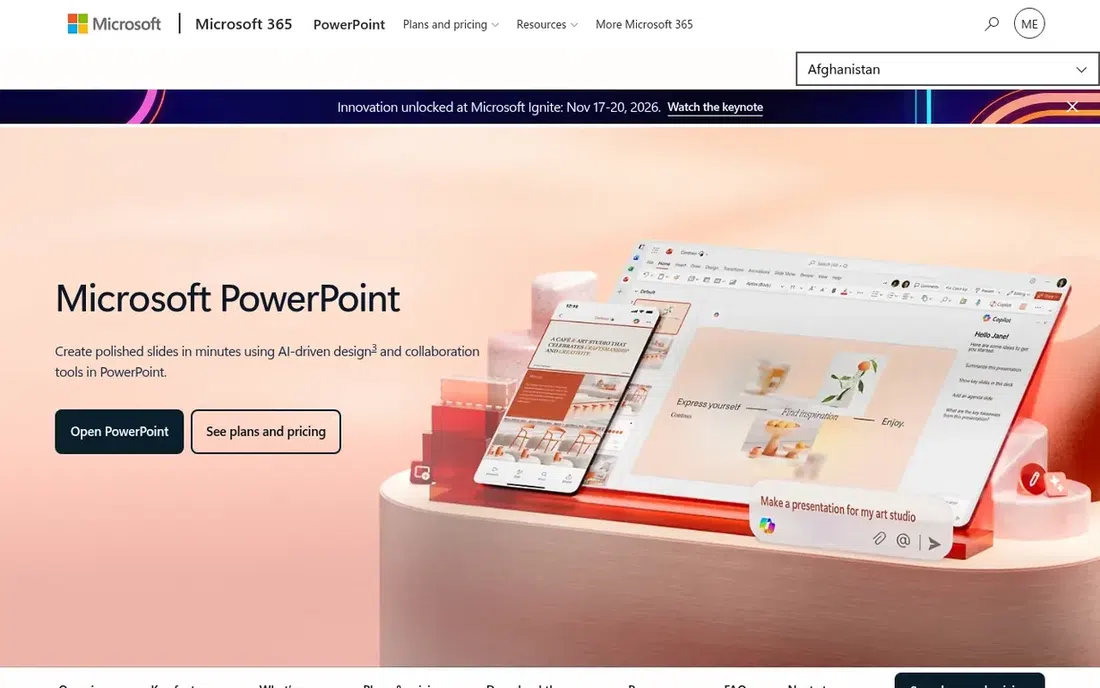
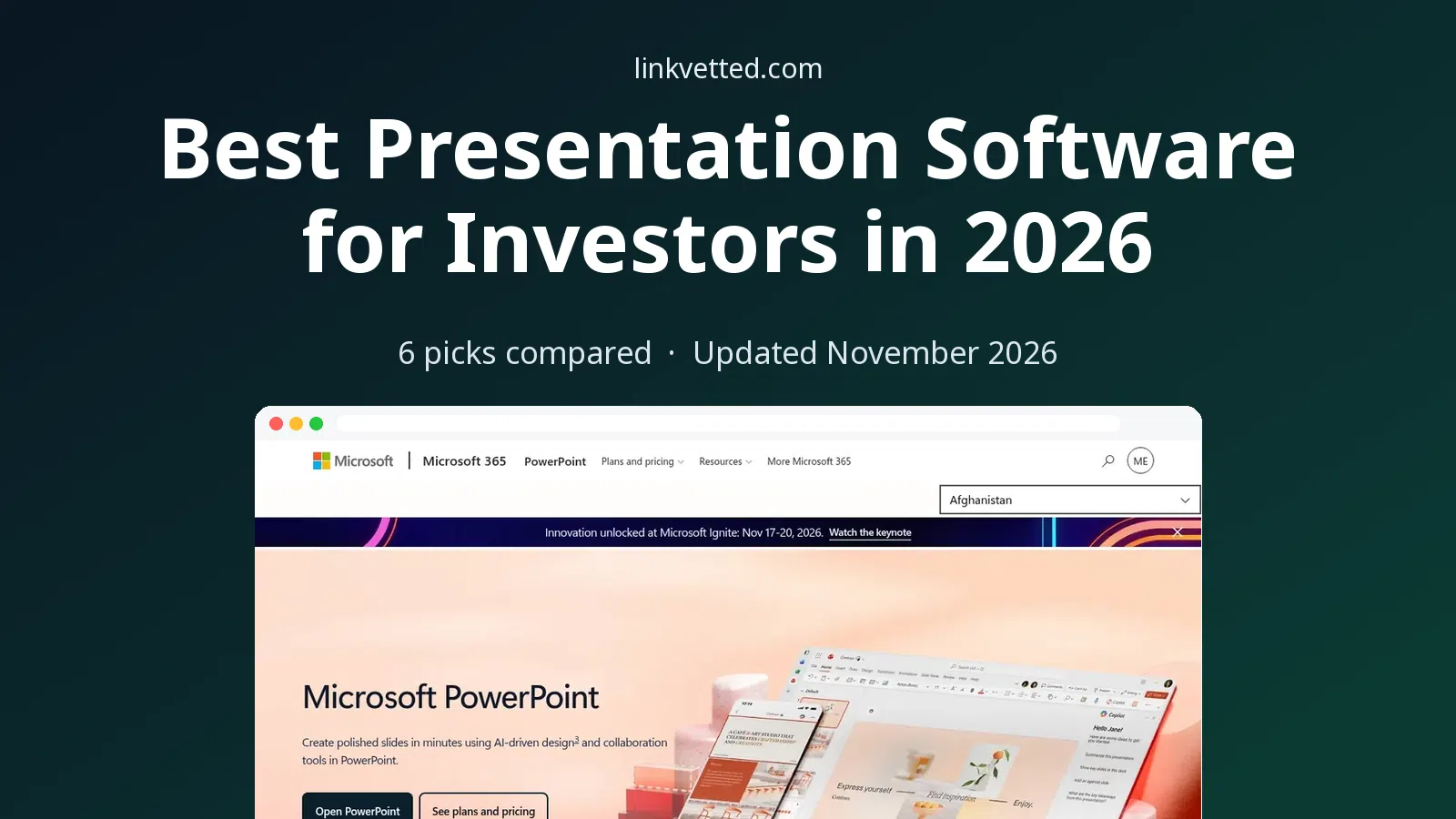
Microsoft PowerPoint serves in-depth, adaptable investor pitch decks. PowerPoint is the long-standing standard for building slideshows and intricate pitch decks.
Drawbacks to consider: Live collaboration is less fluid than web-first tools.
Its wide editing canvas supports custom layouts, charts and speaker notes, which fits founders and analysts who want full control over every slide. Collaboration works but feels less immediate than browser-first rivals. Pricing for Microsoft PowerPoint is not stated here, so ask the vendor for current figures. As for free access: Not stated.
- Solid chart and diagram choices
- Familiar to most investors and teams
- Design quality relies on the user
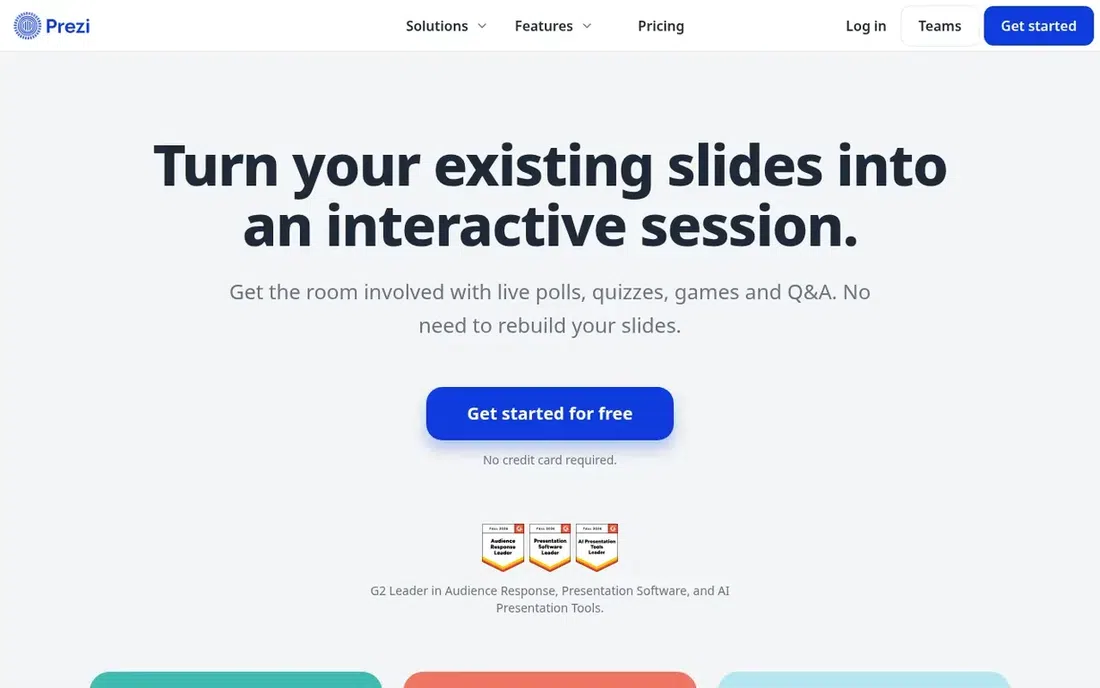
Pick Prezi if this describes you: interactive, story-led presentations. Prezi is an interactive presentation system geared toward educators, trainers and teams. It supports bringing existing slides or describing your content, running live polls and quizzes that audiences join from their phones, and sharing a single link.
A conventional slide tool is a safer pick when clarity and printability come first. In practice, use it for storytelling moments, not dense analysis. In daily use, the zooming canvas can overwhelm investors who expect a linear, data-heavy deck, and complicated financial slides are awkward. Prezi does not show a starting price in this comparison, so check the vendor site for current pricing. Free plan details: Not stated.
The main drawbacks: Unusual format can distract some audiences.
- Shareable presentation links
- Zooming canvas
- Less suited to dense financial detail
Genially is aimed squarely at interactive and animated presentations. It can work well for product demos and supplementary investor materials.
In practice, Interactivity brings complexity that a formal investor meeting may not need, and precise financial layouts are not its focus. Genially shows no starting price here, so confirm the cost on the vendor site. Free plan details: Not stated.
The main drawbacks: Interactivity can complicate a linear pitch.
- No-code creation
- Interactive and animated content
- Not centred on financial slide precision
How these tools were picked
For each of the 6 tools we noted price, free plan or trial, fit for presentation software for investors and the main limit, using vendor pages and documentation. Prices and plan limits come from vendor pages and can change, so confirm them on the vendor site before you buy. The sequence is a judgement call: typical use case first, then pricing transparency, then free access. Use the profiles to check fit.
Things to verify first
- Ask Google Slides, Microsoft PowerPoint, Prezi and Genially for a written quote, since no starting price is shown.
- Test the free plan from Pitch against your real workload before relying on it.
- Take the trial from Beautiful.ai and push a live task through it before you pay.
- Read the limits listed for Google Slides first: design control is entry-level.
- Add up seats, add-ons and usage charges for Microsoft PowerPoint before comparing it with cheaper entries.
- Make sure Google Slides lets you export your data in a format another tool can read.
FAQ
Is Google Slides the right pick for everyone comparing presentation software for investors?
No single tool suits every team. Google Slides comes first because it fits simple browser-based team decks, while Beautiful.ai suits consistent, on-brand team decks and Pitch suits collaborative team deck building. Match the tool to your own size, budget and workflow before deciding.
How should a team choose between these tools?
Start with how numerous people edit the deck and how much design control you need. Testing a sample deck with financial charts is a practical way to compare fit before committing.
Which options for presentation software for investors have a free plan?
Pitch is the only tool in this list with a free plan. Free plans usually cap users, projects or features, so check the limits on the vendor page. One other tool offers a trial instead. Each of the 6 options in this presentation software for investors guide has its own card above with the price, free plan and limits.
Can I try these tools before paying?
Often, yes. Pitch has a free plan and Beautiful.ai offers a free trial. Use your own data and a real task during the test, and check what the free tier or trial limits before you rely on it. All 6 picks in this presentation software for investors comparison list a starting price, free plan details and the main limits on their cards above.
How are the tools for presentation software for investors ordered?
Google Slides sits first and Genially last because the order follows typical fit for presentation software for investors, then price clarity and free access. It is a judgement call, so read each profile for fit and limits.
Sources
- https://workspace.google.com/products/slides
- https://www.beautiful.ai
- https://pitch.com
- https://www.microsoft.com/microsoft-365/powerpoint
- https://prezi.com
- https://genially.com