Best Presentation Management Software for Remote Teams in 2026: 6 Tools Compared
Searching for the best presentation management software for remote teams? Here are 6 options with prices and free plans. Read the caveats before you buy.
- Editor's choice
 Pitch
Collaborative team presentation workspaces
Starts at€10 a monthVisit pitch.comFull review - Great alternative
 Lucidspark
Idea mapping before building slides
Starts atSee websiteVisit lucid.coFull review - Also consider
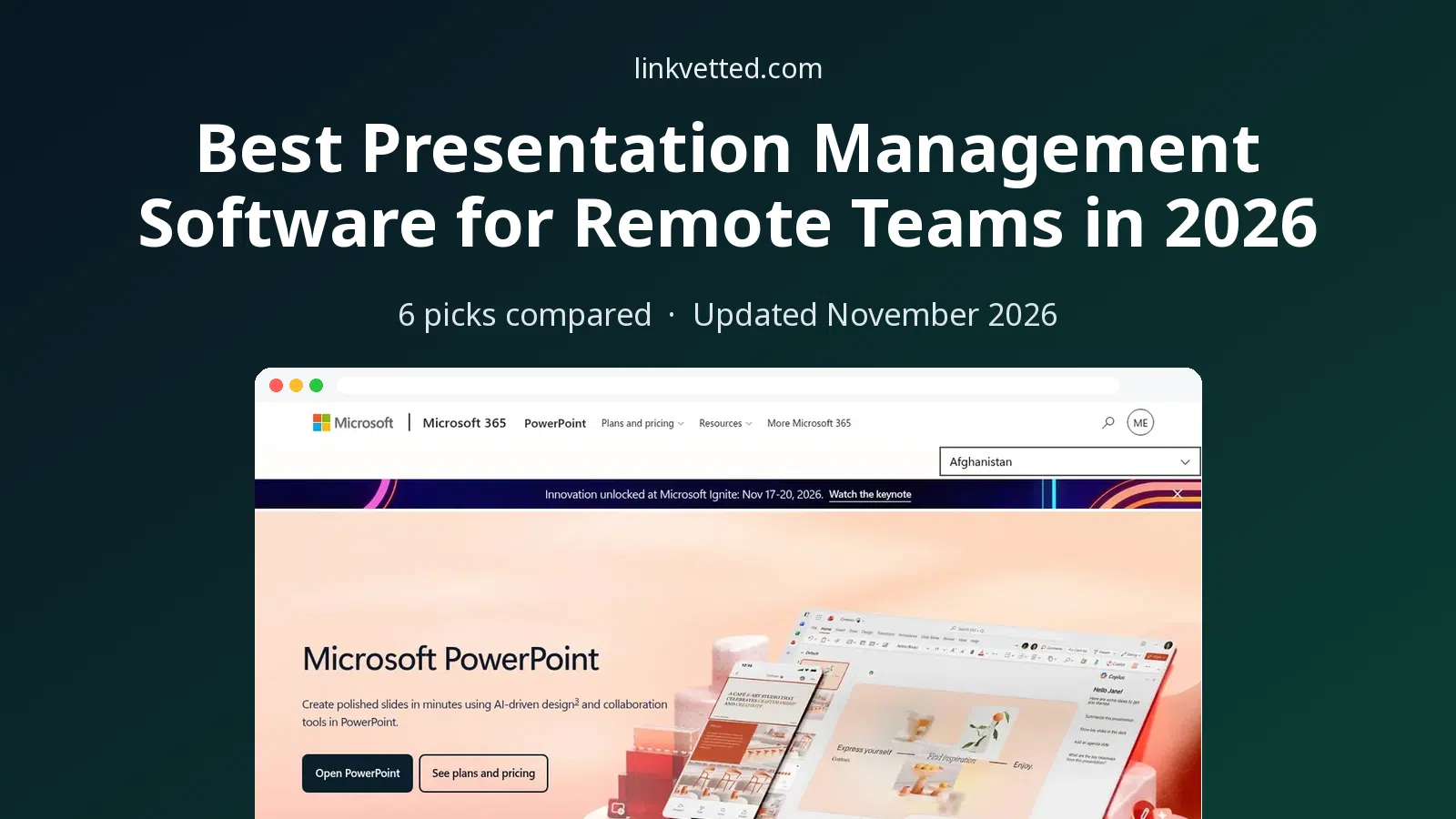
 Microsoft PowerPoint
In-depth decks and pitch presentations
Starts atSee websiteVisit microsoft.comFull review
Direct answer
Our first pick is Pitch, best for collaborative team presentation workspaces. Listed starting prices: Pitch from €10 a month and Beautiful.ai from $14.50 per month. Lucidspark is better for idea mapping before building slides, and Microsoft PowerPoint is better for in-depth decks and pitch presentations. All 6 tools are compared below on price, free plan and limits.
TL;DR:
- Pitch is the opening pick, best for collaborative team presentation workspaces.
- A fair warning about Microsoft PowerPoint: live co-authoring may feel less fluid.
- Just one of the 6 tools, Pitch, has a free plan.
- Beautiful.ai has the lowest monthly starting price in this list: $14.50 per month.
- Canva is the one to check for visual design and refined slide templates.
Last checked November 2026. Prices and plan details were read from the vendors' own pages in November 2026; vendors change plans often, so confirm the current price on the vendor site before you buy.
Quick comparison
| Tool | Best for | Starts at | Free plan? | |
|---|---|---|---|---|
| Pitch | Collaborative team presentation workspaces | €10 a month | Yes | Visit |
| Lucidspark | Idea mapping before building slides | See website | Not stated | Visit |
| Microsoft PowerPoint | In-depth decks and pitch presentations | See website | Not stated | Visit |
 Beautiful.ai | Brand-consistent decks for bigger teams | $14.50 per month | Free trial | Visit |
 Prezi | Interactive presentations with live audience input | See website | Not stated | Visit |
 Canva | Visual design and refined slide templates | See website | Not stated | Visit |
Every option for presentation management software for remote teams explained
This LinkVetted guide covers 6 presentation management software for remote teams. Each profile lists a starting price, free plan details, strengths and drawbacks, so you can drop poor fits quickly.
Pitch works best for collaborative team presentation workspaces. Pitch is a collaborative presentation system for teams that want to create, share and deliver better work, positioned as an AI presentation workspace.
Where it falls short: Smaller ecosystem than major suites.
It fits remote groups that treat decks as shared, continuing projects instead of one-person files, with collaboration at the center of the workflow from drafting through delivery. On cost, Pitch starts like this: €10 per month. Pitch has a free plan.
Where it shines: sharing and delivering.
- Supports creating
- AI-assisted presentation workspace
- Advanced design control may be narrower
For idea mapping before building slides, Lucidspark is a natural candidate. Lucidspark is a virtual whiteboard where ideas ignite, meant to maximize team connection, collaboration and creativity and to move smoothly from ideation into planning and building.
More specifically, choose it as a complement for planning sessions instead of as a replacement for presentation software. Check the vendor site for Lucidspark pricing; none is listed in this comparison. Trial and free access: Not stated.
Trade-offs to know: Not a dedicated slide editor.
- Moves from ideation to planning
- Encourages team connection and creativity
- Final deck production happens elsewhere
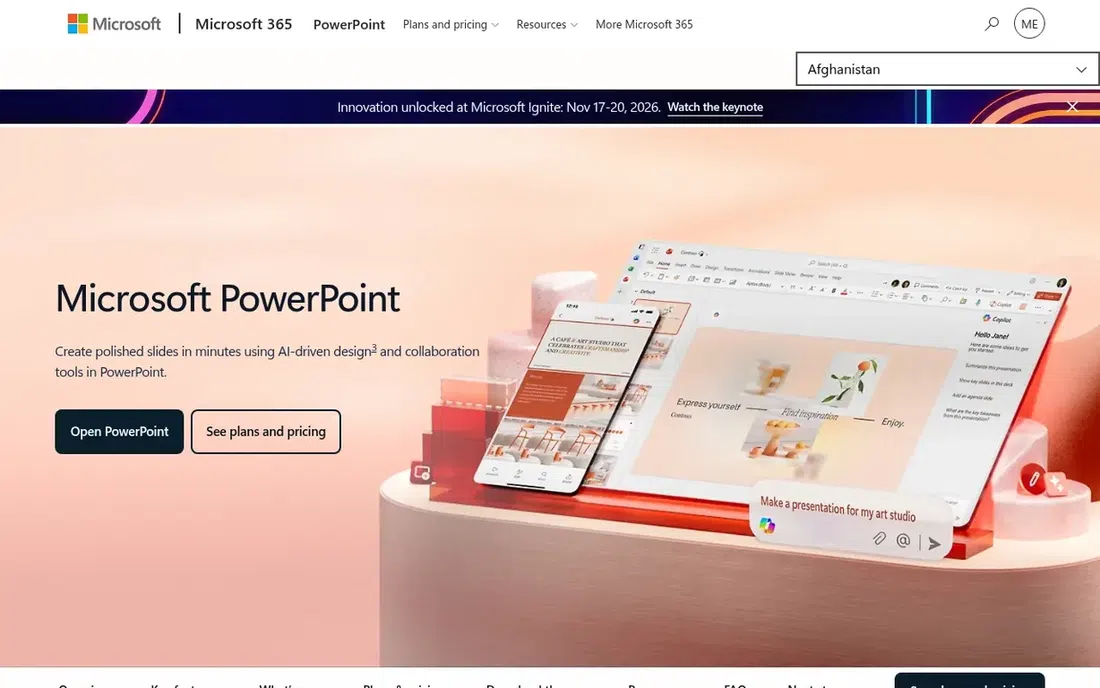
Pick Microsoft PowerPoint if this describes you: in-depth decks and pitch presentations. It hands teams fine control over layout, visuals and storytelling, which fits remote groups producing in-depth proposals, sales decks or training material.
Points against: Real-time co-authoring may feel less fluid.
Beyond that, since so plenty of organizations already standardize on it, files move easily between colleagues and clients. Pricing for Microsoft PowerPoint is not stated here, so ask the vendor for current figures. Trial and free access: Not stated.
- Familiar format for most business audiences
- Capable fit for intricate pitch decks
- Advanced design work can take time
Beautiful.ai is built with brand-consistent decks for bigger teams in mind. Teams with strong in-house design support or highly custom deck needs may find PowerPoint or Canva more adaptable.
From a buyer's view, beautiful.ai is an AI presentation system designed for enterprise teams, keeping decks on-brand and ready to share across a company. That automation can restrict presenters who want precise manual control over every element. What you pay to start with Beautiful.ai: $14.50 per month. Free plan details: Free trial.
Downsides: Less manual layout freedom.
- Focus on on-brand company decks
- Built for enterprise team use
- Template logic drives the design
Prezi is designed for interactive presentations with live audience input. Prezi is an interactive presentation product for educators, trainers and teams. It lets presenters bring existing slides or describe their content, then run live polls and quizzes that participants join from their phones, and share a single link afterward.
What to check first: Nonlinear style may not suit every audience.
That makes it a fit for remote workshops, training sessions and meetings where audience participation matters. Its interactive, non-linear approach can feel unfamiliar to audiences expecting a standard slide sequence. Prezi does not show a starting price in this comparison, so check the vendor site for current pricing. Free options: Not stated.
- Live polls and quizzes joined by phone
- Suited to educators and trainers
- Learning curve for traditional slide users
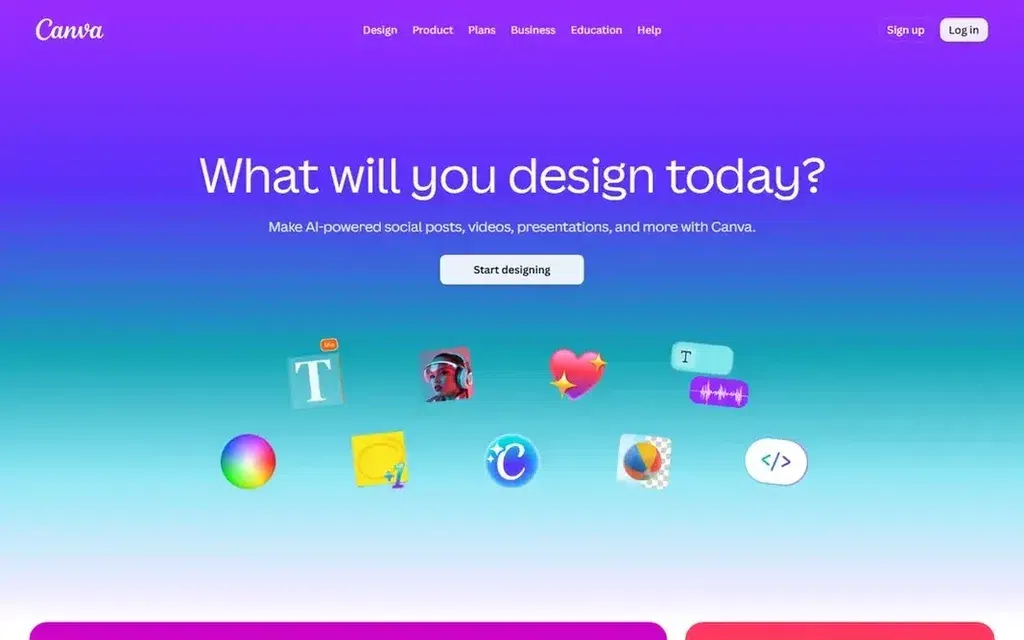
Canva is built with visual design and refined slide templates in mind. Remote teams commonly reach for it when slides need strong visuals and quick template starts, since non-designers can assemble attractive decks without specialist skills.
Drawbacks to consider: Deep deck logic is less developed.
In practice, teams that require advanced speaker workflows or interactive audience features may prefer Prezi or Pitch alongside it. Canva shows no starting price here, so confirm the cost on the vendor site. On free options: Not stated.
- Handles presentations plus other design assets
- Approachable for non-designers
- Brand consistency needs careful setup
How we chose
What to check before you buy
- Confirm the entry price on the vendor page. For Lucidspark, Microsoft PowerPoint, Prezi and Canva that means a quote rather than a fixed price.
- Look at the free plan from Pitch closely: its caps decide whether it is usable for real work.
- Use real work to test the free trial from Beautiful.ai, rather than a demo project.
- Read the limits listed for Pitch first: smaller ecosystem than major suites.
- Test the integrations you rely on with Canva before committing; some connectors sit on upper tiers.
- Verify that exporting from Beautiful.ai is possible on your plan and covers all your records.
FAQ
How do I keep decks on-brand across a large remote team?
Beautiful.ai concentrates on keeping company decks on-brand and shareable, whereas Canva gives you template libraries that non-designers can follow. Confirm how each tool enforces brand assets before rolling it out.
Is Pitch the right pick for everyone comparing presentation management software for remote teams?
No single tool suits every team. Pitch comes first because it fits collaborative team presentation workspaces, while Lucidspark suits idea mapping before building slides and Microsoft PowerPoint suits detailed decks and pitch presentations. Match the tool to your own size, budget and workflow before deciding.
Which options for presentation management software for remote teams have a free plan?
Pitch is the only tool in this list with a free plan. Free plans usually cap users, projects or features, so check the limits on the vendor page. One other tool offers a trial instead. For the full picture, the cards above cover all 6 entries of this presentation management software for remote teams list, including price, free plan and limits.
Can I try these tools before paying?
Often, yes. Pitch has a free plan and Beautiful.ai offers a free trial. Use your own data and a real task during the test, and check what the free tier or trial limits before you rely on it. Prices, free plan details and limits for all 6 tools in this presentation management software for remote teams roundup sit on the individual cards above.
Do remote teams need a separate whiteboard tool?
Not always, but Lucidspark helps when a team wants to brainstorm structure and align on messaging before building slides. It complements instead of replaces a dedicated presentation editor.
Which option supports live polls and audience participation?
Prezi is built around interactive delivery, with polls and quizzes that participants join from their phones. It fits training and workshop settings more than formal one-way presentations.
Sources
- https://pitch.com
- https://lucid.co/lucidspark
- https://www.microsoft.com/microsoft-365/powerpoint
- https://www.beautiful.ai
- https://prezi.com
- https://www.canva.com
Related guides
- The 5 Best Church Presentation Software for Remote Teams in 2026, Ranked
- Best 3D Parts Catalog Software for Remote Teams in 2026: Prices, Free Plans and 6 Picks
- 3D Rendering Software for Remote Teams in 2026: The 6 Best Options Side by Side
- Audio Editing Software for Remote Teams in 2026: The 6 Best Options Side by Side