Best Photo Management Software for Remote Teams in 2026: Prices, Free Plans and 5 Picks
Best photo management software for remote teams: 5 tools compared on price, free plans and fit. Costs and caveats sit beside each pick. Prices checked.
- Editor's choice
 Capture One
Precise RAW control and tethering
Starts atSee websiteVisit captureone.comFull review - Great alternative
 Flickr
Community sharing and inspiration
Starts atSee websiteVisit flickr.comFull review - Also consider
 ON1 Photo RAW
All-in-one editing without subscription
Starts at$49.99Visit on1.comFull review
Direct answer
Capture One leads the list, best for precise RAW control and tethering. Listed starting prices: ON1 Photo RAW from $49.99 and Dropbox from $9.99 a month. Look at Flickr for community sharing and inspiration, and at ON1 Photo RAW for all-in-one editing without subscription. Details, prices and limits for the rest of the 5 tools are below.
TL;DR:
- Capture One sits first on this list: precise RAW control and tethering.
- For the cheapest start, look at Dropbox: $9.99 per month.
- A fair warning about Dropbox: not a photo editor or catalog.
- A permanent free plan is missing from all 5 tools, Capture One and Adobe Lightroom included; plan for a trial or a premium start.
Last checked November 2026. Prices and plan details were read from the vendors' own pages in November 2026; vendors change plans often, so confirm the current price on the vendor site before you buy.
Quick comparison
| Tool | Best for | Starts at | Free plan? | |
|---|---|---|---|---|
| Capture One | Precise RAW control and tethering | See website | Not stated | Visit |
| Flickr | Community sharing and inspiration | See website | Not stated | Visit |
| ON1 Photo RAW | All-in-one editing without subscription | $49.99 | Free trial | Visit |
 Dropbox | Secure storage and file sharing | $9.99 a month | Free trial | Visit |
 Adobe Lightroom | Editing and organizing across devices | See website | Not stated | Visit |
The 5 tools in detail
Short on time? The summary and table above give the quick view of 5 photo management software for remote teams, and the profiles that follow give the detail behind each entry.
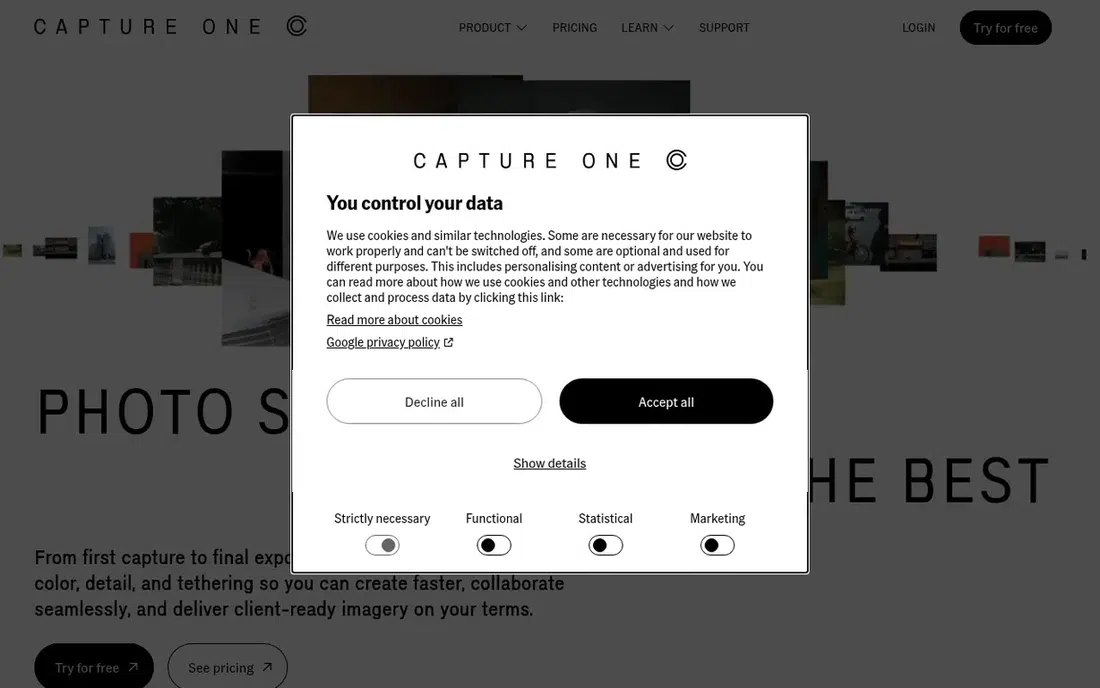
Capture One is aimed squarely at precise RAW control and tethering. Capture One is professional photo editing software built for photographers who demand precision and control. It flags advanced editing tools, smooth RAW handling and capable tethering, which fits studio and production teams that require consistent, high-quality capture workflows.
Trade-offs to know: Steeper ramp-up time.
In daily use, remote teams with a technical lead can standardize processing settings and share proven approaches across members. Its depth can slow down team members who only need light edits or fast file sharing, and tethering benefits are restricted to capture-heavy workflows. Capture One does not show a starting price in this comparison, so check the vendor site for current pricing. Trial and free access: Not stated.
- Capable tethering capabilities
- Smooth RAW handling
- Heavier for casual sharing
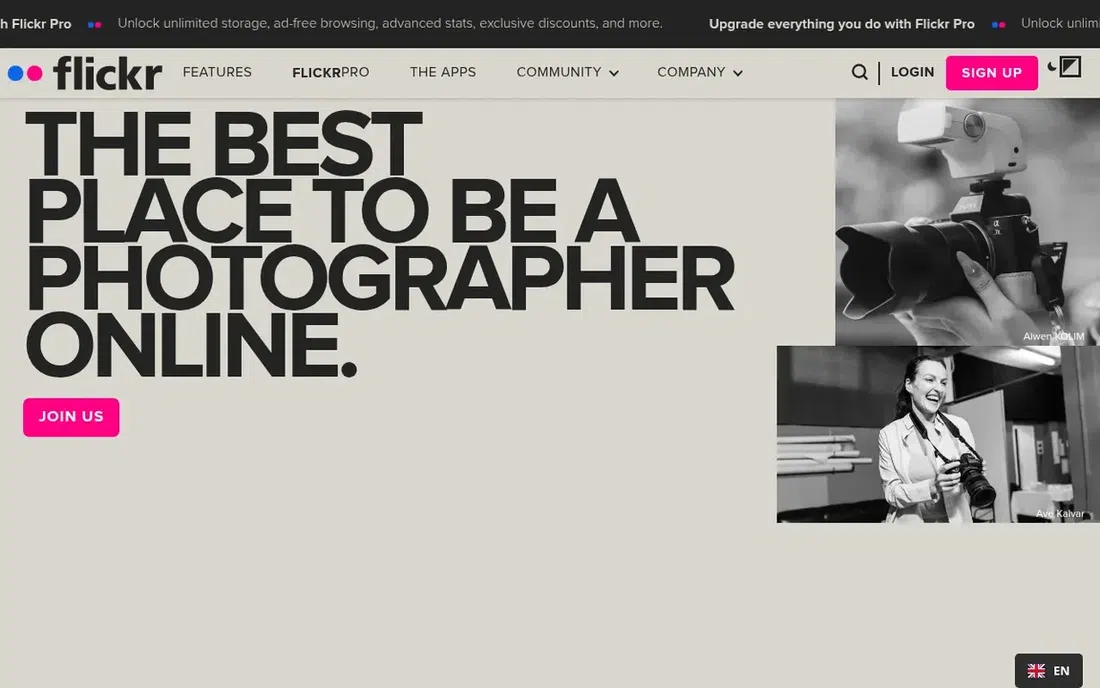
Flickr is a good fit for community sharing and inspiration. Access control and team organization are less suited to confidential client work.
Pick it for community and inspiration, and pair it with a proper management tool for production assets. Check the vendor site for Flickr pricing; none is listed in this comparison. Free access: Not stated.
Where it is weaker: Restricted as a team asset manager.
- Simple online sharing
- Public photo hosting and community
- Not a full editing suite
ON1 Photo RAW is aimed squarely at all-in-one editing without subscription. Its ecosystem and external integrations are smaller than those of bigger products, and new users still face a ramp-up time.
Also, pick ON1 when a unified desktop workflow is the primary requirement. Starting cost for ON1 Photo RAW: $49.99. As for free access: Free trial.
Honest limits: Ramp-up time for new users.
- Photo organizing included
- Single all-in-one application
- Smaller ecosystem than major suites
Dropbox serves secure storage and file sharing. Dropbox supplies secure cloud storage, file sharing, syncing and signing from any device.
Trade-offs to know: Not a photo editor or catalog.
In daily use, for remote photo teams, it serves as the shared file home where exports, briefs and delivered assets live, keeping everyone pointed at the same folders. Its familiar structure makes it simple to onboard collaborators who only have to receive or hand off files. Starting cost for Dropbox: $9.99 per month. Free options: Free trial.
- Familiar folder-based structure
- Supports signing and sharing workflows
- Organization relies on user discipline
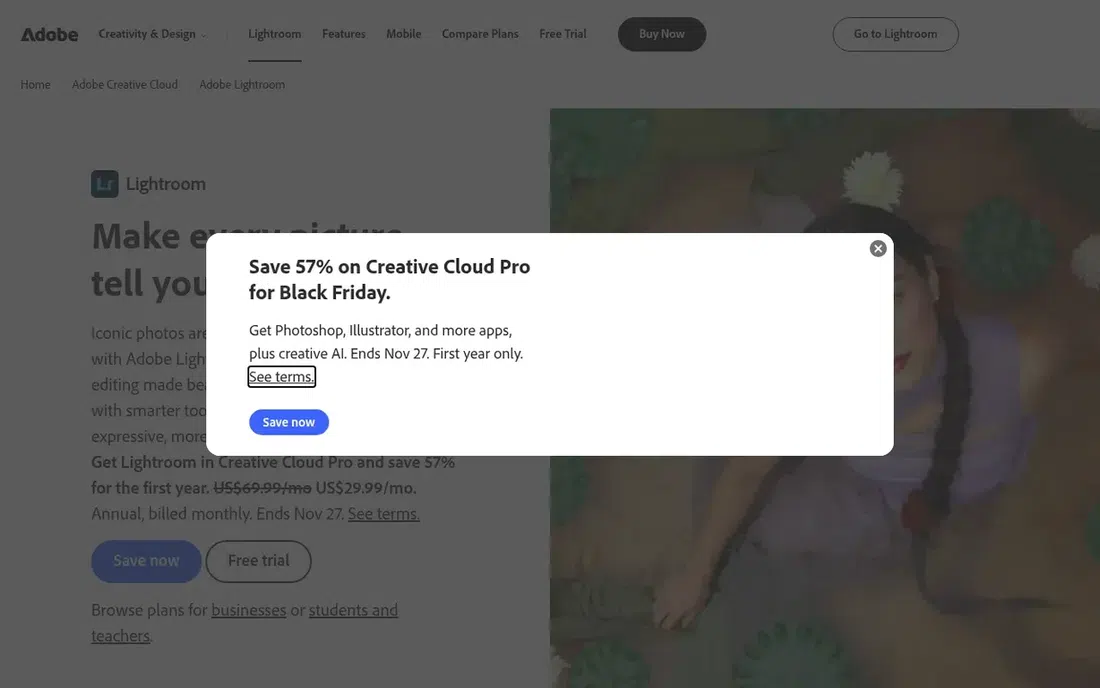
In short, Adobe Lightroom is for editing and organizing across devices. Its desktop, web and mobile coverage makes it a natural fit for remote teams that move between devices and locations.
On top of that, shared editing habits and cloud-friendly organization help distributed members keep a consistent look and a manageable library. No starting price is listed for Adobe Lightroom here; confirm pricing on the vendor site. Trial and free access: Not stated.
What to check first: Subscription-based access.
- Suits professional and enthusiast workflows
- Web and mobile
- Advanced compositing needs other tools
Our selection method
The comparison looks at four things: starting price, free access, how well the feature set matches photo management software for remote teams, and the main limit of each tool. Where a price is missing, the vendor does not list one publicly or ties it to a quote. Always confirm before budgeting. The order reflects how well each tool fits the most common buying scenario for photo management software for remote teams, then price clarity, then free plan access. It is a starting point, not a verdict.
What to check before you buy
- Ask Capture One, Flickr and Adobe Lightroom for a written quote, since no starting price is shown.
- Take the trial from ON1 Photo RAW and Dropbox and push a live task through it before you pay.
- Before choosing Capture One, weigh its main limit: steeper ramp-up time.
- Look at which plan of Flickr unlocks the features you need; entry tiers are often cut down.
- Before you load data into Capture One, check what an export looks like and who can run it.
FAQ
Do these tools publish their prices?
Not all of them. Capture One, Flickr and Adobe Lightroom publish no starting price, so expect a quote request for those. The rest, ON1 Photo RAW included, show a starting price, though seats and billing terms still change the final cost.
Is Capture One the right pick for everyone comparing photo management software for remote teams?
No single tool suits every team. Capture One comes first because it fits precise RAW control and tethering, while Flickr suits community sharing and inspiration and ON1 Photo RAW suits all-in-one editing without subscription. Match the tool to your own size, budget and workflow before deciding.
Do we need both an editor and a storage tool?
Editors and organizers for example Lightroom, Capture One, ACDSee and ON1 deal with image work, whereas Dropbox takes care of storage, syncing and sharing. Separating the two keeps large files organized and editing focused.
Does any tool for photo management software for remote teams here have a free plan?
A permanent free plan is not offered by Capture One, Adobe Lightroom or the other tools here. ON1 Photo RAW, Dropbox offer a trial. Plan a short evaluation period instead.
How are the tools for photo management software for remote teams ordered?
The order follows typical fit for photo management software for remote teams, with Capture One first and Adobe Lightroom last, then price clarity and free access. It is editorial judgement, not a score, so another team could rank the tools differently.
How should we evaluate tools before committing?
Then check device support, RAW handling, permissions and sync behavior against that map, and confirm current details on each vendor site before deciding.
Sources
- https://www.captureone.com
- https://www.flickr.com
- https://www.on1.com
- https://www.dropbox.com
- https://www.adobe.com/products/photoshop-lightroom.html
Related guides
- Best 3D Parts Catalog Software for Remote Teams in 2026: Prices, Free Plans and 6 Picks
- 3D Rendering Software for Remote Teams in 2026: The 6 Best Options Side by Side
- Audio Editing Software for Remote Teams in 2026: The 6 Best Options Side by Side
- The 5 Best Church Presentation Software for Remote Teams in 2026, Ranked