Best Photo Management Software Windows in 2026: Prices, Free Plans and 5 Picks
Best photo management software windows: 5 tools compared on price, free plans and fit. Each pick comes with its main catch. Current for November 2026.
- Editor's choiceAdobe Bridge
Free digital asset management
Starts atSee websiteVisit adobe.comFull review - Great alternativeSkylum Luminar Neo
Straightforward AI-assisted photo editing
Starts atSee websiteVisit skylum.comFull review - Also considerACDSee Photo Studio
RAW editing with digital asset management
Starts atSee websiteVisit acdsee.comFull review
Direct answer
Adobe Bridge comes first here, mainly for free digital asset management. Listed starting prices: ON1 Photo RAW from $49.99. Look at Skylum Luminar Neo for straightforward AI-assisted photo editing, and at ACDSee Photo Studio for RAW editing with digital asset management. The other 2 tools in the list cover narrower or pricier cases.
TL;DR:
- Adobe Bridge is the opening pick, best for free digital asset management.
- A permanent free plan is missing from all 5 tools, Adobe Bridge and Adobe Lightroom included; plan for a trial or a premium start.
- Adobe Bridge, Skylum Luminar Neo, ACDSee Photo Studio and Adobe Lightroom: pricing is by quote only, so plan time for a sales conversation.
- Adobe Lightroom fits editing and organizing across devices.
Last checked November 2026. Prices and plan details were read from the vendors' own pages in November 2026; vendors change plans often, so confirm the current price on the vendor site before you buy.
Quick comparison
| Tool | Best for | Starts at | Free plan? | |
|---|---|---|---|---|
| Adobe Bridge | Free digital asset management | See website | Not stated | Visit |
| Skylum Luminar Neo | Straightforward AI-assisted photo editing | See website | No | Visit |
| ACDSee Photo Studio | RAW editing with digital asset management | See website | Not stated | Visit |
 ON1 Photo RAW | All-in-one editing without subscription | $49.99 | Free trial | Visit |
 Adobe Lightroom | Editing and organizing across devices | See website | Not stated | Visit |
Our 5 photo management software windows
Choosing photo management software windows usually comes down to price, fit and limits. This LinkVetted guide sets 5 tools side by side on those three points, with the facts kept short and checkable.
Adobe Bridge
Best for: Free digital asset management
Adobe Bridge was built for free digital asset management. Bridge is not a complete editing environment by itself, so you will pair it with an editor for adjustments.
Adobe Bridge shows no starting price here, so confirm the cost on the vendor site. Trial and free access: Not stated.
The main drawbacks: Not a full RAW editor on its own.
- Digital asset management focus
- Handy for browsing and organizing files
- Best value inside Adobe workflows
Skylum Luminar Neo
Best for: Straightforward AI-assisted photo editing
Skylum Luminar Neo serves straightforward AI-assisted photo editing. Pick Luminar Neo when approachable AI editing matters more than deep asset management.
The main drawbacks: Less concentrated on deep cataloging.
From a buyer's view, Luminar Neo is photo editing software for PC and Mac that uses AI to help users edit photos with a straightforward approach. No starting price is listed for Skylum Luminar Neo here; confirm pricing on the vendor site. Skylum Luminar Neo has no free tier.
- Available for PC and Mac
- AI tools targeted at fast edits
- Best treated as an editing companion
ACDSee Photo Studio
Best for: RAW editing with digital asset management
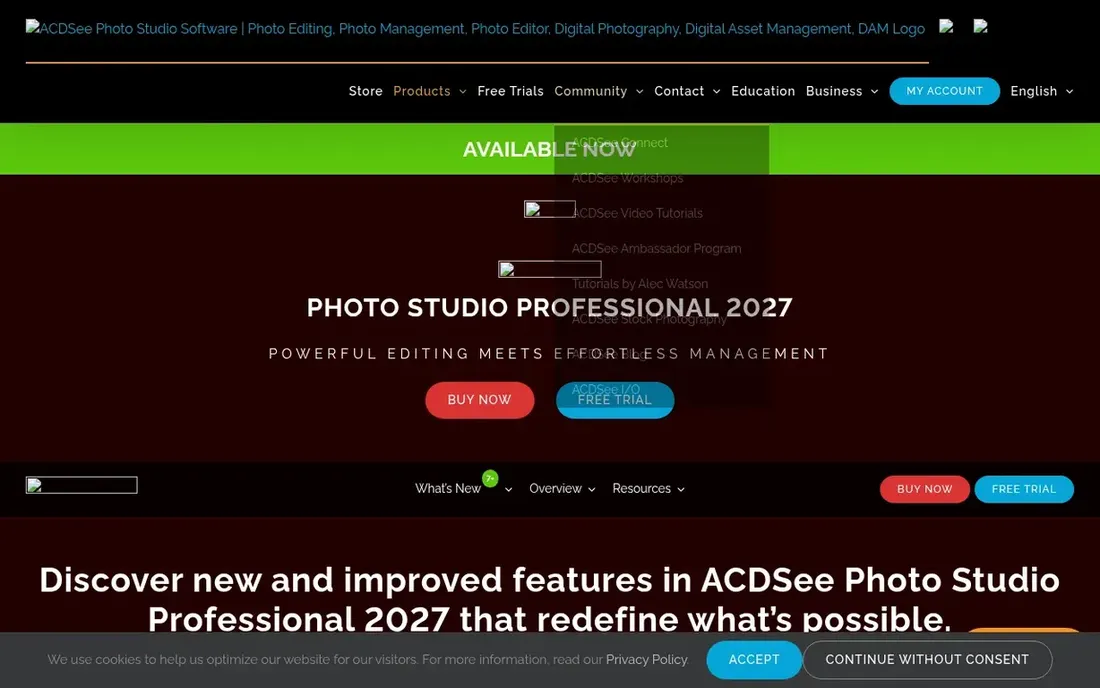
Where ACDSee Photo Studio fits: RAW editing with digital asset management. Choose ACDSee when organizing and RAW processing are equally important to your Windows workflow. On top of that, ACDSee Photo Studio Professional pairs RAW photo editing with digital asset management.
The vendor flags AI-powered features pitched at speeding up the photography workflow. The asset management side is the draw for anyone organizing years of shoots. ACDSee Photo Studio does not show a starting price in this comparison, so check the vendor site for current pricing. Free access: Not stated.
Limits to weigh: Interface can feel dense for beginners.
- Takes care of RAW files
- Digital asset management built in
- Feature depth takes time to learn
ON1 Photo RAW targets all-in-one editing without subscription. The combination of organizing and raw processing makes it a practical middle ground. Choose ON1 when you prefer owning the software outright and want editing and organizing together.
In practice, ON1 Photo RAW is described as an all-in-one raw photo editor that lets you edit, organize, and process photos with pro-level quality, and the vendor notes a one-time purchase with no subscription required. It appeals to photographers who want a single Windows application for cataloging and editing without recurring billing. Price to start with ON1 Photo RAW: $49.99. As for free access: Free trial.
Where it is weaker: Smaller ecosystem than major suites.
- AI-powered raw editing
- Process in one app
- Advanced users may miss niche tools

Adobe Lightroom is a good fit for editing and organizing across devices. Lightroom is a photo editing and organizing application designed for professional photographers and enthusiasts, with versions for desktop, web, and mobile.
Limits to weigh: Subscription-based model.
If you want one place to import, rate, and process photos, it spans that ground well. Otherwise, Lightroom remains a balanced default for Windows users. Check the vendor site for Adobe Lightroom pricing; none is listed in this comparison. Free options: Not stated.
- Cloud-connected library across desktop, web, mobile
- Strong editing and organizing in one app
- Cloud storage needs can grow rapidly
How the list was put together
We compared the tools on published pricing, free plan or trial availability, feature coverage for photo management software windows, and the limits each vendor documents. Plan names, prices and limits change often. Treat the figures here as a starting point and verify them with the vendor. The sequence is a judgement call: typical use case first, then pricing transparency, then free access. Use the profiles to check fit.
A buyer's checklist
- Confirm the entry price on the vendor page. For Adobe Bridge, Skylum Luminar Neo, ACDSee Photo Studio and Adobe Lightroom that means a quote rather than a fixed price.
- Use real work to test the free trial from ON1 Photo RAW, rather than a demo project.
- Before choosing Adobe Bridge, weigh its main limit: not a full RAW editor on its own.
- Look at the help docs and support options for Adobe Lightroom before you commit.
- Check whether the features you need in ON1 Photo RAW sit on the entry plan or only on higher tiers.
FAQ
What should I check before moving my photo library?
Confirm how the software imports existing folders and whether it writes metadata to files or keeps it in a catalog. Check RAW support for your camera and whether ratings and keywords carry over.
Do these tools publish their prices?
Not all of them. Adobe Bridge, Skylum Luminar Neo, ACDSee Photo Studio and Adobe Lightroom publish no starting price, so expect a quote request for those. The rest, ON1 Photo RAW included, show a starting price, though seats and billing terms still change the final cost.
Is Adobe Bridge the right pick for everyone comparing photo management software windows?
No single tool suits every team. Adobe Bridge comes first because it fits free digital asset management, while Skylum Luminar Neo suits simple AI-assisted photo editing and ACDSee Photo Studio suits RAW editing with digital asset management. Match the tool to your own size, budget and workflow before deciding.
How are the photo management software windows ordered?
Adobe Bridge sits first and Adobe Lightroom last because the order follows typical fit for photo management software windows, then price clarity and free access. It is a judgement call, so read each profile for fit and limits.
Does any tool for photo management software windows here have a free plan?
No tool in this list, Adobe Bridge and Adobe Lightroom included, has a permanent free plan. ON1 Photo RAW offer a trial. Trials and quotes are the usual route, so plan a short evaluation period.
Sources
- https://www.adobe.com/products/bridge.html
- https://skylum.com/luminar
- https://www.acdsee.com/en/products/photo-studio-professional
- https://www.on1.com/products/photo-raw
- https://www.adobe.com/products/photoshop-lightroom.html