Best Photo Mosaic Software (2026): 5 Picks Checked on Vendor Pages
5 tools for the best photo Mosaic software, compared on pricing, free plans and best-fit use. Fit and flaws are laid out for each entry. Read before you buy.
- Editor's choicePicture Mosaics
Events and large-format displays
Starts atSee websiteVisit picturemosaics.comFull review - Great alternativeMosaically
Online mosaics with sharing
Starts at$49Visit mosaically.comFull review - Also consider
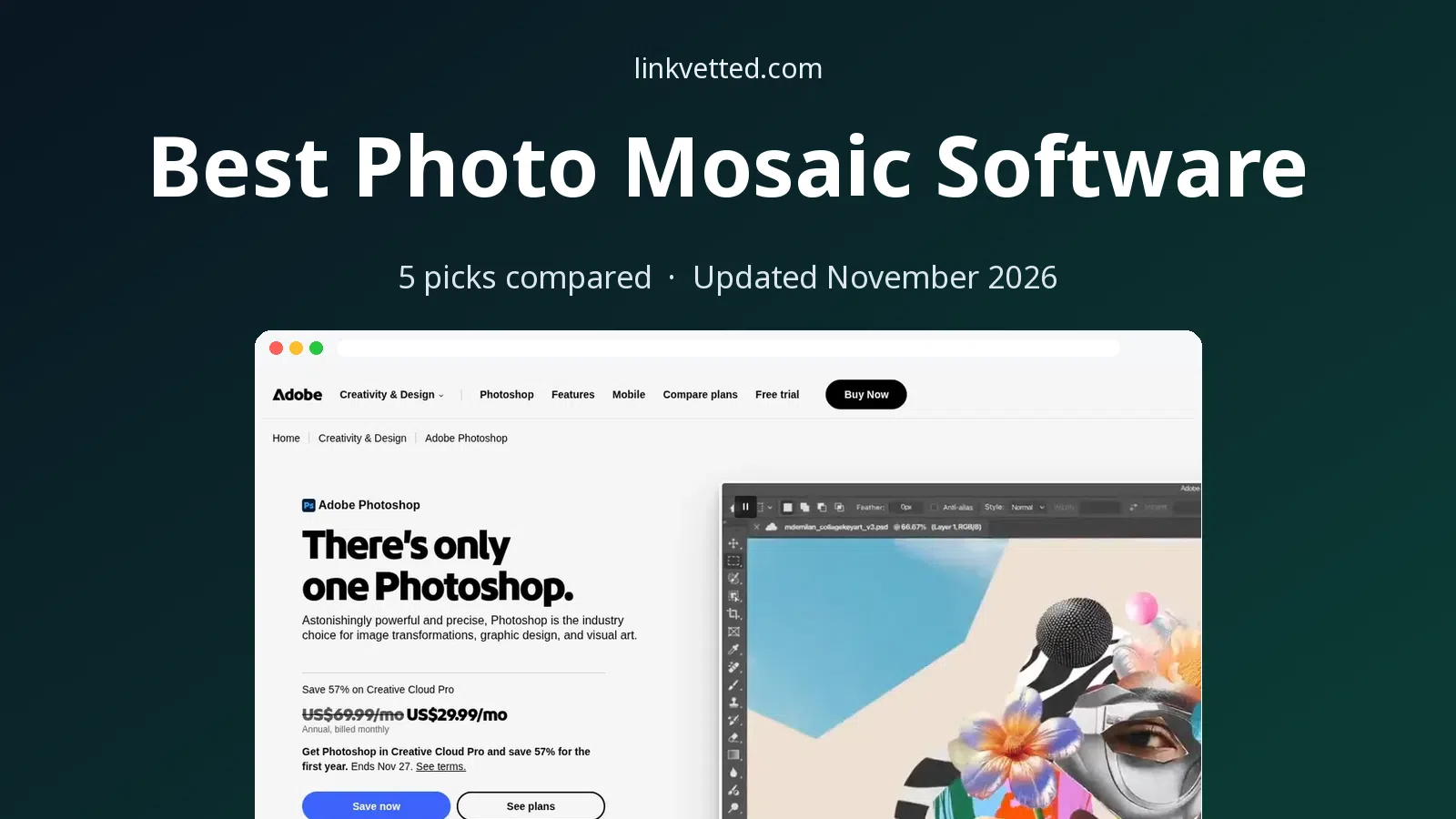
 Adobe Photoshop
Precise, layered mosaic assembly
Starts atSee websiteVisit adobe.comFull review
Direct answer
If you need events and large-format displays, Picture Mosaics is the first tool to look at here. Listed starting prices: Mosaically from $49 and FotoJet from $3.33 a month. Mosaically is better for online mosaics with sharing, and Adobe Photoshop is better for precise, layered mosaic assembly. Prices, free plans and limits for all 5 tools follow.
TL;DR:
- Picture Mosaics takes the first slot, best suited to events and large-format displays.
- Check the limits for Picture Mosaics before you commit: online workflow instead of desktop.
- For quick browser collage and design, FotoJet is worth a look.
- Only Picture Mosaics offers a free plan among these 5 tools.
- For the cheapest start, look at FotoJet: $3.33 per month.
Last checked November 2026. Prices and plan details were read from the vendors' own pages in November 2026; vendors change plans often, so confirm the current price on the vendor site before you buy.
Quick comparison
| Tool | Best for | Starts at | Free plan? | |
|---|---|---|---|---|
| Picture Mosaics | Events and large-format displays | See website | Yes | Visit |
| Mosaically | Online mosaics with sharing | $49 | Free trial | Visit |
| Adobe Photoshop | Precise, layered mosaic assembly | See website | Not stated | Visit |
| TurboMosaic | Dedicated desktop mosaic creation | See website | Not stated | Visit |
| FotoJet | Quick browser collage and design | $3.33 a month | Free trial | Visit |
5 options for photo Mosaic software in detail
Short on time? The summary and table above give the quick view of 5 tools for photo Mosaic software, and the profiles that follow give the detail behind each entry.
Picture Mosaics
Best for: Events and large-format displays
Picture Mosaics targets events and large-format displays. Since it centers on guided online mosaic creation, it gives you less practical control than a full desktop editor for fine artistic adjustments.
Limits to weigh: Online workflow instead of desktop.
Pricing for Picture Mosaics is not stated here, so ask the vendor for current figures. A free plan is available with Picture Mosaics.
- Targets event and print mosaics
- Personalized mosaic projects
- Feature depth varies by project type
Mosaically
Best for: Online mosaics with sharing
Mosaically targets online mosaics with sharing. Consider TurboMosaic or Photoshop when fine control and print precision are priorities. In daily use, very large photo sets may also be constrained by the browser workflow.
What to check first: Browser-based workflow.
What users get: Video and download output mentioned.
From a buyer's view, Mosaically is an online photo mosaic creator that turns photos into mosaic artwork you can share with family, friends, and community. Its homepage emphasizes collaboration and sharing alongside download and video output. Users who prefer working entirely in the browser without installing software. In daily use, as an online creator, it is less suited to pixel-level manual adjustments or highly customized print production than a desktop editor. Price to start with Mosaically: $49. On free options: Free trial.
- Free online mosaic creator
- Share and collaborate with others
- Less suited to advanced manual editing
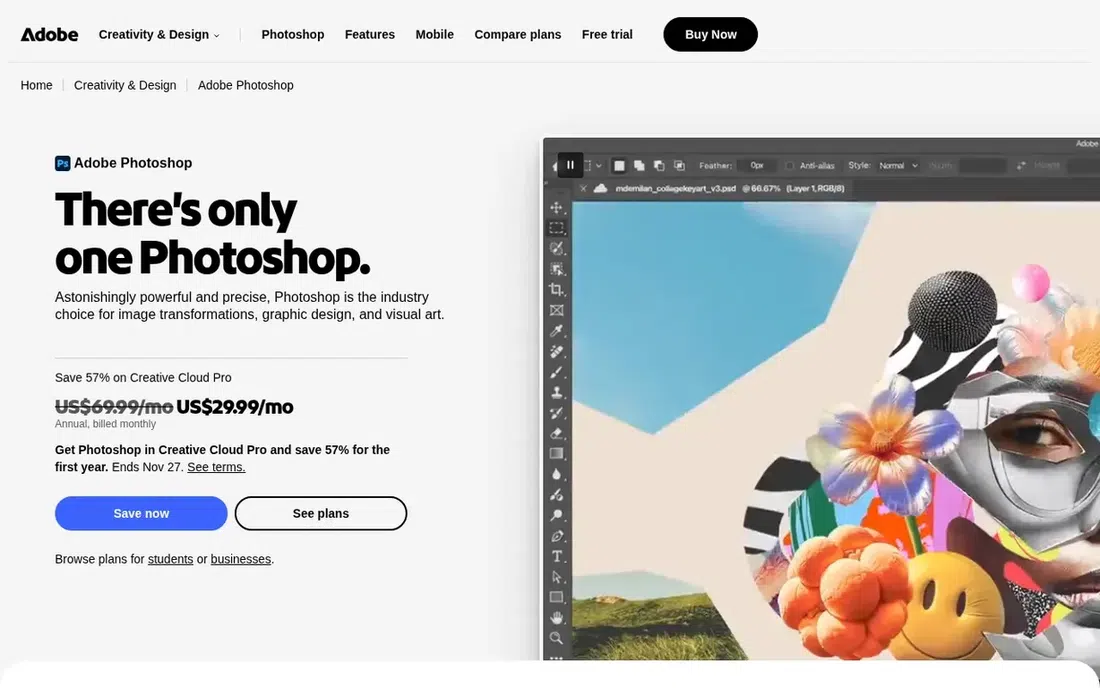
Adobe Photoshop is built with precise, layered mosaic assembly in mind. Adobe Photoshop is a general image editor that can assemble photo mosaics through layers, masks, and blending.
On top of that, if you want a guided mosaic workflow with automatic tile generation, a dedicated mosaic tool is the better fit. Beyond that, beginners may find the interface overwhelming for a simple collage. Check the vendor site for Adobe Photoshop pricing; none is listed in this comparison. Trial and free access: Not stated.
Watch-outs: Mosaic building is manual, not automatic.
- Takes care of complicated composite edits
- Available online and on mobile
- Steep ramp-up time for beginners
TurboMosaic
Best for: Dedicated desktop mosaic creation
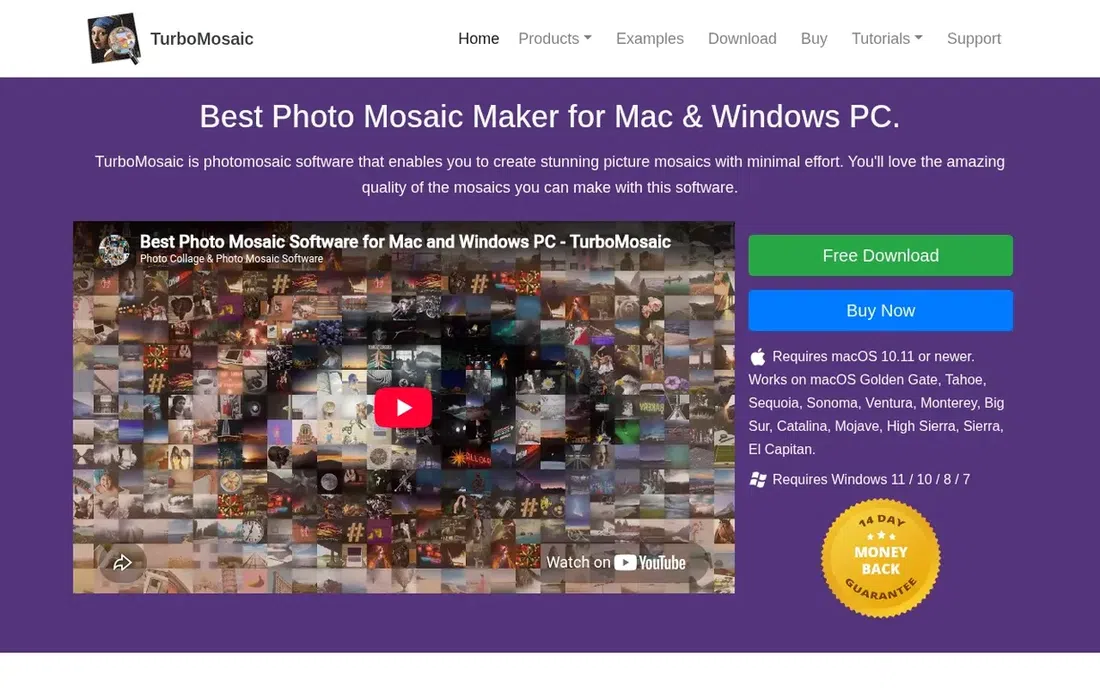
TurboMosaic is aimed squarely at dedicated desktop mosaic creation. TurboMosaic is a photo mosaic maker for Mac and Windows, positioned on its homepage as a dedicated tool for building mosaics from your photos. Also, the central limitation is scope: it is a mosaic tool, not a wide design suite, so other edits may need separate software.
Drawbacks to consider: Desktop install required.
It also needs a desktop install, which rules out fast browser sessions. If you need collage templates or online sharing instead, a web-based creator is the better choice. From a buyer's view, since mosaic creation is its core purpose, it suits users who want a focused workflow instead of a general editor. No starting price is listed for TurboMosaic here; confirm pricing on the vendor site. Free options: Not stated.
- Meant to turn photos into mosaics
- Made for photo mosaics
- Narrower scope than a full editor
FotoJet
Best for: Quick browser collage and design

For quick browser collage and design, FotoJet is a natural candidate. Since it is browser-based and template-driven, FotoJet provides less precision for true photo mosaics where small tiles form a bigger image.
Limits to weigh: Less control over fine mosaic tiling.
Worth adding: very large photo sets can also strain browser performance. FotoJet is an online app for graphic design, photo collage, and photo editing that works without a download or registration. FotoJet cost at the entry level: $3.33 per month. On free options: Free trial.
- Straightforward starting templates
- Merges collage, design, editing
- Browser performance limits large projects
Selection criteria
For each of the 5 tools we noted price, free plan or trial, fit for photo Mosaic software and the main limit, using vendor pages and documentation. Seat minimums, billing terms and add-ons can move the real cost, so the starting prices here are a guide and not a quote. We ordered the tools by general fit, then by how clearly pricing is shown, then by free access. A buyer with unusual needs may reorder them.
Pre-purchase checklist
- Ask Picture Mosaics, Adobe Photoshop and TurboMosaic for a written quote, since no starting price is shown.
- Test the free plan from Picture Mosaics against your real workload before relying on it.
- Run a trial of Mosaically and FotoJet with real work before paying for a year; your own workflow is the best test.
- Read the limits listed for Picture Mosaics first: online workflow instead of desktop.
- Check the support hours and onboarding help Mosaically offers; smaller vendors vary a lot here.
- Add up seats, add-ons and usage charges for Adobe Photoshop before comparing it with cheaper entries.
FAQ
Can I build a photo mosaic in a browser without installing software?
FotoJet, Picture Mosaics, and Mosaically all run online, so you can build a mosaic or collage without a desktop install. Browser tools are convenient for fast projects and sharing. But they usually offer less fine control than desktop applications when you need precise tile placement or large print output.
Which options for photo Mosaic software have a free plan?
Picture Mosaics is the only tool in this list with a free plan. Free plans usually cap users, projects or features, so check the limits on the vendor page. Several others offer a trial instead.
Do these tools publish their prices?
Not all of them. Picture Mosaics, Adobe Photoshop and TurboMosaic publish no starting price, so expect a quote request for those. The rest, Mosaically included, show a starting price, though seats and billing terms still change the final cost.
What is the cheapest option for photo Mosaic software in this list?
On published monthly entry prices, FotoJet is the lowest here at $3.33 per month. Entry price is only part of the cost, because seats, add-ons and billing terms can change the total. Prices, free plan details and limits for all 5 tools in this photo Mosaic software roundup sit on the individual cards above.
How are the tools for photo Mosaic software ordered?
Picture Mosaics sits first and FotoJet last because the order follows typical fit for photo Mosaic software, then price clarity and free access. It is a judgement call, so read each profile for fit and limits.
Sources
- https://www.picturemosaics.com
- https://www.mosaically.com
- https://www.adobe.com/products/photoshop.html
- https://www.turbomosaic.com
- https://www.fotojet.com