Presentation Management Software in 2026: The 6 Best Options Side by Side
Weighing the best presentation management software? We lined up 6 products by cost, free access and fit. The catches are listed up front. Full profiles inside.
- Editor's choice
 Genially
Interactive and animated content beyond slides
Starts atSee websiteVisit genially.comFull review - Great alternative
 Canva
Design-led decks inside a visual suite
Starts atSee websiteVisit canva.comFull review - Also consider
 Pitch
Collaborative team presentation workspaces
Starts at€10 per monthVisit pitch.comFull review
Direct answer
Start with Genially if you need interactive and animated content beyond slides. Listed starting prices: Pitch from €10 per month and Beautiful.ai from $14.50 per month. Canva is better for design-led decks inside a visual suite, and Pitch is better for collaborative team presentation workspaces. The other 3 tools in the list cover narrower or pricier cases.
TL;DR:
- Number one here is Genially, a fit for interactive and animated content beyond slides.
- Microsoft PowerPoint suits everyday slide creation and delivery.
- Starting prices begin at $14.50 per month with Beautiful.ai.
- A fair warning about Canva: broader suite can distract from deck focus.
- Pitch stands alone as the one tool in this list with a free plan.
Last checked November 2026. Prices and plan details were read from the vendors' own pages in November 2026; vendors change plans often, so confirm the current price on the vendor site before you buy.
Quick comparison
| Tool | Best for | Starts at | Free plan? | |
|---|---|---|---|---|
| Genially | Interactive and animated content beyond slides | See website | Not stated | Visit |
| Canva | Design-led decks inside a visual suite | See website | Not stated | Visit |
| Pitch | Collaborative team presentation workspaces | €10 per month | Yes | Visit |
 Beautiful.ai | On-brand decks for enterprise teams | $14.50 per month | Free trial | Visit |
 Prezi | Interactive sessions with live audience input | See website | Not stated | Visit |
 Microsoft PowerPoint | Everyday slide creation and delivery | See website | Not stated | Visit |
Tool-by-tool breakdown
LinkVetted compared 6 tools for presentation management software. The goal is a practical shortlist: published prices, free plan facts, best-fit use cases and honest limits for every entry.
In short, Genially is for interactive and animated content beyond slides. It suits educators, trainers and communicators who want audiences to click, explore and respond instead of just watch.
Beyond that, building interactive elements takes more production time than assembling static slides, and straightforward decks gain little from the additional capability. Genially shows no starting price here, so confirm the cost on the vendor site. On free options: Not stated.
Downsides: Overkill for straightforward slide decks.
- Supports escape rooms and similar formats
- Extends to infographics and quizzes
- Interactivity brings production time
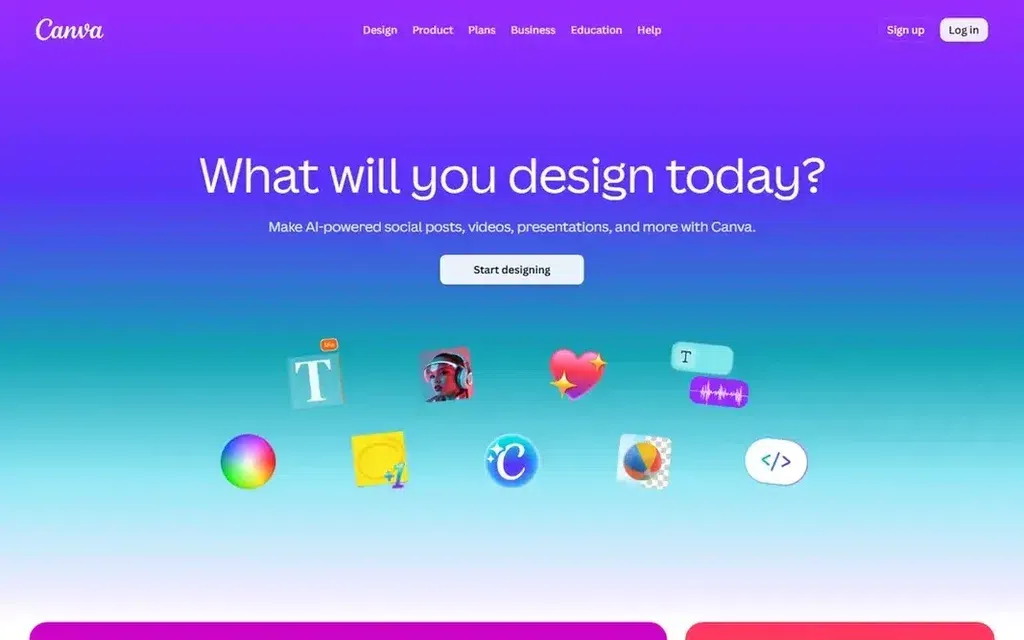
Canva was built for design-led decks inside a visual suite. The broad feature set can pull attention away from presentation management, and heavily custom layouts may still need manual work.
Canva is an online graphic design tool that also manages presentations among social posts, posters, videos and logos. Check the vendor site for Canva pricing; none is listed in this comparison. Free plan details: Not stated.
Honest limits: Complicated layouts may need manual adjustment.
- Covers posters
- Templates for numerous use cases
- Broader suite can distract from deck focus
Where Pitch fits: collaborative team presentation workspaces. Pitch is a collaborative presentation product for teams that want to produce, share and deliver better work, positioned as an AI presentation workspace.
The main drawbacks: Newer workflow to learn.
Teams already comfortable with modern, browser-based collaboration tools will find the model familiar. Also, organizations standardized on Microsoft or Google ecosystems may prefer to stay there. Pitch pricing: €10 per month. Free access exists with Pitch.
- Create
- Share and deliver in one place
- Best value emerges with team use
Beautiful.ai is a good fit for on-brand decks for enterprise teams. Smaller teams without brand governance needs may find the enterprise orientation more than required. From a buyer's view, pick Beautiful.ai when consistent, shareable decks across plenty of authors are the priority.
Downsides: Enterprise focus may exceed small-team needs.
Beautiful.ai is an AI presentation product designed for enterprise teams, with a stated goal of keeping every deck on-brand and ready to share across a company. That makes it a fit for larger organizations where plenty of people produce slides and consistency matters. More specifically, automatic design can feel restrictive when a team wants pixel-level control over layouts. Starting cost for Beautiful.ai: $14.50 per month. Free plan details: Free trial.
- AI product geared toward enterprise teams
- Aimed at company-wide sharing
- Design automation can limit fine control
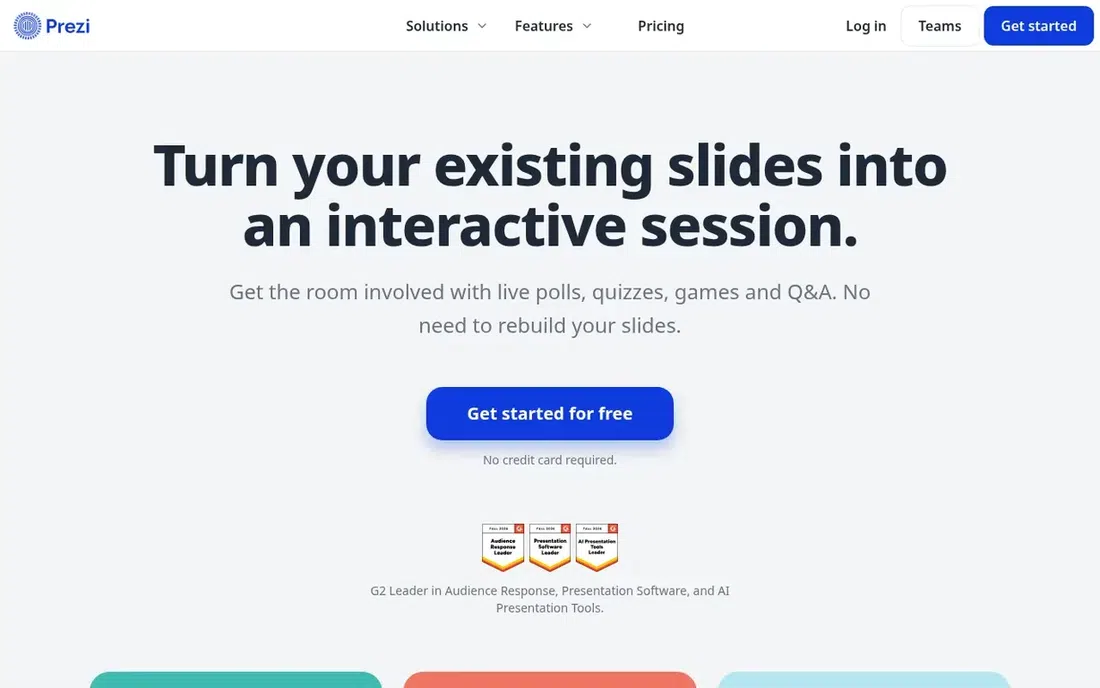
Prezi serves interactive sessions with live audience input. After the session, content can be shared through a single link.
The main drawbacks: Interactive formats need rehearsal.
You can bring slides you already have or describe what you are handling, then run live polls and quizzes that everyone joins from their phone. For everyday use, Prezi is an interactive presentation product targeted at educators, trainers and teams. Prezi does not show a starting price in this comparison, so check the vendor site for current pricing. Trial and free access: Not stated.
- Aimed at educators and trainers
- Runs live polls and quizzes from phones
- Less suited to static document-style decks
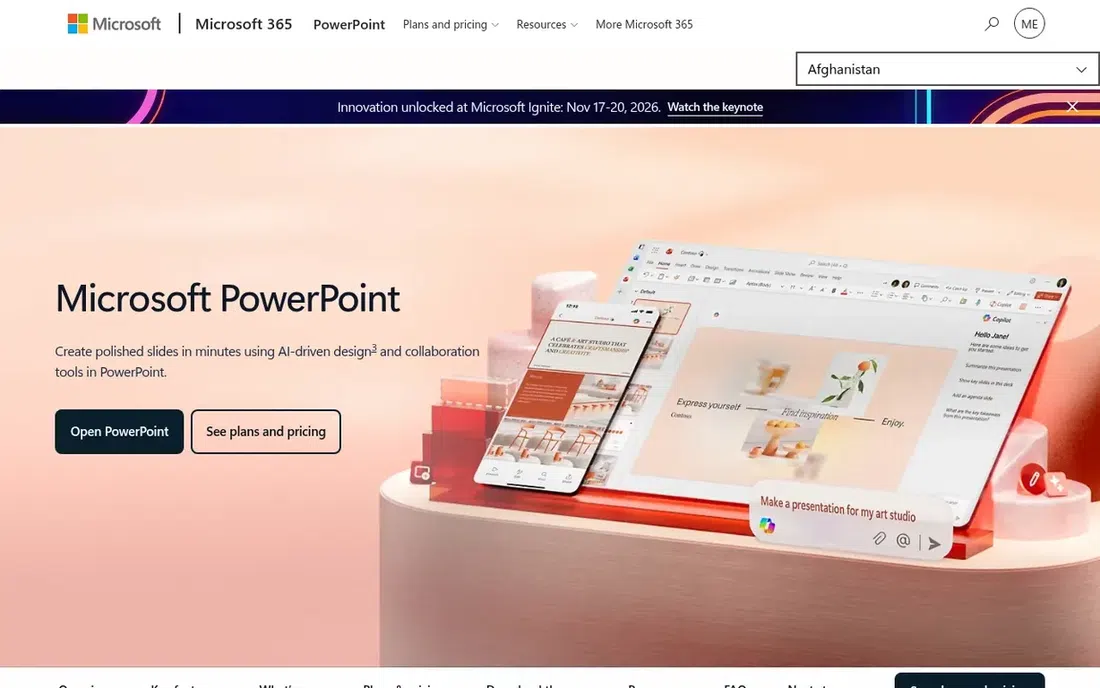
Pick Microsoft PowerPoint if this describes you: everyday slide creation and delivery. Microsoft PowerPoint is the long-standing presentation maker for building clean slideshows and intricate pitch decks. Its editor spans the core tasks most teams need: laying out slides, adding visuals and arranging a narrative.
Where it is weaker: Advanced design work can take manual effort.
From a buyer's view, PowerPoint rewards users who invest time in layout skills, so teams wanting automatic design may prefer a template-driven tool. Live audience interaction is not its core focus, which makes Prezi or Genially worth a look for interactive sessions. Microsoft PowerPoint shows no starting price here, so confirm the cost on the vendor site. On free options: Not stated.
- Solid fit for story-driven presentations
- Familiar slide editing workspace
- Collaboration relies on how files are shared
How we chose
We compared the tools on published pricing, free plan or trial availability, feature coverage for presentation management software, and the limits each vendor documents. Treat prices as a snapshot: vendors change plans often, so check the vendor site for the figure that applies today. Tools are placed by general fit for presentation management software, with price clarity and free access as tie-breakers. A different team can reasonably rank them differently.
What to check before you buy
- Confirm the entry price on the vendor page. For Genially, Canva, Prezi and Microsoft PowerPoint that means a quote rather than a fixed price.
- Look at the free plan from Pitch closely: its caps decide whether it is usable for real work.
- Run a trial of Beautiful.ai with real work before paying for a year; your own workflow is the best test.
- Read the limits listed for Genially first: Interactivity brings production time.
- Pick one real project and run it in Genially first; a small pilot shows fit faster than a checklist.
- Ask Prezi how an export works before you move any records in; an easy exit lowers the risk.
FAQ
What is the cheapest option for presentation management software in this list?
On published monthly entry prices, Beautiful.ai is the lowest here at $14.50 per month. Entry price is only part of the cost, because seats, add-ons and billing terms can change the total. Prices, free plan details and limits for all 6 tools in this presentation management software roundup sit on the individual cards above.
Which tool is a good match for interactive presentations?
This list starts with Genially, which fits interactive and animated content beyond slides. For other needs, Canva is aimed at design-led decks inside a visual suite, and Pitch at collaborative team presentation workspaces. Check each tool's price and main limit first.
What is presentation management software?
Decent choices combine authoring with collaboration and distribution so decks stay consistent and reachable. The tools here differ primarily in how much they emphasize design, interactivity or team workflow.
Can I try these options before paying?
Often, yes. Pitch has a free plan and Beautiful.ai offers a free trial. Use your own data and a real task during the test, and check what the free tier or trial limits before you rely on it. Each of the 6 options in this presentation management software guide has its own card above with the price, free plan and limits.
Do these tools publish their prices?
Not all of them. Genially, Canva, Prezi and Microsoft PowerPoint publish no starting price, so expect a quote request for those. The rest, Pitch included, show a starting price, though seats and billing terms still change the final cost.
Which options for presentation management software have a free plan?
Pitch is the only tool in this list with a free plan. Free plans usually cap users, projects or features, so check the limits on the vendor page. One other tool offers a trial instead. All 6 picks in this presentation management software comparison list a starting price, free plan details and the main limits on their cards above.
Sources
- https://genially.com
- https://www.canva.com
- https://pitch.com
- https://www.beautiful.ai
- https://prezi.com
- https://www.microsoft.com/microsoft-365/powerpoint