Prices Software for Web Design in 2026: The 6 Best Options Side by Side
Shortlisting the best prices software for web design? 6 products compared on cost, free access and ideal buyer. Each entry gets a plain verdict. Numbers first.

- Editor's choiceWix Studio
Agencies managing client sites at scale
Starts atSee websiteVisit wix.comFull review - Great alternative
 Adobe Dreamweaver
Code-focused responsive web design
Starts atSee websiteVisit adobe.comFull review - Also consider
 Figma
Collaborative design before development
Starts at$3 a monthVisit figma.comFull review
Direct answer
This list puts Wix Studio first for agencies managing client sites at scale. Listed starting prices: Figma from $3 a month, Framer from $10 per month and Webflow from $15 per month. Adobe Dreamweaver is better for code-focused responsive web design, and Figma is better for collaborative design before development. The remaining 3 options are covered below with prices and limits.
TL;DR:
- Top of the list is Wix Studio, which targets agencies managing client sites at scale.
- A fair warning about Figma: not a hosting or CMS product.
- Squarespace fits quick launches with configurable templates.
- Figma has the lowest monthly starting price in this list: $3 per month.
- Only 2 of the 6 tools have a free plan (Framer, Webflow), so check the caps.
Last checked November 2026. Prices and plan details were read from the vendors' own pages in November 2026; vendors change plans often, so confirm the current price on the vendor site before you buy.
Quick comparison
| Tool | Best for | Starts at | Free plan? | |
|---|---|---|---|---|
| Wix Studio | Agencies managing client sites at scale | See website | Not stated | Visit |
| Adobe Dreamweaver | Code-focused responsive web design | See website | Not stated | Visit |
| Figma | Collaborative design before development | $3 a month | Not stated | Visit |
 Framer | AI-assisted site building with hosting | $10 per month | Yes | Visit |
 Webflow | Visual design with built-in hosting and CMS | $15 per month | Yes | Visit |
 Squarespace | Fast launches with configurable templates | $12 a month | Free trial | Visit |
Prices Software for Web Design, one by one
LinkVetted put together this guide to prices software for web design for readers who want a clear shortlist without reading every vendor page. It compares 6 tools on starting price, free plans, who each one suits and where each one falls short.
Wix Studio
Best for: Agencies managing client sites at scale
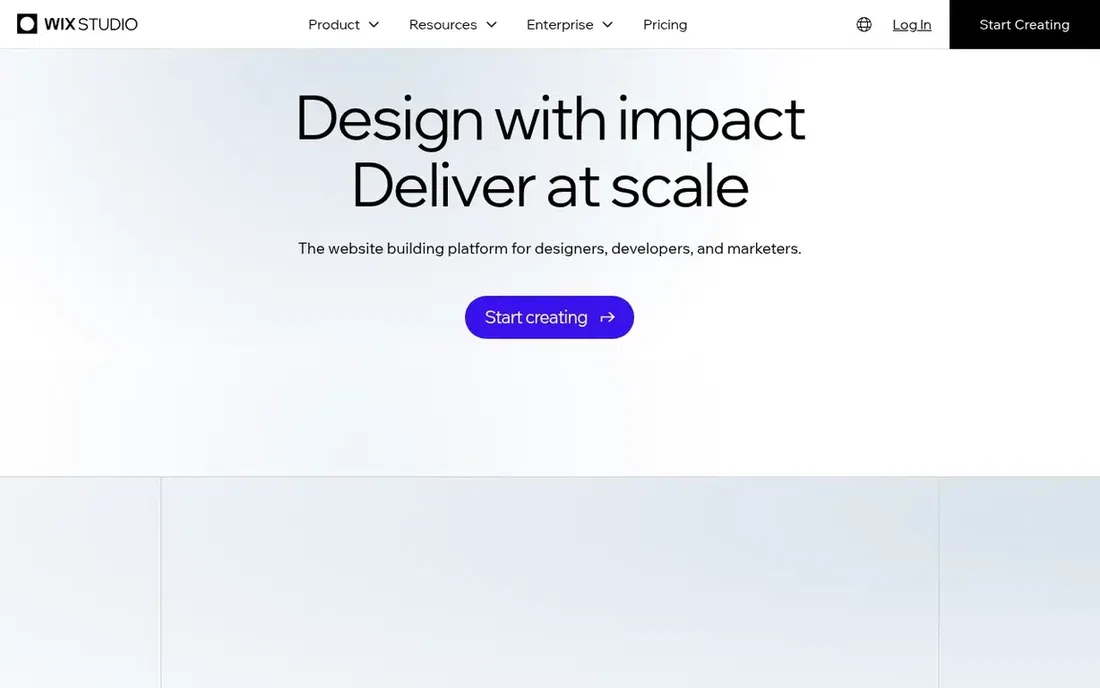
Think of Wix Studio for agencies managing client sites at scale. Agencies that juggle several client projects and need centralized management will find the tool oriented toward their workflow, while enterprises can use it for brand-consistent sites. It aims to help teams deliver digital experiences across industries.
The breadth of features may be more than a solo creator needs, and the ecosystem is specific to Wix. On top of that, if you prefer a more straightforward tool with fewer management layers, an entry-level website builder could be a better fit. Wix Studio does not show a starting price in this comparison, so check the vendor site for current pricing. On free options: Not stated.
Trade-offs to know: Feature depth may overwhelm solo users.
- Management tools for agencies
- Smart design and development capabilities
- Platform-specific ecosystem
Adobe Dreamweaver makes the most sense for code-focused responsive web design. Adobe Dreamweaver is responsive web design software that supports HTML, CSS, JavaScript, and more, letting you build and publish web pages. Pick Dreamweaver when code-level control is central to your workflow.
Trade-offs to know: Less visual than modern builders.
Beyond that, Dreamweaver assumes familiarity with code, which can be a barrier for non-technical users. It provides less visual building than modern drag-and-drop products. The tool is suited to custom sites where hand-coded structure and direct control over markup are important. Pricing for Adobe Dreamweaver is not stated here, so ask the vendor for current figures. Free access: Not stated.
- Publish pages from the editor
- Responsive design workflow
- Needs coding knowledge
Think of Figma for collaborative design before development. Figma is a collaborative canvas where design, code, and AI come together, supporting the journey from first idea to shipped product.
It suits design teams and cross-functional groups that require to iterate together in one place. Figma pricing: $3 per month. On free options: Not stated.
Downsides: Not a hosting or CMS platform.
- Bridges design, code, AI
- Live collaborative canvas
- Needs separate build tools
Where Framer fits: AI-assisted site building with hosting. As a newer system, it may not match the depth of established tools for complicated, large-scale sites, and AI-generated results frequently need manual refinement.
Watch-outs: AI output may need refinement.
Designers and marketers who value speed alongside editability will find it relevant. Price to start with Framer: $10 per month. Framer includes a free tier.
- Analytics built in
- Design agent from idea to launch
- Newer ecosystem for some teams
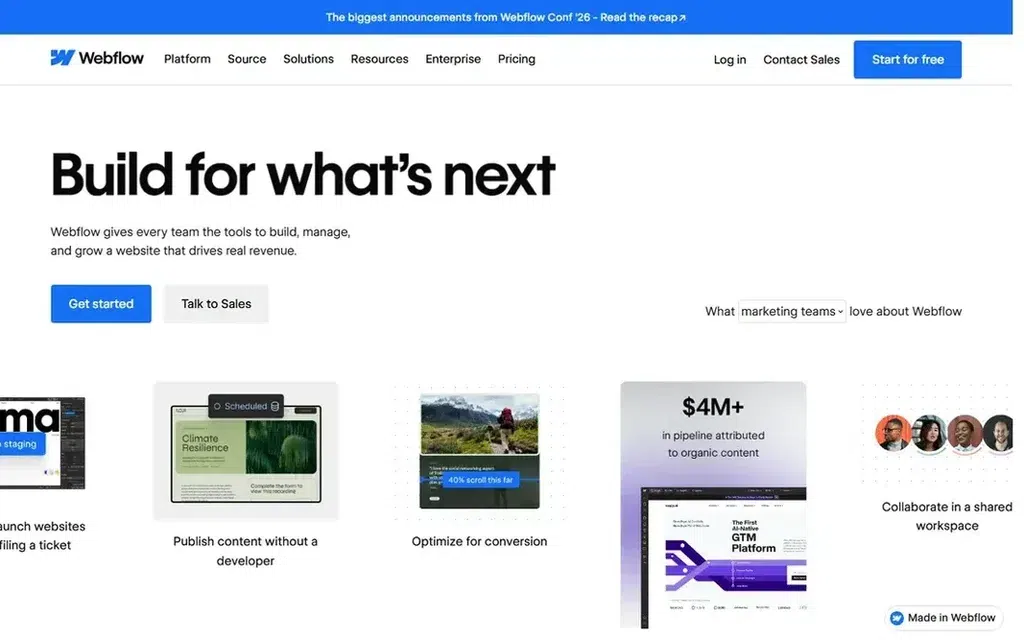
Webflow targets visual design with built-in hosting and CMS. The product's depth can mean a steeper ramp-up time for beginners, and hosting is tied to Webflow instead of portable. Webflow is a visual web system that lets teams design, build, optimize, and rank in AI search from one place.
Points against: Hosting tied to the system.
It contains CMS, hosting, and enterprise-grade security, making it a fit for firms that want design control without managing separate infrastructure. More specifically, consider Webflow when design adaptability and integrated content management matter more than a fast launch. More specifically, if you need a straightforward brochure site with minimal setup, a lighter builder may be simpler. Teams that require a unified environment for marketing sites and content-driven pages will find the feature set aligned with that goal. Price to start with Webflow: $15 per month. Webflow has a free plan. Where it shines: Visual design combined with CMS and hosting.
- Search and AI optimization features built in
- Enterprise-grade security choices
- Ramp-up time for advanced interactions

Think of Squarespace for fast launches with configurable templates. Squarespace is a website builder that helps you produce a site and grow your business using configurable templates, AI website builder tools, or a domain name. As for the details, if you need intricate interactions or a highly tailored layout, a different tool may serve you better.
The main drawbacks: Less granular design control.
Best features of Squarespace: AI website builder tools.
The template-first approach accelerates launches for portfolios, blogs, and small business pages. In daily use, design adaptability can be restricted compared to more open products, and advanced customizations may need workarounds. For everyday use, pick Squarespace when speed and template quality are more important than granular control. Price to start with Squarespace: $12 per month. Free options: Free trial.
- Domain name choices available
- Configurable website templates
- Template-driven structure
How these tools were picked
For each of the 6 tools we noted price, free plan or trial, fit for prices software for web design and the main limit, using vendor pages and documentation. Where a vendor does not publish a price, the entry says quote. Where a price depends on seats or billing term, the entry says so. The ranking is editorial: typical fit first, then clear pricing, then free access. If your needs are unusual, read the profiles rather than relying on position.
Before you commit
- Ask Wix Studio and Adobe Dreamweaver for a written quote, since no starting price is shown.
- Look at free plan limits closely: Framer and Webflow have one, and the caps decide whether it is usable for real work.
- Run a trial of Squarespace with real work before paying for a year; your own workflow is the best test.
- Read the limits listed for Wix Studio first: feature depth may overwhelm solo users.
- Check whether the features you need in Squarespace sit on the entry plan or only on higher tiers.
- Look at the help docs and support options for Adobe Dreamweaver before you commit.
FAQ
Is Wix Studio the right pick for everyone comparing prices software for web design?
No single tool suits every team. Wix Studio comes first because it fits agencies managing client sites at scale, while Adobe Dreamweaver suits code-focused responsive web design and Figma suits collaborative design before development. Match the tool to your own size, budget and workflow before deciding.
Do these tools publish their prices?
Not all of them. Wix Studio and Adobe Dreamweaver publish no starting price, so expect a quote request for those. The rest, Figma included, show a starting price, though seats and billing terms still change the final cost.
What is the cheapest option for prices software for web design in this list?
On published monthly entry prices, Figma is the lowest here at $3 per month. Entry price is only part of the cost, because seats, add-ons and billing terms can change the total. Each of the 6 options in this prices software for web design guide has its own card above with the price, free plan and limits.
Which web design tool is a good match for a small budget?
This list starts with Wix Studio, which fits agencies managing client sites at scale. For other needs, Adobe Dreamweaver is aimed at code-focused responsive web design, and Figma at collaborative design before development. Check each tool's price and main limit first.
Can I try these tools before paying?
Often, yes. Framer and Webflow have a free plan and Squarespace offers a free trial. Use your own data and a real task during the test, and check what the free tier or trial limits before you rely on it. All 6 picks in this prices software for web design comparison list a starting price, free plan details and the main limits on their cards above.
Sources
- https://www.wix.com/studio
- https://www.adobe.com/products/dreamweaver.html
- https://www.figma.com
- https://www.framer.com
- https://webflow.com
- https://www.squarespace.com