Best Presentation Software for Startups for 2026: Our 5 Vetted Picks
Compare 5 best presentation software for startups, with prices, free plans and who each fits. Strengths and weak spots are spelled out. Quick to scan.
- Editor's choice
 Google Slides
Shared editing in Google Workspace
Starts atSee websiteVisit workspace.google.comFull review - Great alternative
 Pitch
Collaborative team pitch building
Starts at€10 per monthVisit pitch.comFull review - Also consider
 Canva
Quick branded slide design
Starts atSee websiteVisit canva.comFull review
Direct answer
Google Slides is the first pick on this list for shared editing in Google Workspace. Listed starting prices: Pitch from €10 per month and Beautiful.ai from $14.50 a month. For a different need, Pitch covers collaborative team pitch building and Canva covers quick branded slide design. The remaining 2 options are covered below with prices and limits.
TL;DR:
- Google Slides sits first on this list: shared editing in Google Workspace.
- Only Pitch offers a free plan among these 5 tools.
- A fair warning about Beautiful.ai: less free-form design control.
- Beautiful.ai has the lowest monthly starting price in this list: $14.50 per month.
Last checked November 2026. Prices and plan details were read from the vendors' own pages in November 2026; vendors change plans often, so confirm the current price on the vendor site before you buy.
Quick comparison
| Tool | Best for | Starts at | Free plan? | |
|---|---|---|---|---|
| Google Slides | Shared editing in Google Workspace | See website | Not stated | Visit |
| Pitch | Collaborative team pitch building | €10 per month | Yes | Visit |
| Canva | Quick branded slide design | See website | Not stated | Visit |
 Beautiful.ai | Brand-consistent team decks | $14.50 a month | Free trial | Visit |
 Prezi | Interactive live presentations | See website | Not stated | Visit |
The 5 tools in detail
Choosing presentation software for startups usually comes down to price, fit and limits. This LinkVetted guide sets 5 tools side by side on those three points, with the facts kept short and checkable.
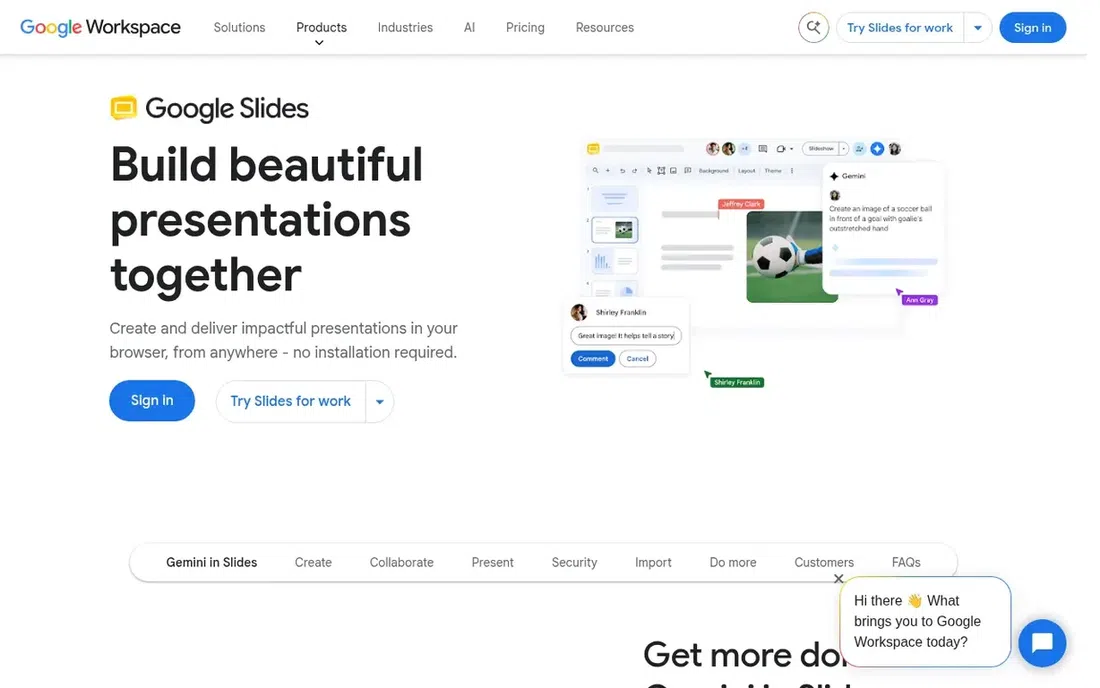
Google Slides is a good fit for shared editing in Google Workspace. Google Slides is a presentation slideshow maker inside Google Workspace that supports templates for plenty of use cases and AI to produce visualizations. In practice, startups already using Google tools get straightforward sharing and simultaneous editing, which helps when multiple people contribute to a deck.
Downsides: Design ceiling is lower than design-first tools.
For everyday use, design adaptability and animation choices are more restricted than in design-focused or desktop tools, so highly visual decks can feel constrained. For everyday use, choose Google Slides when shared editing and Workspace integration are the priority. For everyday use, teams wanting automatic layout help may look elsewhere. Google Slides shows no starting price here, so confirm the cost on the vendor site. Trial and free access: Not stated.
- Templates for numerous use cases
- Browser-based collaborative editing
- Advanced animation is entry-level
In short, Pitch is for collaborative team pitch building. For a single person making one deck, the team-oriented approach may add overhead compared to more straightforward tools.
Where it is weaker: Narrower content scope than visual suites.
It also does not span the broad range of visual content that design suites include. In practice, the focus is on the entire workflow around a presentation instead of just slide design. Pitch pricing: €10 per month. A free plan is available with Pitch.
- Built around team collaboration
- Geared toward delivering better work together
- Less handy for solo, one-off decks
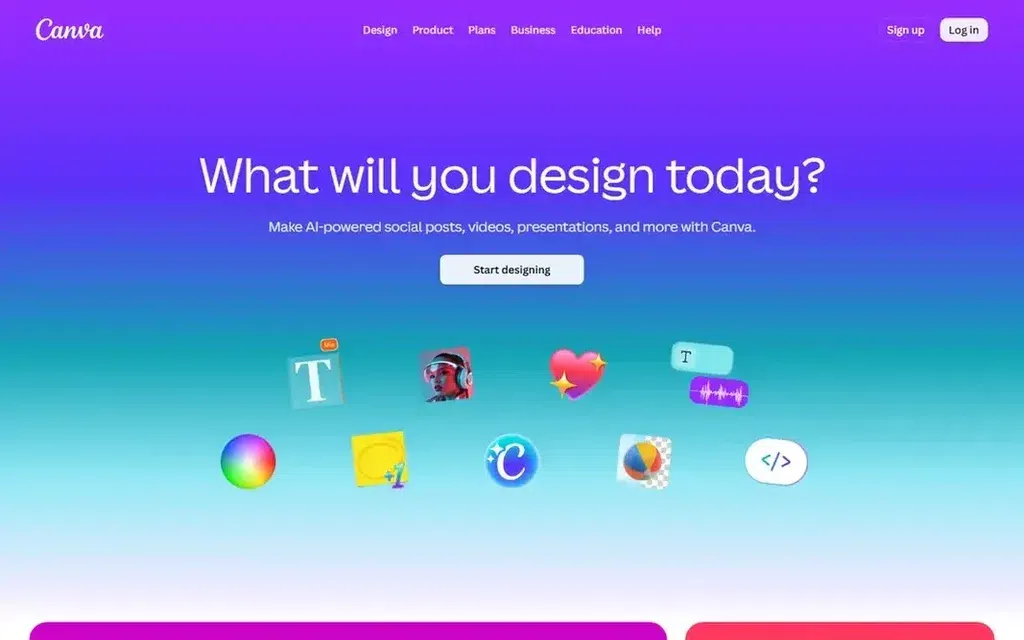
In short, Canva is for quick branded slide design. For startups without a designer, it lets founders build a decent-looking pitch or update deck from templates and drag-and-drop editing.
Trade-offs to know: Less precise slide control than dedicated deck tools.
Where Canva stands out: social posts and video.
Choose Canva when speed and brand consistency across plenty of content types matter more than advanced slide mechanics. Canva does not show a starting price in this comparison, so check the vendor site for current pricing. Free options: Not stated.
- Works for non-designers
- Templates speed up deck creation
- Complicated animations are restricted
Beautiful.ai is a good fit for brand-consistent team decks. Automatic layout assistance can limit free-form design choices for founders who want manual control over every element.
Downsides: Team-focused setup may be heavy for solo founders.
Startups with expanding teams and a consistent brand identity can use it to keep decks aligned as more people produce them. The starting price for Beautiful.ai: $14.50 per month. Free plan details: Free trial.
- Aimed at sharing across a company
- AI presentation system for teams
- Less free-form design control
Prezi works best for interactive live presentations. Prezi is an interactive presentation system pitched at educators, trainers and teams, letting you bring existing slides or describe your content, then run live polls and quizzes that the audience joins from a phone. For everyday use, the shareable link also supports follow-up after the session.
Its interactive, audience-centered format can feel like a mismatch for a formal investor pitch that follows a strict narrative. Beyond that, choose Prezi when live engagement and post-presentation sharing are more important than a conventional slide flow. Pricing for Prezi is not stated here, so ask the vendor for current figures. Free options: Not stated.
Points against: Ramp-up time for the format.
- Live polls and quizzes joined from phones
- Shareable presentation link
- Nonlinear style may not suit formal investor decks
How we built this list
Selection started from tools commonly considered for presentation software for startups, then narrowed to 5 that have clear pricing information or a clear quote process. Where a price is missing, the vendor does not list one publicly or ties it to a quote. Always confirm before budgeting. Order on the page follows fit for the typical buyer first, then price transparency and free access. Your own requirements should decide the final pick.
Questions to settle before buying
- Ask Google Slides, Canva and Prezi for a written quote, since no starting price is shown.
- Test the free plan from Pitch against your real workload before relying on it.
- Run a trial of Beautiful.ai with real work before paying for a year; your own workflow is the best test.
- Before choosing Google Slides, weigh its main limit: design ceiling is lower than design-first tools.
- Find out what support Canva includes on your plan, and whether onboarding help costs extra.
- Confirm the exact Pitch plan that includes your must-have features.
FAQ
Do these tools publish their prices?
Not all of them. Google Slides, Canva and Prezi publish no starting price, so expect a quote request for those. The rest, Pitch included, show a starting price, though seats and billing terms still change the final cost.
Which tool is a good match for interactive presentations?
Google Slides comes first here and is built for shared editing in Google Workspace. Buyers with other needs may prefer Pitch (for collaborative team pitch building) or Canva (for fast branded slide design). Compare costs and limits first.
Should startups use Google Slides or PowerPoint?
PowerPoint supplies deeper control over layout and animation. As for the details, plenty of startups use Slides for internal collaboration and PowerPoint for final, detail-heavy decks.
How do I keep startup decks consistent across the team?
Pair that with a shared template and clear slide guidelines. For everyday use, confirm current branding features on the vendor site before committing.
Is Google Slides the right pick for everyone comparing presentation software for startups?
No single tool suits every team. Google Slides comes first because it fits shared editing in Google Workspace, while Pitch suits collaborative team pitch building and Canva suits fast branded slide design. Match the tool to your own size, budget and workflow before deciding.
What is the cheapest option for presentation software for startups in this list?
On published monthly entry prices, Beautiful.ai is the lowest here at $14.50 per month. Entry price is only part of the cost, because seats, add-ons and billing terms can change the total. Prices, free plan details and limits for all 5 tools in this presentation software for startups roundup sit on the individual cards above.
Sources
- https://workspace.google.com/products/slides
- https://pitch.com
- https://www.canva.com
- https://www.beautiful.ai
- https://prezi.com