5 Best Presentation Management Software for Startups for 2026, Vetted and Compared
Best presentation management software for startups: 5 tools compared on price, free plans and fit. Each entry gets a plain verdict. Read before you buy.
- Editor's choice
 Microsoft PowerPoint
Teams already in Microsoft 365
Starts atSee websiteVisit microsoft.comFull review - Great alternative
 Prezi
Interactive live presentations and training
Starts atSee websiteVisit prezi.comFull review - Also consider
 Canva
All-around visual design and decks
Starts atSee websiteVisit canva.comFull review
Direct answer
For teams already in Microsoft 365, Microsoft PowerPoint is where this list starts. Listed starting prices: Beautiful.ai from $14.50 per month and Pitch from €10 per month. Prezi is better for interactive live presentations and training, and Canva is better for all-around visual design and decks. All 5 tools are compared below on price, free plan and limits.
TL;DR:
- This list starts with Microsoft PowerPoint, which is built for teams already in Microsoft 365.
- For collaborative AI-assisted deck building, Pitch is worth a look.
- A fair warning about Microsoft PowerPoint: collaboration style differs from web-first tools.
- Starting prices begin at $14.50 per month with Beautiful.ai.
Last checked November 2026. Prices and plan details were read from the vendors' own pages in November 2026; vendors change plans often, so confirm the current price on the vendor site before you buy.
Quick comparison
| Tool | Best for | Starts at | Free plan? | |
|---|---|---|---|---|
| Microsoft PowerPoint | Teams already in Microsoft 365 | See website | Not stated | Visit |
| Prezi | Interactive live presentations and training | See website | Not stated | Visit |
| Canva | All-around visual design and decks | See website | Not stated | Visit |
 Beautiful.ai | On-brand decks across a company | $14.50 per month | Free trial | Visit |
 Pitch | Collaborative AI-assisted deck building | €10 per month | Yes | Visit |
The best presentation management software for startups
This LinkVetted guide covers 5 presentation management software for startups. Each profile lists a starting price, free plan details, strengths and drawbacks, so you can drop poor fits quickly.
Think of Microsoft PowerPoint for teams already in Microsoft 365. For startups already working in Microsoft 365, it means no new environment to learn and files that open everywhere.
PowerPoint hands you control instead of guidance, so visual consistency relies on your own templates and discipline. Pick PowerPoint when compatibility and depth matter, notably if your investors and partners expect standard slide files. Microsoft PowerPoint does not show a starting price in this comparison, so check the vendor site for current pricing. On free options: Not stated.
Where it is weaker: Less design guidance from day one.
- Takes care of both straightforward slideshows and pitch decks
- Fits organizations standardized on Microsoft tools
- Collaboration style differs from web-first tools
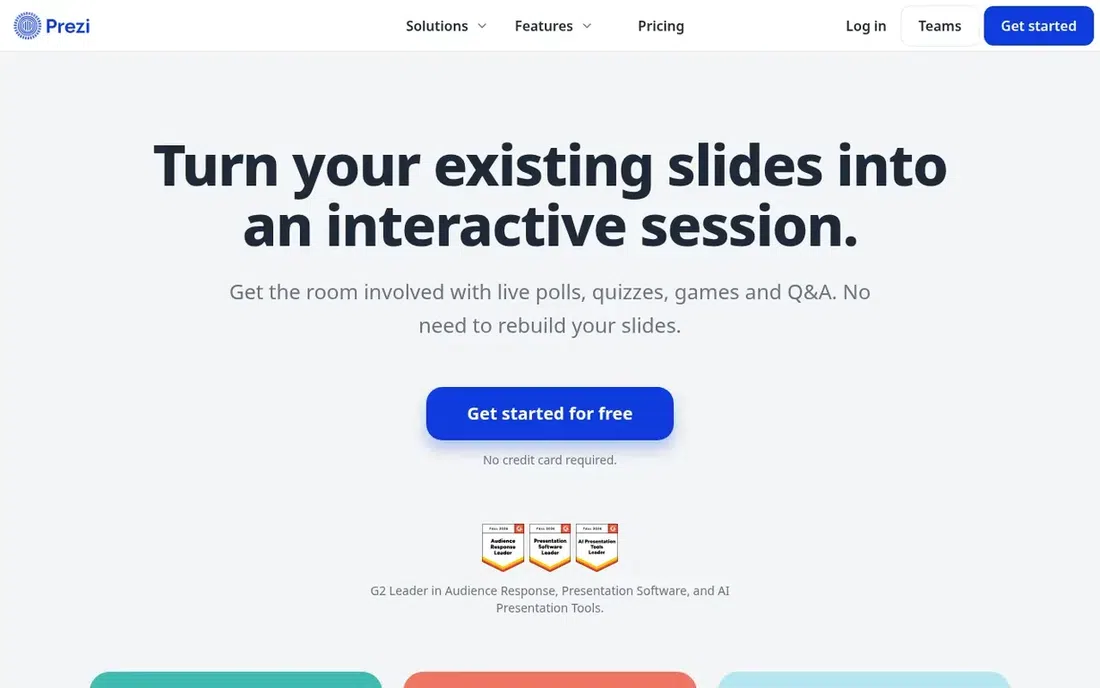
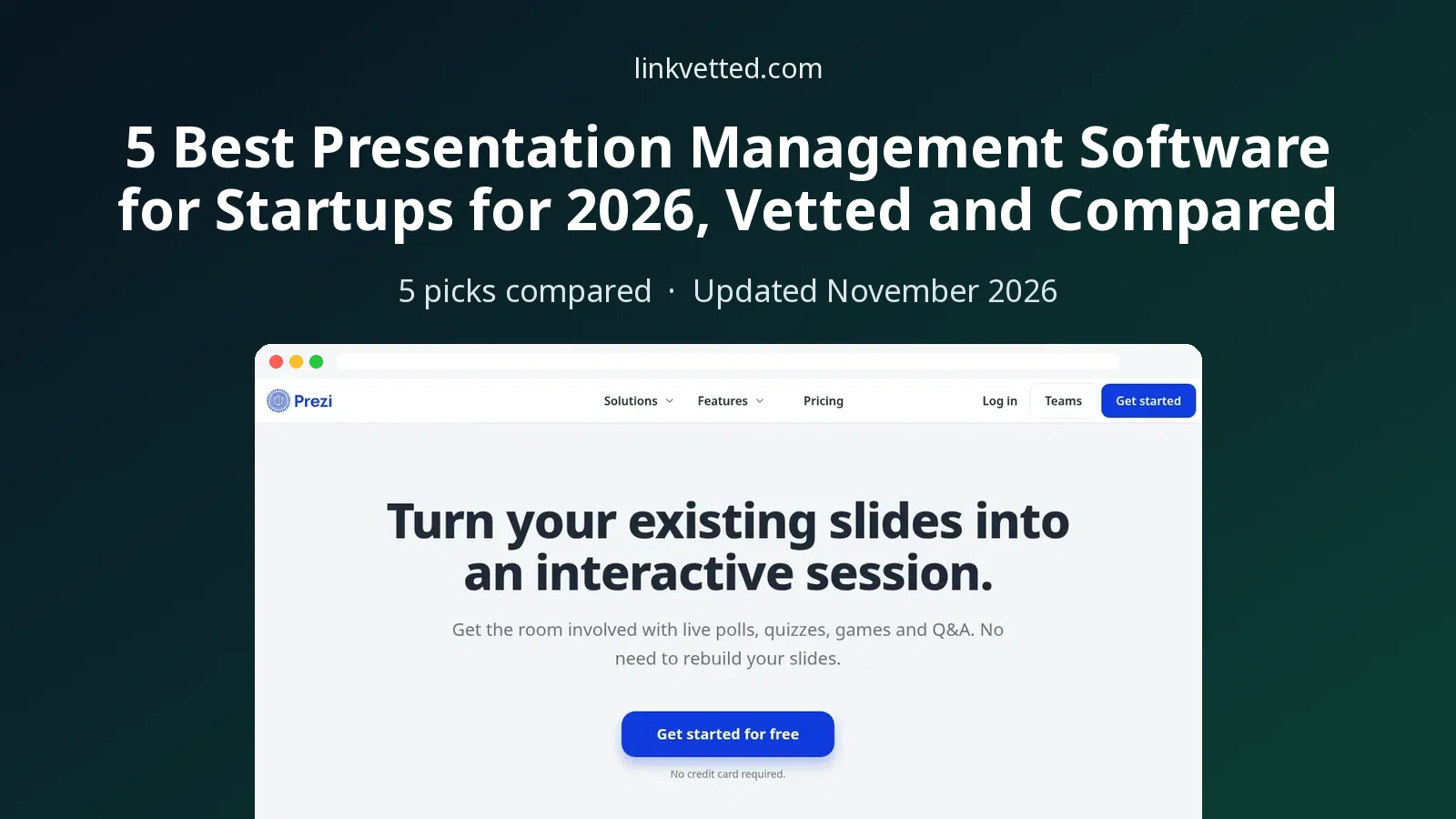
Prezi was built for interactive live presentations and training. Prezi positions itself as a presentation product aimed at what happens after you present, pitched at educators, trainers and teams. Teams that primarily need versioned slide documents may prefer a conventional editor.
From a buyer's view, you can bring the slides you already have or describe your coverage, then run live polls and quizzes that attendees join from their phones and share through a single link. Also, Prezi's strength in live interaction means it is less oriented toward plain, static decks passed around as files. In daily use, pick Prezi when engagement during the session matters and your audience can join from their devices. Prezi shows no starting price here, so confirm the cost on the vendor site. Free access: Not stated.
Strengths: Built around what happens after presenting.
Watch-outs: Interactive format may not suit every audience.
- Accepts existing slides
- Live polls and quizzes joined from a phone
- Less handy for static document-style decks
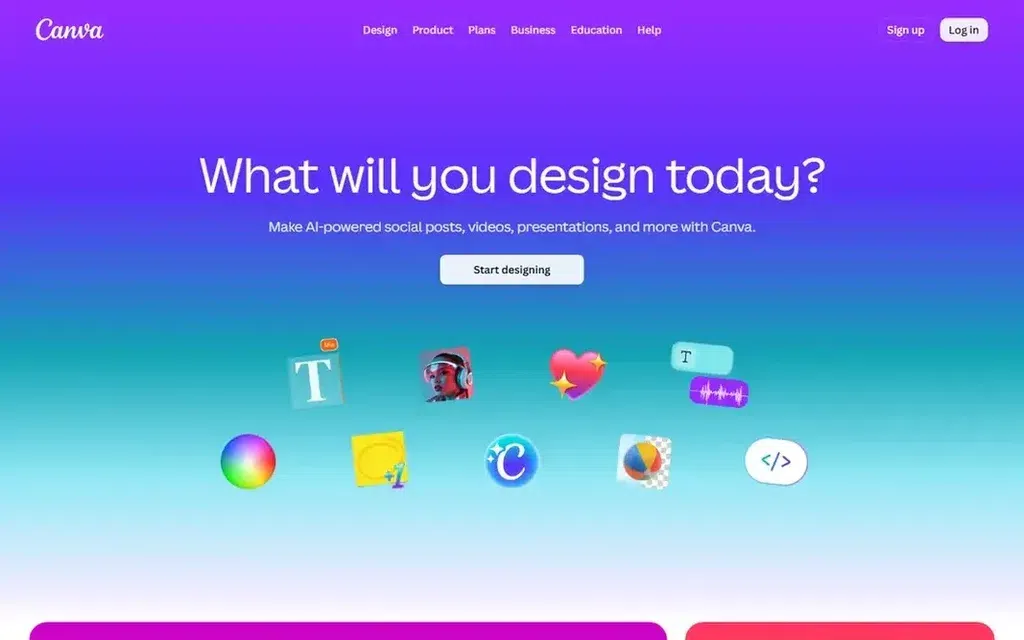
Canva works best for all-around visual design and decks. It suits small teams without dedicated designers who want refined visuals rapidly and a shared place to keep brand assets.
Watch-outs: Wide focus can feel less deck-specific.
Since Canva serves numerous content types, teams with strict presentation governance may find it less specialized than a deck-first product. No starting price is listed for Canva here; confirm pricing on the vendor site. Trial and free access: Not stated. Where it shines: posters and video.
- Browser-based design workflow
- Merges presentations with social posts
- Complicated brand systems may need additional controls
Beautiful.ai works best for on-brand decks across a company. Beautiful.ai presents itself as an AI presentation product for teams, built so every deck stays on-brand and ready to share across the entire company. From a buyer's view, since the system prioritizes brand consistency, teams that want total layout control may find the guided approach restrictive.
The main drawbacks: Enterprise orientation may exceed early-stage needs.
Its enterprise framing also means very early startups should confirm the fit for a small team before committing. The design assistance works whereas you build, which helps startups without a designer keep slides consistent as more people build them. Price to start with Beautiful.ai: $14.50 per month. Free access: Free trial.
- AI presentation product targeted at teams
- Design rules applied as you build
- Brand-first approach can limit layout freedom
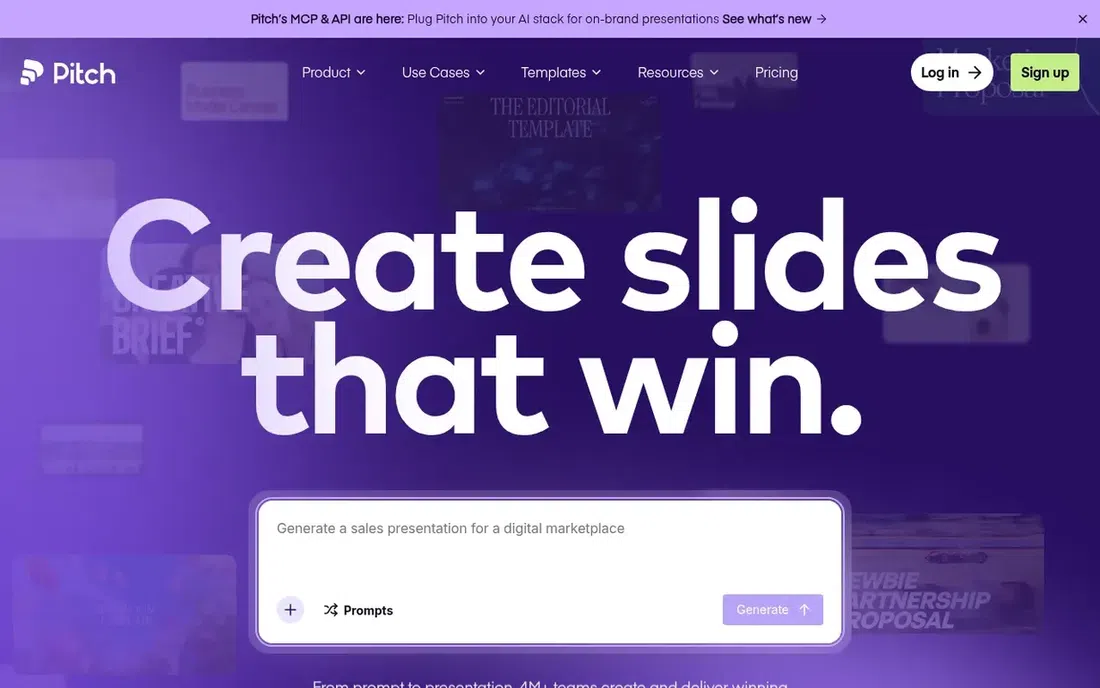
Pitch makes the most sense for collaborative AI-assisted deck building. Pitch describes itself as the AI presentation workspace, a collaborative product for teams that want to produce, share and deliver better work.
Pitch starts at: €10 per month. Free access exists with Pitch.
Limits to weigh: Collaboration focus may be more than solo founders need.
- Aimed at team collaboration on presentations
- Covers creation through delivery
- Teams deep in another suite may face duplication
What went into this list
For each of the 5 tools we noted price, free plan or trial, fit for presentation management software for startups and the main limit, using vendor pages and documentation. Where a vendor does not publish a price, the entry says quote. Where a price depends on seats or billing term, the entry says so. Position on the page reflects fit for a typical buyer first, with price clarity and free access breaking ties. Treat it as a guide, not a ruling.
A buyer's checklist
- Confirm the entry price on the vendor page. For Microsoft PowerPoint, Prezi and Canva that means a quote rather than a fixed price.
- Look at the free plan from Pitch closely: its caps decide whether it is usable for real work.
- Take the trial from Beautiful.ai and push a live task through it before you pay.
- Before choosing Microsoft PowerPoint, weigh its main limit: collaboration style differs from web-first tools.
- Read the plan comparison for Prezi carefully; key features often start on a higher tier.
- The entry price of Beautiful.ai is only the starting point; model the full cost with seats and extras.
FAQ
Is Microsoft PowerPoint the right pick for everyone comparing presentation management software for startups?
No single tool suits every team. Microsoft PowerPoint comes first because it fits teams already in Microsoft 365, while Prezi suits interactive live presentations and training and Canva suits all-around visual design and decks. Match the tool to your own size, budget and workflow before deciding.
How are the tools for presentation management software for startups ordered?
The order follows typical fit for presentation management software for startups, with Microsoft PowerPoint first and Pitch last, then price clarity and free access. It is editorial judgement, not a score, so another team could rank the tools differently.
What should a startup look for in presentation software?
Prioritize simple collaboration, consistent templates and straightforward sharing, since early-stage decks change frequently and involve multiple authors. Also check export formats and whether the tool suits the productivity suite your team already uses.
What is the cheapest option for presentation management software for startups in this list?
On published monthly entry prices, Beautiful.ai is the lowest here at $14.50 per month. Entry price is only part of the cost, because seats, add-ons and billing terms can change the total. Each of the 5 options in this presentation management software for startups guide has its own card above with the price, free plan and limits.
Can a startup use more than one presentation tool?
Yes. Plenty of teams keep a straightforward editor inside their existing suite for routine decks and add a design or interactive tool for launches and events. The key is agreeing on where final decks live so versions do not scatter.
Can I try these tools before paying?
Often, yes. Pitch has a free plan and Beautiful.ai offers a free trial. Use your own data and a real task during the test, and check what the free tier or trial limits before you rely on it. All 5 picks in this presentation management software for startups comparison list a starting price, free plan details and the main limits on their cards above.
Sources
- https://www.microsoft.com/en-us/microsoft-365/powerpoint
- https://prezi.com
- https://www.canva.com
- https://www.beautiful.ai
- https://pitch.com