Choosing Photo Management Software for Startups in 2026: 5 Options Compared
Best photo management software for startups: 5 tools compared on price, free plans and fit. Strengths and weak spots are spelled out. Reviewed this month.
- Editor's choice
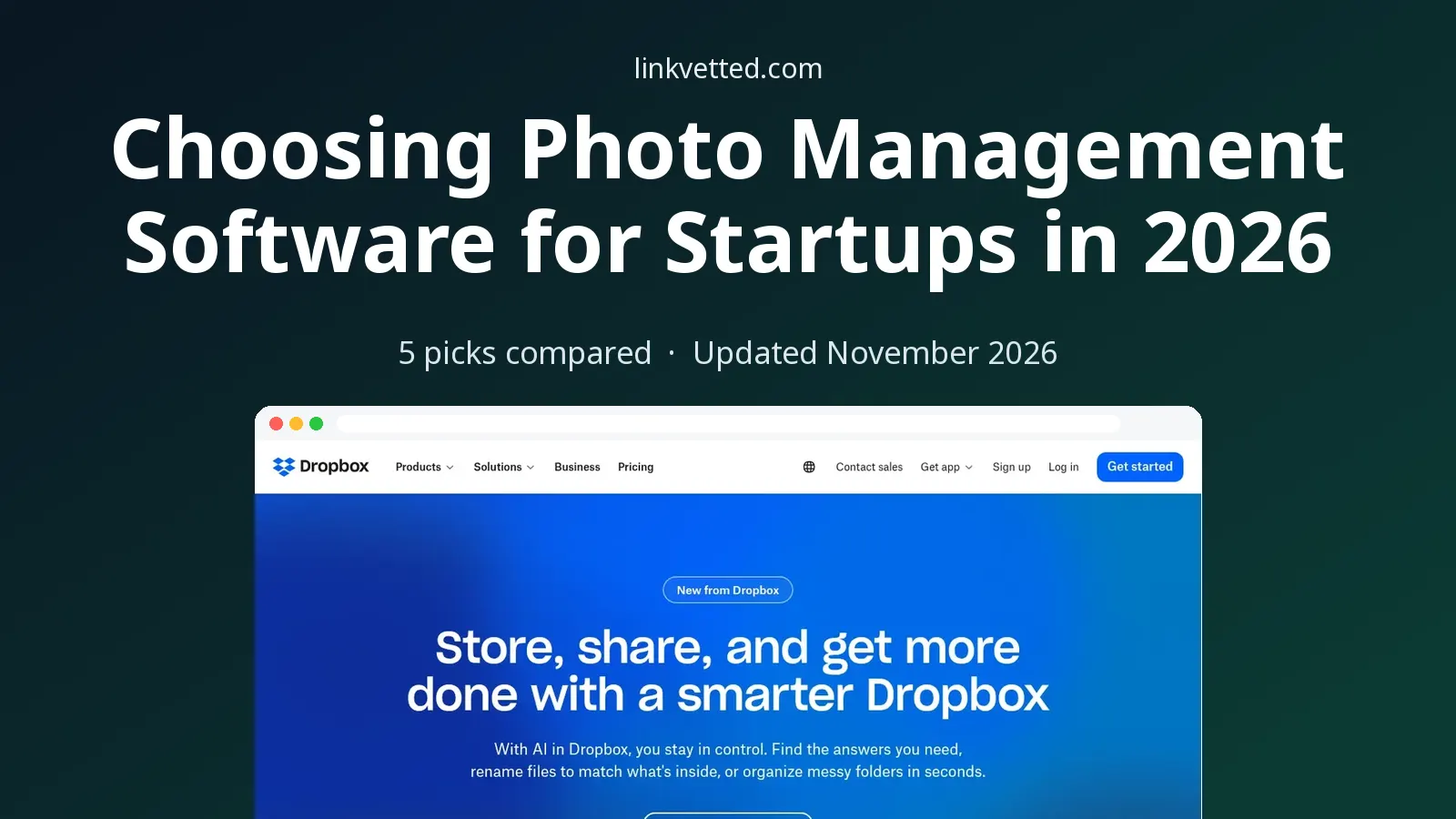
 Dropbox
Secure cloud storage and sharing
Starts at$9.99 per monthVisit dropbox.comFull review - Great alternative
 Canva
Designing marketing visuals
Starts atSee websiteVisit canva.comFull review - Also consider
 Flickr
Photography community and hosting
Starts atSee websiteVisit flickr.comFull review
Direct answer
Dropbox leads the list, best for secure cloud storage and sharing. Listed starting prices: Dropbox from $9.99 per month. Canva is the stronger choice for designing marketing visuals, while Flickr suits Photography community and hosting. The remaining 2 options are covered below with prices and limits.
TL;DR:
- The list opens with Dropbox, aimed at secure cloud storage and sharing.
- A permanent free plan is missing from all 5 tools, Dropbox and Adobe Lightroom included; plan for a trial or a premium start.
- A fair warning about Canva: not a dedicated photo library manager.
- Starting prices begin at $9.99 per month with Dropbox.
Last checked November 2026. Prices and plan details were read from the vendors' own pages in November 2026; vendors change plans often, so confirm the current price on the vendor site before you buy.
Quick comparison
| Tool | Best for | Starts at | Free plan? | |
|---|---|---|---|---|
| Dropbox | Secure cloud storage and sharing | $9.99 per month | Free trial | Visit |
| Canva | Designing marketing visuals | See website | Not stated | Visit |
| Flickr | Photography community and hosting | See website | Not stated | Visit |
 Box | Content management and workflow | See website | Not stated | Visit |
 Adobe Lightroom | Photo editing and organizing | See website | Not stated | Visit |
Photo Management Software for Startups, one by one
LinkVetted put together this guide to photo management software for startups for readers who want a clear shortlist without reading every vendor page. It compares 5 tools on starting price, free plans, who each one suits and where each one falls short.

Dropbox was built for secure cloud storage and sharing. Dropbox offers secure cloud storage, file sharing, and syncing across devices. Worth adding: choose Dropbox when dependable storage and sharing are the core requirements.
Watch-outs: Restricted native photo editing.
Dropbox is not a photo editor or a visual asset manager, so organizing large image libraries depends on folders and file names. From a buyer's view, teams that require editing, tagging, or design tools should pair it with a dedicated application. Dropbox pricing: $9.99 per month. Free plan details: Free trial.
- Share files from any device
- Straightforward file sharing
- Photo organization depends on folder structure

Canva is designed for designing marketing visuals. Canva is an online graphic design tool for creating social media posts, presentations, posters, videos, logos, and more.
Canva is a design platform instead of a full photo management system, so it is not the place to archive and organize large photo libraries. Startups can use it to turn photos into refined marketing assets without a deep design background. Check the vendor site for Canva pricing; none is listed in this comparison. Free options: Not stated.
Where it is weaker: Advanced photo editing is restricted.
- Online graphic design for plenty of formats
- Templates for social posts, presentations, more
- Not a dedicated photo library manager
Flickr is built with Photography community and hosting in mind. Flickr is oriented toward public sharing and community instead of private business asset management.
Points against: Public community focus may not suit private assets.
So it may not suit confidential or internal photo libraries. Pricing for Flickr is not stated here, so ask the vendor for current figures. Trial and free access: Not stated.
- Place to host and share photos
- Community of photographers
- Not a full business content platform
Box is aimed squarely at content management and workflow. Startups with compliance or process needs can handle photo and document assets in a governed environment.
Box shows no starting price here, so confirm the cost on the vendor site. Free access: Not stated.
Drawbacks to consider: Not a photo editor.
- Protection for sensitive data
- AI-powered content management
- More complicated than entry-level storage
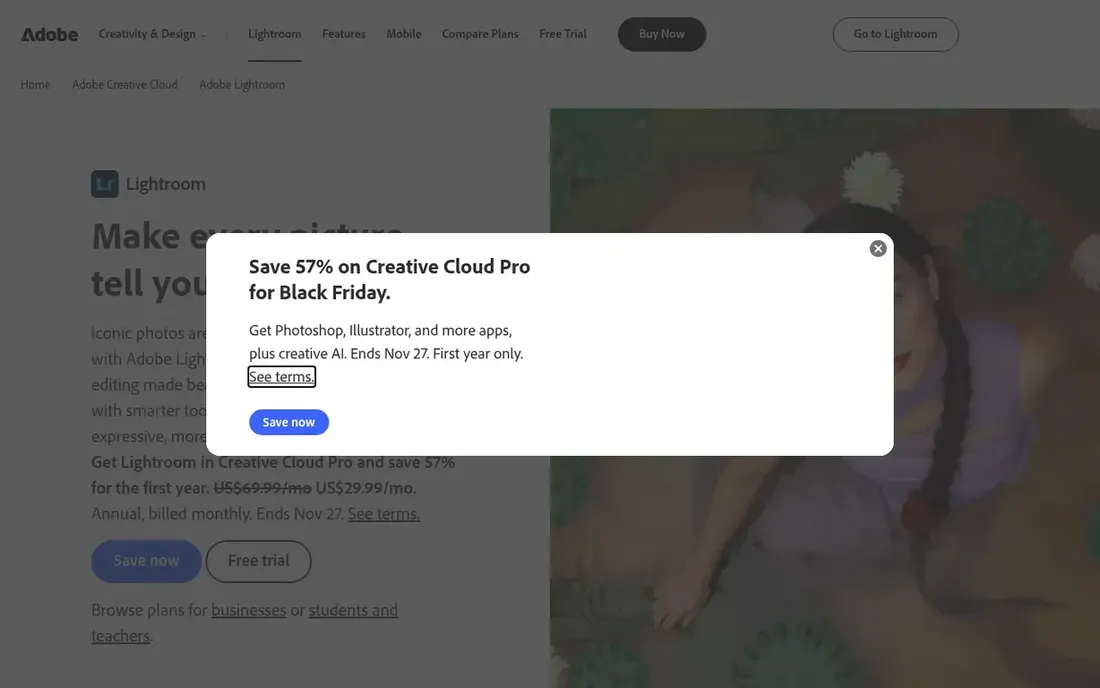
Adobe Lightroom is aimed squarely at photo editing and organizing. The tool is built around photography, so it may be more than a startup needs if the central goal is straightforward file storage or document sharing.
Drawbacks to consider: Ramp-up time for new users.
Startups that produce their own product or marketing photography can use it to make images look refined and keep them organized in one place. Adobe Lightroom shows no starting price here, so confirm the cost on the vendor site. Trial and free access: Not stated.
- Built-in photo organizing
- Editing across desktop, web, mobile
- Editing focus may exceed entry-level storage needs
How we chose
Things to verify first
- Get a written quote from Canva, Flickr, Box and Adobe Lightroom; the list shows no starting price for them.
- Take the trial from Dropbox and push a live task through it before you pay.
- Before choosing Dropbox, weigh its main limit: restricted native photo editing.
- Add up seats, add-ons and usage charges for Adobe Lightroom before comparing it with cheaper entries.
- Read the plan comparison for Box carefully; key features often start on a higher tier.
FAQ
Do these tools publish their prices?
Not all of them. Canva, Flickr, Box and Adobe Lightroom publish no starting price, so expect a quote request for those. The rest, Dropbox included, show a starting price, though seats and billing terms still change the final cost.
Can I try these tools before paying?
Often, yes. Dropbox offers a free trial. Use your own data and a real task during the test, and check what the free tier or trial limits before you rely on it.
Is Dropbox the right pick for everyone comparing photo management software for startups?
No single tool suits every team. Dropbox comes first because it fits secure cloud storage and sharing, while Canva suits designing marketing visuals and Flickr suits Photography community and hosting. Match the tool to your own size, budget and workflow before deciding.
What is the best photo management software for a startup?
Dropbox is the pick this page puts first, mainly for secure cloud storage and sharing. If your situation differs, Canva suits designing marketing visuals, and Flickr suits Photography community and hosting. Compare price and limits before you decide.
Does any tool for photo management software for startups here have a free plan?
No tool in this list, Dropbox and Adobe Lightroom included, has a permanent free plan. Dropbox offer a trial. Trials and quotes are the usual route, so plan a short evaluation period.
Can I use Canva to run photos?
It performs well for turning images into marketing assets, but archiving and editing large photo collections is better handled by a dedicated tool.
Sources
- https://www.dropbox.com
- https://www.canva.com
- https://www.flickr.com
- https://www.box.com
- https://www.adobe.com/products/photoshop-lightroom.html