Choosing Podcast Editing Software for Remote Teams in 2026: 5 Options Compared
5 products for the best podcast editing software for remote teams, ranked by fit, with starting costs and free tiers. Clear notes on pricing gaps and limits.
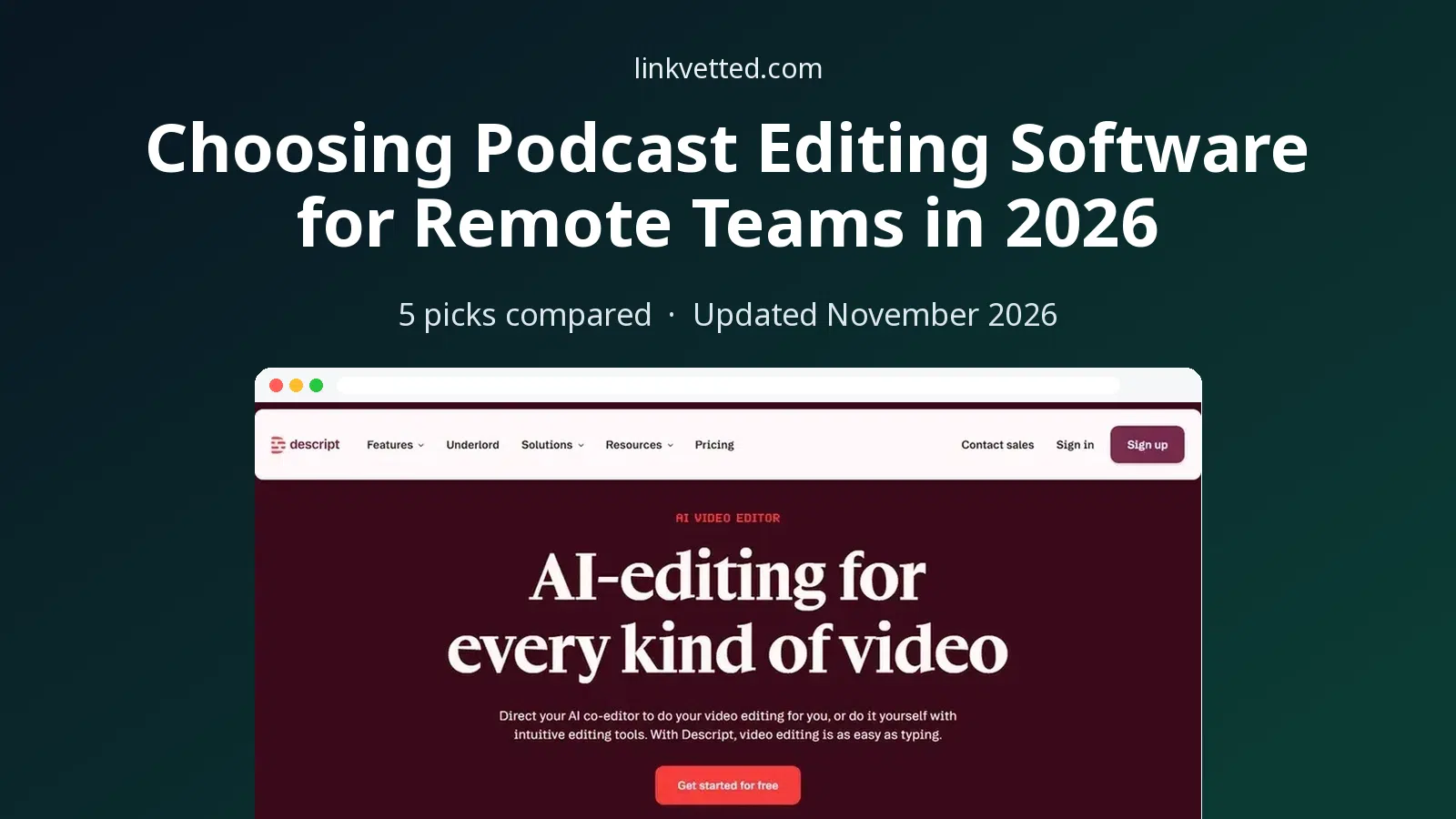
- Editor's choice
 Auphonic
Automatic audio post production
Starts atSee websiteVisit auphonic.comFull review - Great alternative
 Podcastle
Chat-based AI video and audio production
Starts atSee websiteVisit podcastle.aiFull review - Also considerHindenburg Pro
Spoken-word storytelling and journalism
Starts atSee websiteVisit hindenburg.comFull review
Direct answer
Auphonic leads the list, best for automatic audio post production. Listed starting prices: Descript from $16 per person a month and Riverside from $24 a month. Podcastle is the stronger choice for chat-based AI video and audio production, while Hindenburg Pro suits Spoken-word storytelling and journalism. Prices, free plans and limits for all 5 tools follow.
TL;DR:
- Auphonic takes the first slot, best suited to automatic audio post production.
- Descript has the lowest monthly starting price in this list: $16 per person per month.
- The main caution on Hindenburg Pro: narrower focus than general music production suites.
- 4 of 5 tools offer a free plan: Auphonic, Podcastle, Descript, Riverside.
- For remote recording plus editing in one studio, Riverside is worth a look.
Last checked November 2026. Prices and plan details were read from the vendors' own pages in November 2026; vendors change plans often, so confirm the current price on the vendor site before you buy.
Quick comparison
| Tool | Best for | Starts at | Free plan? | |
|---|---|---|---|---|
| Auphonic | Automatic audio post production | See website | Yes | Visit |
| Podcastle | Chat-based AI video and audio production | See website | Yes | Visit |
| Hindenburg Pro | Spoken-word storytelling and journalism | See website | Not stated | Visit |
 Descript | Text-based editing for collaborative teams | $16 per person a month | Yes | Visit |
 Riverside | Remote recording plus editing in one studio | $24 a month | Yes | Visit |
Podcast Editing Software for Remote Teams compared in detail
LinkVetted compared 5 podcast editing software for remote teams. The goal is a practical shortlist: published prices, free plan facts, best-fit use cases and honest limits for every entry.
Think of Auphonic for automatic audio post production. Auphonic is an automatic audio post production web service. Auphonic does not replace a multitrack editor, so cutting interviews and arranging segments still needs another application.
Producers managing a regular release schedule can route finished audio through it to cut manual mastering work. Also, teams wanting one place for recording, editing and publishing should look at an online studio instead. This comparison lists no price for Auphonic; ask the vendor. A free plan is available with Auphonic.
Honest limits: Not a full multitrack editor.
- Web-based processing workflow
- Automatic audio post production
- Creative editing still happens elsewhere
For chat-based AI video and audio production, Podcastle is a natural candidate. Consider Podcastle when social clips and video episodes are part of the plan and guided production saves time.
Also, Podcastle presents a chat-based AI creative suite for video content production, moving from raw footage and AI-generated scenes to finished videos in one workflow. Podcastle does not show a starting price in this comparison, so check the vendor site for current pricing. You can start on Podcastle without paying.
What to check first: Video-forward focus may exceed audio-only needs.
- Chat-based AI creative suite
- Deals with raw footage through finished video
- Less control than manual audio editors
Hindenburg Pro
Best for: Spoken-word storytelling and journalism
Hindenburg Pro is aimed squarely at Spoken-word storytelling and journalism. Hindenburg describes its software as audio editing made for journalists and storytellers, with Hindenburg Pro, Narrator and Field Recorder for creating spoken-word stories without technical complexity.
Limits to weigh: Less browser-based collaboration.
On top of that, collaboration generally depends on shared project files instead of live browser editing. From a buyer's view, the product is specialized, so teams needing heavy sound design or broad plugin ecosystems may prefer a general workstation. Hindenburg Pro shows no starting price here, so confirm the cost on the vendor site. On free options: Not stated.
- Aimed at journalists and storytellers
- Companion Narrator and Field Recorder tools
- Narrower focus than general music production suites
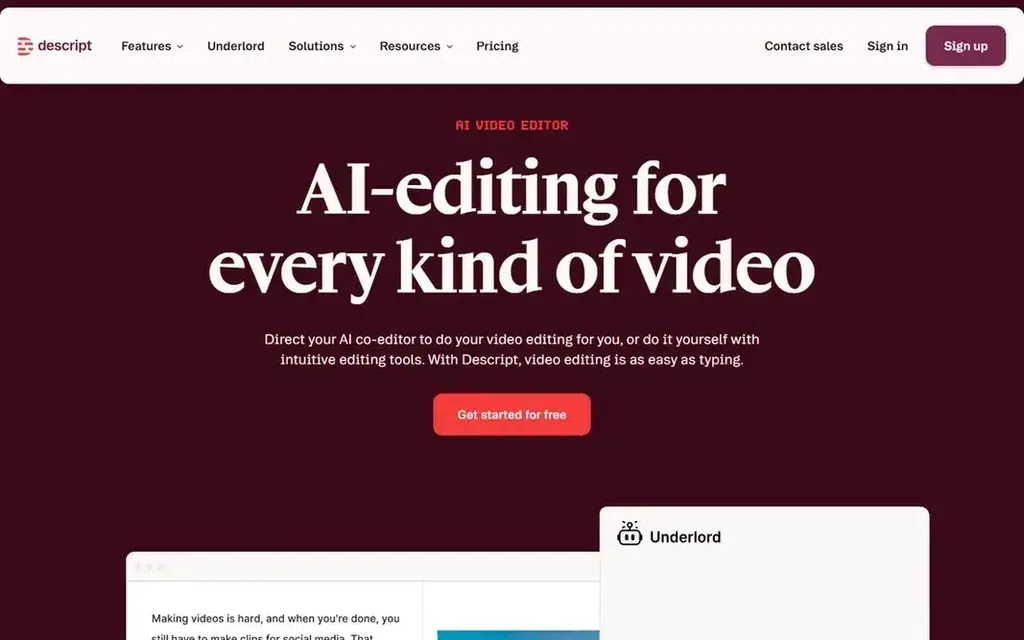
For text-based editing for collaborative teams, Descript is a natural candidate. Descript is an AI video and audio editor that makes editing as simple as editing text. As for the details, Descript performs best when conversation cleanup and quick turnaround matter more than studio-grade mixing.
In daily use, pick something else if your team needs spectral repair, in-depth routing or deep plugin workflows. Also, since the transcript drives the edit, very precise sound design and complicated multitrack mixing can feel restricted compared to a full digital audio workstation. The starting price for Descript: $16 per person per month. Descript has a free plan.
Limits to weigh: Text-first approach may feel unusual to traditional editors.
- Transcribe and publish in one tool
- AI-assisted video and audio workflow
- Advanced audio repair is less deep than dedicated workstations
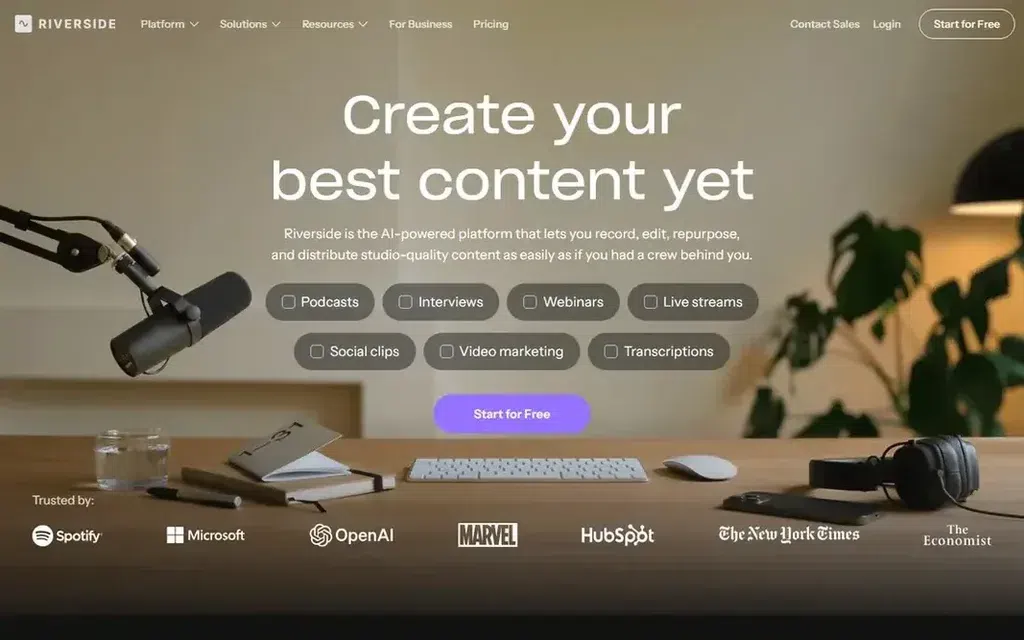
Riverside is a good fit for remote recording plus editing in one studio. Riverside is an online studio for high-quality podcast and video recording and editing, powered by AI and designed for human conversations. From a buyer's view, teams that already record locally with separate hardware may not need the studio side.
From a buyer's view, hosts who record guests across time zones get a consistent browser-based workflow. Its editing tools are pitched at podcast and video production instead of advanced audio restoration, so complicated mixing may still need another application. On cost, Riverside starts like this: $24 per month. You can start on Riverside without paying.
Points against: Best value comes when you also record there.
- High-quality podcast and video recording
- AI-powered editing features
- Editing depth is lighter than dedicated workstations
How these tools were picked
LinkVetted used vendor pricing pages and product documentation as the base, then compared plans, free access and documented limits for 5 tools. Where a vendor does not publish a price, the entry says quote. Where a price depends on seats or billing term, the entry says so. Tools are placed by general fit for podcast editing software for remote teams, with price clarity and free access as tie-breakers. A different team can reasonably rank them differently.
Questions to settle before buying
- Get a written quote from Auphonic, Podcastle and Hindenburg Pro; the list shows no starting price for them.
- Read the fine print on the free plans from Auphonic, Podcastle, Descript and Riverside; seat, project and feature caps differ.
- Before choosing Auphonic, weigh its main limit: not a full multitrack editor.
- Read the plan comparison for Hindenburg Pro carefully; key features often start on a higher tier.
- Add up seats, add-ons and usage charges for Podcastle before comparing it with cheaper entries.
FAQ
Where does automatic audio cleanup fit in a podcast workflow?
Automatic post production is usually applied after the creative edit and before publishing to keep levels and noise consistent across episodes. Test it on a sample episode to confirm the results suit your display.
Can I edit a podcast without audio engineering experience?
Yes. Text-based editors and chat-driven tools are designed to make cutting and cleanup approachable for non-specialists. Teams with demanding sound design needs may still want an experienced editor using a full workstation for final polish.
Is Auphonic the right pick for everyone comparing podcast editing software for remote teams?
No single tool suits every team. Auphonic comes first because it fits automatic audio post production, while Podcastle suits chat-based AI video and audio production and Hindenburg Pro suits Spoken-word storytelling and journalism. Match the tool to your own size, budget and workflow before deciding.
What makes podcast editing software good for remote teams?
Remote teams benefit from shared projects, transcript-based review and browser access so hosts and editors can work from different locations. Check how each choice deals with collaboration before committing.
What is the cheapest option for podcast editing software for remote teams in this list?
On published monthly entry prices, Descript is the lowest here at $16 per person per month. Entry price is only part of the cost, because seats, add-ons and billing terms can change the total. Prices, free plan details and limits for all 5 tools in this Podcast editing software for remote teams roundup sit on the individual cards above.
Can I try these tools before paying?
Often, yes. Auphonic, Podcastle, Descript and Riverside have a free plan. Use your own data and a real task during the test, and check what the free tier or trial limits before you rely on it.
Sources
- https://auphonic.com
- https://podcastle.ai
- https://hindenburg.com
- https://www.descript.com
- https://riverside.fm
Related guides
- Audio Editing Software for Remote Teams in 2026: The 6 Best Options Side by Side
- Best 3D Parts Catalog Software for Remote Teams in 2026: Prices, Free Plans and 6 Picks
- 3D Rendering Software for Remote Teams in 2026: The 6 Best Options Side by Side
- The 5 Best Church Presentation Software for Remote Teams in 2026, Ranked