Choosing Photo Enhancement Software in 2026: 6 Options Compared
Compare 6 picks for the best photo enhancement software, with prices, free plans and who each fits. Cost notes and weak points included. Clear verdicts.
- Editor's choice
 Affinity Photo
Professional editing without subscription
Starts atSee websiteVisit affinity.serif.comFull review - Great alternativeSkylum Luminar Neo
AI-assisted creative editing
Starts atSee websiteVisit skylum.comFull review - Also consider
 Adobe Photoshop
Full image editing and compositing
Starts atSee websiteVisit adobe.comFull review
Direct answer
Start with Affinity Photo if you need professional editing without subscription. Listed starting prices: ON1 Photo RAW from $49.99 and Topaz Photo AI from $19 per month. Alternatives: Skylum Luminar Neo for AI-assisted creative editing, and Adobe Photoshop for thorough image editing and compositing. Prices, free plans and limits for all 6 tools follow.
TL;DR:
- Number one here is Affinity Photo, a fit for professional editing without subscription.
- The cheapest monthly starting price in the list is $19 per month, offered by Topaz Photo AI.
- Topaz Photo AI is the one to check for AI-powered image enhancement.
- Affinity Photo, Topaz Photo AI and the 4 others all need a premium plan or a trial, since no free plan is listed.
Last checked November 2026. Prices and plan details were read from the vendors' own pages in November 2026; vendors change plans often, so confirm the current price on the vendor site before you buy.
Quick comparison
| Tool | Best for | Starts at | Free plan? | |
|---|---|---|---|---|
| Affinity Photo | Professional editing without subscription | See website | Not stated | Visit |
| Skylum Luminar Neo | AI-assisted creative editing | See website | No | Visit |
| Adobe Photoshop | Full image editing and compositing | See website | Not stated | Visit |
 Capture One | Precision editing and RAW workflow | See website | Not stated | Visit |
 ON1 Photo RAW | All-in-one RAW editing and organization | $49.99 | Free trial | Visit |
 Topaz Photo AI | AI-powered image enhancement | $19 per month | Not stated | Visit |
6 options for photo enhancement software in detail
If you are comparing photo enhancement software, this page covers 6 tools in one place: what each is best for, what it costs to start, whether it has a free plan, and the main limit to know about.
Affinity Photo targets professional editing without subscription. Affinity Photo is a professional photo editor designed for power and precision. It is a capable alternative to subscription-based editors, a good match for professionals and enthusiasts alike.
It also has a ramp-up time. Choose it if you want a feature-rich editor without continuing costs and do not mind managing files separately. Check the vendor site for Affinity Photo pricing; none is listed in this comparison. On free options: Not stated.
Limits to weigh: Ramp-up time.
- Precise control
- Feature-rich editing tools
- No built-in organization
Skylum Luminar Neo
Best for: AI-assisted creative editing
For AI-assisted creative editing, Skylum Luminar Neo is a natural candidate. For advanced compositing or precise color grading, consider more solid software. It is a strong match for fast, creative enhancements.
Trade-offs to know: Restricted advanced controls.
On top of that, Skylum Luminar Neo is a photo editor that uses AI to ease complicated edits. It supplies a straightforward interface with AI tools that help bring creative visions to life. Worth adding: Luminar Neo may not offer the granular control of professional editors, and performance can lag with large batches. Check the vendor site for Skylum Luminar Neo pricing; none is listed in this comparison. No free plan comes with Skylum Luminar Neo.
- Creative effects
- Approachable interface
- Can be slow on large batches
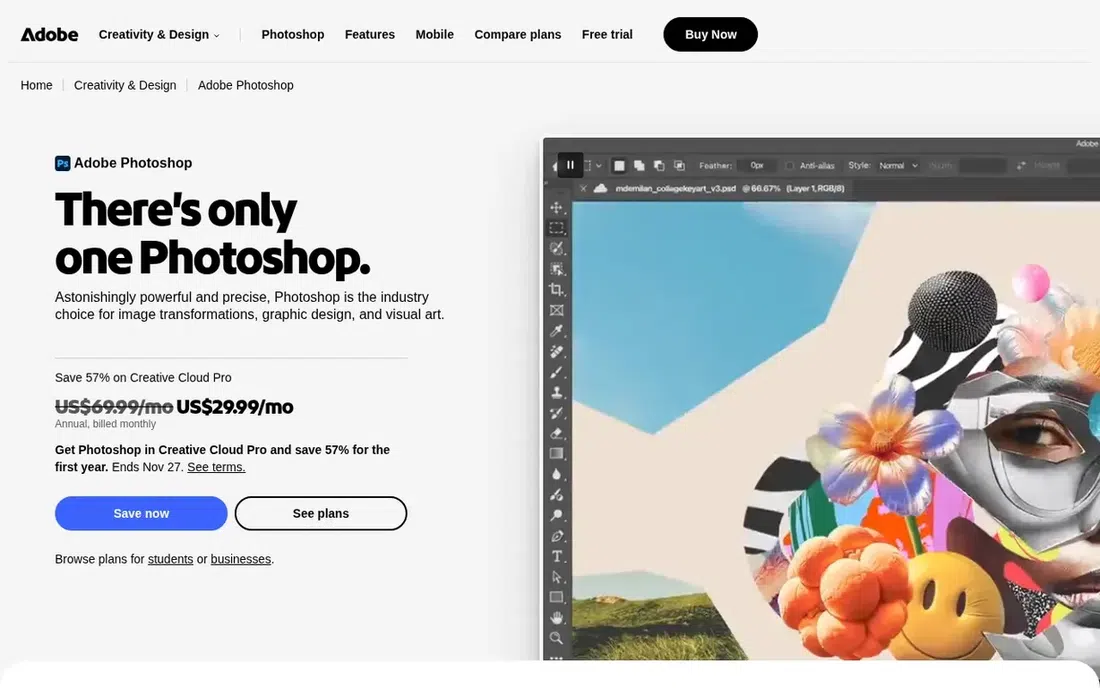
Where Adobe Photoshop fits: thorough image editing and compositing. Adobe Photoshop is a capable photo editing application known for its broad toolset. It permits users to produce custom scenes, make complicated edits, and combine images.
Where it is weaker: Subscription required.
Its versatility makes it a staple for creative workflows. Photoshop's depth can be overwhelming for beginners, and it needs a subscription. Also, for more straightforward enhancements or batch processing, lighter tools may be more efficient. No starting price is listed for Adobe Photoshop here; confirm pricing on the vendor site. Trial and free access: Not stated.
- Advanced compositing features
- Available on desktop and mobile
- Steep ramp-up time
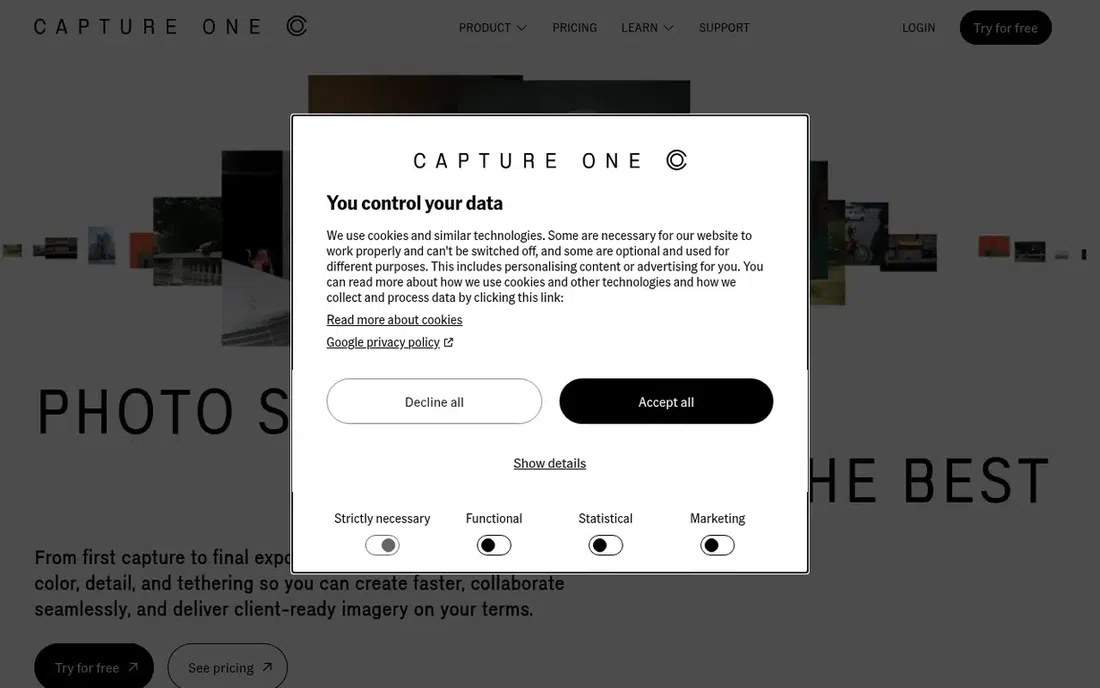
Capture One serves precision editing and RAW workflow. For those who do not need tethering or advanced RAW support, other choices may be more accessible. Capture One comes at a higher cost and may be overkill for casual users.
Points against: Costly.
Capture One is professional photo editing software concentrated on precision and control. It features advanced editing tools, smooth RAW handling, and capable tethering capabilities. It is a strong match for photographers who demand high-quality results and work with tethered shooting or complicated RAW files. Capture One shows no starting price here, so confirm the cost on the vendor site. Free plan details: Not stated.
- Precise color control
- Advanced RAW handling
- Steeper ramp-up time
ON1 Photo RAW is a good fit for all-in-one RAW editing and organization. Consider it for a subscription-free workflow.
Trade-offs to know: Steeper ramp-up time.
As for the details, whereas it includes numerous needs, specialized tools might outperform it in specific areas like tethering or advanced AI enhancement. ON1 Photo RAW pricing: $49.99. Free options: Free trial.
- AI-powered editing
- Built-in organization
- Occasional performance issues
Think of Topaz Photo AI for AI-powered image enhancement. Topaz Photo AI concentrates on enhancing images using artificial intelligence. It can sharpen, denoise, and upscale photos, making decent images excellent.
Where it is weaker: Restricted manual editing.
From a buyer's view, if you need thorough editing or compositing, you will need extra software. Worth adding: Topaz Photo AI is not a full-fledged editor; it centres on enhancement tasks. Starting cost for Topaz Photo AI: $19 per month. Free plan details: Not stated.
- Sharpen and denoise
- AI-driven enhancements
- Concentrated on enhancement only
Our selection method
Selection started from tools commonly considered for photo enhancement software, then narrowed to 6 that have clear pricing information or a clear quote process. Plan names, prices and limits change often. Treat the figures here as a starting point and verify them with the vendor. The sequence is a judgement call: typical use case first, then pricing transparency, then free access. Use the profiles to check fit.
Pre-purchase checklist
- Ask Affinity Photo, Skylum Luminar Neo, Adobe Photoshop and Capture One for a written quote, since no starting price is shown.
- Take the trial from ON1 Photo RAW and push a live task through it before you pay.
- Before choosing Affinity Photo, weigh its main limit: no built-in organization.
- A short pilot of Affinity Photo with your real workflow tells you more than a feature table.
- Ask Topaz Photo AI whether prices are locked for the first term and what happens at renewal.
FAQ
Can I try these options before paying?
Often, yes. ON1 Photo RAW offers a free trial. Use your own data and a real task during the test, and check what the free tier or trial limits before you rely on it. Each of the 6 options in this photo Enhancement software guide has its own card above with the price, free plan and limits.
Which software is a good match for AI-based enhancements?
The first pick on this list is Affinity Photo, because it suits professional editing without subscription. Skylum Luminar Neo is better for AI-assisted creative editing, and Adobe Photoshop for thorough image editing and compositing. Check price and limits against your own needs before choosing.
Does any tool for photo enhancement software here have a free plan?
No tool in this list, Affinity Photo and Topaz Photo AI included, has a permanent free plan. ON1 Photo RAW offer a trial. Trials and quotes are the usual route, so plan a short evaluation period.
What is the cheapest option for photo enhancement software in this list?
On published monthly entry prices, Topaz Photo AI is the lowest here at $19 per month. Entry price is only part of the cost, because seats, add-ons and billing terms can change the total. All 6 picks in this photo Enhancement software comparison list a starting price, free plan details and the main limits on their cards above.
How are the tools for photo enhancement software ordered?
Affinity Photo sits first and Topaz Photo AI last because the order follows typical fit for photo enhancement software, then price clarity and free access. It is a judgement call, so read each profile for fit and limits.
What is the best photo enhancement software for professionals?
This list starts with Affinity Photo, which fits professional editing without subscription. For other needs, Skylum Luminar Neo is aimed at AI-assisted creative editing, and Adobe Photoshop at thorough image editing and compositing. Check each tool's price and main limit first.
Sources
- https://affinity.serif.com/en-us/photo
- https://skylum.com/luminar
- https://www.adobe.com/products/photoshop.html
- https://www.captureone.com
- https://www.on1.com/products/photo-raw
- https://www.topazlabs.com/topaz-photo-ai