5 Best Presentation Maker Software for 2026, Vetted and Compared
Compare 5 picks for the best presentation maker software, with prices, free plans and who each fits. Cost notes and weak points included. Read before you buy.
- Editor's choice
 Apple Keynote
Mac and iOS users seeking refined presentations
Starts atSee websiteVisit apple.comFull review - Great alternative
 Pitch
Collaborative team presentations
Starts at€10 a monthVisit pitch.comFull review - Also consider
 Prezi
Engaging non-linear presentations
Starts atSee websiteVisit prezi.comFull review
Direct answer
Apple Keynote comes first here, mainly for Mac and iOS users seeking refined presentations. Listed starting prices: Pitch from €10 a month and Beautiful.ai from $14.50 per month. For a different need, Pitch covers collaborative team presentations and Prezi covers engaging non-linear presentations. Prices, free plans and limits for all 5 tools follow.
TL;DR:
- Apple Keynote takes the first slot, best suited to Mac and iOS users seeking refined presentations.
- Just one of the 5 tools, Pitch, has a free plan.
- Microsoft PowerPoint comes with a trade-off: can be complex for beginners.
- Beautiful.ai suits AI-driven design for enterprise teams.
- The lowest published monthly entry price here is $14.50 per month, from Beautiful.ai.
Last checked November 2026. Prices and plan details were read from the vendors' own pages in November 2026; vendors change plans often, so confirm the current price on the vendor site before you buy.
Quick comparison
| Tool | Best for | Starts at | Free plan? | |
|---|---|---|---|---|
| Apple Keynote | Mac and iOS users seeking refined presentations | See website | Not stated | Visit |
| Pitch | Collaborative team presentations | €10 a month | Yes | Visit |
| Prezi | Engaging non-linear presentations | See website | Not stated | Visit |
 Microsoft PowerPoint | Thorough slide creation and editing | See website | Not stated | Visit |
 Beautiful.ai | AI-driven design for enterprise teams | $14.50 per month | Free trial | Visit |
Presentation Maker Software, one by one
This LinkVetted guide covers 5 options for presentation maker software. Each profile lists a starting price, free plan details, strengths and drawbacks, so you can drop poor fits quickly.
Think of Apple Keynote for Mac and iOS users seeking refined presentations. Apple Keynote is Apple's presentation software, available on Mac, iPad, iPhone, and on the web. It is noted for its high-quality animations, beautiful templates, and smooth performance on Apple devices.
It is well suited to Apple users who want to build stunning presentations with ease. Also, Keynote is not available on Windows or Android, which limits collaboration with non-Apple users. This comparison lists no price for Apple Keynote; ask the vendor. Free options: Not stated.
Drawbacks to consider: Only available on Apple systems.
- Elegant design and animations
- Smooth integration with Apple devices
- Restricted compatibility with Windows
Pitch targets collaborative team presentations. Pitch is a collaborative presentation system aimed at teams to build, share, and deliver better work. It merges slide creation with project management features, allowing teams to work together efficiently.
It is well-suited for startups, agencies, and teams that require to produce presentations rapidly and collaboratively. It also needs an internet connection for most functions. Entry price for Pitch: €10 per month. Pitch offers a free plan.
Drawbacks to consider: Newer tool with smaller user base.
- Modern interface
- Live collaboration
- Restricted offline access
Prezi was built for engaging non-linear presentations. Prezi is an interactive presentation system that moves away from traditional slide-to-slide progression.
Honest limits: Can be disorienting for some audiences.
It may not be the best choice for formal corporate presentations. Pricing for Prezi is not stated here, so ask the vendor for current figures. On free options: Not stated.
- A decent match for storytelling
- Interactive elements like polls
- Steeper ramp-up time
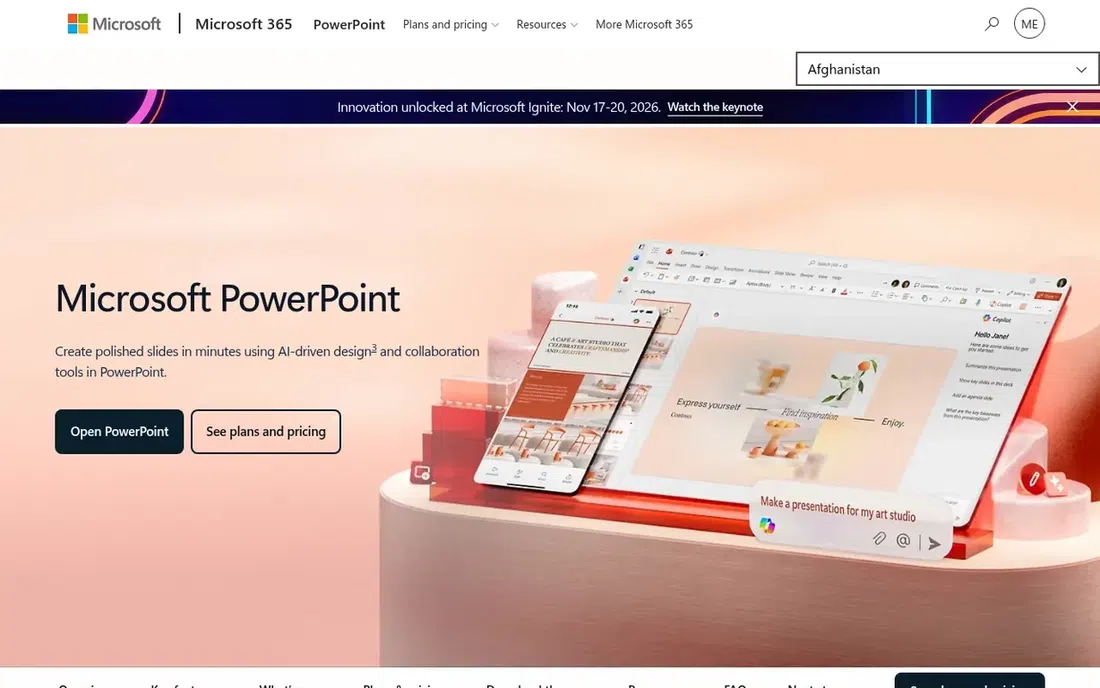
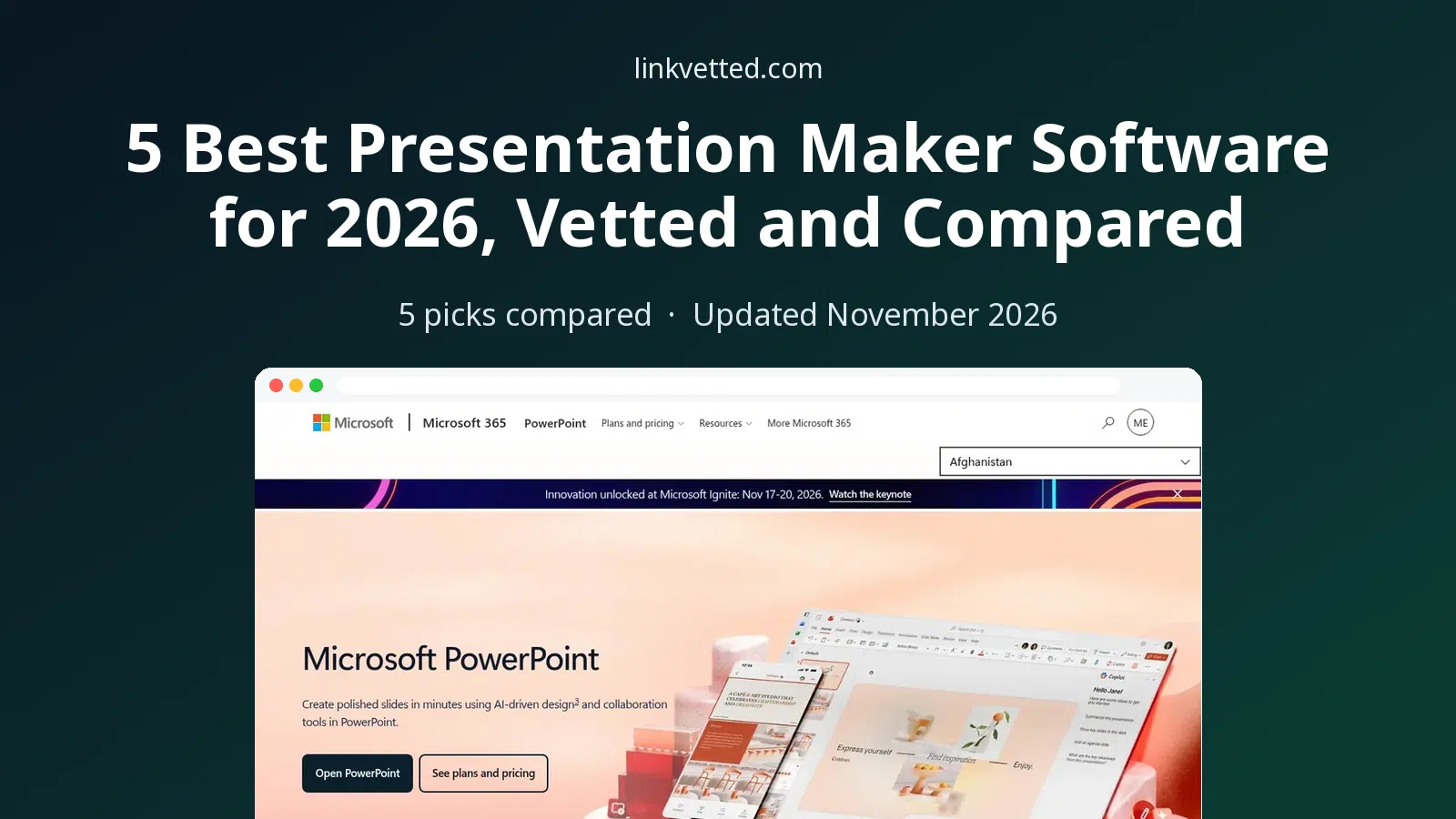
Choose Microsoft PowerPoint for full slide creation and editing. Microsoft PowerPoint is a capable presentation maker that lets you produce clean slideshows and intricate pitch decks. It supplies a solid set of tools for designing slides, adding animations, and incorporating multimedia.
However, PowerPoint can feel overwhelming because of its numerous features, and it may need a ramp-up time for new users. Also, it is not the best choice for live collaboration compared with cloud-native tools. No starting price is listed for Microsoft PowerPoint here; confirm pricing on the vendor site. Free access: Not stated.
The main drawbacks: Needs purchase or subscription.
- Deep template library
- Broad compatibility
- Can be complicated for beginners
Pick Beautiful.ai if this describes you: AI-driven design for enterprise teams. Beautiful.ai is an AI presentation platform designed for enterprise teams.
Honest limits: Less manual control over design.
It uses artificial intelligence to automatically format slides and maintain brand consistency, making it simple to produce professional-looking decks without design effort. Price to start with Beautiful.ai: $14.50 per month. Free plan details: Free trial.
- Time-saving automation
- Smart templates that auto-adjust
- Subscription required for full features
Selection criteria
LinkVetted looked at what each vendor publishes: pricing, plan limits, feature coverage for presentation maker software and stated drawbacks. No hands-on testing is claimed. Figures are shown as the vendors publish them. Billing terms, seat minimums and add-ons can change the real cost. Order on the page follows fit for the typical buyer first, then price transparency and free access. Your own requirements should decide the final pick.
Pre-purchase checklist
- Ask Apple Keynote, Prezi and Microsoft PowerPoint for a written quote, since no starting price is shown.
- Look at the free plan from Pitch closely: its caps decide whether it is usable for real work.
- Use real work to test the free trial from Beautiful.ai, rather than a demo project.
- Before choosing Apple Keynote, weigh its main limit: only available on Apple platforms.
- Ask Prezi whether prices are locked for the first term and what happens at renewal.
- Map your must-have features to a specific Pitch plan before you compare prices.
FAQ
Which options for presentation maker software have a free plan?
Pitch is the only tool in this list with a free plan. Free plans usually cap users, projects or features, so check the limits on the vendor page. One other tool offers a trial instead. Prices, free plan details and limits for all 5 tools in this presentation Maker software roundup sit on the individual cards above.
Is Apple Keynote the right pick for everyone comparing presentation maker software?
No single tool suits every team. Apple Keynote comes first because it fits Mac and iOS users seeking polished presentations, while Pitch suits collaborative team presentations and Prezi suits engaging non-linear presentations. Match the tool to your own size, budget and workflow before deciding.
Can I try these options before paying?
Often, yes. Pitch has a free plan and Beautiful.ai offers a free trial. Use your own data and a real task during the test, and check what the free tier or trial limits before you rely on it. Each of the 5 options in this presentation Maker software guide has its own card above with the price, free plan and limits.
What is the best presentation software for teams?
For most readers this guide would start with Apple Keynote, built for Mac and iOS users seeking refined presentations. Pitch is the alternative for collaborative team presentations, and Prezi for engaging non-linear presentations. The right answer depends on budget and workflow.
How are the tools for presentation maker software ordered?
The order follows typical fit for presentation maker software, with Apple Keynote first and Beautiful.ai last, then price clarity and free access. It is editorial judgement, not a score, so another team could rank the tools differently.
Sources
- https://www.apple.com/keynote
- https://pitch.com
- https://prezi.com
- https://www.microsoft.com/microsoft-365/powerpoint
- https://www.beautiful.ai