Best 3D Design Software for Startups (2026): 6 Picks Checked on Vendor Pages
6 best 3D design software for startups, compared on pricing, free plans and best-fit use. Costs and caveats sit beside each pick. Current for November 2026.
- Editor's choice
 Cinema 4D
Motion graphics and visual effects
Starts atSee websiteVisit maxon.netFull review - Great alternative
 Blender
Open-source 3D creation for animation and modeling
Starts atSee websiteVisit blender.orgFull review - Also consider
 ZBrush
Digital sculpting and high-detail modeling
Starts atSee websiteVisit maxon.netFull review
Direct answer
Start with Cinema 4D if you need motion graphics and visual effects. Listed starting prices: Onshape from $1,500 per user a year and KeyShot from $7.92 per month. Alternatives: Blender for open-source 3D creation for animation and modeling, and ZBrush for digital sculpting and high-detail modeling. The remaining 3 options are covered below with prices and limits.
TL;DR:
- The list opens with Cinema 4D, aimed at motion graphics and visual effects.
- KeyShot fits live rendering and visualization.
- KeyShot has the lowest monthly starting price in this list: $7.92 per month.
- What to know about Autodesk Fusion first: subscription required for full features.
Last checked November 2026. Prices and plan details were read from the vendors' own pages in November 2026; vendors change plans often, so confirm the current price on the vendor site before you buy.
Quick comparison
| Tool | Best for | Starts at | Free plan? | |
|---|---|---|---|---|
| Cinema 4D | Motion graphics and visual effects | See website | Not stated | Visit |
| Blender | Open-source 3D creation for animation and modeling | See website | Not stated | Visit |
| ZBrush | Digital sculpting and high-detail modeling | See website | Not stated | Visit |
 Autodesk Fusion | Integrated CAD, CAM, and CAE for hardware startups | See website | Not stated | Visit |
 Onshape | Cloud-native CAD with built-in PDM | $1,500 per user a year | Yes | Visit |
 KeyShot | Live rendering and visualization | $7.92 per month | Free trial | Visit |
3D Design Software for Startups, one by one
Choosing 3D design software for startups usually comes down to price, fit and limits. This LinkVetted guide sets 6 tools side by side on those three points, with the facts kept short and checkable.

Trade-offs to know: Restricted CAD capabilities.
On top of that, Cinema 4D is a professional 3D modeling, animation, and rendering application known for its motion graphics and visual effects capabilities. It is frequently used in advertising, film, and broadcast design. Cinema 4D does not show a starting price in this comparison, so check the vendor site for current pricing. On free options: Not stated.
- Feature-rich motion graphics tools
- Solid integration with After Effects
- Costly for startups Cinema 4D if this describes you: motion graphics and visual effects. Startups centred on creating refined visual content may find its toolset valuable. Also, Cinema 4D comes at a higher cost and is not aimed at product engineering or manufacturing.
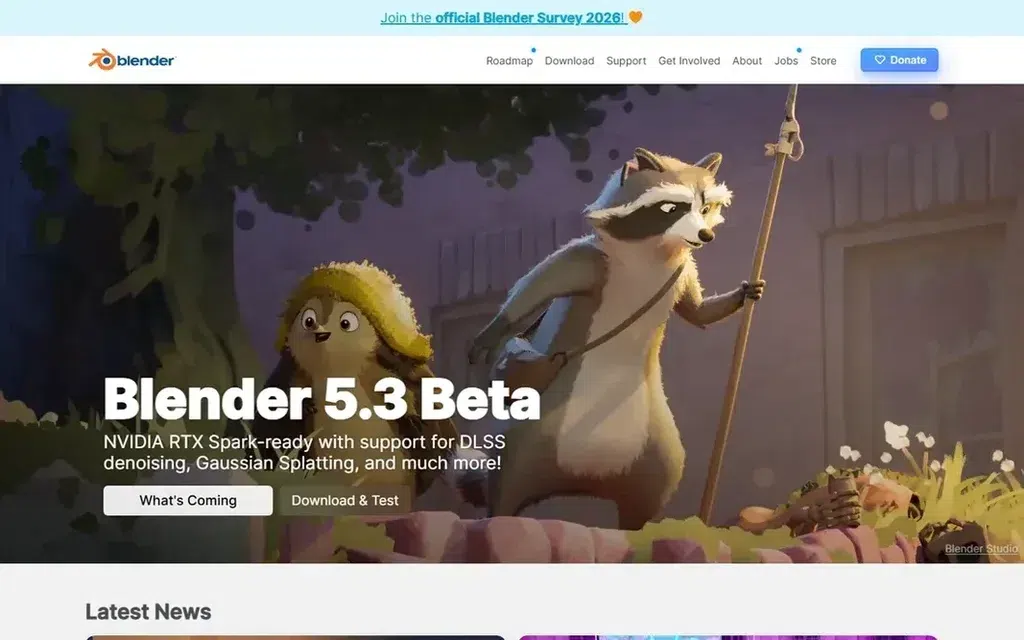
In short, Blender is for open-source 3D creation for animation and modeling. It is widely used in animation, visual effects, and game development, and its lack of licensing costs makes it attractive for startups.
No starting price is listed for Blender here; confirm pricing on the vendor site. As for free access: Not stated.
Where it falls short: Interface can be complicated for new users.
- Full modeling, animation, rendering
- Large community and deep extras
- Less concentrated on precision CAD
For digital sculpting and high-detail modeling, ZBrush is a natural candidate. Startups in gaming, film, or product design that need intricate sculpted details may find ZBrush indispensable. ZBrush is a digital sculpting tool that merges 3D modeling and painting.
Drawbacks to consider: Niche focus on sculpting.
It is widely used in character creation, concept design, and in-depth organic modeling. Worth adding: ZBrush is specialized for sculpting and is not a full CAD or animation option. Its interface and workflow can be challenging for beginners. This comparison lists no price for ZBrush; ask the vendor. Free access: Not stated.
- Unique brush-based workflow
- Supports high-resolution models
- Steep ramp-up time
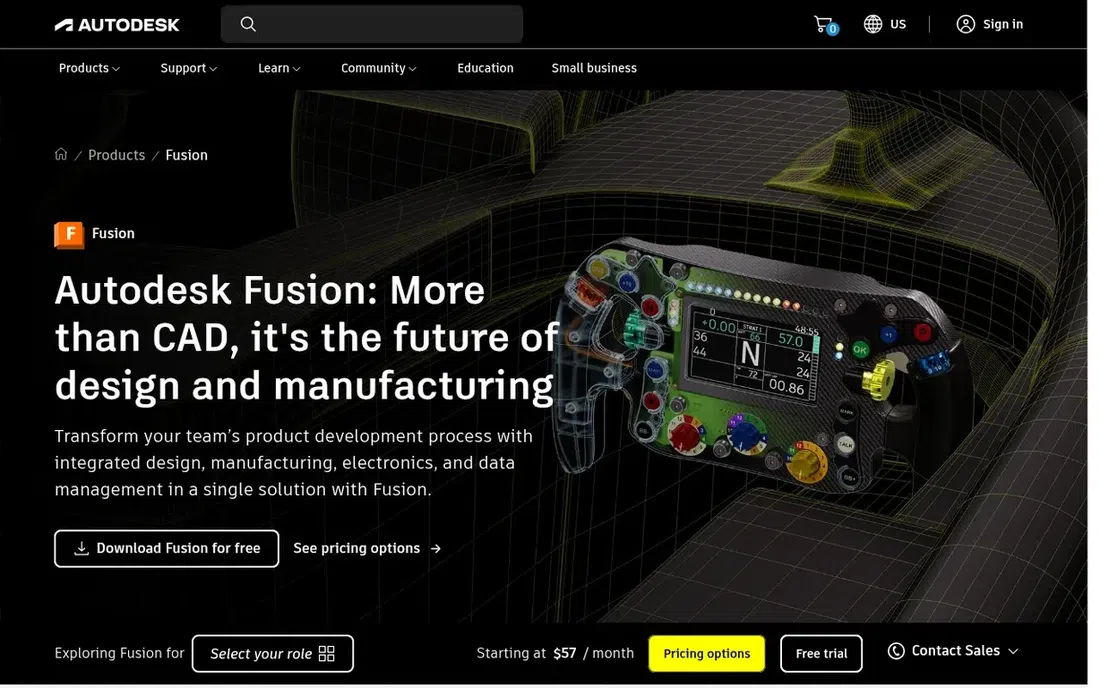
Autodesk Fusion was built for integrated CAD, CAM, and CAE for hardware startups. Autodesk Fusion, formerly Fusion 360, is a cloud-based product for 3D CAD, CAM, CAE, and PCB design.
Worth adding: consider Fusion when you need a unified engineering workflow. Autodesk Fusion shows no starting price here, so confirm the cost on the vendor site. Free options: Not stated.
Where it is weaker: Steeper ramp-up time for beginners.
- PCB in one system
- Contains simulation and manufacturing tools
- Subscription required for full features
Onshape works best for cloud-native CAD with built-in PDM. Onshape is a cloud-native CAD and product development product with built-in PDM. It is aimed at collaborative teams, offering access from any device with no IT overhead.
What to check first: Subscription-based.
Also, for integrated manufacturing, consider Autodesk Fusion; for pure modeling, Blender. Startups that value live collaboration and data management may find Onshape a good fit. It may not suit teams needing deep CAM or simulation tools. Starting cost for Onshape: $1,500 per user per year. You can start on Onshape without paying.
- Completely cloud-based
- Accessible on any device
- Needs internet connection
KeyShot was built for live rendering and visualization. Choose KeyShot when rendering quality and speed are critical. On top of that, the added cost may be a consideration for startups on a tight budget.
Downsides: Extra cost for rendering needs.
As for the details, KeyShot is not a modeling tool, so it must be used alongside CAD or 3D modeling software. Beyond that, KeyShot is a 3D rendering and AI visualization software that makes it possible for live rendering for product design. It helps teams collaborate from concept to product launch, making it well suited to startups that require high-quality visuals to present ideas or market products. The starting price for KeyShot: $7.92 per month. Free options: Free trial.
- AI-assisted visualization
- Supports collaboration from concept to launch
- Restricted modeling capabilities
Selection criteria
Pricing pages, product documentation and feature lists were the main sources, and every entry carries at least one honest drawback. Where a price is missing, the vendor does not list one publicly or ties it to a quote. Always confirm before budgeting. The order reflects how well each tool fits the most common buying scenario for 3D design software for startups, then price clarity, then free plan access. It is a starting point, not a verdict.
A buyer's checklist
- Confirm the entry price on the vendor page. For Cinema 4D, Blender, ZBrush and Autodesk Fusion that means a quote rather than a fixed price.
- Look at the free plan from Onshape closely: its caps decide whether it is usable for real work.
- Run a trial of KeyShot with real work before paying for a year; your own workflow is the best test.
- Read the limits listed for Cinema 4D first: costly for startups.
- Look at the help docs and support options for Cinema 4D before you commit.
- Confirm you can export your data from Onshape, so leaving later does not mean losing records.
FAQ
Can I use Blender for professional product design?
Blender is capable of professional product design, notably for conceptual modeling and visualization. That said, it lacks specialized CAD tools for precise engineering and manufacturing. So it is frequently paired with software like Autodesk Fusion or Onshape.
Can I try these tools before paying?
Often, yes. Onshape has a free plan and KeyShot offers a free trial. Use your own data and a real task during the test, and check what the free tier or trial limits before you rely on it. Prices, free plan details and limits for all 6 tools in this 3D design software for startups roundup sit on the individual cards above.
Which options for 3D design software for startups have a free plan?
Onshape is the only tool in this list with a free plan. Free plans usually cap users, projects or features, so check the limits on the vendor page. One other tool offers a trial instead. Each of the 6 options in this 3D design software for startups guide has its own card above with the price, free plan and limits.
Do I need separate software for rendering if I use CAD?
Plenty of CAD tools contain entry-level rendering, but dedicated rendering software like KeyShot gives you advanced live visualization and AI features. Startups focused on high-quality visuals may benefit from adding KeyShot to their pipeline.
How are the tools for 3D design software for startups ordered?
Cinema 4D sits first and KeyShot last because the order follows typical fit for 3D design software for startups, then price clarity and free access. It is a judgement call, so read each profile for fit and limits.
Which 3D design software is a good match for a startup on a tight budget?
For most readers this guide would start with Cinema 4D, built for motion graphics and visual effects. Blender is the alternative for open-source 3D creation for animation and modeling, and ZBrush for digital sculpting and high-detail modeling. The right answer depends on budget and workflow.
Sources
- https://www.maxon.net/en/cinema-4d
- https://www.blender.org
- https://www.maxon.net/en/zbrush
- https://www.autodesk.com/products/fusion-360
- https://www.onshape.com
- https://www.keyshot.com