Best Photo Editing Software for Product Photographers in 2026: 5 Tools Compared
Searching for the best photo editing software for product photographers? Here are 5 options with prices and free plans. Short verdicts, no fluff. Start here.
- Editor's choiceSkylum Luminar Neo
Quick AI-assisted edits
Starts atSee websiteVisit skylum.comFull review - Great alternative
 ON1 Photo RAW
All-in-one raw editing and organization
Starts at$49.99Visit on1.comFull review - Also consider
 Adobe Lightroom
Organizing and batch-editing catalogs
Starts atSee websiteVisit adobe.comFull review
Direct answer
Skylum Luminar Neo is the first pick on this list for fast AI-assisted edits. Listed starting prices: ON1 Photo RAW from $49.99. ON1 Photo RAW is better for all-in-one raw editing and organization, and Adobe Lightroom is better for organizing and batch-editing catalogs. Details, prices and limits for the rest of the 5 tools are below.
TL;DR:
- Top of the list is Skylum Luminar Neo, which targets fast AI-assisted edits.
- Expect to ask for a quote from Skylum Luminar Neo, Adobe Lightroom, Capture One and Adobe Photoshop; the other tools show a starting price.
- Adobe Photoshop suits advanced retouching and compositing.
- What to know about Capture One first: ramp-up time for newcomers.
- Neither Skylum Luminar Neo nor Adobe Photoshop, nor any of the other 3 tools, has a permanent free plan; trials and quotes are the norm.
Last checked November 2026. Prices and plan details were read from the vendors' own pages in November 2026; vendors change plans often, so confirm the current price on the vendor site before you buy.
Quick comparison
| Tool | Best for | Starts at | Free plan? | |
|---|---|---|---|---|
| Skylum Luminar Neo | Quick AI-assisted edits | See website | No | Visit |
| ON1 Photo RAW | All-in-one raw editing and organization | $49.99 | Free trial | Visit |
| Adobe Lightroom | Organizing and batch-editing catalogs | See website | Not stated | Visit |
 Capture One | Tethered studio shooting and color precision | See website | Not stated | Visit |
 Adobe Photoshop | Advanced retouching and compositing | See website | Not stated | Visit |
The full photo editing software for product photographers list
Short on time? The summary and table above give the quick view of 5 photo editing software for product photographers, and the profiles that follow give the detail behind each entry.
Skylum Luminar Neo
Best for: Quick AI-assisted edits
Skylum Luminar Neo works best for quick AI-assisted edits. Luminar Neo is presented as a straightforward photo editor with AI that helps realize an intended look. Advanced compositing is restricted.
Downsides: Restricted advanced compositing.
If your work demands pixel-level precision on packaging or reflective surfaces, a layered editor is the better match. More specifically, for product images, that can mean fast tone and sky or background adjustments with fewer manual steps. Skylum Luminar Neo does not show a starting price in this comparison, so check the vendor site for current pricing. Skylum Luminar Neo has no permanent free option.
- Fast enhancement workflow
- Approachable interface
- Less manual precision control
Where ON1 Photo RAW fits: all-in-one raw editing and organization. Product photographers can cull, adjust and finish raw files without switching tools, which helps when a catalog needs consistent treatment.
In daily use, choose it when an integrated raw workflow matters more than advanced manipulation. ON1 Photo RAW starts at: $49.99. Free plan details: Free trial.
Where it falls short: Interface can feel dense.
- AI-powered raw processing
- Editing and organizing combined
- Fewer deep compositing tools

Choose Adobe Lightroom for organizing and batch-editing catalogs. For product work, that means applying shared color and exposure corrections across a set so catalog images look uniform. Choose it when catalog consistency and fast turnaround matter more than advanced manipulation.
Where it is weaker: Restricted advanced compositing.
Lightroom is not designed for complicated compositing or precise object removal, so in-depth retouching typically moves to a layered editor. It also follows a subscription model. No starting price is listed for Adobe Lightroom here; confirm pricing on the vendor site. Trial and free access: Not stated.
- Quick batch adjustments
- Efficient catalog organization
- Subscription-based access
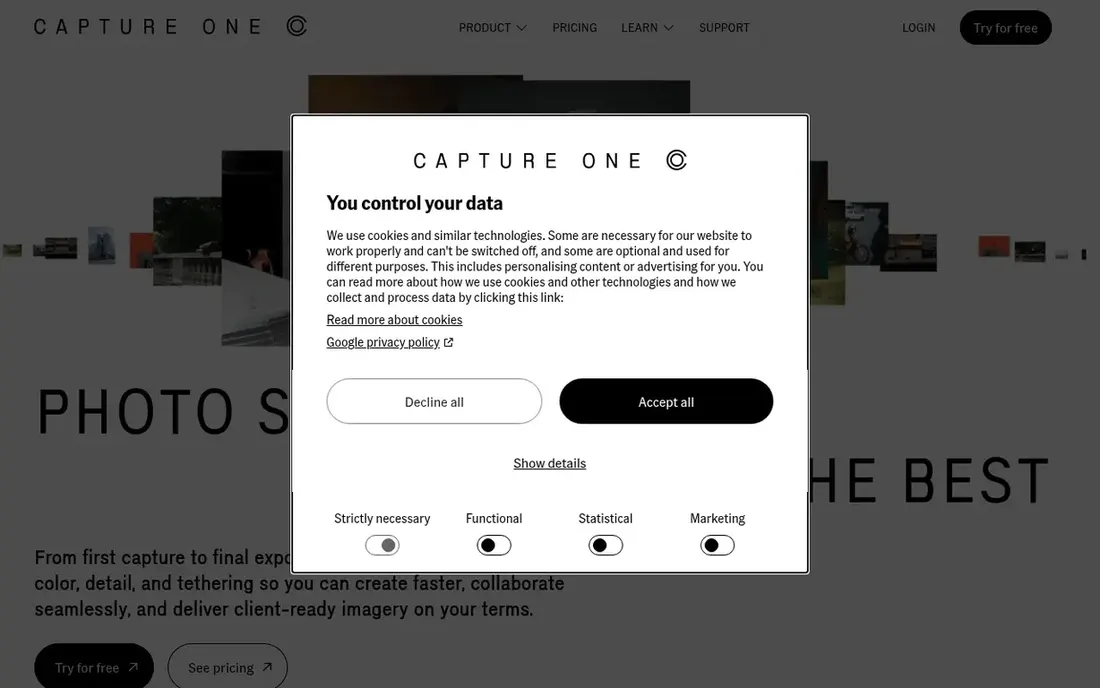
Think of Capture One for tethered studio shooting and color precision. The interface differs enough from other editors that switching takes time. More specifically, Capture One is positioned for photographers who demand precision and control, with advanced editing tools, RAW handling and tethering highlighted by the vendor.
Beyond that, in a product studio, tethering lets you review shots as you capture them, whereas color tools help keep product tones accurate across a set. Its depth can slow down beginners, and layered compositing is better handled elsewhere. Pricing for Capture One is not stated here, so ask the vendor for current figures. On free options: Not stated.
Trade-offs to know: Less suited to heavy compositing.
- Capable tethering capabilities
- Precise color control
- Ramp-up time for newcomers
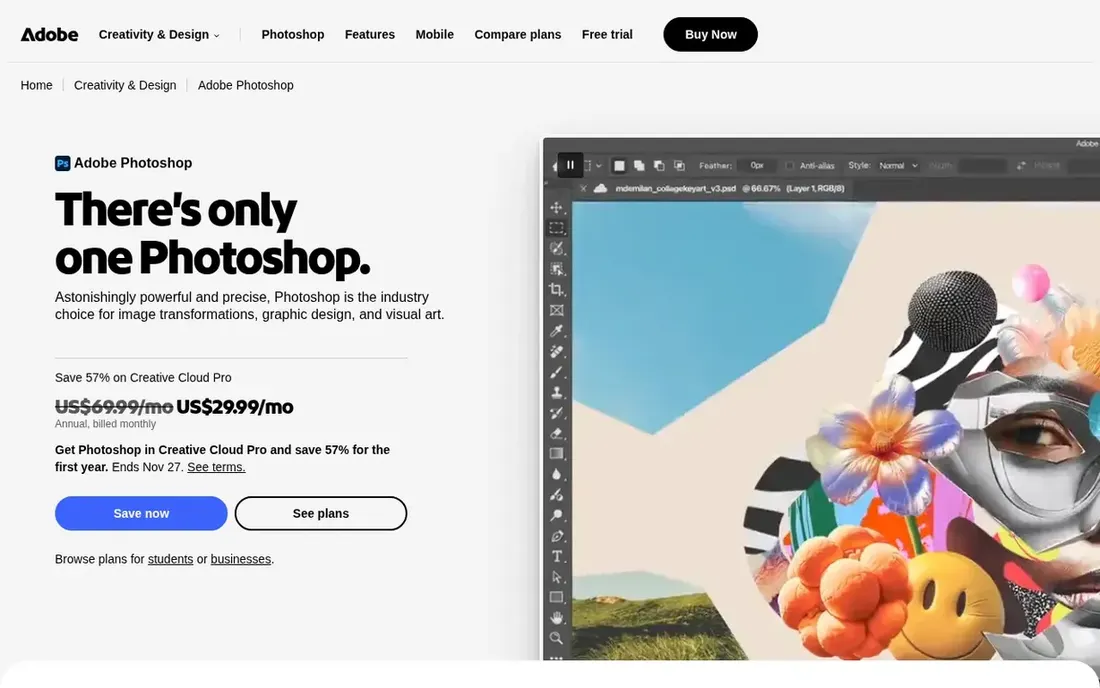
Think of Adobe Photoshop for advanced retouching and compositing. Adobe Photoshop is the reference editor for product work that needs heavy retouching, like removing dust, rebuilding packaging edges or placing products into custom scenes.
Its layer, mask and selection tools let you isolate objects cleanly and combine images. From a buyer's view, if your workflow is largely volume adjustments and fast delivery, a lighter organizer-focused editor may be a better fit. Adobe Photoshop shows no starting price here, so confirm the cost on the vendor site. Trial and free access: Not stated.
Where it is weaker: Subscription-based access.
- Capable selection and clone tools
- Deep layer and masking tools
- Steeper ramp-up time
Our selection method
Pricing pages, product documentation and feature lists were the main sources, and every entry carries at least one honest drawback. Plan names, prices and limits change often. Treat the figures here as a starting point and verify them with the vendor. The order reflects how well each tool fits the most common buying scenario for photo editing software for product photographers, then price clarity, then free plan access. It is a starting point, not a verdict.
A buyer's checklist
- Confirm the entry price on the vendor page. For Skylum Luminar Neo, Adobe Lightroom, Capture One and Adobe Photoshop that means a quote rather than a fixed price.
- Run a trial of ON1 Photo RAW with real work before paying for a year; your own workflow is the best test.
- Read the limits listed for Skylum Luminar Neo first: less manual precision control.
- Make sure Adobe Photoshop lets you export your data in a format another tool can read.
- The entry price of Adobe Lightroom is only the starting point; model the full cost with seats and extras.
FAQ
Do these tools publish their prices?
Not all of them. Skylum Luminar Neo, Adobe Lightroom, Capture One and Adobe Photoshop publish no starting price, so expect a quote request for those. The rest, ON1 Photo RAW included, show a starting price, though seats and billing terms still change the final cost.
How are the tools for photo editing software for product photographers ordered?
The order follows typical fit for photo editing software for product photographers, with Skylum Luminar Neo first and Adobe Photoshop last, then price clarity and free access. It is editorial judgement, not a score, so another team could rank the tools differently.
Do product photographers need both an organizer and a layered editor?
Numerous workflows pair a catalog tool for sorting and batch adjustments with a layered editor for in-depth retouching. Decide based on whether volume or precision dominates your work.
Can I try these tools before paying?
Often, yes. ON1 Photo RAW offers a free trial. Use your own data and a real task during the test, and check what the free tier or trial limits before you rely on it. Prices, free plan details and limits for all 5 tools in this photo editing software for product photographers roundup sit on the individual cards above.
Does any tool for photo editing software for product photographers here have a free plan?
No tool in this list, Skylum Luminar Neo and Adobe Photoshop included, has a permanent free plan. ON1 Photo RAW offer a trial. Trials and quotes are the usual route, so plan a short evaluation period.
Sources
- https://skylum.com/luminar
- https://www.on1.com/products/photo-raw
- https://www.adobe.com/products/photoshop-lightroom.html
- https://www.captureone.com
- https://www.adobe.com/products/photoshop.html