Best Photo Editing Software for Real Estate Listings (2026): 5 Picks Checked on Vendor Pages
Best photo editing software for real estate listings: 5 contenders ranked by fit, with entry costs and free tiers. Each pick lists its main limit. Start here.
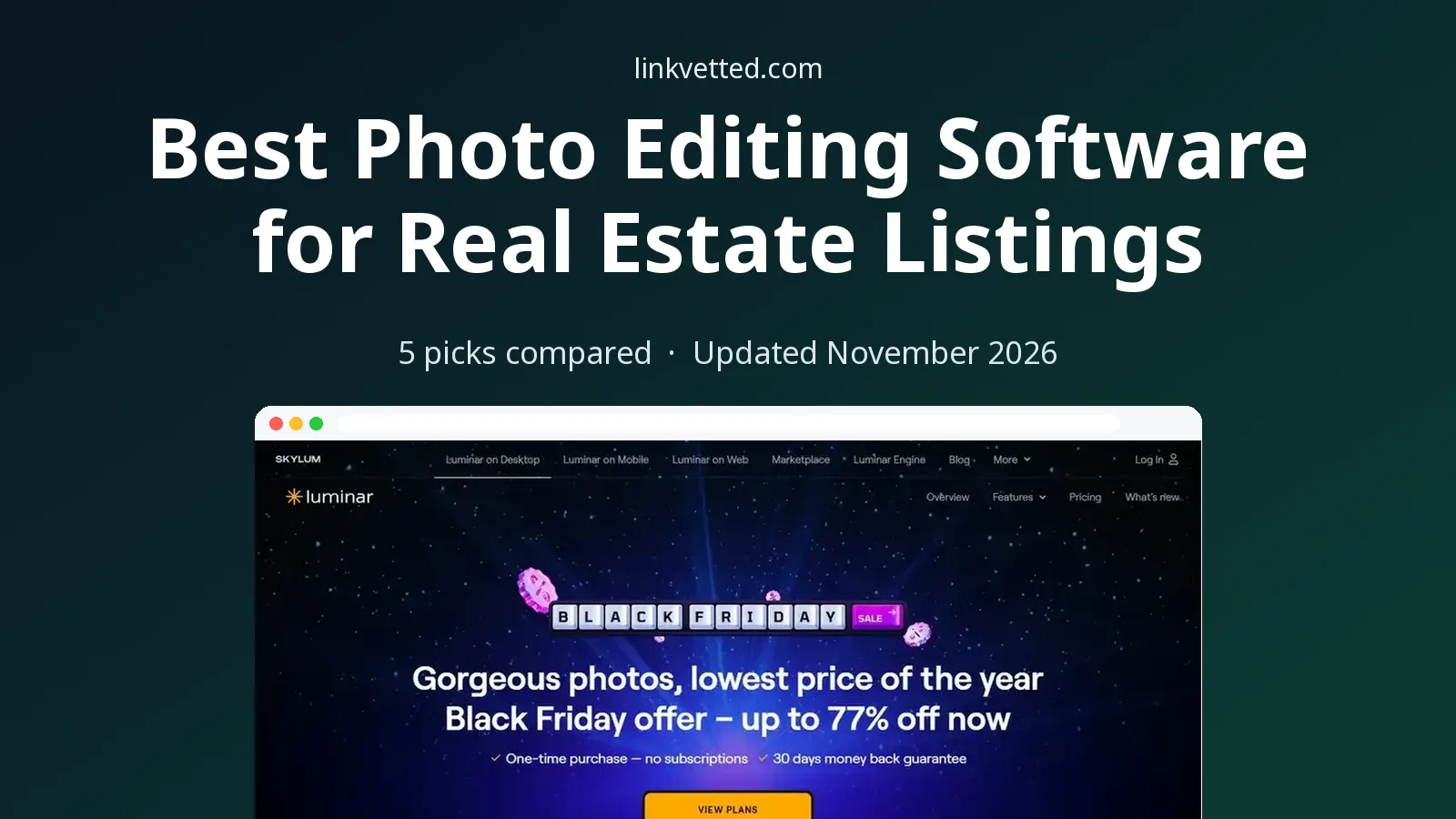
- Editor's choice
 Capture One
Precision raw editing and tethering
Starts atSee websiteVisit captureone.comFull review - Great alternativeSkylum Luminar Neo
AI-assisted fast enhancements
Starts atSee websiteVisit skylum.comFull review - Also consider
 ON1 Photo RAW
All-in-one raw editing and organizing
Starts at$49.99Visit on1.comFull review
Direct answer
Our first pick is Capture One, best for precision raw editing and tethering. Listed starting prices: ON1 Photo RAW from $49.99. Skylum Luminar Neo is better for AI-assisted fast enhancements, and ON1 Photo RAW is better for all-in-one raw editing and organizing. Prices, free plans and limits for all 5 tools follow.
TL;DR:
- Capture One takes the first slot, best suited to precision raw editing and tethering.
- Affinity Photo suits professional editing without subscription.
- A fair warning about Skylum Luminar Neo: less precise manual control.
- Expect to ask for a quote from Capture One, Skylum Luminar Neo, Adobe Photoshop and Affinity Photo; the other tools show a starting price.
- A permanent free plan is missing from all 5 tools, Capture One and Affinity Photo included; plan for a trial or a premium start.
Last checked November 2026. Prices and plan details were read from the vendors' own pages in November 2026; vendors change plans often, so confirm the current price on the vendor site before you buy.
Quick comparison
| Tool | Best for | Starts at | Free plan? | |
|---|---|---|---|---|
| Capture One | Precision raw editing and tethering | See website | Not stated | Visit |
| Skylum Luminar Neo | AI-assisted fast enhancements | See website | No | Visit |
| ON1 Photo RAW | All-in-one raw editing and organizing | $49.99 | Free trial | Visit |
 Adobe Photoshop | Advanced compositing and precise corrections | See website | Not stated | Visit |
 Affinity Photo | Professional editing without subscription | See website | Not stated | Visit |
Tool-by-tool breakdown
This LinkVetted guide covers 5 photo editing software for real estate listings. Each profile lists a starting price, free plan details, strengths and drawbacks, so you can drop poor fits quickly.
Where Capture One fits: precision raw editing and tethering. Capture One is professional photo editing software centred on precision and control, with capable raw processing and tethering capabilities.
Capture One shows no starting price here, so confirm the cost on the vendor site. As for free access: Not stated.
Watch-outs: Premium pricing.
- Advanced color tools
- Very good raw handling
- Higher ramp-up time
Skylum Luminar Neo
Best for: AI-assisted fast enhancements

Skylum Luminar Neo works best for AI-assisted fast enhancements. For workflows requiring deep manual adjustments or precise color grading, Capture One or ON1 Photo RAW might be more suitable.
From a buyer's view, Skylum Luminar Neo is a photo editor that uses AI to ease complicated edits. Luminar Neo may not offer the granular control of Photoshop for intricate retouching. Skylum Luminar Neo shows no starting price here, so confirm the cost on the vendor site. There is no free plan with Skylum Luminar Neo.
Where it is weaker: Less precise manual control.
- Quick sky replacement
- AI-powered tools for typical edits
- Restricted advanced compositing
ON1 Photo RAW is a good fit for all-in-one raw editing and organizing. ON1 Photo RAW is an all-in-one raw photo editor that contains organizing, effects, and AI-powered processing. As for the details, if you depend on tight integration with Photoshop or Lightroom, those tools might be a better fit.
As for the details, the software aims to deliver pro-level quality. ON1 Photo RAW may not match the broad plugin and tutorial ecosystem of Adobe products. ON1 Photo RAW cost at the entry level: $49.99. Free access: Free trial.
What to check first: Can be resource-intensive.
- AI-powered raw processing
- No subscription required
- Smaller ecosystem than Adobe

Adobe Photoshop serves advanced compositing and precise corrections. For straightforward exposure and color adjustments across numerous listing photos, a lighter tool like Lightroom or Luminar Neo might be more efficient.
Also, Photoshop needs time to master and may slow down high-volume workflows compared with dedicated batch editors. Adobe Photoshop shows no starting price here, so confirm the cost on the vendor site. Free plan details: Not stated.
Honest limits: Steeper ramp-up time.
- Supports complicated retouching
- Feature-rich layer-based compositing
- Can be overkill for basic edits
Choose Affinity Photo for professional editing without subscription. It fits real estate editors who want advanced capabilities similar to Photoshop but prefer a one-time purchase model.
In practice, the software is built for creative freedom and speed. Affinity Photo shows no starting price here, so confirm the cost on the vendor site. Free access: Not stated.
Points against: Restricted batch processing.
- Precise selection tools
- One-time purchase
- Steeper ramp-up time
How the list was put together
Selection started from tools commonly considered for photo editing software for real estate listings, then narrowed to 5 that have clear pricing information or a clear quote process. Where a vendor does not publish a price, the entry says quote. Where a price depends on seats or billing term, the entry says so. Position on the page reflects fit for a typical buyer first, with price clarity and free access breaking ties. Treat it as a guide, not a ruling.
A buyer's checklist
- Ask Capture One, Skylum Luminar Neo, Adobe Photoshop and Affinity Photo for a written quote, since no starting price is shown.
- Run a trial of ON1 Photo RAW with real work before paying for a year; your own workflow is the best test.
- Read the limits listed for Capture One first: higher ramp-up time.
- Ask Capture One about contract length, onboarding fees and user minimums before you sign.
- A short pilot of Adobe Photoshop with your real workflow tells you more than a feature table.
FAQ
Is Capture One the right pick for everyone comparing photo editing software for real estate listings?
No single tool suits every team. Capture One comes first because it fits precision raw editing and tethering, while Skylum Luminar Neo suits AI-assisted quick enhancements and ON1 Photo RAW suits all-in-one raw editing and organizing. Match the tool to your own size, budget and workflow before deciding.
How are the tools for photo editing software for real estate listings ordered?
The order follows typical fit for photo editing software for real estate listings, with Capture One first and Affinity Photo last, then price clarity and free access. It is editorial judgement, not a score, so another team could rank the tools differently.
Do these tools publish their prices?
Not all of them. Capture One, Skylum Luminar Neo, Adobe Photoshop and Affinity Photo publish no starting price, so expect a quote request for those. The rest, ON1 Photo RAW included, show a starting price, though seats and billing terms still change the final cost.
Does any tool for photo editing software for real estate listings here have a free plan?
No tool in this list, Capture One and Affinity Photo included, has a permanent free plan. ON1 Photo RAW offer a trial. Trials and quotes are the usual route, so plan a short evaluation period.
Can I use free tools for real estate listing photos?
Some editors offer free versions or trials, but they may lack advanced features like batch processing or precise perspective correction. For professional results, dedicated premium software commonly offers more dependable tools.
Sources
- https://www.captureone.com
- https://skylum.com/luminar
- https://www.on1.com/products/photo-raw
- https://www.adobe.com/products/photoshop.html
- https://affinity.serif.com/en-us/photo