Best Platforms to Sell Digital Art in 2026: Prices, Free Plans and 5 Picks
Comparing the best platforms to sell digital art? 5 contenders, each with entry cost, free tier and best-fit buyer. Real limits included. Clear verdicts.

- Editor's choice
 Squarespace
Refined portfolio-led art storefronts
Starts at$12 a monthVisit squarespace.comFull review - Great alternative
 WooCommerce
Open-source selling on WordPress
Starts at$29 per monthVisit woocommerce.comFull review - Also consider
 BigCommerce
Scalable multi-channel commerce operations
Starts atSee websiteVisit bigcommerce.comFull review
Direct answer
This list puts Squarespace first for refined portfolio-led art storefronts. Listed starting prices: Squarespace from $12 a month, WooCommerce from $29 per month and Shopify from $19 a month. Alternatives: WooCommerce for open-source selling on WordPress, and BigCommerce for scalable multi-channel commerce operations. The full list of 5 tools follows, with prices and free plan facts.
TL;DR:
- This list starts with Squarespace, which is built for refined portfolio-led art storefronts.
- Shopify fits full storefront with room to grow.
- Squarespace is the lowest-priced starter here at $12 per month.
- A fair warning about BigCommerce: geared toward larger operations.
Last checked November 2026. Prices and plan details were read from the vendors' own pages in November 2026; vendors change plans often, so confirm the current price on the vendor site before you buy.
Quick comparison
| Tool | Best for | Starts at | Free plan? | |
|---|---|---|---|---|
| Squarespace | Refined portfolio-led art storefronts | $12 a month | Free trial | Visit |
| WooCommerce | Open-source selling on WordPress | $29 per month | Not stated | Visit |
| BigCommerce | Scalable multi-channel commerce operations | See website | Not stated | Visit |
 Wix | All-in-one site with built-in business tools | See website | Not stated | Visit |
 Shopify | Full storefront with room to grow | $19 a month | Free trial | Visit |
Every option for platforms to sell digital art explained
Short on time? The summary and table above give the quick view of 5 tools for platforms to sell digital art, and the profiles that follow give the detail behind each entry.
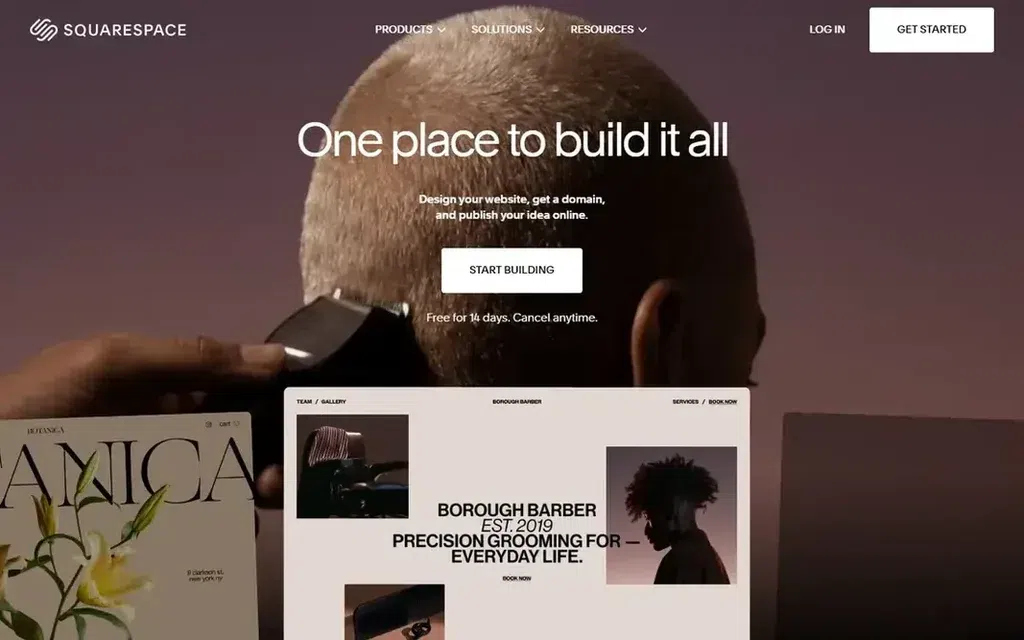
Squarespace targets refined portfolio-led art storefronts. Squarespace is built around websites, so very complicated selling operations may feel constrained compared to dedicated commerce systems.
Downsides: Design choices can slow setup.
Also, artists who expect large catalogs or elaborate fulfillment should weigh a commerce-first choice. Squarespace starts at: $12 per month. Free access: Free trial.
- Configurable website templates
- Domain and site in one place
- Commerce depth below dedicated products
WooCommerce works best for open-source selling on WordPress. Open source means you deal with more of the technical side, from hosting to updates, which can be a burden without developer experience.
Pick WooCommerce when control and extensibility matter more than hands-off simplicity. Worth adding: WooCommerce is an open-source ecommerce system that helps merchants and developers build companies for the long term. WooCommerce pricing: $29 per month. Trial and free access: Not stated.
Watch-outs: Needs WordPress knowledge.
- Open-source ecommerce product
- Designed for merchants and developers
- You run more of the stack
BigCommerce is built with scalable multi-channel commerce operations in mind. BigCommerce presents itself as commerce made for momentum, powering buying experiences across brands, regions, and channels from one scalable foundation. In practice, if you sell a handful of files to a small audience, a lighter system is simpler to run.
Digital artists with expanding catalogs, several sales channels, or international buyers may value that structure. That scale orientation can be more than a solo artist needs, and setup is heavier than with straightforward selling tools. BigCommerce shows no starting price here, so confirm the cost on the vendor site. As for free access: Not stated.
Limits to weigh: Geared toward bigger operations.
- Made for modern buying experiences
- Supports brands and regions
- Heavier setup for solo artists
Wix makes the most sense for all-in-one site with built-in business tools. Wix gives you a system for building the business you have in mind, with hosting, business tools, domains, and marketing built in.
For digital artists, it can host a portfolio and selling pages together, making it a practical choice for those who want one place for presentation and transactions. Wix does not show a starting price in this comparison, so check the vendor site for current pricing. On free options: Not stated.
Where it falls short: Commerce depth varies by setup.
- Hosting and domains built in
- Business and marketing tools included
- Feature breadth can overwhelm

Think of Shopify for full storefront with room to grow. The tradeoff is complexity: a full commerce system carries more setup than a straightforward file-selling page.
Some needs are met through extra services. Price to start with Shopify: $19 per month. As for free access: Free trial.
What to check first: More setup than straightforward selling tools.
- Runs products and orders
- AI-assisted building and growth
- Add-on apps may be needed
Selection criteria
For each of the 5 tools we noted price, free plan or trial, fit for platforms to sell digital art and the main limit, using vendor pages and documentation. Seat minimums, billing terms and add-ons can move the real cost, so the starting prices here are a guide and not a quote. Position on the page reflects fit for a typical buyer first, with price clarity and free access breaking ties. Treat it as a guide, not a ruling.
What to confirm before you sign up
- Get a written quote from BigCommerce and Wix; the list shows no starting price for them.
- Run a trial of Squarespace and Shopify with real work before paying for a year; your own workflow is the best test.
- Before choosing Squarespace, weigh its main limit: commerce depth below dedicated products.
- List the apps you already depend on and check that Wix supports each one on the plan you would buy.
- Verify that exporting from WooCommerce is possible on your plan and covers all your records.
FAQ
Does any tool for platforms to sell digital art here have a free plan?
A permanent free plan is not offered by Squarespace, Shopify or the other tools here. Squarespace, Shopify offer a trial. Plan a short evaluation period instead.
Can I try these tools before paying?
Often, yes. Squarespace and Shopify offer a free trial. Use your own data and a real task during the test, and check what the free tier or trial limits before you rely on it. All 5 picks in this platforms to sell digital Art comparison list a starting price, free plan details and the main limits on their cards above.
How are the tools for platforms to sell digital art ordered?
Squarespace sits first and Shopify last because the order follows typical fit for platforms to sell digital art, then price clarity and free access. It is a judgement call, so read each profile for fit and limits.
What is the cheapest option for platforms to sell digital art in this list?
On published monthly entry prices, Squarespace is the lowest here at $12 per month. Entry price is only part of the cost, because seats, add-ons and billing terms can change the total. For the full picture, the cards above cover all 5 entries of this platforms to sell digital Art list, including price, free plan and limits.
Sources
- https://www.squarespace.com
- https://woocommerce.com
- https://www.bigcommerce.com
- https://www.wix.com
- https://www.shopify.com