Best Video Podcasting Software for Beginners (2026): 5 Picks Checked on Vendor Pages
Best video podcasting software for beginners, compared. 5 tools with published prices, free plans and limits. The catches are listed up front. Decide faster.
- Editor's choiceSquadCast
High-quality remote recordings
Starts at$16 per person a monthVisit squadcast.fmFull review - Great alternative
 Restream
Multistreaming live video
Starts at$239 a monthVisit restream.ioFull review - Also consider
 Descript
Text-based editing for beginners
Starts at$16 per person a monthVisit descript.comFull review
Direct answer
SquadCast is the first pick on this list for high-quality remote recordings. Listed starting prices: SquadCast from $16 per person a month, Restream from $239 a month and Descript from $16 per person a month. If your case is different, Restream suits Multistreaming live video and Descript suits text-based editing for beginners. All 5 tools are compared below on price, free plan and limits.
TL;DR:
- This list starts with SquadCast, which is built for high-quality remote recordings.
- The cheapest monthly starting price in the list is $16 per person per month, offered by SquadCast.
- The main caution on Riverside: ramp-up time for advanced features.
- Only 3 of the 5 tools have a free plan (SquadCast, Descript, Riverside), so check the caps.
Last checked November 2026. Prices and plan details were read from the vendors' own pages in November 2026; vendors change plans often, so confirm the current price on the vendor site before you buy.
Quick comparison
| Tool | Best for | Starts at | Free plan? | |
|---|---|---|---|---|
| SquadCast | High-quality remote recordings | $16 per person a month | Yes | Visit |
| Restream | Multistreaming live video | $239 a month | Not stated | Visit |
| Descript | Text-based editing for beginners | $16 per person a month | Yes | Visit |
 Riverside | High-quality recording and editing | $24 per month | Yes | Visit |
 Zencastr | Chat-based editing and publishing | See website | Not stated | Visit |
Video Podcasting Software for Beginners profiles
LinkVetted compared 5 video podcasting software for beginners. The goal is a practical shortlist: published prices, free plan facts, best-fit use cases and honest limits for every entry.
SquadCast
Best for: High-quality remote recordings
For high-quality remote recordings, SquadCast is a natural candidate. SquadCast is a remote recording studio that centres on creating high-quality audio and video content. It uses in-browser software to capture premium recordings that are auto-saved to cloud storage.
This makes it a steady choice for beginners who want to ensure their recordings are secure and of high quality. From a buyer's view, SquadCast is a strong match for interview-style podcasts recorded remotely. Also, SquadCast concentrates on recording and does not offer deep editing or live streaming features. Also, a stable internet connection is required for remote recordings. Price to start with SquadCast: $16 per person per month. Free access exists with SquadCast.
Points against: Limited editing features.
- Auto-saved cloud storage
- Browser-based
- Needs stable internet
Restream serves Multistreaming live video. Restream is a straightforward live video product that enables you to produce beautiful videos and multistream them to your favorite channels. It is especially handy for beginners who want to reach audiences on several products simultaneously without technical hassle.
In practice, if you have to record and edit your podcast, you will have to use other software in conjunction. Beyond that, for pure live broadcasting to several destinations, Restream is a solid choice. Restream pricing: $239 per month. Trial and free access: Not stated.
Drawbacks to consider: No built-in editing.
- Multistream to plenty of systems
- Browser-based
- Restricted recording features
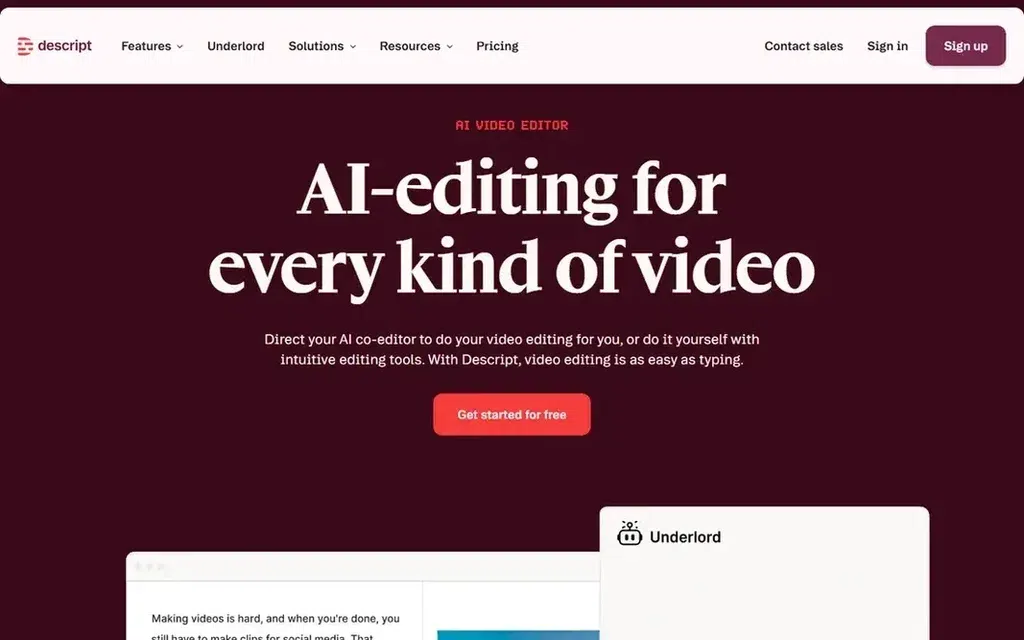
Descript is designed for text-based editing for beginners. Descript is an AI video and audio editor that makes editing as simple as editing text. Descript's resource-intensive nature might be a drawback on older computers, and the learning curve for its advanced features can be steep.
Points against: Can be resource-intensive.
Still, for beginners concentrated on editing efficiency, Descript is a compelling choice. In practice, Descript simplifies the whole podcast production process, from recording to publishing, making it an excellent fit for those who want a single option. On cost, Descript starts like this: $16 per person per month. Descript has a free plan.
- Edit audio/video like text
- Automatic transcription
- Advanced features need learning
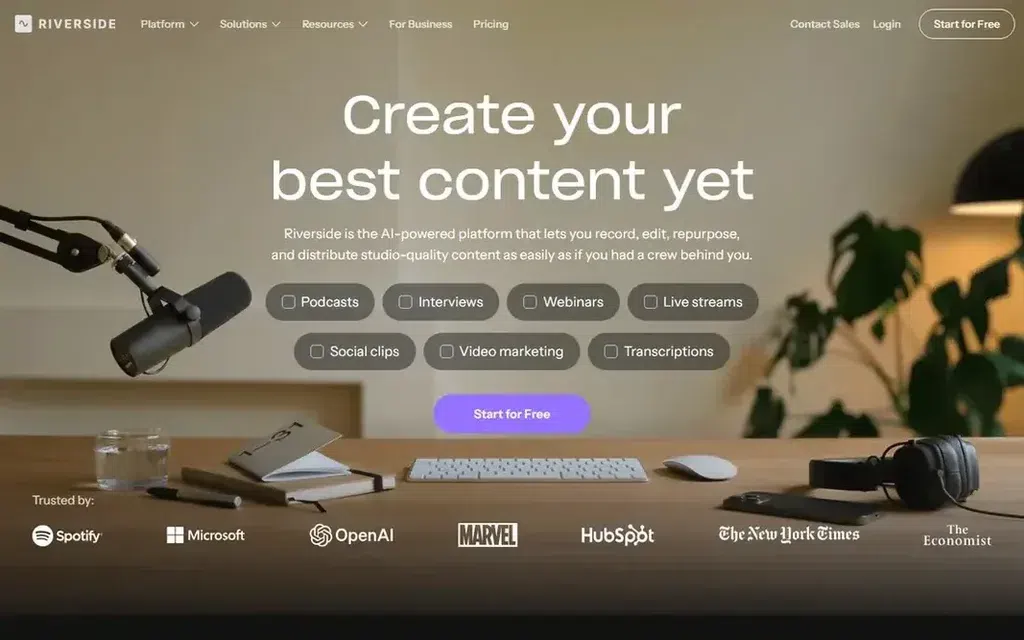
Riverside is built with high-quality recording and editing in mind. The product centres on capturing clear audio and video, making it a strong choice for those prioritizing production quality from the start. Whereas Riverside supplies feature-rich features, some beginners might find the range of choices overwhelming at first.
Downsides: Ramp-up time for advanced features.
In practice, if you need extensive live streaming capabilities or are on a very tight budget, you might consider other tools. That said, for recording and editing, Riverside is a solid choice. Starting cost for Riverside: $24 per month. A free plan is available with Riverside.
- Local recording for quality
- Browser-based studio
- Needs stable internet
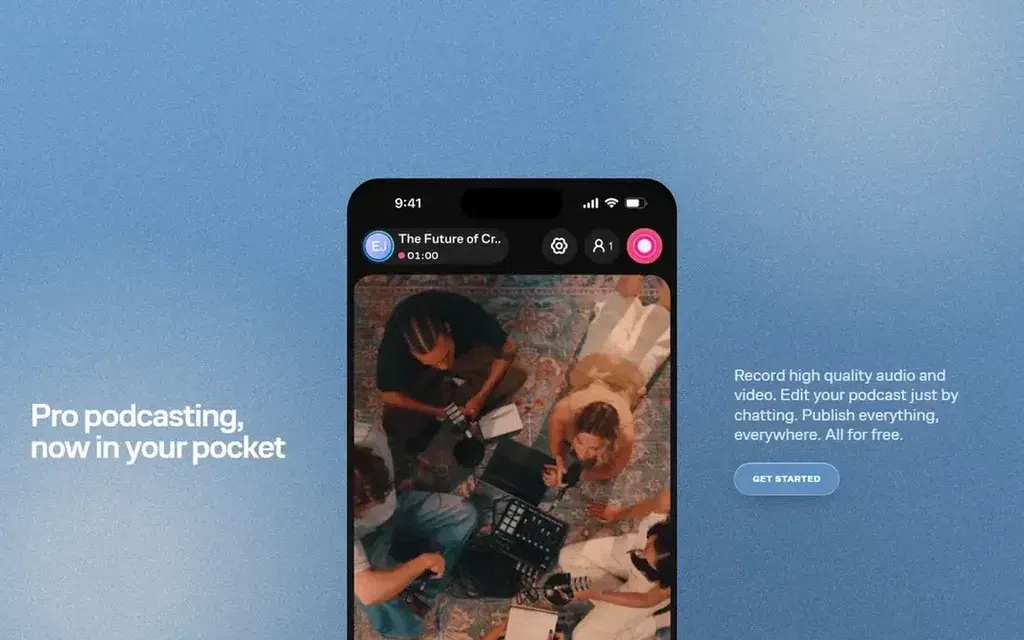
Zencastr targets chat-based editing and publishing. Zencastr lets you to record high-quality audio and video, edit your podcast just by chatting, and publish everywhere.
This chat-based editing is innovative and beginner-friendly, as it eases the editing process through conversational commands. Zencastr is well suited to those who want a straightforward path from recording to publishing without dealing with complicated software. Zencastr does not show a starting price in this comparison, so check the vendor site for current pricing. Free access: Not stated.
Where it is weaker: Restricted video editing depth.
- Browser-based
- Publish everywhere
- Internet-dependent
How we built this list
For each of the 5 tools we noted price, free plan or trial, fit for video podcasting software for beginners and the main limit, using vendor pages and documentation. Treat prices as a snapshot: vendors change plans often, so check the vendor site for the figure that applies today. Order on the page follows fit for the typical buyer first, then price transparency and free access. Your own requirements should decide the final pick.
A buyer's checklist
- Ask Zencastr for a written quote, since no starting price is shown.
- Check what the free option really includes: SquadCast, Descript and Riverside offer a free plan, and usage caps differ.
- Before choosing SquadCast, weigh its main limit: restricted editing features.
- Compare total cost, not headline price: for Zencastr, add extra seats, add-ons and any usage-based charges.
- Ask the daily users to test Restream on a live task before you roll it out to everyone.
FAQ
Is SquadCast the right pick for everyone comparing video podcasting software for beginners?
No single tool suits every team. SquadCast comes first because it fits high-quality remote recordings, while Restream suits Multistreaming live video and Descript suits text-based editing for beginners. Match the tool to your own size, budget and workflow before deciding.
Which options for video podcasting software for beginners have a free plan?
SquadCast, Descript and Riverside offer a free plan in this list. Free plans usually cap users, projects or features, so check the limits on the vendor page.
What is the cheapest option for video podcasting software for beginners in this list?
On published monthly entry prices, SquadCast is the lowest here at $16 per person per month. Entry price is only part of the cost, because seats, add-ons and billing terms can change the total. All 5 picks in this video Podcasting software for beginners comparison list a starting price, free plan details and the main limits on their cards above.
Do I need separate editing software if I use SquadCast?
You will likely need separate editing software to polish your podcast. That said, its recordings are high quality, which can cut the need for deep editing.
Can I try these tools before paying?
Often, yes. SquadCast, Descript and Riverside have a free plan. Use your own data and a real task during the test, and check what the free tier or trial limits before you rely on it.
Sources
- https://squadcast.fm
- https://restream.io
- https://www.descript.com
- https://riverside.fm
- https://zencastr.com