Best Video Editing Software in Lithuania in 2026: Prices, Free Plans and 5 Picks
Best video editing software in lithuania in 2026: 5 tools with starting prices, free plans and limits. Every profile names its biggest catch. Facts only.
- Editor's choice
 Final Cut Pro
Mac and iPad editors
Starts atPricing on requestVisit apple.comFull review - Great alternative
 Adobe After Effects
Motion graphics and visual effects
Starts atPricing on requestVisit adobe.comFull review - Also consider
 Filmora
Approachable AI-assisted editing
Starts atPricing on requestVisit filmora.wondershare.comFull review
Direct answer
If you need Mac and iPad editors, Final Cut Pro is the first tool to look at here. Adobe After Effects is the stronger choice for motion graphics and visual effects, while Filmora suits approachable AI-assisted editing. The other 2 tools in the list cover narrower or pricier cases. None of these vendors publish plan prices, so pricing is on request for every option.
TL;DR:
- The list opens with Final Cut Pro, aimed at Mac and iPad editors.
- CapCut stands alone as the one tool in this list with a free plan.
- One limit worth knowing about CapCut: less suited to long-form cinema work.
- Adobe Premiere Pro suits professional editing and postproduction.
Last checked November 2026. Pricing on request: vendors did not publish plan prices when this guide was last checked (November 2026), so ask each vendor for a written quote.
Quick comparison
| Tool | Best for | Starts at | Free plan? | |
|---|---|---|---|---|
| Final Cut Pro | Mac and iPad editors | Pricing on request | Not stated | Visit |
| Adobe After Effects | Motion graphics and visual effects | Pricing on request | Not stated | Visit |
| Filmora | Approachable AI-assisted editing | Pricing on request | Not stated | Visit |
 CapCut | Quick AI-assisted social video | Pricing on request | Yes | Visit |
 Adobe Premiere Pro | Professional editing and postproduction | Pricing on request | Not stated | Visit |
The 5 tools in detail
Short on time? The summary and table above give the quick view of 5 tools for video editing software in lithuania, and the profiles that follow give the detail behind each entry.
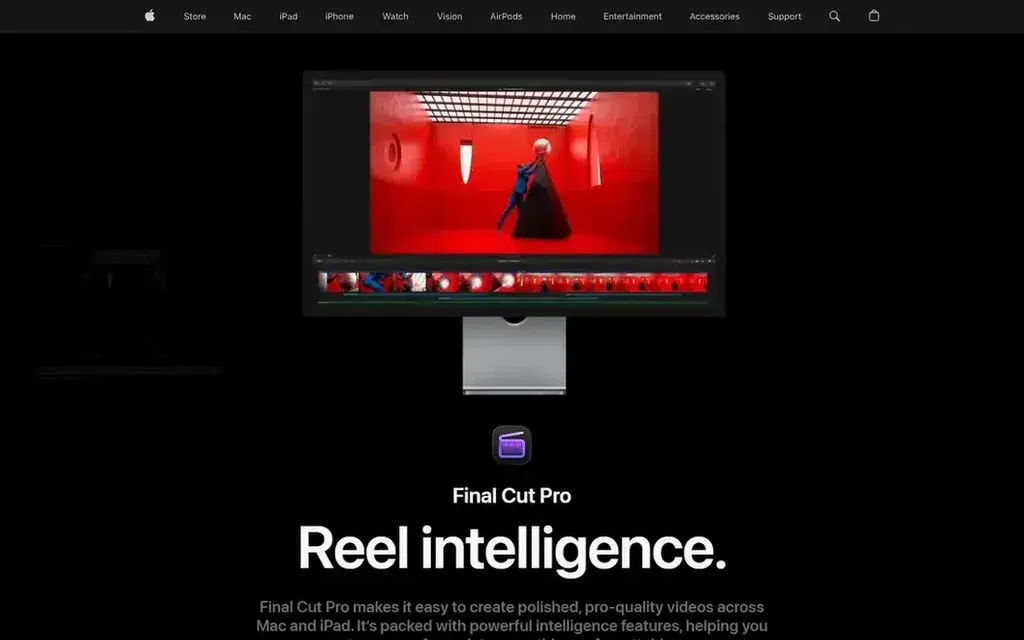
Final Cut Pro serves Mac and iPad editors. The magnetic timeline and optimized playback are widely known traits of the app. Final Cut Pro is Apple's professional editing application, described on its homepage as packed with capable intelligence features that make pro-quality video creation and editing simple on Mac and iPad.
Worth adding: the clear limit is product: Final Cut Pro needs Apple hardware, so Windows and Linux users cannot run it. It also assumes a Mac or iPad capable of handling modern footage. Final Cut Pro does not show a starting price in this comparison, so check the vendor site for current pricing. Free access: Not stated.
Points against: Needs Apple hardware.
- Native Apple editing environment
- Intelligence features for pro-quality output
- Not available for Windows or Linux
For motion graphics and visual effects, Adobe After Effects is a natural candidate. After Effects is not a replacement for a full editing application, and complicated compositions can be demanding on hardware. It also comes through Adobe's subscription model, so it makes most sense for people who will use it on a regular basis.
Adobe After Effects is motion graphics software for designing animation and effects for film, TV, video and web. For everyday use, if your work is largely cutting interviews or social clips, a dedicated editor is the better starting point and After Effects can wait until you need motion design. The homepage calls it industry-standard motion graphics software, and it is often used alongside an editor for example Premiere Pro to finish a project. No starting price is listed for Adobe After Effects here; confirm pricing on the vendor site. As for free access: Not stated.
The main drawbacks: Needs a capable machine for complicated projects.
Main advantages: Pairs with Adobe editing apps.
- Video and web
- Industry-standard motion graphics toolset
- Not a primary timeline editor
For approachable AI-assisted editing, Filmora is a natural candidate. Filmora from Wondershare is AI-powered editing software for desktop and mobile, with timeline tools, effects, captions and audio features. If your projects grow into broadcast or film work, plan to move to a more specialized application later.
Also, Filmora is made for accessibility, so editors who require granular color, compositing or multi-user studio pipelines may find it limiting compared to Resolve or Premiere Pro. It is a sensible choice for tutorials, vlogs and marketing clips. Pricing for Filmora is not stated here, so ask the vendor for current figures. Free access: Not stated.
Watch-outs: Fewer deep pro controls than studio tools. Best features of Filmora: Desktop and mobile versions.
- Effects and captions
- Easy-to-learn timeline tools
- Advanced workflows may feel constrained
In short, CapCut is for quick AI-assisted social video. CapCut is an AI-powered video editor for YouTube and Instagram style content, with smart templates and creative effects.
As for the details, the homepage flags AI tools and templates, so it is geared toward speed and shareable formats instead of long-form postproduction. Check the vendor site for CapCut pricing; none is listed in this comparison. A free plan is available with CapCut.
Strengths: AI tools and smart templates.
Downsides: Advanced controls are restricted.
- Creative effects for social products
- Desktop
- Less suited to long-form cinema work
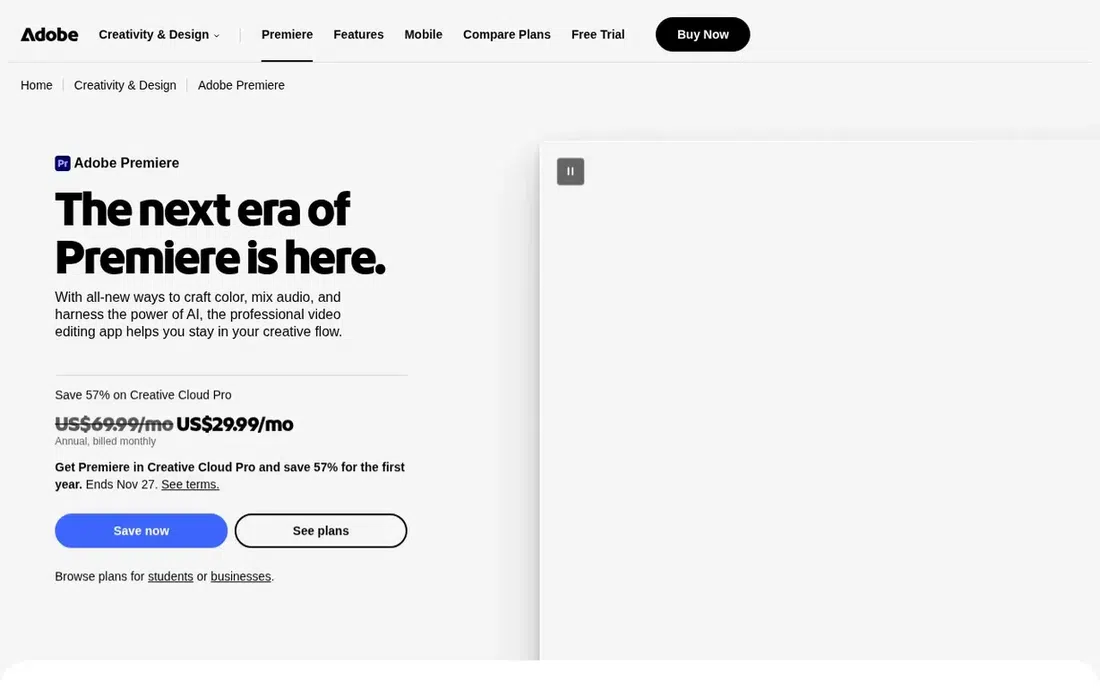
Adobe Premiere Pro is a good fit for professional editing and postproduction. The homepage describes it as professional editing software, so it is targeted at users who want depth instead of a stripped-back editor.
The main drawbacks: Can be demanding on older hardware.
Upsides: Effects. On top of that, if you only need occasional cuts or social templates, a lighter tool may be simpler to start with. Adobe Premiere Pro does not show a starting price in this comparison, so check the vendor site for current pricing. Free access: Not stated.
- Suits Adobe creative workflows
- Audio mixing and video extension
- Subscription-based access
How the list was put together
We compared the tools on published pricing, free plan or trial availability, feature coverage for video editing software in lithuania, and the limits each vendor documents. Plan names, prices and limits change often. Treat the figures here as a starting point and verify them with the vendor. Order on the page follows fit for the typical buyer first, then price transparency and free access. Your own requirements should decide the final pick.
Things to verify first
- Ask each vendor, from Final Cut Pro to Adobe Premiere Pro, for a written quote; none of them publishes a starting price.
- Look at the free plan from CapCut closely: its caps decide whether it is usable for real work.
- Before choosing Final Cut Pro, weigh its main limit: needs Apple hardware.
- Check how data leaves Adobe Premiere Pro: formats, limits and whether exports are available on every plan.
- Total up the real monthly cost of Filmora, including add-ons, extra users and usage-based fees.
FAQ
Do these tools publish their prices?
No. None of the tools, from Final Cut Pro to Adobe Premiere Pro, shows a fixed starting price here, so budget time for quotes. For the full picture, the cards above cover all 5 entries of this video editing software in Lithuania list, including price, free plan and limits.
How are the tools for video editing software in lithuania ordered?
The order follows typical fit for video editing software in lithuania, with Final Cut Pro first and Adobe Premiere Pro last, then price clarity and free access. It is editorial judgement, not a score, so another team could rank the tools differently.
Which editor fits best for social media video?
This list starts with Final Cut Pro, which fits Mac and iPad editors. For other needs, Adobe After Effects is aimed at motion graphics and visual effects, and Filmora at approachable AI-assisted editing. Check each tool's price and main limit first.
Is Final Cut Pro the right pick for everyone comparing video editing software in lithuania?
No single tool suits every team. Final Cut Pro comes first because it fits Mac and iPad editors, while Adobe After Effects suits motion graphics and visual effects and Filmora suits approachable AI-assisted editing. Match the tool to your own size, budget and workflow before deciding.
Which options for video editing software in lithuania have a free plan?
CapCut is the only tool in this list with a free plan. Free plans usually cap users, projects or features, so check the limits on the vendor page. Prices, free plan details and limits for all 5 tools in this video editing software in Lithuania roundup sit on the individual cards above.
Sources
- https://www.apple.com/final-cut-pro
- https://www.adobe.com/products/aftereffects.html
- https://filmora.wondershare.com
- https://www.capcut.com
- https://www.adobe.com/products/premiere.html