Top Apple ICloud Photos Alternatives in 2026: 5 Picks Ranked
Apple iCloud Photos alternatives in 2026: 5 tools with starting prices, free plans and limits. Cost notes and weak points included. Full profiles inside.
- Editor's choice
 Sync.com
Privacy-focused cloud storage
Starts at$4.50 per user a monthVisit sync.comFull review - Great alternative
 pCloud
Secure cloud storage with privacy focus
Starts atSee websiteVisit pcloud.comFull review - Also consider
 Microsoft OneDrive
Microsoft ecosystem integration
Starts atSee websiteVisit microsoft.comFull review
Direct answer
This list puts Sync.com first for privacy-focused cloud storage. pCloud is the stronger choice for secure cloud storage with privacy focus, while Microsoft OneDrive suits Microsoft ecosystem integration. Listed starting prices: Sync.com from $4.50 per user a month and Dropbox from $9.99 per month. Prices, free plans and limits for all 5 tools follow.
TL;DR:
- Number one here is Sync.com, a fit for privacy-focused cloud storage.
- One limit worth knowing about Microsoft OneDrive: photo features are entry-level.
- For general file sync and sharing, Dropbox is worth a look.
- Starting prices begin at $4.50 per user per month with Sync.com.
- A permanent free plan is missing from all 5 tools, Sync.com and Dropbox included; plan for a trial or a premium start.
Last checked November 2026. Prices and plan details were read from the vendors' own pages in November 2026; vendors change plans often, so confirm the current price on the vendor site before you buy.
Quick comparison
| Tool | Best for | Starts at | Free plan? | |
|---|---|---|---|---|
| Sync.com | Privacy-focused cloud storage | $4.50 per user a month | Free trial | Visit |
| pCloud | Secure cloud storage with privacy focus | See website | Not stated | Visit |
| Microsoft OneDrive | Microsoft ecosystem integration | See website | Not stated | Visit |
 Adobe Lightroom | Professional photo editing and organization | See website | Not stated | Visit |
 Dropbox | General file sync and sharing | $9.99 per month | Free trial | Visit |
Our 5 Apple iCloud Photos
LinkVetted compared 5 Apple iCloud Photos. The goal is a practical shortlist: published prices, free plan facts, best-fit use cases and honest limits for every entry.
Sync.com is a good fit for privacy-focused cloud storage. Sync.com is a secure cloud storage and collaboration service that prioritizes privacy.
Honest limits: Limited photo-specific tools.
Worth adding: sync.com is not designed specifically for photo management; it lacks advanced photo organization or editing features. Also, if privacy is your top concern, Sync.com is worth considering, but for photo features, look elsewhere. Sync.com cost at the entry level: $4.50 per user per month. Free options: Free trial.
- Compliance features
- End-to-end encryption
- Less known than competitors
pCloud works best for secure cloud storage with privacy focus. Whereas pCloud gives you secure storage, its photo management and editing capabilities are restricted compared with dedicated photo apps.
It may not satisfy users who require advanced organization or editing tools. pCloud is a secure cloud storage service for files, photos, and documents. It emphasizes privacy and security, offering features like client-side encryption. pCloud is right for individuals who want a safe place to store and share photos and files across devices, with a straightforward interface that is simple to navigate. This comparison lists no price for pCloud; ask the vendor. Free access: Not stated.
Drawbacks to consider: Photo features are basic.
- Approachable interface
- Lifetime plans available
- No native editing tools
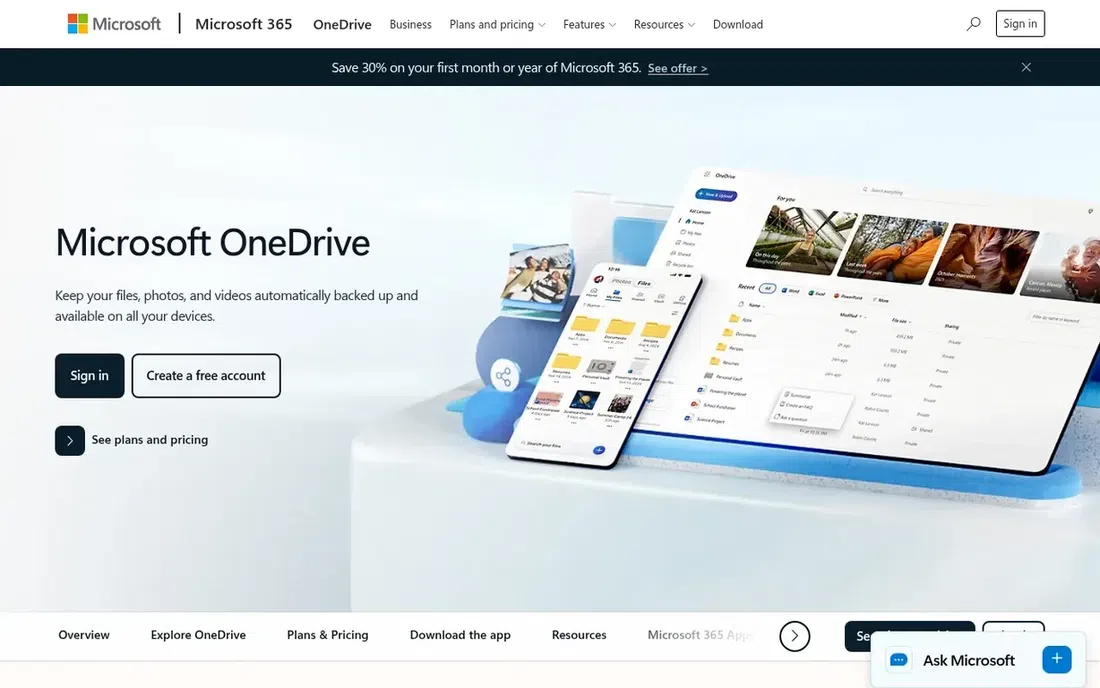
Microsoft OneDrive is a good fit for Microsoft ecosystem integration. Microsoft OneDrive is a cloud storage service that integrates closely with Windows and Microsoft Office. It provides personal cloud storage for smooth file sharing with family and friends.
It is a natural choice for users already invested in the Microsoft ecosystem. OneDrive provides automatic photo backup from mobile devices and entry-level organization features. For everyday use, OneDrive's photo management capabilities are not as advanced as those in dedicated photo apps. More specifically, for those who prioritize integration with Microsoft services, OneDrive is a convenient choice, but others might look for more photo-centric tools. Pricing for Microsoft OneDrive is not stated here, so ask the vendor for current figures. Trial and free access: Not stated.
Limits to weigh: Interface can be confusing.
- Office Online apps
- Deep Windows integration
- Photo features are entry-level
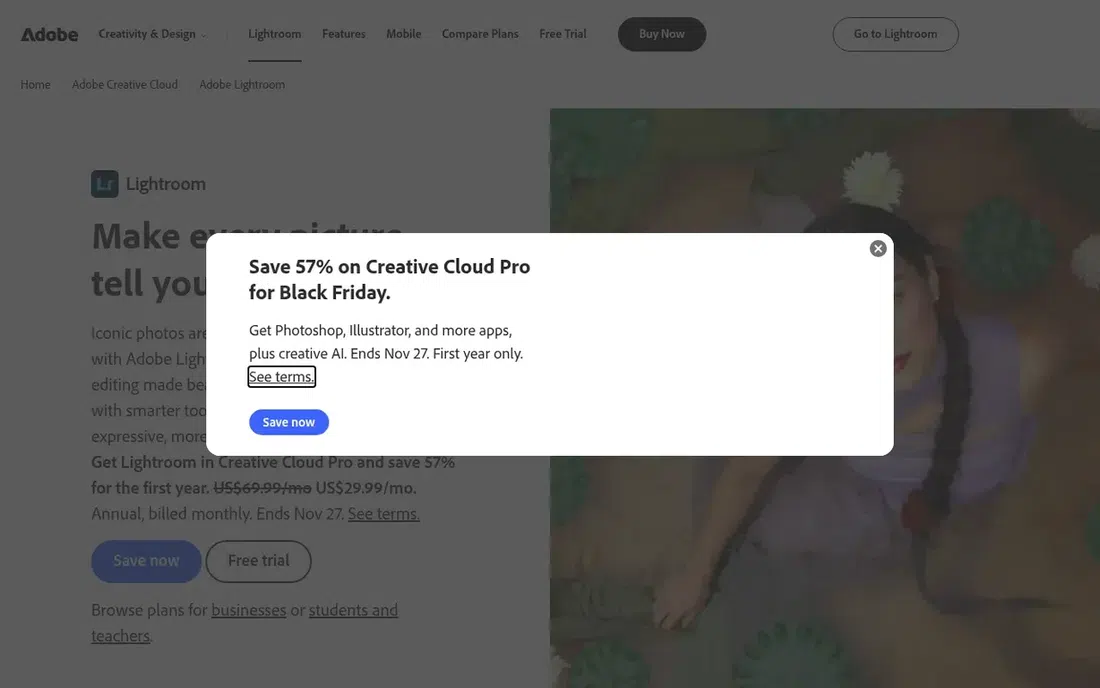
Where Adobe Lightroom fits: professional photo editing and organization. Adobe Lightroom is a photo editing and organizing application built for professional photographers and enthusiasts. It permits users to edit and organize photos from desktop, web, and mobile devices, with cloud synchronization for access anywhere.
In practice, Lightroom is a strong match for those who require feature-rich editing capabilities and sophisticated photo management. It also needs a subscription for full functionality, which may not suit users seeking a straightforward storage alternative. Pricing for Adobe Lightroom is not stated here, so ask the vendor for current figures. Free access: Not stated.
Trade-offs to know: Not a general file storage service.
- Cloud sync across devices
- Advanced editing tools
- Needs subscription for full features

Think of Dropbox for general file sync and sharing. It is well-suited for individuals and teams who require a straightforward way to back up photos and access them across several platforms.
Where it is weaker: Restricted photo-specific features.
Even so, Dropbox lacks advanced photo organization tools like facial recognition or automatic albums. Starting cost for Dropbox: $9.99 per month. Free options: Free trial.
- Cross-platform support
- Simple sharing
- Storage limits on entry-level plans
How these tools were picked
We compared the tools on published pricing, free plan or trial availability, feature coverage for Apple iCloud Photos, and the limits each vendor documents. Figures are shown as the vendors publish them. Billing terms, seat minimums and add-ons can change the real cost. Position on the page reflects fit for a typical buyer first, with price clarity and free access breaking ties. Treat it as a guide, not a ruling.
Pre-purchase checklist
- Ask pCloud, Microsoft OneDrive and Adobe Lightroom for a written quote, since no starting price is shown.
- Use real work to test the free trial from Sync.com and Dropbox, rather than a demo project.
- Read the limits listed for Sync.com first: restricted photo-specific tools.
- Check how data leaves Microsoft OneDrive: formats, limits and whether exports are available on every plan.
- Find out what support Adobe Lightroom includes on your plan, and whether onboarding help costs extra.
FAQ
How are the Apple iCloud Photos ordered?
The order follows typical fit for Apple iCloud Photos, with Sync.com first and Dropbox last, then price clarity and free access. It is editorial judgement, not a score, so another team could rank the tools differently.
Do these tools publish their prices?
Not all of them. pCloud, Microsoft OneDrive and Adobe Lightroom publish no starting price, so expect a quote request for those. The rest, Sync.com included, show a starting price, though seats and billing terms still change the final cost.
What is the cheapest option for Apple iCloud Photos in this list?
On published monthly entry prices, Sync.com is the lowest here at $4.50 per user per month. Entry price is only part of the cost, because seats, add-ons and billing terms can change the total. Prices, free plan details and limits for all 5 tools in this Apple ICloud Photos alternatives roundup sit on the individual cards above.
Does any tool for Apple iCloud Photos here have a free plan?
No tool in this list, Sync.com and Dropbox included, has a permanent free plan. Sync.com, Dropbox offer a trial. Trials and quotes are the usual route, so plan a short evaluation period.
Which alternative gives you the best privacy?
This list starts with Sync.com, which fits privacy-focused cloud storage. For other needs, pCloud is aimed at secure cloud storage with privacy focus, and Microsoft OneDrive at Microsoft ecosystem integration. Check each tool's price and main limit first.
What is the best iCloud Photos alternative for families?
For most readers this guide would start with Sync.com, built for privacy-focused cloud storage. pCloud is the alternative for secure cloud storage with privacy focus, and Microsoft OneDrive for Microsoft ecosystem integration. The right answer depends on budget and workflow.
Sources
- https://www.sync.com
- https://www.pcloud.com
- https://www.microsoft.com/en-us/microsoft-365/onedrive/online-cloud-storage
- https://www.adobe.com/products/photoshop-lightroom.html
- https://www.dropbox.com