The 6 Best Animation Software for Enterprise in 2026, Ranked
Compare 6 picks for the best animation software for enterprise, with prices, free plans and who each fits. Each tool gets a one-line verdict. Updated for 2026.
- Editor's choice
 Houdini
Procedural effects and simulation
Starts atPricing on requestVisit sidefx.comFull review - Great alternative
 Autodesk Maya
3D character animation and VFX
Starts atPricing on requestVisit autodesk.comFull review - Also consider
 Moho Pro
Efficient 2D character animation
Starts atPricing on requestVisit moho.lostmarble.comFull review
Direct answer
Houdini leads the list, best for procedural effects and simulation. If your case is different, Autodesk Maya suits 3D character animation and VFX and Moho Pro suits efficient 2D character animation. All 6 tools are compared below on fit, free plan and limits. None of these vendors publish plan prices, so pricing is on request for every option.
TL;DR:
- Houdini takes the first slot, best suited to procedural effects and simulation.
- One limit worth knowing about Moho Pro: less studio-scale pipeline depth.
- Adobe After Effects fits motion graphics and compositing.
- None of the 6 tools, from Houdini to Adobe After Effects, has a free plan, so budget for a subscription or use a trial.
- Houdini, Adobe After Effects and the 4 others all sell by quote; expect sales conversations before you see a price.
Last checked November 2026. Pricing on request: vendors did not publish plan prices when this guide was last checked (November 2026), so ask each vendor for a written quote.
Quick comparison
| Tool | Best for | Starts at | Free plan? | |
|---|---|---|---|---|
| Houdini | Procedural effects and simulation | Pricing on request | Not stated | Visit |
| Autodesk Maya | 3D character animation and VFX | Pricing on request | Not stated | Visit |
| Moho Pro | Efficient 2D character animation | Pricing on request | Not stated | Visit |
 Adobe Animate | Interactive 2D and web animation | Pricing on request | Not stated | Visit |
 Cinema 4D | Motion design in 3D | Pricing on request | Not stated | Visit |
 Adobe After Effects | Motion graphics and compositing | Pricing on request | Not stated | Visit |
The 6 tools in detail
Short on time? The summary and table above give the quick view of 6 tools for animation software for enterprise, and the profiles that follow give the detail behind each entry.
Houdini serves procedural effects and simulation. Houdini from SideFX is built from the ground up as a procedural system that enables artists to work freely, build several iterations and rapidly share workflows with colleagues. On top of that, teams without dedicated effects artists may prefer Maya or Cinema 4D.
Honest limits: Overkill for straightforward motion graphics.
On top of that, the procedural approach carries a steep ramp-up time and is more than straightforward motion graphics need. On top of that, studios value it when iteration speed and reusable setups matter across a pipeline. Houdini does not show a starting price in this comparison, so check the vendor site for current pricing. On free options: Not stated.
Best features of Houdini: Supports shared team workflows.
- Procedural system for quick iteration
- TV and game effects
- Notably steep ramp-up time
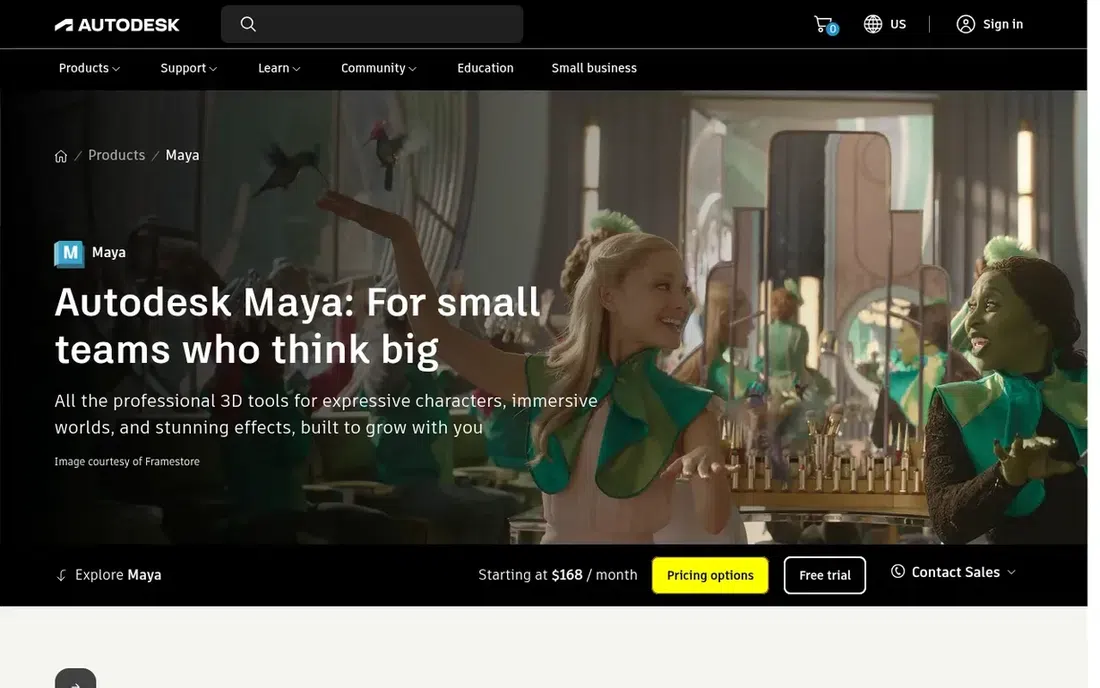
Autodesk Maya works best for 3D character animation and VFX. Autodesk Maya is described as professional 3D animation and VFX software for creating expansive worlds, complicated characters and realistic effects. Worth adding: Maya is a deep 3D application, so it is more than a 2D motion graphics team needs and carries a ramp-up time.
Downsides: Steep ramp-up time for newcomers.
Procedural effects-heavy work may pair better with Houdini. Choose Maya when character animation and general 3D production are the priority. Teams that require rigging, animation and effects in one environment often place Maya at the center of production. No starting price is listed for Autodesk Maya here; confirm pricing on the vendor site. Free access: Not stated.
- Professional 3D animation and VFX focus
- Designed for complicated characters and worlds
- Needs capable hardware
Moho Pro is built with efficient 2D character animation in mind. Moho Pro is described as complete 2D animation software for creating movies, films and commercials, positioned as a more efficient alternative for hobbyists and professional animators.
It does well for explainer content, commercials and short-form projects. Choose Moho Pro when efficient 2D character animation is the central need. No starting price is listed for Moho Pro here; confirm pricing on the vendor site. Free access: Not stated.
Honest limits: Less studio-scale pipeline depth.
- Efficient 2D animation workflow
- Alternative to heavier 2D pipelines
- Smaller ecosystem than major suites
Choose Adobe Animate for interactive 2D and web animation. Adobe Animate is 2D animation software for creating Flash animation films, GIFs and cartoons, with tools for puppet design and tweening.
Pick Animate for interactive and web-oriented 2D animation. On top of that, enterprise teams use it for interactive web content, short cartoons and light animation that suits digital campaigns. No starting price is listed for Adobe Animate here; confirm pricing on the vendor site. Free options: Not stated.
Watch-outs: Less suited to cinematic 2D pipelines.
Highlights: Outputs cartoons.
- Puppet design and tweening tools
- GIFs and Flash animation
- Overlaps with other Adobe tools

Cinema 4D works best for motion design in 3D. Cinema 4D from Maxon is a widely known 3D modeling and animation application used in motion design, broadcast graphics and product visualization. Very large simulation workloads can also push a single workstation.
Pick Cinema 4D when refined 3D motion design is the goal. More specifically, enterprise design teams frequently pair it with compositing software to add 3D elements to brand and advertising work. In practice, for complex character rigging or large procedural effects, dedicated tools for example Maya or Houdini are typically more solid. Pricing for Cinema 4D is not stated here, so ask the vendor for current figures. Trial and free access: Not stated.
Where it is weaker: Advanced simulation may need other tools.
- Widely used for 3D motion design
- Suits broadcast and advertising work
- Ramp-up time for new 3D users
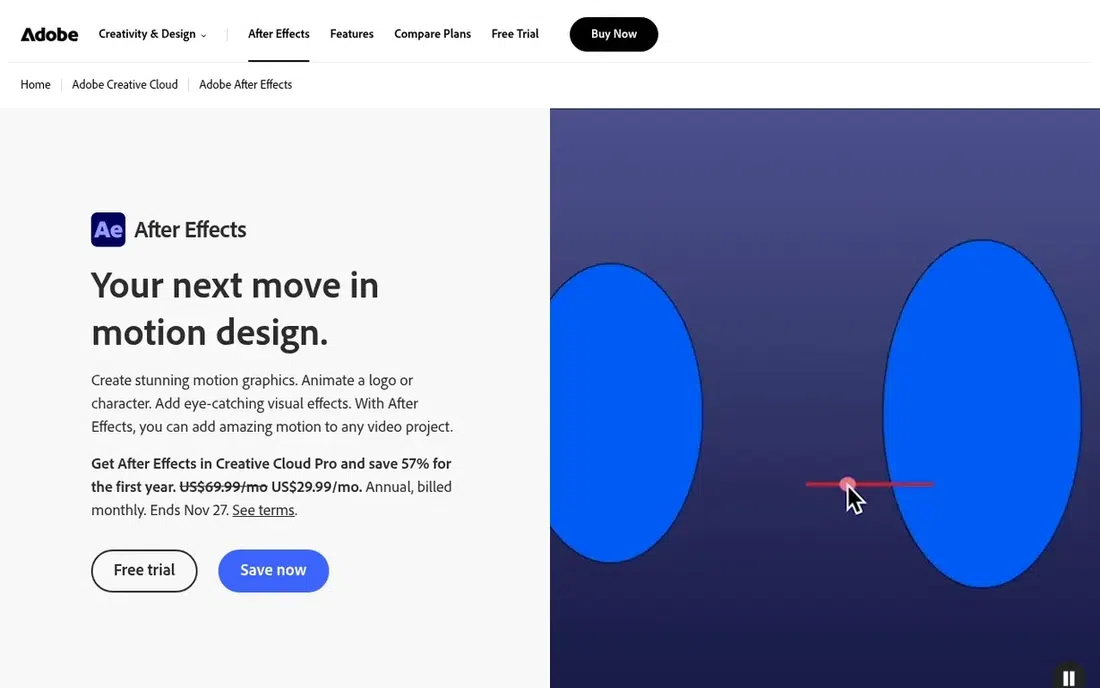
Adobe After Effects makes the most sense for motion graphics and compositing. Pick After Effects when motion graphics and finishing are the core need.
Enterprise creative, marketing and broadcast teams commonly use it for titles, compositing and design-driven animation. Teams with very large render needs should plan infrastructure carefully. This comparison lists no price for Adobe After Effects; ask the vendor. Trial and free access: Not stated.
Honest limits: Complicated projects can get heavy. What users get: Suits film, TV.
- Solid motion graphics and compositing toolset
- Widely used across design and broadcast teams
- Deep 3D work needs other tools
How we compared the tools
Selection started from tools commonly considered for animation software for enterprise, then narrowed to 6 that have clear pricing information or a clear quote process. Plan names, prices and limits change often. Treat the figures here as a starting point and verify them with the vendor. Tools are placed by general fit for animation software for enterprise, with price clarity and free access as tie-breakers. A different team can reasonably rank them differently.
Before you commit
- Confirm the entry price with every vendor: no tool from Houdini to Adobe After Effects shows a fixed starting price.
- Before choosing Houdini, weigh its main limit: notably steep ramp-up time.
- Ask the daily users to test Houdini on a live task before you roll it out to everyone.
- Test the integrations you rely on with Adobe Animate before committing; some connectors sit on upper tiers.
- Find out whether the entry plan of Autodesk Maya covers your must-haves or only a trimmed-down version.
FAQ
How are the tools for animation software for enterprise ordered?
Houdini sits first and Adobe After Effects last because the order follows typical fit for animation software for enterprise, then price clarity and free access. It is a judgement call, so read each profile for fit and limits.
What should enterprises check before buying animation software?
Confirm hardware requirements, pipeline integration and collaboration features for multi-artist teams. Also review licensing and deployment terms, then test the tool on a real production sample. These checks matter more than any single feature list.
Does any tool for animation software for enterprise here have a free plan?
No tool in this list, Houdini and Adobe After Effects included, has a permanent free plan. Trials and quotes are the usual route, so plan a short evaluation period.
Is Houdini the right pick for everyone comparing animation software for enterprise?
No single tool suits every team. Houdini comes first because it fits procedural effects and simulation, while Autodesk Maya suits 3D character animation and VFX and Moho Pro suits efficient 2D character animation. Match the tool to your own size, budget and workflow before deciding.
Can I try these tools before paying?
Not by default. None of the tools, from Houdini to Adobe After Effects, lists a free plan or a free trial here, so ask each vendor for a demo before committing.
Sources
- https://www.sidefx.com/products/houdini
- https://www.autodesk.com/products/maya/overview
- https://moho.lostmarble.com
- https://www.adobe.com/products/animate.html
- https://www.maxon.net/en/cinema-4d
- https://www.adobe.com/products/aftereffects.html