Animation Creator Software in 2026: The 6 Best Options Side by Side
Best animation creator software in 2026: 6 tools with starting prices, free plans and limits. Costs and caveats sit beside each pick. Straight answers.
- Editor's choiceMaxon Cinema 4D
3D motion graphics and visualization
Starts atSee websiteVisit maxon.netFull review - Great alternative
 Adobe Animate
2D animation and interactive content
Starts atSee websiteVisit adobe.comFull review - Also consider
 Vyond
Business and explainer videos
Starts at$58 per monthVisit vyond.comFull review
Direct answer
This list puts Maxon Cinema 4D first for 3D motion graphics and visualization. Listed starting prices: Vyond from $58 per month. Adobe Animate fits 2D animation and interactive content; Vyond fits business and explainer videos. Details, prices and limits for the rest of the 6 tools are below.
TL;DR:
- Maxon Cinema 4D is the opening pick, best for 3D motion graphics and visualization.
- The lowest published monthly entry price here is $58 per month, from Vyond.
- Before buying Maxon Cinema 4D, weigh this: restricted character animation depth.
- Adobe After Effects is the one to check for motion graphics and visual effects.
- Maxon Cinema 4D, Adobe After Effects and the 4 others all need a premium plan or a trial, since no free plan is listed.
Last checked November 2026. Prices and plan details were read from the vendors' own pages in November 2026; vendors change plans often, so confirm the current price on the vendor site before you buy.
Quick comparison
| Tool | Best for | Starts at | Free plan? | |
|---|---|---|---|---|
| Maxon Cinema 4D | 3D motion graphics and visualization | See website | Not stated | Visit |
| Adobe Animate | 2D animation and interactive content | See website | Not stated | Visit |
| Vyond | Business and explainer videos | $58 per month | Free trial | Visit |
 Moho | Efficient 2D animation for all levels | See website | Not stated | Visit |
 Autodesk Maya | Professional 3D animation and VFX | See website | Not stated | Visit |
 Adobe After Effects | Motion graphics and visual effects | See website | Not stated | Visit |
Every option for animation creator software explained
LinkVetted compared 6 tools for animation creator software. The goal is a practical shortlist: published prices, free plan facts, best-fit use cases and honest limits for every entry.
Maxon Cinema 4D
Best for: 3D motion graphics and visualization
In short, Maxon Cinema 4D is for 3D motion graphics and visualization. For advanced 3D character work, Maya is a more solid choice. Cinema 4D may not offer the same depth in character animation and simulation as Maya.
More specifically, Maxon Cinema 4D is a 3D modeling, animation, and rendering application known for its accessibility and integration with motion graphics workflows. It is commonly used for broadcast graphics, product visualization, and abstract 3D animation. Pricing for Maxon Cinema 4D is not stated here, so ask the vendor for current figures. On free options: Not stated.
Where it falls short: Restricted character animation depth.
- Solid motion graphics tools
- Approachable 3D interface
- Higher cost
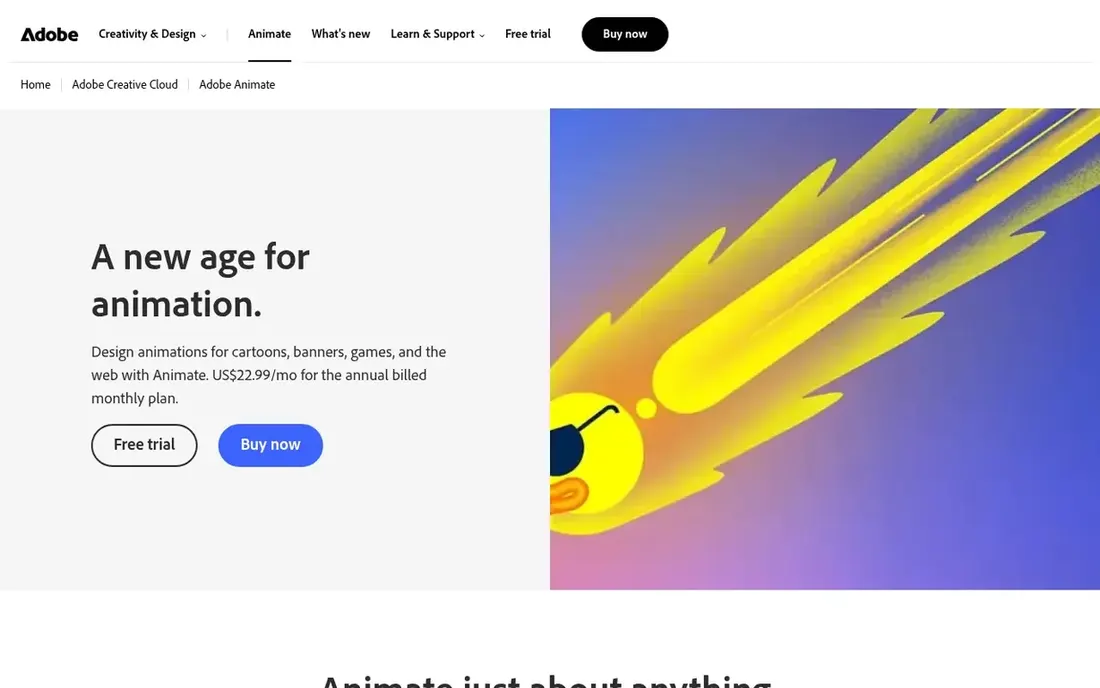
Adobe Animate targets 2D animation and interactive content. Animate is not built for 3D animation or high-end visual effects. Adobe Animate is 2D animation software for creating Flash animation films, GIFs, and cartoons.
It comes with tools for puppet design and tweening, making it a good match for animators centred on character-driven or web-based animation. It is a solid fit for those who require to produce interactive or short-form 2D content. Adobe Animate does not show a starting price in this comparison, so check the vendor site for current pricing. Free access: Not stated.
Points against: Subscription required.
- Supports Flash animation and GIFs
- Tools for puppet design and tweening
- Restricted 3D capabilities
Vyond works best for business and explainer videos. Vyond is an AI video creation system for companies to produce videos in any style immediately and easily.
It is aimed at creating explainer videos, training content, and marketing materials without advanced animation skills. Worth adding: Vyond is not intended for frame-by-frame or highly customized animation. Vyond pricing: $58 per month. Free plan details: Free trial.
Where it is weaker: Restricted custom animation.
- Fast and easy
- AI-powered video creation
- Template-driven style
Moho is aimed squarely at efficient 2D animation for all levels. Moho is a 2D animation program aimed at both hobbyists and professional animators seeking a more efficient way to produce quality animations.
Where it falls short: Restricted 3D integration.
It provides a complete toolset for producing 2D movies, films, and commercials. Check the vendor site for Moho pricing; none is listed in this comparison. Free access: Not stated.
- Suited for hobbyists and pros
- Low-cost alternative
- Less industry adoption
Autodesk Maya works best for professional 3D animation and VFX. Autodesk Maya is professional 3D animation and VFX software for creating expansive worlds, complicated characters, and realistic effects.
Watch-outs: Resource-intensive.
It is widely used in film, television, and game development. Maya is complicated and demanding on hardware, making it less right for beginners or simple 2D projects. No starting price is listed for Autodesk Maya here; confirm pricing on the vendor site. As for free access: Not stated.
- Feature-rich character and effects
- Industry-standard 3D tools
- Very high ramp-up time
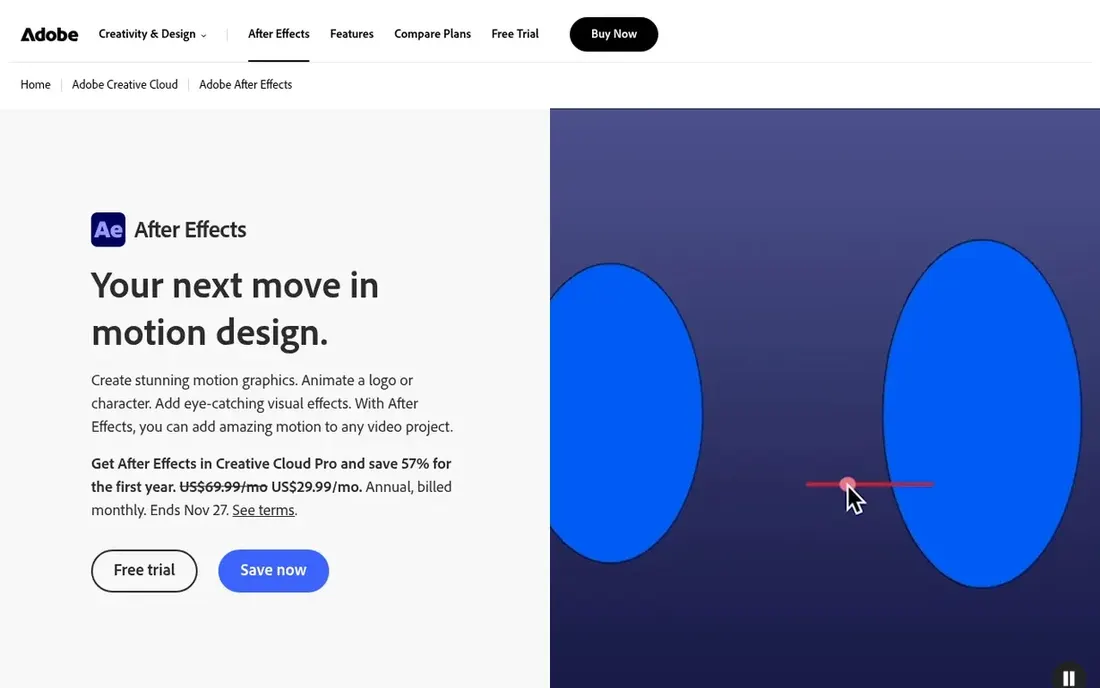
Adobe After Effects works best for motion graphics and visual effects. Adobe After Effects is a motion graphics and visual effects application used for film, TV, video, and web projects.
It suits professionals and serious hobbyists who require advanced control over motion design and visual effects. No starting price is listed for Adobe After Effects here; confirm pricing on the vendor site. Free options: Not stated.
Watch-outs: Needs feature-rich hardware.
- Extensive effects and compositing
- Industry-standard motion graphics
- Steep ramp-up time
How we chose
Selection started from tools commonly considered for animation creator software, then narrowed to 6 that have clear pricing information or a clear quote process. Where a price is missing, the vendor does not list one publicly or ties it to a quote. Always confirm before budgeting. The order reflects how well each tool fits the most common buying scenario for animation creator software, then price clarity, then free plan access. It is a starting point, not a verdict.
Before you commit
- Confirm the entry price on the vendor page. For Maxon Cinema 4D, Adobe Animate, Moho and others that means a quote rather than a fixed price.
- Use real work to test the free trial from Vyond, rather than a demo project.
- Before choosing Maxon Cinema 4D, weigh its main limit: restricted character animation depth.
- Price Moho for your actual team size; headline prices rarely include add-ons or overage.
- Confirm that Vyond connects to the apps your team already uses, on the plan you would actually buy.
FAQ
Do these tools publish their prices?
Not all of them. Maxon Cinema 4D, Adobe Animate, Moho and others publish no starting price, so expect a quote request for those. The rest, Vyond included, show a starting price, though seats and billing terms still change the final cost.
How are the tools for animation creator software ordered?
The order follows typical fit for animation creator software, with Maxon Cinema 4D first and Adobe After Effects last, then price clarity and free access. It is editorial judgement, not a score, so another team could rank the tools differently.
Can I try these options before paying?
Often, yes. Vyond offers a free trial. Use your own data and a real task during the test, and check what the free tier or trial limits before you rely on it.
What is the best animation software for beginners?
Maxon Cinema 4D comes first here and is built for 3D motion graphics and visualization. Buyers with other needs may prefer Adobe Animate (for 2D animation and interactive content) or Vyond (for business and explainer videos). Compare costs and limits first.
Is Maxon Cinema 4D the right pick for everyone comparing animation creator software?
No single tool suits every team. Maxon Cinema 4D comes first because it fits 3D motion graphics and visualization, while Adobe Animate suits 2D animation and interactive content and Vyond suits business and explainer videos. Match the tool to your own size, budget and workflow before deciding.
Sources
- https://www.maxon.net/en/cinema-4d
- https://www.adobe.com/products/animate.html
- https://www.vyond.com
- https://moho.lostmarble.com
- https://www.autodesk.com/products/maya/overview
- https://www.adobe.com/products/aftereffects.html