Animation Software for Explainer Videos in 2026: The 6 Best Options Side by Side
Compare 6 best animation software for explainer videos, with prices, free plans and who each fits. Each tool gets a one-line verdict. Current for November 2026.
- Editor's choice
 Adobe After Effects
Advanced motion graphics and custom animation
Starts atSee websiteVisit adobe.comFull review - Great alternativePowtoon
Quick branded videos and presentations
Starts at$8 a monthVisit powtoon.comFull review - Also consider
 Moho
Efficient 2D animation for hobbyists and pros
Starts atSee websiteVisit moho.lostmarble.comFull review
Direct answer
If you need advanced motion graphics and custom animation, Adobe After Effects is the first tool to look at here. Listed starting prices: Powtoon from $8 a month, Animaker from $10 a month and Vyond from $58 per month. Powtoon fits quick branded videos and presentations; Moho fits efficient 2D animation for hobbyists and pros. Prices, free plans and limits for all 6 tools follow.
TL;DR:
- This list starts with Adobe After Effects, which is built for advanced motion graphics and custom animation.
- Starting prices begin at $8 per month with Powtoon.
- Vyond suits business explainer videos with AI assistance.
- Only Powtoon offers a free plan among these 6 tools.
- The main caution on Moho: niche compared with bigger suites.
Last checked November 2026. Prices and plan details were read from the vendors' own pages in November 2026; vendors change plans often, so confirm the current price on the vendor site before you buy.
Quick comparison
| Tool | Best for | Starts at | Free plan? | |
|---|---|---|---|---|
| Adobe After Effects | Advanced motion graphics and custom animation | See website | Not stated | Visit |
| Powtoon | Quick branded videos and presentations | $8 a month | Yes | Visit |
| Moho | Efficient 2D animation for hobbyists and pros | See website | Not stated | Visit |
 Animaker | Beginners and pros creating animated videos online | $10 a month | Free trial | Visit |
 Adobe Animate | Flash-style animation and interactive content | See website | Not stated | Visit |
 Vyond | Business explainer videos with AI assistance | $58 per month | Free trial | Visit |
The full animation software for explainer videos list
LinkVetted put together this guide to animation software for explainer videos for readers who want a clear shortlist without reading every vendor page. It compares 6 tools on starting price, free plans, who each one suits and where each one falls short.
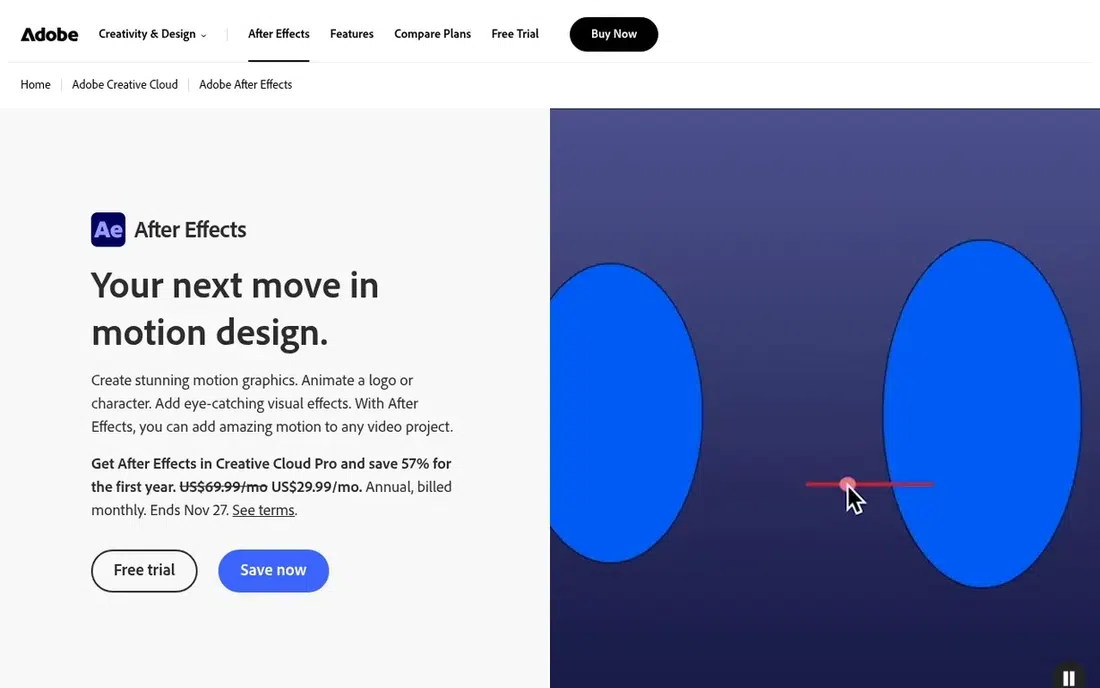
Adobe After Effects is designed for advanced motion graphics and custom animation. Adobe After Effects is motion graphics software used for film, TV, video, and web. In practice, for teams without animation experience, more straightforward systems like Vyond or Powtoon can deliver explainers quicker.
Honest limits: Steep ramp-up time.
For everyday use, pick After Effects when custom motion design is central to your brand and you have the expertise in-house. Beyond that, After Effects is not a quick-turnaround tool; it demands time and skill to produce results. Adobe After Effects does not show a starting price in this comparison, so check the vendor site for current pricing. Free plan details: Not stated.
- Industry-standard motion graphics
- Deep creative control
- Needs more time per project
Powtoon
Best for: Quick branded videos and presentations

Think of Powtoon for quick branded videos and presentations. Powtoon is a unified AI video system for building business-ready branded videos and presentations in minutes.
From a buyer's view, features bundle doc-to-video, AI avatars, text-to-speech, and AI translation, which make it practical for explainers that require to be produced and localized rapidly. Powtoon prioritizes simplicity over deep animation control, so complicated character work or unique motion design may need a different tool. Entry price for Powtoon: $8 per month. Powtoon has a free plan.
Watch-outs: Restricted advanced animation controls.
- Fast branded output
- Doc-to-video conversion
- Style may feel familiar across projects
In short, Moho is for efficient 2D animation for hobbyists and pros. Moho is professional 2D animation software pitched at hobbyists and professional animators seeking a more efficient alternative for quality animations.
Points against: Less external integration.
It is a complete program for creating 2D movies, films, and commercials, which makes it relevant for explainer videos that need character-driven 2D animation without the overhead of a full studio pipeline. Moho shows no starting price here, so confirm the cost on the vendor site. Free options: Not stated.
- Fits hobbyists and professionals
- Professional 2D animation
- Niche compared with larger suites
For beginners and pros creating animated videos online, Animaker is a natural candidate. Animaker is an online animation maker positioned for both beginners and professionals. It permits users to produce animated videos in minutes straight in a browser, which makes it accessible for teams exploring explainer videos without installing software.
Honest limits: Less precise than desktop suites.
Beyond that, pick Animaker when you want an approachable online choice for straightforward explainer videos. The product supports a set of animation styles for marketing and educational content. Also, for highly detailed 2D animation, those tools are more suitable. On cost, Animaker starts like this: $10 per month. As for free access: Free trial.
- Fast video creation
- Online animation maker
- Browser-based performance limits
Pick Adobe Animate if this describes you: Flash-style animation and interactive content. Adobe Animate is 2D animation software for creating Flash animation films, GIFs, and cartoons. It comes with tools for puppet design and tweening, which can be handy for explainer videos that depend on character movement and straightforward motion.
It also assumes some design experience. Worth adding: consider Animate when you need cartoon-style 2D animation with tweening and are working within an Adobe workflow. This comparison lists no price for Adobe Animate; ask the vendor. As for free access: Not stated.
Limits to weigh: Dated perception for some use cases.
- Familiar Adobe interface
- Puppet design and tweening tools
- Needs design skill
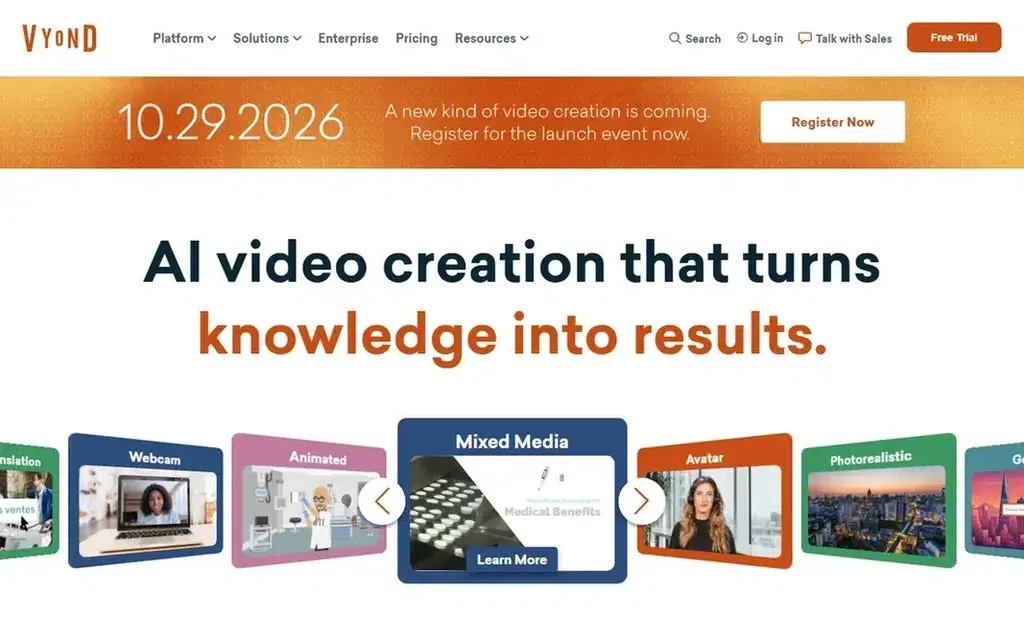
In short, Vyond is for business explainer videos with AI assistance. Vyond is an AI video creation system aimed at business use.
The system emphasizes instant, easy creation, making it a solid fit for organizations that require consistent output without a dedicated animation team. Starting cost for Vyond: $58 per month. Free plan details: Free trial.
Trade-offs to know: Less control for custom animation.
- Works in any visual style
- Business-focused templates
- May feel template-driven for advanced users
What went into this list
The comparison looks at four things: starting price, free access, how well the feature set matches animation software for explainer videos, and the main limit of each tool. Where a price is missing, the vendor does not list one publicly or ties it to a quote. Always confirm before budgeting. Order on the page follows fit for the typical buyer first, then price transparency and free access. Your own requirements should decide the final pick.
What to check before you buy
- Confirm the entry price on the vendor page. For Adobe After Effects, Moho and Adobe Animate that means a quote rather than a fixed price.
- Test the free plan from Powtoon against your real workload before relying on it.
- Run a trial of Animaker and Vyond with real work before paying for a year; your own workflow is the best test.
- Read the limits listed for Adobe After Effects first: steep ramp-up time.
- Read the plan comparison for Adobe Animate carefully; key features often start on a higher tier.
- Look at the help docs and support options for Vyond before you commit.
FAQ
How are the tools for animation software for explainer videos ordered?
Adobe After Effects sits first and Vyond last because the order follows typical fit for animation software for explainer videos, then price clarity and free access. It is a judgement call, so read each profile for fit and limits.
Is Adobe After Effects the right pick for everyone comparing animation software for explainer videos?
No single tool suits every team. Adobe After Effects comes first because it fits advanced motion graphics and custom animation, while Powtoon suits fast branded videos and presentations and Moho suits efficient 2D animation for hobbyists and pros. Match the tool to your own size, budget and workflow before deciding.
What is the cheapest option for animation software for explainer videos in this list?
On published monthly entry prices, Powtoon is the lowest here at $8 per month. Entry price is only part of the cost, because seats, add-ons and billing terms can change the total. All 6 picks in this Animation software for Explainer videos comparison list a starting price, free plan details and the main limits on their cards above.
Can I try these tools before paying?
Often, yes. Powtoon has a free plan and Animaker and Vyond offer a free trial. Use your own data and a real task during the test, and check what the free tier or trial limits before you rely on it.
What is the best animation software for beginners making explainer videos?
This list starts with Adobe After Effects, which fits advanced motion graphics and custom animation. For other needs, Powtoon is aimed at quick branded videos and presentations, and Moho at efficient 2D animation for hobbyists and pros. Check each tool's price and main limit first.
Sources
- https://www.adobe.com/products/aftereffects.html
- https://www.powtoon.com
- https://moho.lostmarble.com
- https://www.animaker.com
- https://www.adobe.com/products/animate.html
- https://www.vyond.com