Best App to Share Videos in 2026: 9 Apps Compared
Looking for the best app to share videos? We compare 9 platforms for public reach, private sharing, creators, live streams and business video in 2026 today.
- Editor's choice
 YouTube
Public reach and search
Starts atFreeVisit youtube.comFull review - Great alternative
 Vimeo
Clean branded embeds
Starts atFreeVisit vimeo.comFull review - Also consider
 TikTok
Short-form discovery
Starts atFreeVisit tiktok.comFull review
TL;DR:
- YouTube is best for public reach and search, while TikTok and Instagram are best for short-form discovery.
- Vimeo is best for clean, ad-free embeds on a website or portfolio, while Wistia suits marketing and lead capture.
- Loom is best for private work videos, such as updates, feedback and training, rather than public content.
- Dailymotion and Rumble offer alternative public audiences, while Twitch suits live video and community.
- Check privacy, age rules and content rules before sharing, especially for videos of children or private events.
Quick comparison
| Tool | Best for | Starts at | Free plan? | |
|---|---|---|---|---|
| YouTube | Public reach and search | Free | Yes | Visit |
| Vimeo | Clean branded embeds | Free | Yes | Visit |
| TikTok | Short-form discovery | Free | Yes | Visit |
 Instagram | Short videos and stories | Free | Yes | Visit |
 Dailymotion | Alternative public video | Free | Yes | Visit |
 Twitch | Live streaming | Free | Yes | Visit |
 Loom | Private work videos | Free | Yes | Visit |
 Wistia | Marketing video hosting | Free | Yes | Visit |
 Rumble | Alternative public video | Free | Yes | Visit |
The best apps to share videos
Sharing a video can mean many things: posting for the world, sending to family, embedding on a website, or showing a team how to do a task. The apps below cover those jobs, so pick based on audience, privacy and how long the video should stay available.
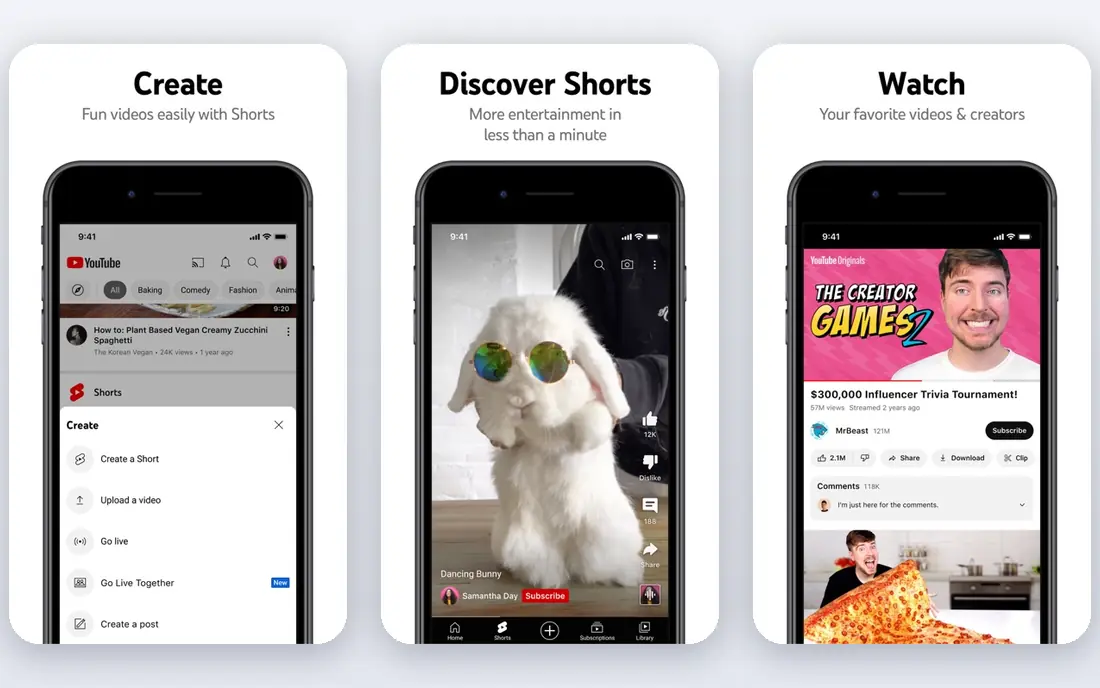
YouTube is the default place to share a public video. Uploads are free, videos can be public, unlisted or private, and search and recommendations help new viewers find content on almost any topic. Shorts cover vertical short-form video, live streaming covers events, and channels, playlists and comments build an audience over time.
The trade-offs are control and monetisation rules. Viewers without Premium see ads, the player suggests other videos after yours, and copyright or community rules can limit or remove content. For reach, though, no other platform matches YouTube, and it is the best first home for public tutorials, vlogs and explainers.
- Largest video audience and search
- Free uploads
- Live streaming, Shorts and community features
- Ads for viewers without Premium
- Suggested videos can pull viewers away
- Strict content and copyright rules
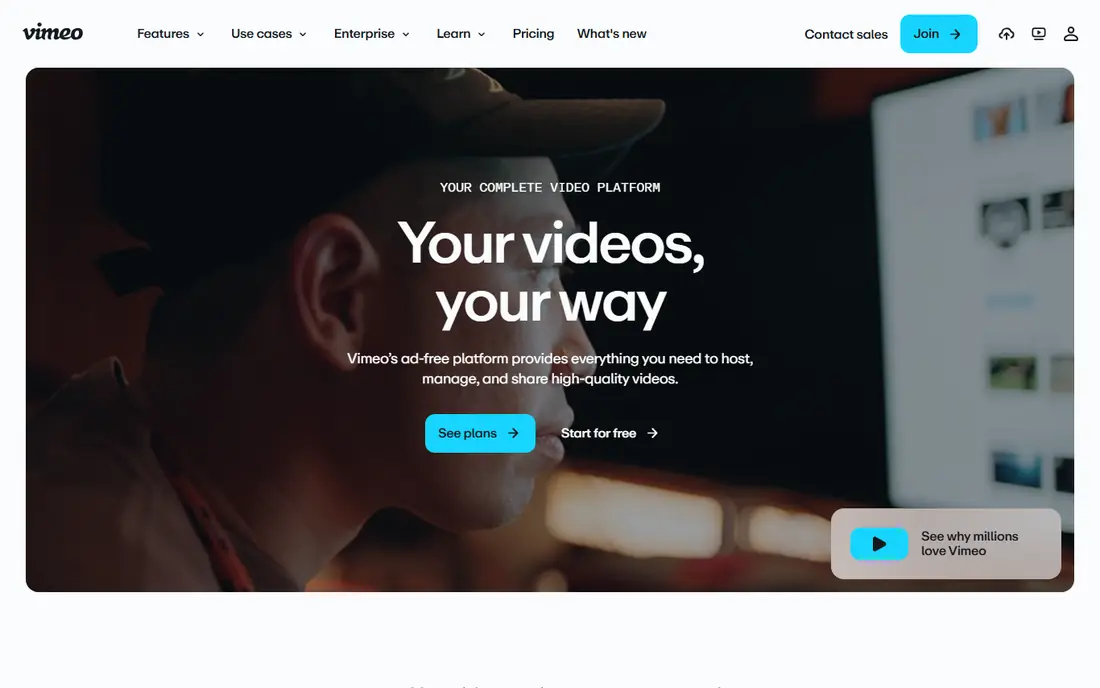
Vimeo is the choice when a video has to look professional on your own website. The player is clean, with no suggested-video clutter and no ads on paid embeds, and you can customise colours, chapters and privacy settings. Creators, agencies and filmmakers use Vimeo for portfolios, client review and branded pages.
Paid plans start around $12 per month billed annually for the first paid tier, with higher tiers at around $25 and $75 per month, so check the current pricing page for storage and bandwidth limits. The public audience is smaller than YouTube, so use Vimeo for presentation and YouTube for discovery when you need both.
- Ad-free, clean player for embeds
- High-quality playback
- Portfolio and review tools
- Paid plans needed for more storage and features
- Smaller public audience than YouTube
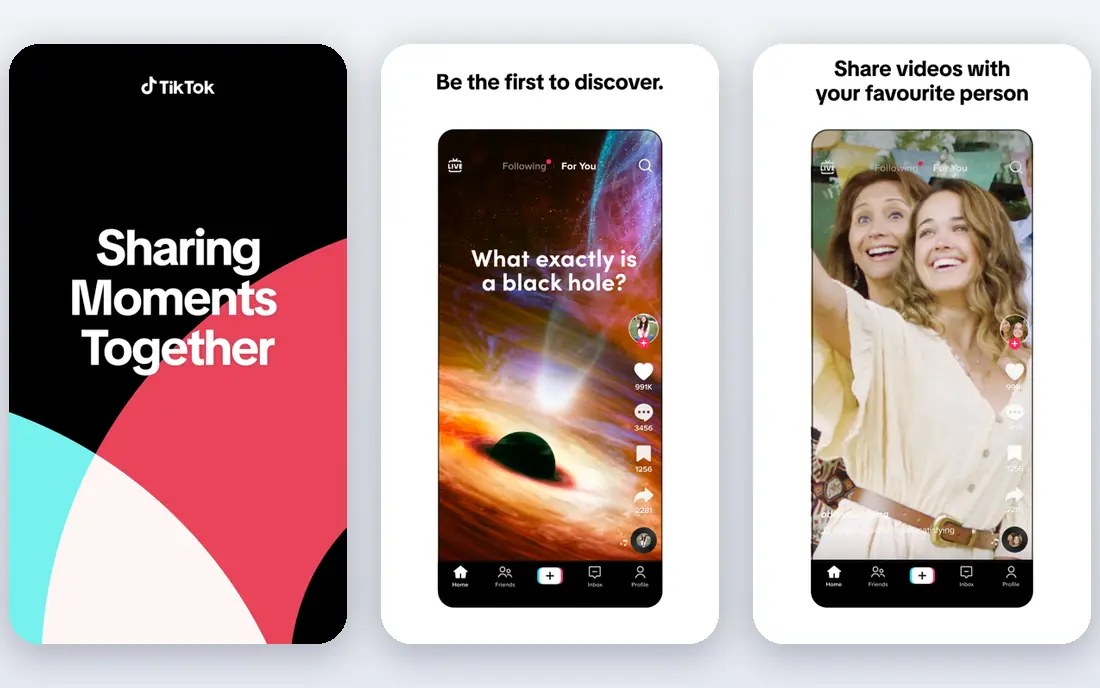
TikTok is built for short, vertical videos that can reach people who do not follow you yet. In-app editing, sounds, effects and captions make it fast to post, and the For You feed gives new creators a real chance at discovery. That makes it strong for creators, small businesses and anyone sharing tips, comedy or behind-the-scenes clips.
Long, detailed videos are not its strength, and trends move quickly, so a video that works today may feel dated soon. Privacy settings matter too: check who can view, download, duet or message about your videos, and keep private family videos on a private account or a different app.
- Strong discovery for short videos
- Easy in-app editing
- Huge younger audience
- Short-form focus limits long videos
- Content rules and trends change fast
- Privacy settings need care
Instagram covers several sharing styles in one app: Reels for short discovery videos, Stories for 24-hour updates, feed posts for longer clips, and direct messages for private sharing. If your friends, customers or audience already use Instagram, sharing there is frictionless, with likes, comments and shares built in.
The limit is format. Instagram favours short, vertical, mobile-first video, and long-form or high-bitrate uploads may be compressed. For a polished website embed or a full-length tutorial, pair Instagram with YouTube or Vimeo. For daily short videos and community, Instagram is a natural home.
- Reels, Stories and feed video in one app
- Large existing audience
- Easy sharing to friends and followers
- Discovery is tied to the Instagram feed
- Long-form video is limited
- Compression can reduce quality
Dailymotion is a long-running public video platform with free uploads, channels, playlists and embeds. It has a notable audience in Europe and in French-speaking regions, which makes it useful for creators and publishers who want an alternative to YouTube or a second home for their videos.
In the US, its audience and discovery are smaller than YouTube, TikTok or Instagram, so it works best as a secondary platform rather than a sole home. If you publish news, sport, entertainment or lifestyle video and want broader distribution, Dailymotion is a free extra channel worth testing.
- Free public video hosting
- Strong audience in Europe
- Embeds and channels
- Smaller US audience than YouTube
- Monetisation and discovery are more limited
Twitch is best known for live gaming streams, but it also hosts music, talk shows, cooking, art and just chatting streams. Live chat, clips, subscriptions and channel points build a community in real time, and past broadcasts and highlights can be saved for later viewing. That live interaction is hard to match on a pre-recorded platform.
If you mainly share finished, edited videos, Twitch is not the best first home, since discovery favours live channels. If you want to stream live, answer questions in chat, and build a regular audience around a schedule, Twitch is the strongest live-first option here.
- Live streaming with chat and community
- Clips and highlights
- Subscriptions and creator tools
- Live focus means less evergreen discovery
- Recorded videos are secondary to live streams
Loom is for work videos, not public content. Record your screen, camera or both, share a link, and teammates can watch, comment and react without a meeting. It suits product walkthroughs, feedback on designs, training, onboarding and async updates across time zones. The free Starter tier covers basic recording, with Business around $18 per user per month.
Public discovery is not the point. Loom videos are shared by link to people you choose, and the player is simple rather than branded for marketing. If you need to explain something at work without scheduling a call, Loom saves time every week.
- Fast screen and camera recording
- Easy link sharing
- Comments and reactions for teams
- Free tier limits video length and count
- Not built for public discovery
Wistia hosts marketing videos for websites, with a branded player, lead capture forms, calls to action and viewer analytics that show who watched and for how long. Channels let businesses group videos into a series, and integrations link viewing data to marketing tools. The free tier covers limited storage and one user, with Business from around $79 per month billed annually.
That pricing makes Wistia a business tool, not a casual sharing app. If you run a company website and want to know which videos drive enquiries, Wistia justifies its cost. If you just want to share a family video or a short clip, use YouTube, Instagram or Loom instead.
- Branded player with lead capture
- Detailed viewer analytics
- Channels for marketing video
- Paid Business plan is a jump from free
- Best for marketing teams, not casual sharing
Rumble is a public video platform with free uploads, channels, live streaming and monetisation for creators. It has grown as an alternative to YouTube, with a different audience mix and content approach, and it suits creators who want a second public home or who prefer its policies.
The audience is smaller and more niche than YouTube, so discovery and reach will be lower for most topics. Check the content rules, privacy settings and monetisation terms before posting, and consider Rumble as an extra distribution channel alongside YouTube rather than a replacement for it.
- Free public uploads
- Alternative audience to YouTube
- Live streaming and monetisation options
- Smaller and more niche audience
- Content moderation approach differs from larger platforms
How we picked these
We compared official pricing pages, feature pages, app store listings and public reviews in October 2026. We favoured platforms that are still maintained, offer free uploads or a free tier, state their privacy and sharing options plainly, and cover public, private, live and business video. We did not claim hands-on testing. Our judgement rests on vendor pages and public information, with a mix of public platforms, private work tools and business hosts.
How to choose where to share a video
Start with audience and privacy, then check format.
Public or private
For public reach, use YouTube, TikTok or Instagram. For a clean website embed, use Vimeo or Wistia. For private team or family sharing, use Loom for work, or YouTube unlisted or private links, or Instagram direct messages, depending on who needs to see it.
Length and format
Short vertical videos suit TikTok and Instagram Reels. Long tutorials and vlogs suit YouTube. Live events suit Twitch or YouTube Live. Screen recordings for work suit Loom. Matching format to platform matters more than posting the same file everywhere.
Safety and consent
Only share videos of other people with their consent, and be extra careful with videos of children, private events and workplaces. Check age rules on each platform, use private or unlisted settings for family videos, and read content and copyright rules before posting music, clips or other material you do not own.
FAQ
What is the best app to share videos for free?
YouTube is the best free app for public video sharing, with free uploads, search and a huge audience. TikTok and Instagram are best for free short-form sharing, while Loom is best for free private work videos within its free tier limits.
What is the best platform to share videos privately?
Loom is best for private work videos shared by link, while YouTube private and unlisted settings, Instagram direct messages and Vimeo privacy controls also suit private sharing. Check who can view, download or share the link before you send it.
Is Vimeo better than YouTube for sharing videos?
Vimeo is better for clean, ad-free embeds on a website or portfolio, while YouTube is better for public reach, search and discovery. Many creators use both: YouTube for audience growth, and Vimeo for presentation on their own site.
Can I share videos without an account?
Most platforms need an account to upload, but viewers can often watch a public link without signing in. Loom, YouTube and Vimeo links can be shared with people who do not have an account, depending on privacy settings.
Which video sharing app is best for business?
Wistia is best for marketing video with lead capture and analytics, Vimeo is best for branded embeds, and Loom is best for internal team videos. YouTube remains useful for public business content, tutorials and brand discovery.