Best Apparel Design Software for Enterprise for 2026: Our 5 Vetted Picks
Need the best apparel design software for enterprise? We compare 5 tools on cost, free access and who each suits. Short verdicts, no fluff. Decide faster.
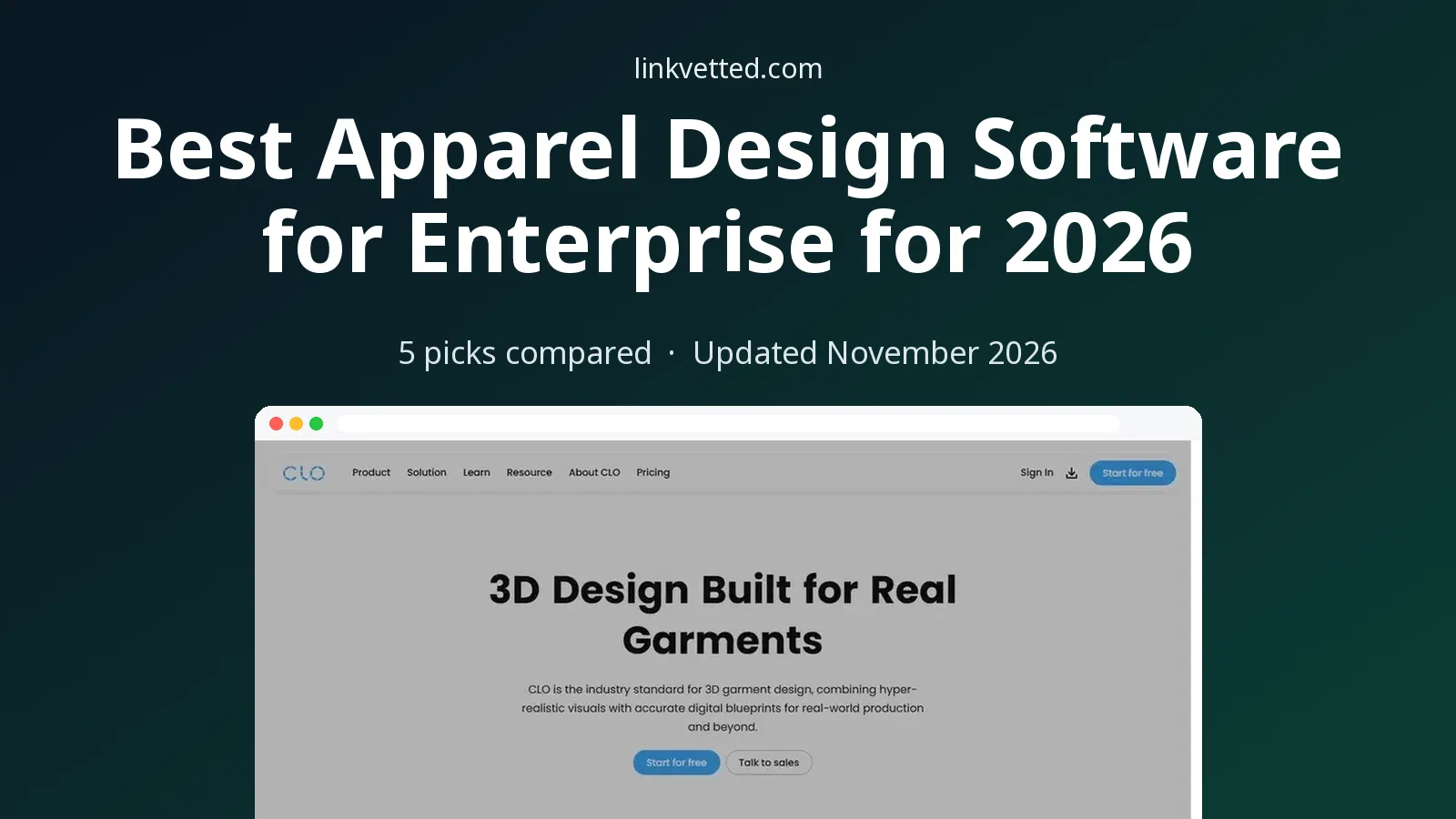
- Editor's choice
 CLO 3D
3D garment design and digital prototyping
Starts at$25 a monthVisit clo3d.comFull review - Great alternative
 Adobe Photoshop
Apparel imagery, retouching, and presentation
Starts atSee websiteVisit adobe.comFull review - Also considerGerber AccuMark
Pattern grading and production workflows
Starts atSee websiteVisit gerbertechnology.comFull review
Direct answer
This list puts CLO 3D first for 3D garment design and digital prototyping. Listed starting prices: CLO 3D from $25 a month and Browzwear VStitcher from $750 a year. Adobe Photoshop is the stronger choice for apparel imagery, retouching, and presentation, while Gerber AccuMark suits pattern grading and production workflows. All 5 tools are compared below on price, free plan and limits.
TL;DR:
- CLO 3D is the opening pick, best for 3D garment design and digital prototyping.
- CLO 3D, Adobe Illustrator and the 3 others all need a premium plan or a trial, since no free plan is listed.
- Adobe Illustrator fits vector apparel graphics and technical sketches.
- A fair warning about Adobe Photoshop: Raster-based, not for precise technical flats.
Last checked November 2026. Prices and plan details were read from the vendors' own pages in November 2026; vendors change plans often, so confirm the current price on the vendor site before you buy.
Quick comparison
| Tool | Best for | Starts at | Free plan? | |
|---|---|---|---|---|
| CLO 3D | 3D garment design and digital prototyping | $25 a month | Free trial | Visit |
| Adobe Photoshop | Apparel imagery, retouching, and presentation | See website | Not stated | Visit |
| Gerber AccuMark | Pattern grading and production workflows | See website | Not stated | Visit |
 Browzwear VStitcher | Fit-focused 3D apparel development | $750 a year | Not stated | Visit |
 Adobe Illustrator | Vector apparel graphics and technical sketches | See website | Not stated | Visit |
5 options for apparel design software for enterprise in detail
If you are comparing apparel design software for enterprise, this page covers 5 tools in one place: what each is best for, what it costs to start, whether it has a free plan, and the main limit to know about.
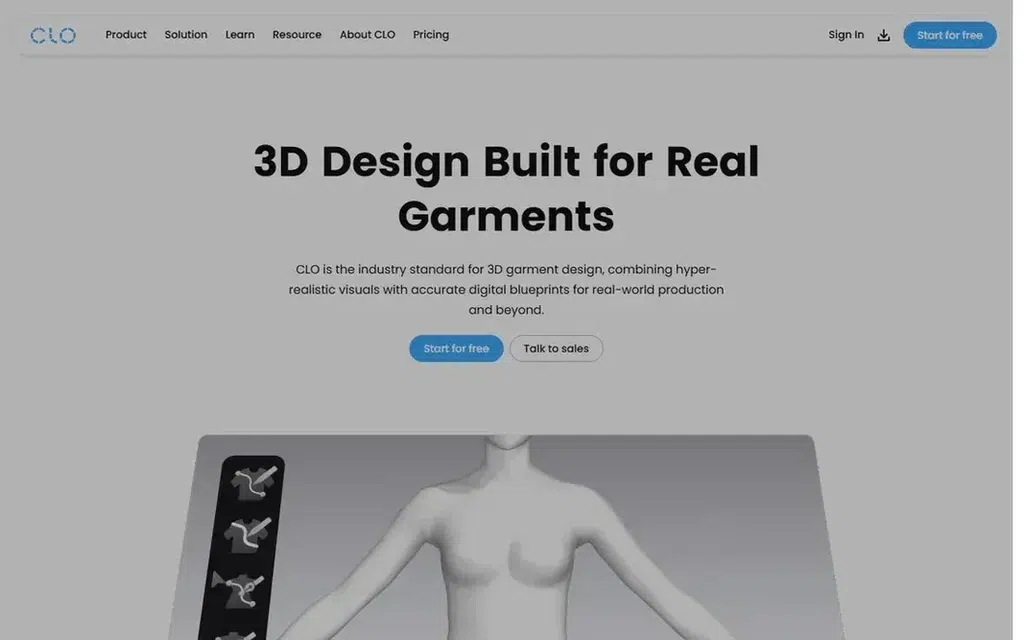
In short, CLO 3D is for 3D garment design and digital prototyping. Enterprise apparel teams use it to visualize garments, test proportions, and communicate design intent before sampling. As for the details, CLO 3D is 3D fashion design software that merges hyper-realistic visuals with accurate digital blueprints for real-world production.
For everyday use, if your enterprise needs deep 2D CAD/CAM integration or cutting-room connectivity, pair it with a dedicated pattern system or consider an end-to-end suite. CLO 3D concentrates on 3D garment simulation, so teams still need 2D pattern and grading workflows for full production. Starting cost for CLO 3D: $25 per month. Free plan details: Free trial.
Honest limits: Needs capable hardware for complicated scenes.
- Industry-standard 3D fashion workflow
- Accurate digital blueprints for production
- Steeper ramp-up time for 2D pattern users
Adobe Photoshop was built for apparel imagery, retouching, and presentation. Adobe Photoshop is image editing and compositing software used across apparel enterprises for retouching product photography, building presentation visuals, and preparing marketing assets.
Where it falls short: Raster-based.
Also, Photoshop is raster-based, so it is not suited to precise vector technical flats or pattern engineering. Adobe Photoshop does not show a starting price in this comparison, so check the vendor site for current pricing. Free options: Not stated.
- Advanced image editing and compositing
- Widely known across creative teams
- Not for precise technical flats
Gerber AccuMark
Best for: Pattern grading and production workflows
Gerber AccuMark was built for pattern grading and production workflows. Enterprise apparel teams use it to handle pattern libraries, grade sizes, and prepare production-ready markers, particularly where Gerber or Lectra equipment is already part of the manufacturing footprint.
Gerber AccuMark does not show a starting price in this comparison, so check the vendor site for current pricing. Free plan details: Not stated.
Where it is weaker: Needs specialist training.
- Fits Lectra industrial ecosystem
- Long-standing pattern and grading toolset
- Not a visual design tool
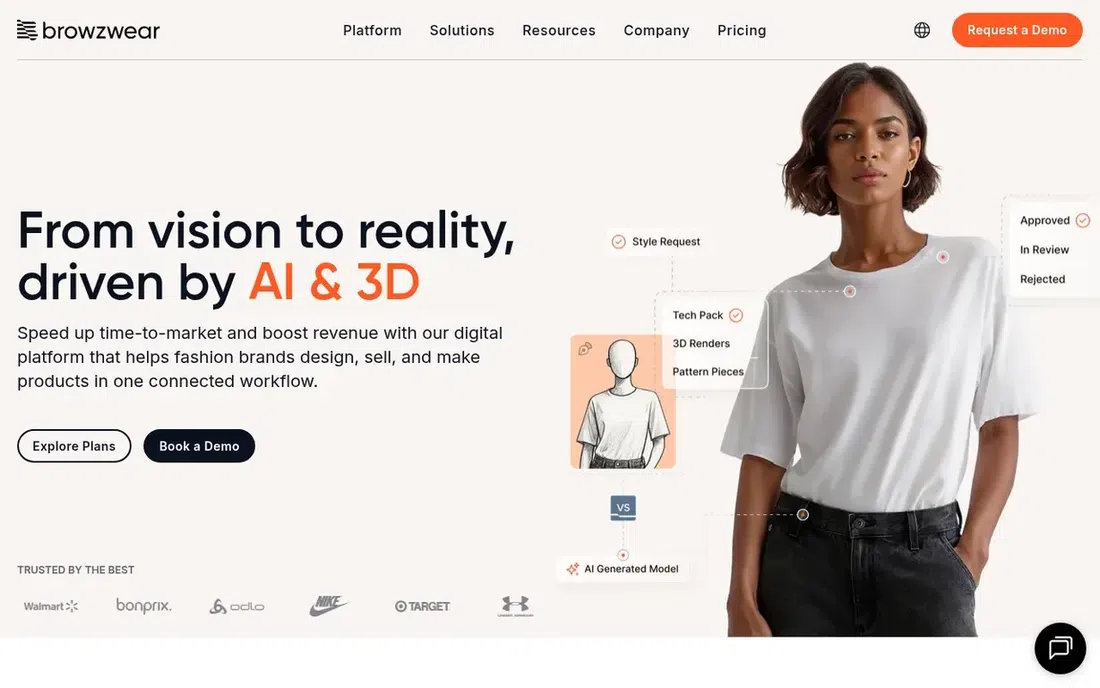
Browzwear VStitcher makes the most sense for fit-focused 3D apparel development. If your team primarily needs 2D pattern drafting or vector artwork, a narrower tool may be more efficient.
Drawbacks to consider: not for small teams.
VStitcher pays off when 3D fit review is central to development. VStitcher assumes a committed 3D workflow, so adoption takes training and process change. Starting cost for Browzwear VStitcher: $750 per year. Free options: Not stated.
- Fit improvement focus
- Apparel-specific development workflow
- Best value at scale
Choose Adobe Illustrator for vector apparel graphics and technical sketches. Its generative AI can turn a text prompt into a completely editable vector graphic, which helps enterprise design teams iterate on concepts rapidly.
From a buyer's view, if your priority is fit prototyping or production patterns, choose a specialized tool and keep Illustrator for artwork and presentations. Adobe Illustrator shows no starting price here, so confirm the cost on the vendor site. Trial and free access: Not stated.
Trade-offs to know: Not a pattern-making or 3D garment tool.
- Deep integration with Adobe workflows
- Industry-leading vector toolset
- Subscription required for teams
How we chose
Questions to settle before buying
- Ask Adobe Photoshop, Gerber AccuMark and Adobe Illustrator for a written quote, since no starting price is shown.
- Use real work to test the free trial from CLO 3D, rather than a demo project.
- Before choosing CLO 3D, weigh its main limit: steeper learning curve for 2D pattern users.
- Ask Adobe Photoshop about contract length, onboarding fees and user minimums before you sign.
- Check the support hours and onboarding help Gerber AccuMark offers; smaller vendors vary a lot here.
FAQ
Is CLO 3D the right pick for everyone comparing apparel design software for enterprise?
No single tool suits every team. CLO 3D comes first because it fits 3D garment design and digital prototyping, while Adobe Photoshop suits apparel imagery, retouching, and presentation and Gerber AccuMark suits pattern grading and production workflows. Match the tool to your own size, budget and workflow before deciding.
What is the cheapest option for apparel design software for enterprise in this list?
On published monthly entry prices, CLO 3D is the lowest here at $25 per month. Entry price is only part of the cost, because seats, add-ons and billing terms can change the total. For the full picture, the cards above cover all 5 entries of this Apparel design software for enterprise list, including price, free plan and limits.
How should an enterprise choose between CLO 3D and Browzwear VStitcher?
Both are 3D apparel development tools, but they differ in workflow emphasis. CLO 3D flags hyper-realistic visuals and digital blueprints, whereas Browzwear VStitcher emphasizes fit improvement and time to market.
Can Adobe Illustrator replace dedicated apparel CAD software?
No. Illustrator is solid for vector artwork, technical sketches, and print graphics. But it does not manage pattern drafting, grading, or 3D garment simulation. Enterprises usually pair it with dedicated apparel CAD tools for production work.
Can I try these tools before paying?
Often, yes. CLO 3D offers a free trial. Use your own data and a real task during the test, and check what the free tier or trial limits before you rely on it.
Does any tool for apparel design software for enterprise here have a free plan?
No tool in this list, CLO 3D and Adobe Illustrator included, has a permanent free plan. CLO 3D offer a trial. Trials and quotes are the usual route, so plan a short evaluation period.
Sources
- https://www.clo3d.com
- https://www.adobe.com/products/photoshop.html
- https://www.gerbertechnology.com
- https://browzwear.com
- https://www.adobe.com/products/illustrator.html