Best Apparel Design Software in 2026: 8 Tools Compared
Compare the best apparel design software for sketching, 3D simulation, pattern making and tech packs, with pricing, fit review and workflow notes for brands.

- Editor's choice
 CLO 3D
3D garment design and fit
Starts atSee websiteVisit clo3d.comFull review - Great alternative
 Browzwear VStitcher
Production 3D for larger brands
Starts at$75 per monthVisit browzwear.comFull review - Also consider
 Adobe Illustrator
Technical flats and print artwork
Starts atSee websiteVisit adobe.comFull review
TL;DR:
- CLO 3D is our pick for most apparel designers moving into 3D, because it combines pattern work, fit simulation and fabric drape in one accessible tool.
- Browzwear VStitcher suits larger brands that need production-grade 3D output and connected development workflows across teams.
- Adobe Illustrator remains essential for technical flats, prints and tech pack artwork, even for designers who also work in 3D.
- TUKAcad, Optitex and Gerber-style pattern CAD tools lead for production pattern making, grading and marker making.
- Procreate and CorelDRAW offer lower-cost routes into sketching and graphic design, though neither replaces pattern CAD for manufacturing.
Quick comparison
| Tool | Best for | Starts at | Free plan? | |
|---|---|---|---|---|
| CLO 3D | 3D garment design and fit | See website | Free trial | Visit |
| Browzwear VStitcher | Production 3D for larger brands | $75 per month | Free trial | Visit |
| Adobe Illustrator | Technical flats and print artwork | See website | Free trial | Visit |
 Marvelous Designer | Cloth simulation for digital content | See website | Free trial | Visit |
 TUKAcad | Pattern making and grading | See website | No | Visit |
 Optitex | Pattern CAD and 3D for production | See website | No | Visit |
 CorelDRAW | Vector design for decoration | See website | Free trial | Visit |
 Procreate | iPad sketching and illustration | See website | No | Visit |
The best apparel design software
Apparel design software covers several jobs: sketching, technical flats, 3D simulation, pattern making, grading and tech packs. No single tool does all of them equally well, so we compared tools by their main strength, production output and price.
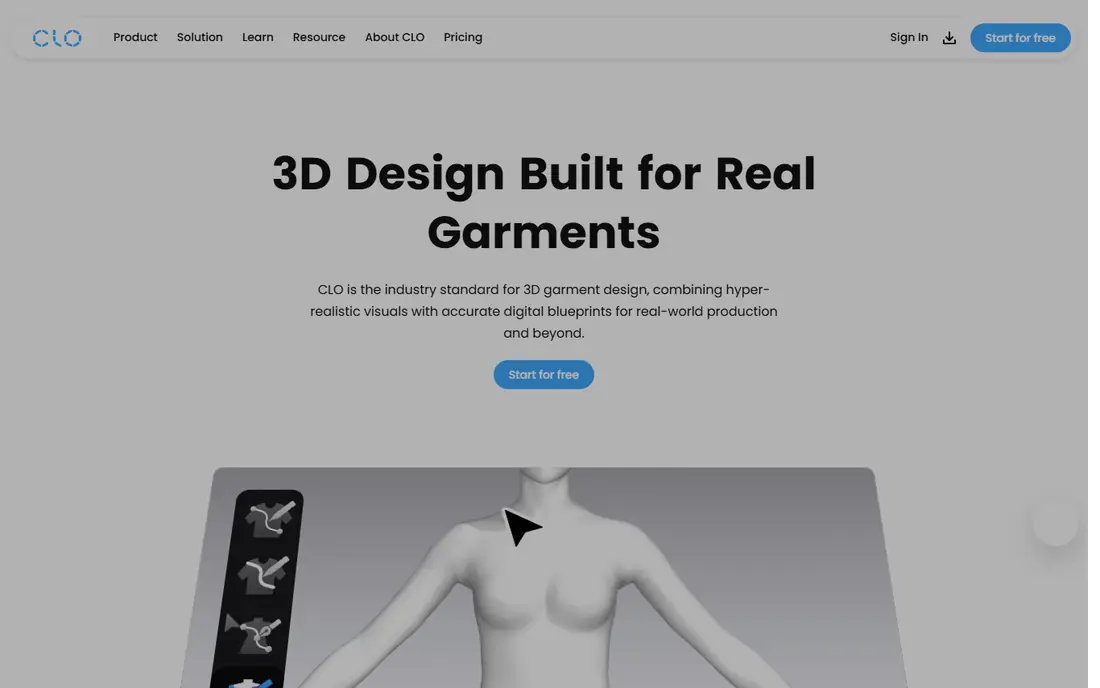
CLO 3D, often written as CLO, is the most accessible serious 3D apparel tool. You draft or import a 2D pattern, sew it in the 3D view, and see how the garment fits and drapes on an avatar, including fabric behavior and tension. That visual feedback catches fit problems before a physical sample is cut, which can save sample rounds and speed up development. The linked 2D and 3D views mean a pattern change shows up in the simulation at once, which helps designers learn how pattern shapes affect fit.
The main cautions are price transparency and production readiness. CLO pricing is not published plainly on its own site in many listings, with third-party figures placing individual plans around $50 per month, so get a direct quote. Patterns created for visualization may also need cleanup before a factory can use them for production, especially for grading and marker work. For design, fit review and presentation, CLO is the tool we suggest first, paired with pattern CAD or a tech pack tool when manufacturing begins.
- Realistic 3D fit and drape simulation
- Pattern and 3D views linked
- Widely used by brands and freelancers
- Pricing is gated and varies by plan
- Patterns may need cleanup for production
- Hardware demands rise with complex garments

Browzwear VStitcher is built for brands that need 3D output they can trust for production decisions, not just presentation images. Fabric digitization, fit simulation and technical 3D output are geared toward development teams working across design, technical design and merchandising. Published self-serve pricing places a Freelancer plan at $75 per month or $750 per year, with higher Freelancer Plus and Teams tiers, and custom enterprise pricing above that. A free learner license is available for students and recent graduates for non-commercial use in some listings.
That production focus comes with cost and setup. Small brands and freelancers may find CLO cheaper for visualization, while Browzwear earns its price when multiple teams must standardize on one 3D workflow and share accurate digital garments with suppliers. If your goal is only product imagery or a single designer's exploration, Browzwear is more tool than you need. If you are rolling out 3D across a brand and need consistent, production-ready output, it belongs at the top of the shortlist.
- Strong fabric and fit accuracy for production decisions
- Connected development workflow
- Team and enterprise tiers
- Higher cost than CLO for individuals
- Enterprise onboarding takes time
- Overkill for sketch-only work

Adobe Illustrator remains the backbone of apparel design communication, even in a 3D workflow. Technical flats, detailed construction drawings, print and graphic artwork, colorways and tech pack visuals are all typically made in Illustrator, because vector drawing gives clean, scalable lines and precise color control. Most factories, buyers and design teams expect Illustrator files as part of a tech pack, and the tool's familiarity means new hires can usually work in it at once.
Illustrator is not pattern software. It lacks grading, marker making and pattern-specific tools, so a design drawn in Illustrator still needs a pattern made in CLO, TUKAcad, Optitex or a similar tool before manufacturing. That division is normal: Illustrator communicates the design, pattern CAD builds it. Pricing is by Creative Cloud subscription, so confirm the single-app or full-suite price that fits your other Adobe needs. For sketching, flats and tech pack artwork, Illustrator is still the default choice.
- Precise vector drawing for flats and prints
- Industry standard for tech pack artwork
- Huge brush, color and template resources
- Not a pattern CAD tool
- Factories cannot use Illustrator files alone for production patterns
- Subscription cost
Marvelous Designer uses the same pattern-sewing idea as CLO, but it is positioned for games, film and 3D art rather than apparel manufacturing. You draft patterns, sew them on a digital character and simulate realistic folds, pleats and movement, which makes it ideal for dressing characters in animation and games. Exports to standard 3D pipelines such as Blender, Maya and game engines are a core strength, and cloth quality for renders is very high.
Apparel brands should note the difference in purpose. Marvelous Designer is less focused on production pattern grading, marker making and factory-ready tech packs than CLO, Browzwear or dedicated pattern CAD. For a fashion designer who also creates digital content, or a 3D artist who needs believable garments in a scene, it is an excellent tool. For a brand whose main goal is manufacturing garments, a production-focused tool will serve better, with Marvelous Designer as a complement for visual content.
- Excellent pattern-based cloth simulation
- Strong exports to 3D pipelines
- Detailed control over folds and drape
- Built for digital content, not apparel production
- Grading and tech pack output are limited
- Subscription pricing
TUKAcad, from Tukatech, is a professional pattern CAD system for drafting, grading and marker making. Unlike visualization tools, it is built to produce patterns a factory can actually cut from, with precise measurements, grading rules and marker efficiency. That production focus is why many manufacturers and technical designers rely on it, even when design work starts in Illustrator or CLO. Modular packages let a business buy the pattern, grading and 3D modules it needs, though pricing is quoted rather than published plainly.
The learning curve is real, especially for designers used to drawing tools rather than CAD. Pattern making knowledge matters as much as software skill, and TUKAcad rewards users who understand garment construction. Windows is the main platform, so Mac-based teams need to plan for that. For a brand moving from sampling to production, or a pattern maker building a professional practice, TUKAcad is one of the strongest production choices available.
- Professional pattern drafting, grading and marker tools
- Long track record in apparel production
- Modular packages
- Pricing is quote based and varies by module
- Windows focused
- Learning curve for new pattern makers
Optitex combines 2D pattern design with 3D visualization in a production-oriented system. Pattern makers can draft and grade in 2D, then view the garment in 3D to check fit and drape before sampling. That combination suits brands and manufacturers that want pattern accuracy and visual review in one platform, rather than passing files between separate design and pattern tools. Its history in apparel production means factory-facing features such as grading and marker work are taken seriously.
Pricing is quote based and geared toward businesses rather than individual hobbyists, so freelancers should compare it with CLO and TUKAcad on total cost and module needs. Training is also worth budgeting for, because production CAD tools reward structured learning. For a company that needs reliable pattern output plus 3D review in a single workflow, Optitex is a strong candidate alongside TUKAcad and Browzwear.
- Pattern design plus 3D visualization
- Production-oriented tools
- Used by brands and manufacturers
- Pricing is quote based
- Enterprise focus may be heavy for freelancers
- Training helps to use it well
CorelDRAW is a versatile vector design suite that many small and mid-size apparel businesses use for graphic design, decoration and print work. It handles logos, prints, embroidery artwork preparation, labels and marketing material well, and its layout tools suit catalogs and tech pack pages. For decoration-focused businesses, such as print shops and embellishment studios, CorelDRAW can be more practical than a fashion-specific tool, because decoration artwork is the main output.
It is not a substitute for Illustrator in every fashion workflow, because Illustrator remains the more standard file format for many buyers and factories. CorelDRAW also lacks pattern CAD and 3D garment simulation, so production patterns still need another tool. Pricing includes subscription and, in past listings, one-time options, so check the current vendor page. Choose CorelDRAW when vector decoration and general graphic design matter more than fashion-specific tech pack standards.
- Versatile vector and layout tools
- Good for decoration, prints and signage
- One-time purchase options in past listings
- Less standard than Illustrator for fashion tech packs
- Not a pattern CAD tool
- 3D garment simulation is absent
Procreate is the sketching tool many fashion students and illustrators reach for first. On an iPad with a stylus, it offers a natural drawing feel, a large brush library and an easy way to explore silhouettes, color and print ideas quickly. Its one-time purchase price in past listings makes it far cheaper than a subscription design suite, which matters for students and independent designers building a portfolio.
Procreate is an illustration tool, not a production tool. It does not do pattern grading, marker making or precise vector tech pack artwork, and it runs only on iPad, so a full design workflow will still need Illustrator or a 3D tool for technical work. That limit does not diminish its value at the concept stage, where speed and drawing feel matter most. Use Procreate to explore ideas, then move the chosen designs into Illustrator, CLO or pattern CAD for development and production.
- Low one-time cost in past listings
- Natural drawing feel on iPad
- Large brush library for fashion illustration
- IPad only
- Not a pattern or tech pack tool
- Vector and production output are limited
How we picked these
We compared official product pages, pricing listings and apparel industry guides, focusing on each tool's main job: sketching, technical flats, 3D simulation, pattern making or tech packs. We favored tools that are actively used by brands, freelancers and manufacturers, and we used See website where vendors gate pricing or quote by module. No tool was included for general graphic design alone unless it has a clear role in apparel work, such as flats, prints or decoration.
How to choose apparel design software
Start with the stage of work you do most. If you sketch and communicate designs, Illustrator and Procreate cover concept and flats. If you review fit and present garments digitally, CLO or Browzwear should lead. If you make production patterns, TUKAcad or Optitex matter more than any visualization tool. Most working designers use two or three tools together, not one tool for everything, so plan for file handoffs between sketch, 3D and pattern stages.
Next, check output requirements with your factory or buyer. Ask which file formats they accept for patterns, tech packs and 3D garments, and whether they need grading and marker files or only visual approval. A tool that produces beautiful images but the wrong pattern format will create rework. Finally, budget for learning time and hardware, especially for 3D tools, which benefit from a capable computer and practice with fabric properties. A trial on a real garment from your line will tell you more than a demo garment ever will.
FAQ
What is the best apparel design software?
CLO 3D is our pick for most designers moving into 3D, while Adobe Illustrator remains essential for flats and tech packs. Larger brands should consider Browzwear VStitcher, and production pattern makers should look at TUKAcad or Optitex. Most professionals use a combination, not a single tool.
Is CLO 3D or Browzwear better?
CLO 3D is generally more accessible and cheaper for individual designers and small brands, while Browzwear VStitcher suits larger brands that need production-grade 3D output and team workflows. Compare them on your actual garments, fabric library needs and factory file requirements, because the right choice depends on production goals.
Can I design clothes in Adobe Illustrator alone?
You can sketch, draw flats and build tech pack artwork in Illustrator, but you cannot produce production patterns, grading or markers with it alone. Pair Illustrator with a pattern CAD tool such as TUKAcad or Optitex, or a 3D tool such as CLO, for the manufacturing stage.
What software do fashion designers use for patterns?
Professional pattern makers use pattern CAD systems such as TUKAcad, Optitex and Gerber AccuMark, along with 3D tools such as CLO and Browzwear that link patterns to simulation. Home sewists and students often start with Illustrator or Procreate for drawing, then learn pattern CAD for production work.
How much does apparel design software cost?
Costs range from a low one-time purchase for Procreate to subscription plans for Illustrator and CorelDRAW, and from around $75 per month for Browzwear Freelancer to quoted enterprise pricing for pattern CAD and Browzwear Teams. CLO pricing is gated, so get a direct quote for your plan. Budget for training and hardware as well as the subscription.
Do I need 3D software to design apparel?
You do not need 3D software to design apparel, but it helps a lot for fit review, fabric visualization and reducing physical samples. Many designers still start in 2D with Illustrator and pattern CAD, then add 3D when sample costs, speed or remote collaboration make it worthwhile.