Apparel Design Software for Small Business in 2026: The 6 Best Options Side by Side
Best apparel design software for small business in 2026: 6 contenders with entry costs and free tiers. Where a tool struggles is spelled out. Choose faster.
- Editor's choiceLectra Modaris
Pattern development in production settings
Starts atSee websiteVisit lectra.comFull review - Great alternative
 CorelDRAW
Vector illustration with technical drawing
Starts atSee websiteVisit coreldraw.comFull review - Also consider
 Optitex
2D pattern CAD with 3D sampling
Starts atSee websiteVisit optitex.comFull review
Direct answer
Lectra Modaris leads the list, best for pattern development in production settings. Listed starting prices: CLO 3D from $25 a month and Browzwear VStitcher from $750 a year. Look at CorelDRAW for vector illustration with technical drawing, and at Optitex for 2D pattern CAD with 3D sampling. Prices, free plans and limits for all 6 tools follow.
TL;DR:
- This list starts with Lectra Modaris, which is built for pattern development in production settings.
- CLO 3D comes with a trade-off: ramp-up time for pattern-based workflows.
- For the cheapest start, look at CLO 3D: $25 per month.
- Lectra Modaris, Browzwear VStitcher and the 4 others all need a premium plan or a trial, since no free plan is listed.
Last checked November 2026. Prices and plan details were read from the vendors' own pages in November 2026; vendors change plans often, so confirm the current price on the vendor site before you buy.
Quick comparison
| Tool | Best for | Starts at | Free plan? | |
|---|---|---|---|---|
| Lectra Modaris | Pattern development in production settings | See website | Not stated | Visit |
| CorelDRAW | Vector illustration with technical drawing | See website | Not stated | Visit |
| Optitex | 2D pattern CAD with 3D sampling | See website | Not stated | Visit |
 CLO 3D | 3D garment design and visualization | $25 a month | Free trial | Visit |
 Adobe Illustrator | Vector graphics, prints and branding | See website | Not stated | Visit |
 Browzwear VStitcher | Digital apparel development and fit | $750 a year | Not stated | Visit |
Every option for apparel design software for small business explained
LinkVetted compared 6 tools for apparel design software for small business. The goal is a practical shortlist: published prices, free plan facts, best-fit use cases and honest limits for every entry.
Lectra Modaris
Best for: Pattern development in production settings
Where Lectra Modaris fits: pattern development in production settings. Small firms with manufacturing relationships use it to keep pattern data consistent with partners.
No starting price is listed for Lectra Modaris here; confirm pricing on the vendor site. On free options: Not stated.
The main drawbacks: Industrial focus may be heavy for micro brands.
- Part of Lectra's industrial software range
- Links to broader production workflows
- Not a graphic design or branding tool
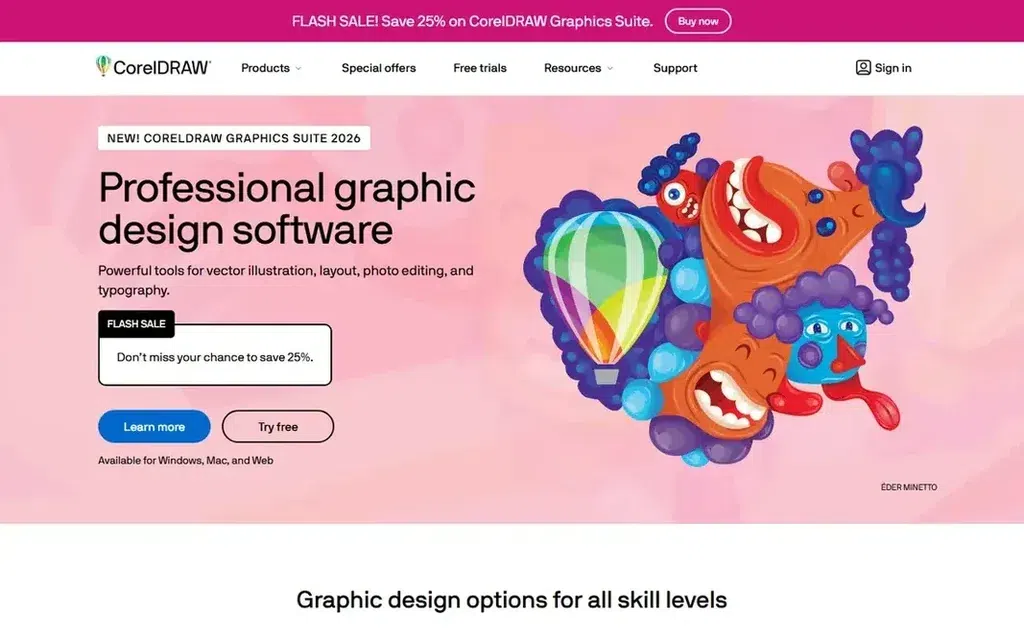
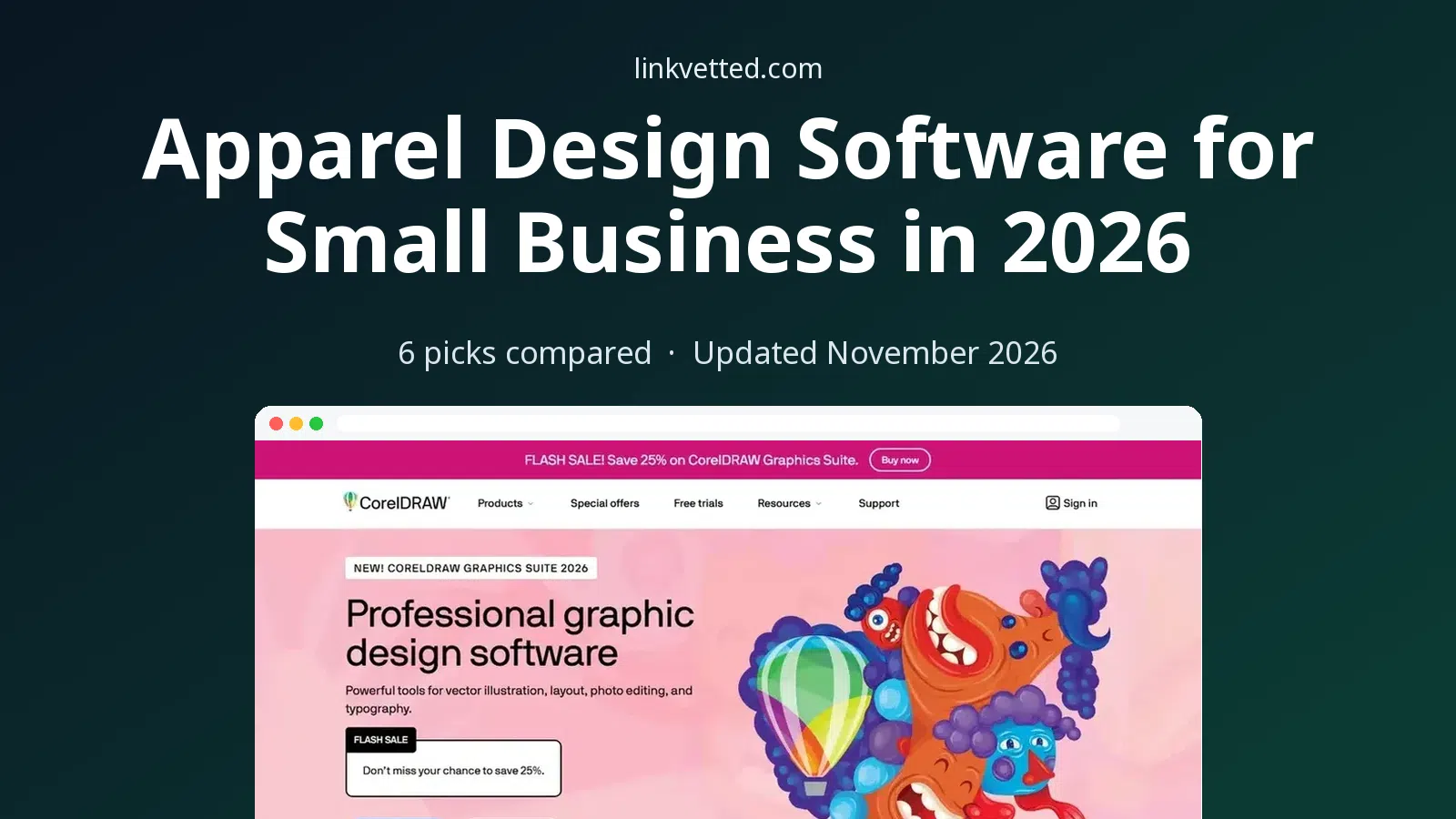
CorelDRAW makes the most sense for vector illustration with technical drawing. CorelDRAW is professional graphic design software spanning vector illustration, technical illustration and CAD-style drafting. The vendor describes uses including logos, posters, drafting and prototypes.
Trade-offs to know: Less typical in apparel pattern rooms.
Small apparel companies commonly use it for marketing graphics, spec sheets and straightforward technical drawings, making it a practical alternative for teams already comfortable outside the Adobe ecosystem. File exchange with partners who standardize on other formats can add friction. This comparison lists no price for CorelDRAW; ask the vendor. On free options: Not stated.
- Vector and technical illustration in one suite
- Layout tools for posters and promotional material
- Interface differs from Adobe workflows
Choose Optitex for 2D pattern CAD with 3D sampling. Consider it when pattern accuracy and 3D review are both regular needs. Also, the range of modules and settings can slow down newcomers who only need occasional pattern edits.
More specifically, Optitex offers end-to-end fashion design software handling 2D CAD/CAM pattern design and 3D prototyping for apparel, automotive and upholstery. For a small business, it suits pattern makers who want drafting, grading and virtual sampling in a connected workflow instead of separate applications. Pricing for Optitex is not stated here, so ask the vendor for current figures. Free access: Not stated.
Where it is weaker: Best value for teams with regular pattern work.
- End-to-end workflow from pattern to sample
- 3D prototyping for apparel and upholstery
- Broad feature set can feel complicated for beginners
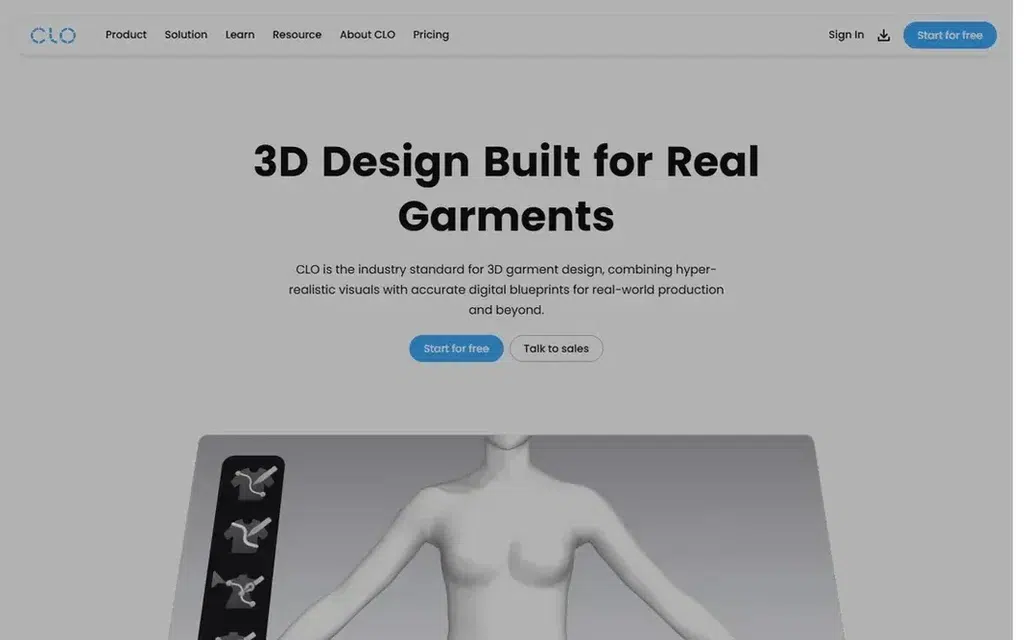
CLO 3D works best for 3D garment design and visualization. Results rely on carefully entered measurements and pattern data, so weak inputs produce misleading visuals.
In practice, the tool is heavier than a straightforward sketching app and may overwhelm teams that only need flat graphics. Price to start with CLO 3D: $25 per month. On free options: Free trial.
The main drawbacks: Needs accurate measurements to be handy.
- Hyper-realistic garment visuals
- Cuts the need for physical samples
- Ramp-up time for pattern-based workflows
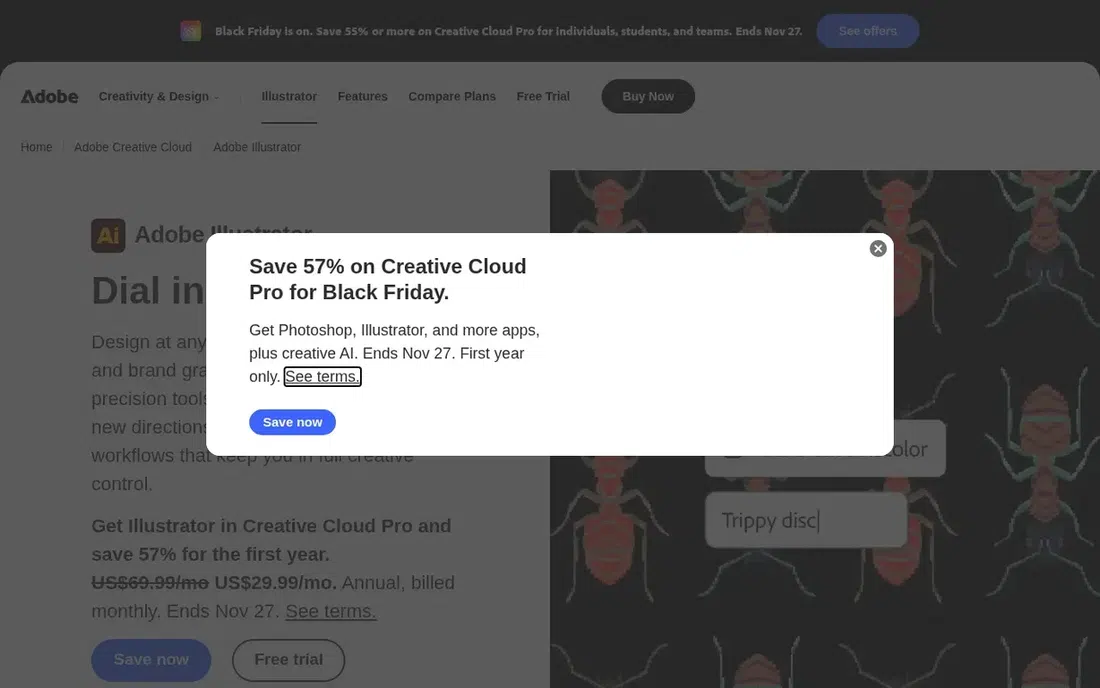
Adobe Illustrator is designed for vector graphics, prints and branding. If your priority is 3D sampling or graded pattern files, a dedicated fashion CAD tool is the better fit. From a buyer's view, Illustrator does not draft sewing patterns or simulate fabric drape, so garment fit work happens elsewhere.
Beyond that, choose Illustrator when visual identity and print design are the core need. From a buyer's view, for a small apparel business, it suits teams that require refined brand assets and repeatable print artwork more than pattern engineering. The homepage highlights generative AI that converts a text prompt into a completely editable vector graphic. More specifically, Adobe Illustrator is a vector graphics application used widely for logos, textile prints, hangtags and technical illustrations. Adobe Illustrator does not show a starting price in this comparison, so check the vendor site for current pricing. On free options: Not stated.
Downsides: Subscription model may not suit occasional users.
- Solid typography and layout for labels and graphics
- Generative AI turns text prompts into editable vector art
- Not made for pattern drafting or 3D garment fitting
Think of Browzwear VStitcher for digital apparel development and fit. Small firms use it to build digital garments and review fit before physical sampling.
Where it falls short: Targeted at development workflows, not general graphics.
It suits teams that treat 3D as part of the development process instead of a one-off visualization. The starting price for Browzwear VStitcher: $750 per year. As for free access: Not stated.
- Focus on fit improvement
- Supports quicker development cycles
- Adoption needs process change
How we built this list
For each of the 6 tools we noted price, free plan or trial, fit for apparel design software for small business and the main limit, using vendor pages and documentation. Where a vendor does not publish a price, the entry says quote. Where a price depends on seats or billing term, the entry says so. Tools are placed by general fit for apparel design software for small business, with price clarity and free access as tie-breakers. A different team can reasonably rank them differently.
What to check before you buy
- Confirm the entry price on the vendor page. For Lectra Modaris, CorelDRAW, Optitex and Adobe Illustrator that means a quote rather than a fixed price.
- Use real work to test the free trial from CLO 3D, rather than a demo project.
- Read the limits listed for Lectra Modaris first: not a graphic design or branding tool.
- Ask the daily users to test Browzwear VStitcher on a live task before you roll it out to everyone.
- Confirm you can export your data from Optitex, so leaving later does not mean losing records.
FAQ
Can I try these tools before paying?
Often, yes. CLO 3D offers a free trial. Use your own data and a real task during the test, and check what the free tier or trial limits before you rely on it. For the full picture, the cards above cover all 6 entries of this Apparel design software for small business list, including price, free plan and limits.
Does any tool for apparel design software for small business here have a free plan?
A permanent free plan is not offered by Lectra Modaris, Browzwear VStitcher or the other tools here. CLO 3D offer a trial. Plan a short evaluation period instead.
Is Lectra Modaris the right pick for everyone comparing apparel design software for small business?
No single tool suits every team. Lectra Modaris comes first because it fits pattern development in production settings, while CorelDRAW suits vector illustration with technical drawing and Optitex suits 2D pattern CAD with 3D sampling. Match the tool to your own size, budget and workflow before deciding.
How are the tools for apparel design software for small business ordered?
The order follows typical fit for apparel design software for small business, with Lectra Modaris first and Browzwear VStitcher last, then price clarity and free access. It is editorial judgement, not a score, so another team could rank the tools differently.
Which tool is easiest for a beginner to start with?
Pattern and 3D tools assume some knowledge of garment construction, so beginners commonly learn those after mastering entry-level pattern concepts. Start with the task you do most and add tools as needs grow.
Sources
- https://www.lectra.com
- https://www.coreldraw.com
- https://optitex.com
- https://www.clo3d.com
- https://www.adobe.com/products/illustrator.html
- https://browzwear.com