Choosing Alternatives to Canva for Presentations in 2026: 5 Options Compared
Weighing alternatives to canva for presentations? We lined up 5 products by cost, free access and fit. Concise write-ups of every option. Decide faster.
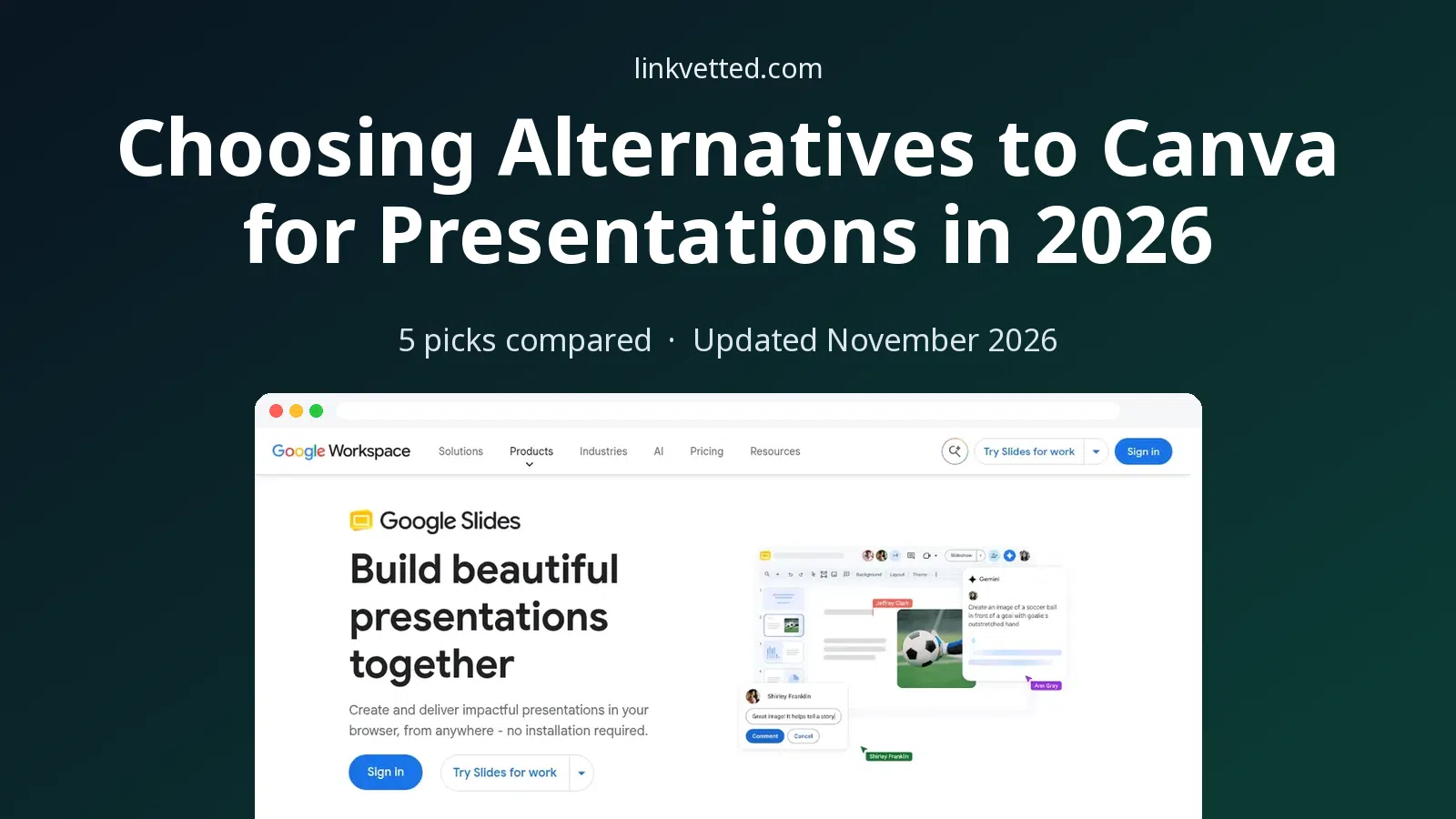
- Editor's choice
 Google Slides
Live collaboration in the browser
Starts atSee websiteVisit workspace.google.comFull review - Great alternative
 Pitch
Collaborative team presentation workflows
Starts at€10 per monthVisit pitch.comFull review - Also consider
 Prezi
Interactive presentations with live audience engagement
Starts atSee websiteVisit prezi.comFull review
Direct answer
If you need real-time collaboration in the browser, Google Slides is the first tool to look at here. Listed starting prices: Pitch from €10 per month and Beautiful.ai from $14.50 per month. Look at Pitch for collaborative team presentation workflows, and at Prezi for interactive presentations with live audience engagement. The remaining 2 options are covered below with prices and limits.
TL;DR:
- Top of the list is Google Slides, which targets live collaboration in the browser.
- Pitch is the only tool of the 5 with a free plan.
- One limit worth knowing about Microsoft PowerPoint: can be complicated for straightforward decks.
- Starting prices begin at $14.50 per month with Beautiful.ai.
Last checked November 2026. Prices and plan details were read from the vendors' own pages in November 2026; vendors change plans often, so confirm the current price on the vendor site before you buy.
Quick comparison
| Tool | Best for | Starts at | Free plan? | |
|---|---|---|---|---|
| Google Slides | Live collaboration in the browser | See website | Not stated | Visit |
| Pitch | Collaborative team presentation workflows | €10 per month | Yes | Visit |
| Prezi | Interactive presentations with live audience engagement | See website | Not stated | Visit |
 Microsoft PowerPoint | In-depth slide design and pitch decks | See website | Not stated | Visit |
 Beautiful.ai | Enterprise teams needing on-brand decks | $14.50 per month | Free trial | Visit |
The 5 tools in detail
LinkVetted compared 5 canva for presentations. The goal is a practical shortlist: published prices, free plan facts, best-fit use cases and honest limits for every entry.
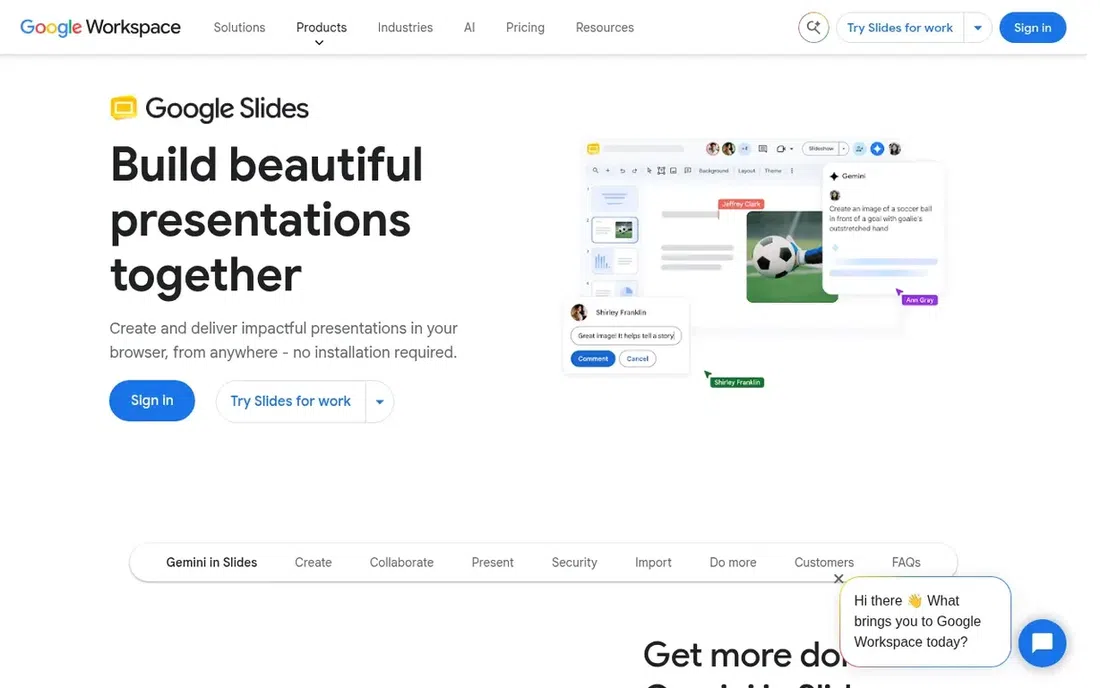
Google Slides targets live collaboration in the browser. Google Slides is a browser-based presentation slideshow maker that lets teams produce and edit decks together in live.
Since it runs in the browser, Google Slides relies on an internet connection and supplies fewer advanced animation and design controls than desktop software. No starting price is listed for Google Slides here; confirm pricing on the vendor site. On free options: Not stated.
Points against: Needs internet connection.
- AI-generated visualizations
- Template library for plenty of use cases
- Fewer advanced animation options
Pitch is designed for collaborative team presentation workflows. Its AI presentation workspace is meant to simplify deck creation and team collaboration.
Where it is weaker: May need team onboarding.
On top of that, if you need a widely recognized format or offline access, Google Slides or PowerPoint might be more suitable. What you pay to start with Pitch: €10 per month. You can start on Pitch without paying.
- Aimed at team collaboration
- AI-assisted presentation workspace
- Less established than legacy tools
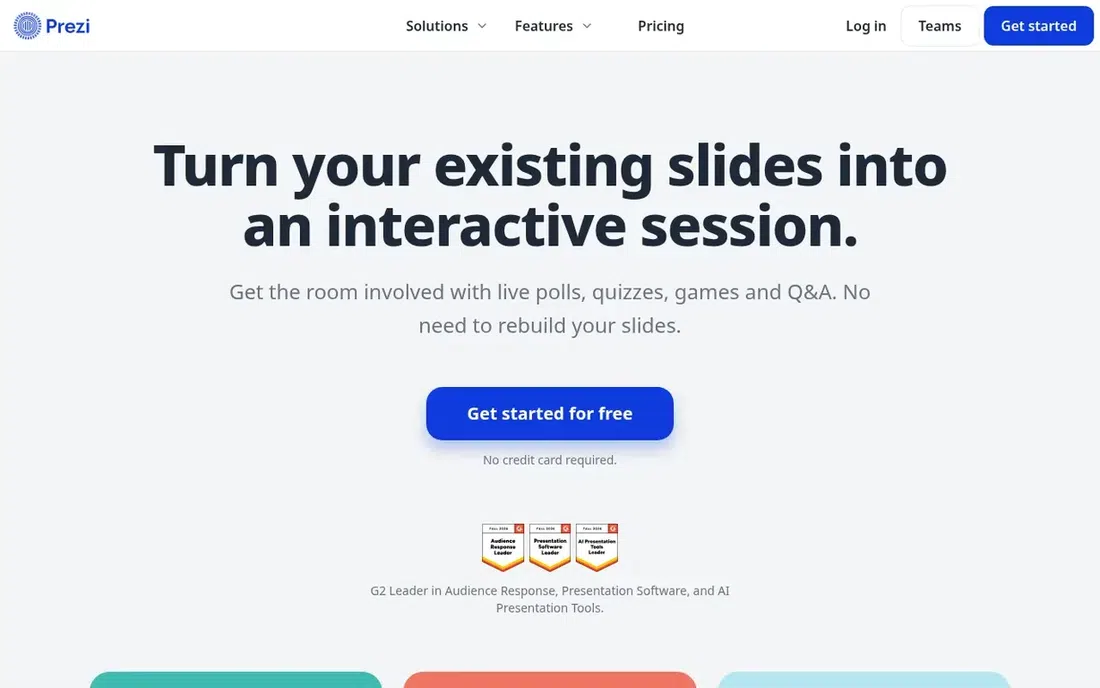
Prezi is aimed squarely at interactive presentations with live audience engagement. Prezi is an interactive presentation product made for educators, trainers, and teams.
Downsides: Ramp-up time for non-linear design.
More specifically, if you need straightforward slide decks with deep design control, consider PowerPoint or Google Slides instead. Check the vendor site for Prezi pricing; none is listed in this comparison. Free access: Not stated.
- Zoomable presentation canvas
- Live polls and quizzes
- Less suited to traditional slide decks
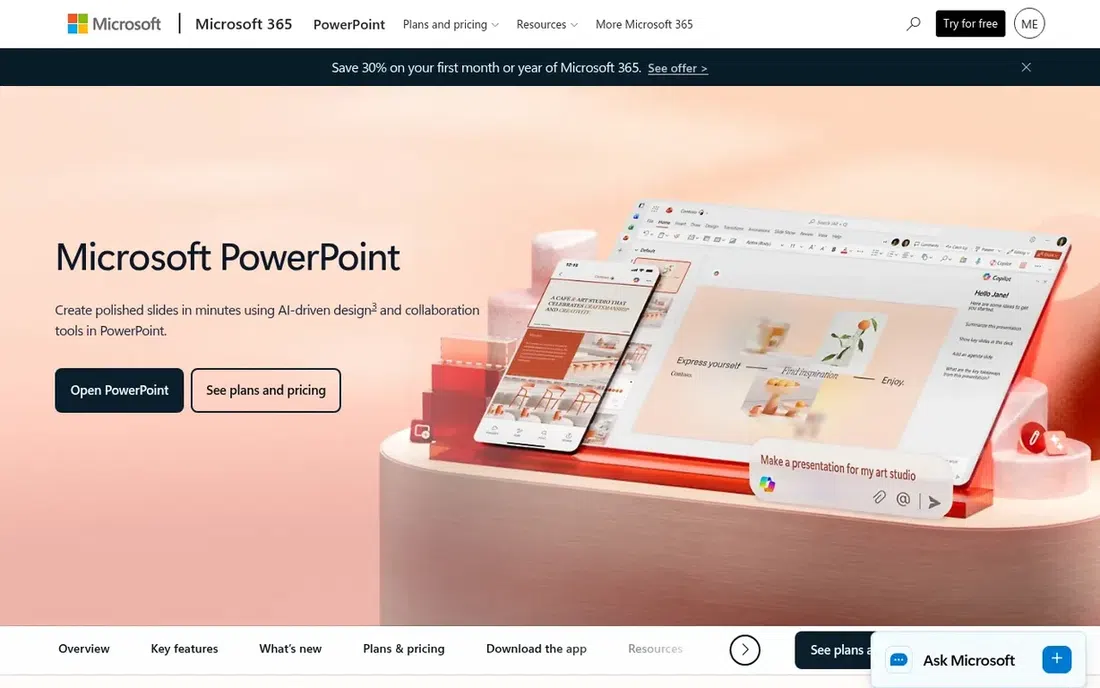
Microsoft PowerPoint works best for in-depth slide design and pitch decks. If you prefer light browser-based collaboration or AI-generated layouts, consider Google Slides or Beautiful.ai instead.
Teams already using Microsoft 365 will find it suits naturally into their document and file workflows. PowerPoint can feel heavy for fast, straightforward presentations, and its advanced features may overwhelm beginners. Pricing for Microsoft PowerPoint is not stated here, so ask the vendor for current figures. Free options: Not stated.
The main drawbacks: Can be complicated for straightforward decks.
- Supports intricate pitch decks
- Rich slide design tools
- Desktop-first workflow
Beautiful.ai makes the most sense for enterprise teams needing on-brand decks. Beautiful.ai is an AI presentation product designed for enterprise teams.
Downsides: Enterprise focus may not suit individuals.
It keeps every deck on-brand and ready to share across the entire company, using AI to deal with layout and design consistency. Entry price for Beautiful.ai: $14.50 per month. Free options: Free trial.
- Designed for enterprise team sharing
- AI-powered layout assistance
- Less manual design control
How we chose
LinkVetted looked at what each vendor publishes: pricing, plan limits, feature coverage for canva for presentations and stated drawbacks. No hands-on testing is claimed. Treat prices as a snapshot: vendors change plans often, so check the vendor site for the figure that applies today. Position on the page reflects fit for a typical buyer first, with price clarity and free access breaking ties. Treat it as a guide, not a ruling.
A buyer's checklist
- Ask Google Slides, Prezi and Microsoft PowerPoint for a written quote, since no starting price is shown.
- Test the free plan from Pitch against your real workload before relying on it.
- Take the trial from Beautiful.ai and push a live task through it before you pay.
- Read the limits listed for Google Slides first: needs internet connection.
- Look at which plan of Pitch unlocks the features you need; entry tiers are often cut down.
- Work out what Beautiful.ai costs with your real seat count, add-ons and usage, not just the entry price.
FAQ
Can I try these tools before paying?
Often, yes. Pitch has a free plan and Beautiful.ai offers a free trial. Use your own data and a real task during the test, and check what the free tier or trial limits before you rely on it. Prices, free plan details and limits for all 5 tools in this alternatives to Canva for Presentations roundup sit on the individual cards above.
Do these tools publish their prices?
Not all of them. Google Slides, Prezi and Microsoft PowerPoint publish no starting price, so expect a quote request for those. The rest, Pitch included, show a starting price, though seats and billing terms still change the final cost.
Are there alternatives that use AI to design slides?
Beautiful.ai and Pitch both incorporate AI into presentation creation. Beautiful.ai centres on keeping decks on-brand with AI-powered layouts, and Pitch provides an AI presentation workspace. Google Slides also comes with AI tools for generating visualizations.
How are the canva for presentations ordered?
The order follows typical fit for canva for presentations, with Google Slides first and Beautiful.ai last, then price clarity and free access. It is editorial judgement, not a score, so another team could rank the tools differently.
What is the cheapest option for canva for presentations in this list?
On published monthly entry prices, Beautiful.ai is the lowest here at $14.50 per month. Entry price is only part of the cost, because seats, add-ons and billing terms can change the total. Each of the 5 options in this alternatives to Canva for Presentations guide has its own card above with the price, free plan and limits.
Sources
- https://workspace.google.com/products/slides
- https://pitch.com
- https://prezi.com
- https://www.microsoft.com/en-us/microsoft-365/powerpoint
- https://www.beautiful.ai