Best Wireframing Software for Mobile App Designers for 2026: Our 5 Vetted Picks
5 products for the best wireframing software for mobile app designers, ranked by fit, with starting costs and free tiers. Short verdicts, no fluff. Facts only.
- Editor's choice
 Sketch
Designer-focused wireframing and handoff
Starts at$12 per editor a monthVisit sketch.comFull review - Great alternative
 UXPin
Realistic prototypes with design systems
Starts at$29 a month per seatVisit uxpin.comFull review - Also consider
 Balsamiq
Quick low-fidelity wireframe sketching
Starts at$16 per editor a monthVisit balsamiq.comFull review
Direct answer
If you need designer-focused wireframing and handoff, Sketch is the first tool to look at here. Listed starting prices: Sketch from $12 per editor a month, UXPin from $29 a month per seat and Balsamiq from $16 per editor a month. UXPin is better for realistic prototypes with design systems, and Balsamiq is better for quick low-fidelity wireframe sketching. Details, prices and limits for the rest of the 5 tools are below.
TL;DR:
- This list starts with Sketch, which is built for designer-focused wireframing and handoff.
- Figma is the one to check for collaborative mobile wireframing and prototyping.
- Adobe XD comes with a trade-off: less momentum than some newer systems.
- A permanent free plan is missing from all 5 tools, Sketch and Figma included; plan for a trial or a premium start.
Last checked November 2026. Prices and plan details were read from the vendors' own pages in November 2026; vendors change plans often, so confirm the current price on the vendor site before you buy.
Quick comparison
| Tool | Best for | Starts at | Free plan? | |
|---|---|---|---|---|
| Sketch | Designer-focused wireframing and handoff | $12 per editor a month | Free trial | Visit |
| UXPin | Realistic prototypes with design systems | $29 a month per seat | Free trial | Visit |
| Balsamiq | Quick low-fidelity wireframe sketching | $16 per editor a month | Free trial | Visit |
 Adobe XD | Designers already inside Adobe workflows | See website | Not stated | Visit |
 Figma | Collaborative mobile wireframing and prototyping | $3 a month | Not stated | Visit |
Our 5 wireframing software for mobile app designers
Short on time? The summary and table above give the quick view of 5 wireframing software for mobile app designers, and the profiles that follow give the detail behind each entry.
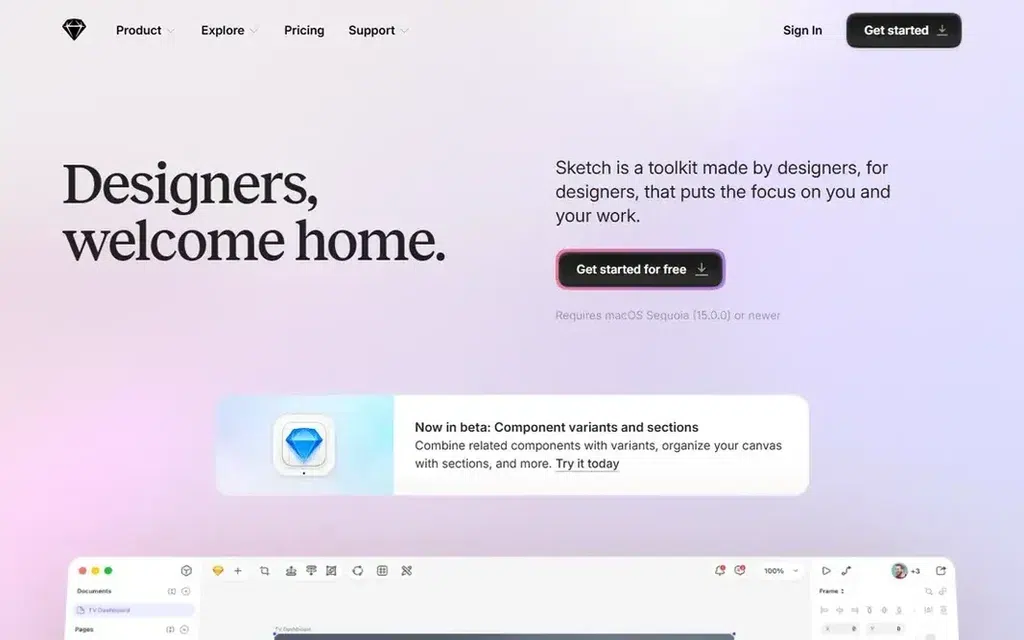
Pick Sketch if this describes you: designer-focused wireframing and handoff. It fits individuals and small teams that value a tidy, design-first environment.
Downsides: Collaboration is less central than in browser-first tools.
As for the details, pick Sketch when a designer-led desktop workflow is your priority. Sketch starts at: $12 per editor per month. Trial and free access: Free trial.
- Clean interface built around design work
- Prototyping and handoff in the same app
- Mobile workflows rely on the wider ecosystem
UXPin works best for realistic prototypes with design systems. UXPin is an UX and UI prototyping tool for designers and developers, offering prototypes that feel real through code components, logic, states and design systems. Beyond that, choose UXPin once interactions, states and design system consistency become the focus.
Watch-outs: More setup for straightforward wireframe tasks.
Also, mobile app designers use it when wireframes have to behave like the finished app for testing or stakeholder review. That realism includes setup effort, which can slow down early sketching. UXPin starts at: $29 per month per seat. Free access: Free trial.
What users get: Prototypes that feel close to the real product.
- Supports code components
- Design system integration
- Advanced features need learning time
Pick Balsamiq if this describes you: quick low-fidelity wireframe sketching. Balsamiq markets itself as quick, focused wireframing and prototyping without friction, pitched at product, tech and business minds. Its sketch-style output keeps mobile app wireframes intentionally rough, which helps teams discuss structure before visual detail.
Downsides: Restricted for high-fidelity visual design.
Worth adding: the low-fidelity approach is a strength early on but becomes a limit when you need refined visuals or intricate interactions. Pick Balsamiq when speed and clarity of structure matter most. Price to start with Balsamiq: $16 per editor per month. On free options: Free trial.
Best features of Balsamiq: Deliberately straightforward.
- Keeps focus on structure over styling
- Sketch-like output
- Not aimed at complicated interactive logic
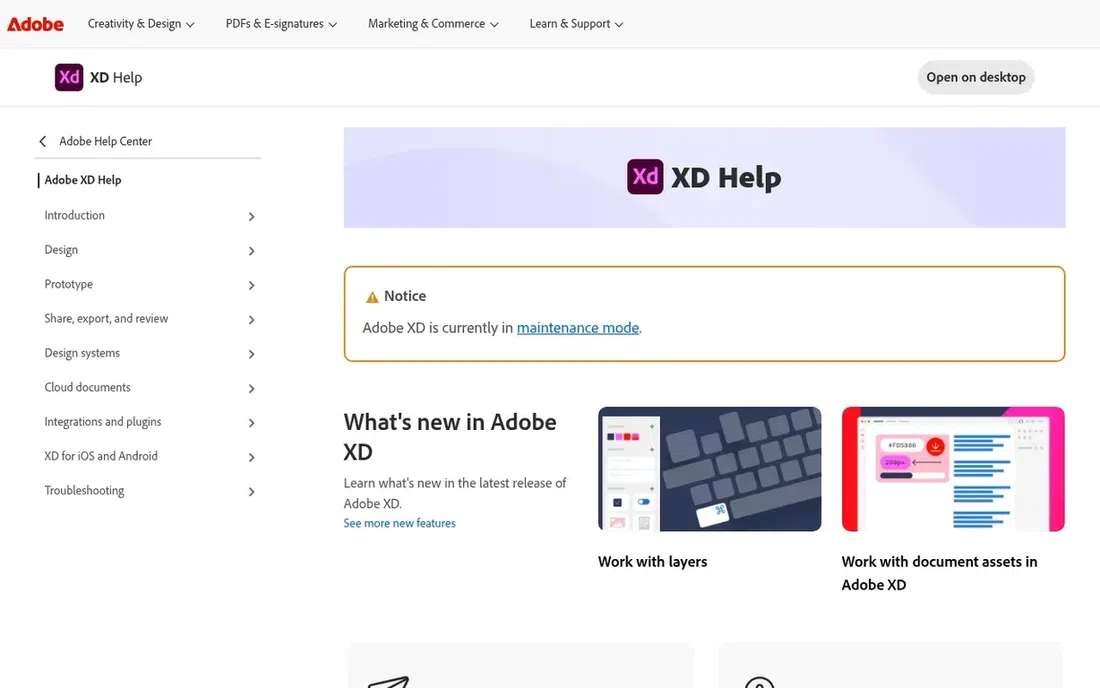
Choose Adobe XD for designers already inside Adobe workflows. Adobe XD is Adobe's design and prototyping tool for interfaces, used to wireframe mobile screens and link them into testable flows.
Honest limits: Less momentum than some newer systems.
No starting price is listed for Adobe XD here; confirm pricing on the vendor site. Free access: Not stated.
- Suits alongside other Adobe creative tools
- Wireframing and prototyping in one app
- Collaboration features are not the primary draw
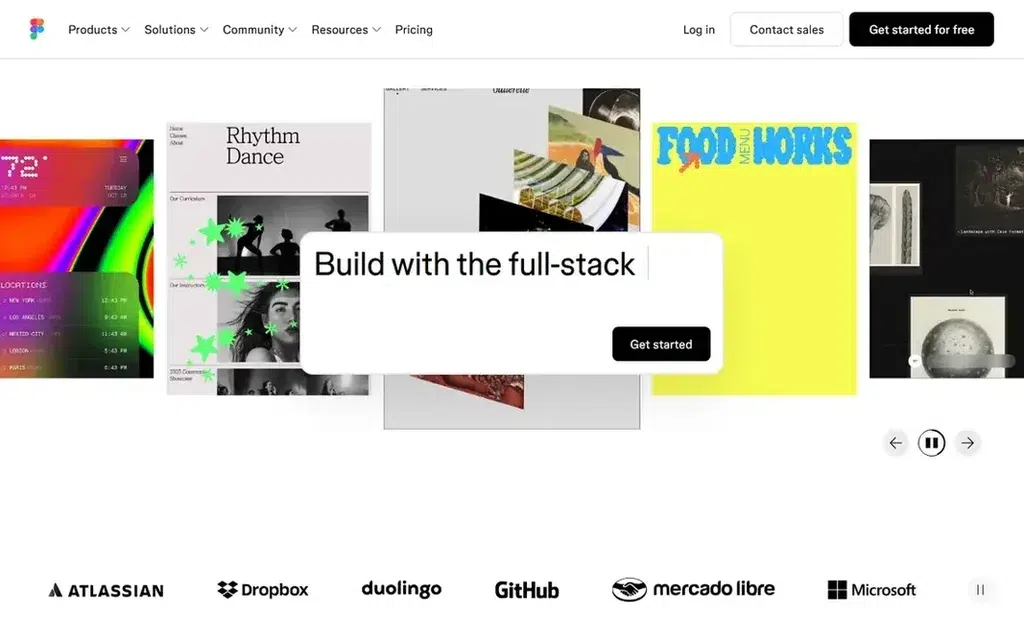
Choose Figma for collaborative mobile wireframing and prototyping. Figma presents itself as a collaborative canvas where design, code and AI come together, taking a product from first idea to shipped output in one place. The breadth of the product can slow down designers who only want fast, low-fidelity sketches.
The main drawbacks: Needs a stable connection for collaborative work.
Where it shines: Design.
In practice, for mobile app designers, that means wireframes, interactive prototypes and shared libraries can live in the same workspace. On top of that, choose Figma when collaboration and a single source of truth matter more than minimalism. Starting cost for Figma: $3 per month. Free options: Not stated.
- Prototyping and handoff in one canvas
- Capable real-time team collaboration
- Feature depth can overwhelm beginners
What went into this list
Each tool was reviewed on what its vendor publishes: price, plan limits, core features and stated drawbacks. We did not run hands-on tests. Where a price is missing, the vendor does not list one publicly or ties it to a quote. Always confirm before budgeting. Tools are placed by general fit for wireframing software for mobile app designers, with price clarity and free access as tie-breakers. A different team can reasonably rank them differently.
Questions to settle before buying
- Ask Adobe XD for a written quote, since no starting price is shown.
- Use real work to test the free trial from Sketch, UXPin and Balsamiq, rather than a demo project.
- Before choosing Sketch, weigh its main limit: collaboration is less central than in browser-first tools.
- Check the support hours and onboarding help UXPin offers; smaller vendors vary a lot here.
- Price Balsamiq for your actual team size; headline prices rarely include add-ons or overage.
FAQ
Is Sketch the right pick for everyone comparing wireframing software for mobile app designers?
No single tool suits every team. Sketch comes first because it fits designer-focused wireframing and handoff, while UXPin suits realistic prototypes with design systems and Balsamiq suits fast low-fidelity wireframe sketching. Match the tool to your own size, budget and workflow before deciding.
Which wireframing tool is a good match for mobile app designers overall?
For most readers this guide would start with Sketch, built for designer-focused wireframing and handoff. UXPin is the alternative for realistic prototypes with design systems, and Balsamiq for fast low-fidelity wireframe sketching. The right answer depends on budget and workflow.
Does any tool for wireframing software for mobile app designers here have a free plan?
A permanent free plan is not offered by Sketch, Figma or the other tools here. Sketch, UXPin, Balsamiq offer a trial. Plan a short evaluation period instead.
How are the tools for wireframing software for mobile app designers ordered?
The order follows typical fit for wireframing software for mobile app designers, with Sketch first and Figma last, then price clarity and free access. It is editorial judgement, not a score, so another team could rank the tools differently.
Do these tools publish their prices?
Not all of them. Adobe XD publishes no starting price, so expect a quote request for it. The rest, Sketch included, show a starting price, though seats and billing terms still change the final cost.
Sources
- https://www.sketch.com
- https://www.uxpin.com
- https://balsamiq.com
- https://www.adobe.com/products/xd.html
- https://www.figma.com