Choosing Wireframing Software for UX Designers in 2026: 6 Options Compared
Shortlisting the best wireframing software for UX designers? 6 products compared on cost, free access and ideal buyer. Each tool is judged on the same checks.
- Editor's choice
 Balsamiq
Quick low-fidelity wireframing
Starts at$16 per editor a monthVisit balsamiq.comFull review - Great alternative
 Sketch
Mac-based designers seeking focus
Starts at$12 per editor per monthVisit sketch.comFull review - Also consider
 Axure RP
Complicated interactive prototypes
Starts at$29 per user a monthVisit axure.comFull review
Direct answer
Balsamiq leads the list, best for quick low-fidelity wireframing. Listed starting prices: Balsamiq from $16 per editor a month, Sketch from $12 per editor per month and Axure RP from $29 per user a month. Look at Sketch for Mac-based designers seeking focus, and at Axure RP for complicated interactive prototypes. The full list of 6 tools follows, with prices and free plan facts.
TL;DR:
- Balsamiq takes the first slot, best suited to quick low-fidelity wireframing.
- Only Miro offers a free plan among these 6 tools.
- Figma suits collaborative design and prototyping.
- For the cheapest start, look at Figma: $3 per month.
- One limit worth knowing about Miro: not specialized for wireframing.
Last checked November 2026. Prices and plan details were read from the vendors' own pages in November 2026; vendors change plans often, so confirm the current price on the vendor site before you buy.
Quick comparison
| Tool | Best for | Starts at | Free plan? | |
|---|---|---|---|---|
| Balsamiq | Quick low-fidelity wireframing | $16 per editor a month | Free trial | Visit |
| Sketch | Mac-based designers seeking focus | $12 per editor per month | Free trial | Visit |
| Axure RP | Complicated interactive prototypes | $29 per user a month | Not stated | Visit |
 Miro | Collaborative ideation and whiteboarding | $8 per member a month | Yes | Visit |
 Adobe XD | Adobe ecosystem integration | See website | Not stated | Visit |
 Figma | Collaborative design and prototyping | $3 per month | Not stated | Visit |
Every option for wireframing software for UX designers explained
This LinkVetted guide covers 6 wireframing software for UX designers. Each profile lists a starting price, free plan details, strengths and drawbacks, so you can drop poor fits quickly.
Think of Balsamiq for quick low-fidelity wireframing. Choose Balsamiq for rapid, low-fidelity wireframes that communicate concepts effectively.
If you need in-depth, interactive prototypes, consider Axure RP or Figma. Price to start with Balsamiq: $16 per editor per month. As for free access: Free trial.
Where it falls short: Restricted high-fidelity design capabilities.
- Fast and easy-to-learn wireframing
- Encourages rapid iteration
- Less suited for complicated prototyping
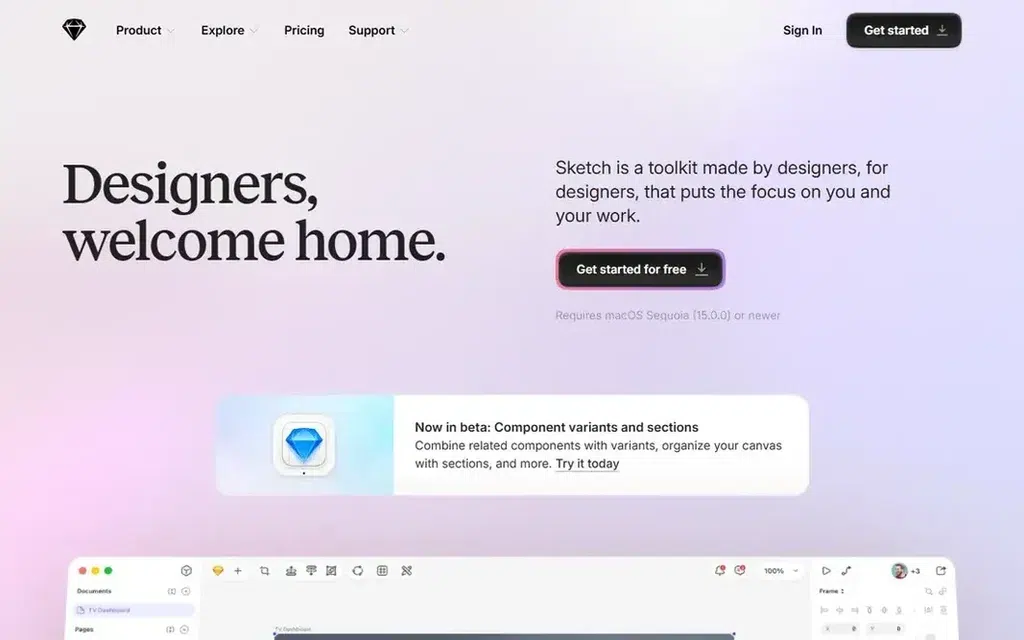
Choose Sketch for Mac-based designers seeking focus. Sketch is a design toolkit made by designers for designers, emphasizing focus on your work. The tool is well-suited for creating wireframes and high-fidelity designs with a simplified workflow.
Trade-offs to know: Collaboration less smooth than web-based tools.
In daily use, Sketch is restricted to macOS, which can be a barrier for teams on mixed platforms. Its collaboration features are not as live as web-based alternatives. The starting price for Sketch: $12 per editor per month. As for free access: Free trial.
- Designer-centric interface
- Prototyping and collaboration features
- Mac-only system
Axure RP targets complicated interactive prototypes. Choose Axure RP when you have to prototype intricate interactions and produce thorough specifications in a single environment. In daily use, Axure RP is an all-in-one software design tool for creating prototypes, specifications, and diagrams.
It excels at building complicated, interactive prototypes with conditional logic, making it right for UX designers who require to simulate rich user flows. The tool also creates in-depth specs for developer handoff, simplifying documentation. In daily use, for fast, low-fidelity work, Balsamiq is more efficient. Starting cost for Axure RP: $29 per user per month. Free access: Not stated.
Limits to weigh: Steeper ramp-up time.
- Produces in-depth specifications
- Advanced interactivity and logic
- Overkill for straightforward wireframes
Miro is aimed squarely at collaborative ideation and whiteboarding. Miro is an AI innovation workspace that accelerates product development from ideation to launch, aligning teams and breaking tool silos. It gives you a visual system for collaborative whiteboarding, which UX designers can use for early-stage wireframing, journey mapping, and brainstorming.
Its live collaboration fosters team engagement. In practice, choose Miro for collaborative ideation and visual thinking that precedes formal wireframing. In practice, Miro's wireframing capabilities are entry-level compared with dedicated tools, and it may not support in-depth prototyping. On cost, Miro starts like this: $8 per member per month. Miro offers a free plan.
Watch-outs: Wireframing features are entry-level.
- AI-powered visual product
- Live team collaboration
- Not specialized for wireframing
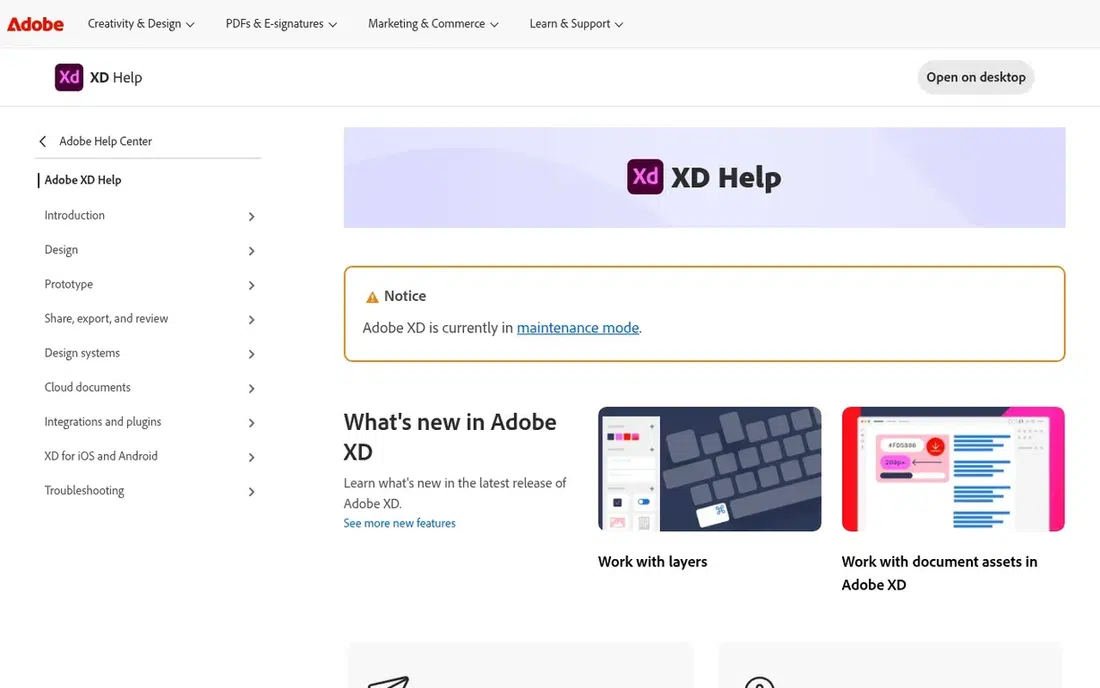
Adobe XD is a good fit for Adobe ecosystem integration. Adobe XD is an UX design tool for wireframing, prototyping, and sharing designs. It plugs into Adobe's Creative Cloud ecosystem, making it a natural choice for designers already using Photoshop or Illustrator.
It supports both Windows and Mac, offering adaptability for cross-platform teams. That said, Adobe XD has seen slower development compared with rivals, and its collaboration capabilities may not match dedicated collaborative tools. Worth adding: otherwise, explore Figma or Sketch for more active development. For teams heavily invested in Adobe's ecosystem, XD remains a viable choice. Check the vendor site for Adobe XD pricing; none is listed in this comparison. Trial and free access: Not stated.
Honest limits: Collaboration features not as solid as some competitors.
- Available on Windows and Mac
- Plugs into other Adobe Creative Cloud apps
- Less frequent feature updates recently
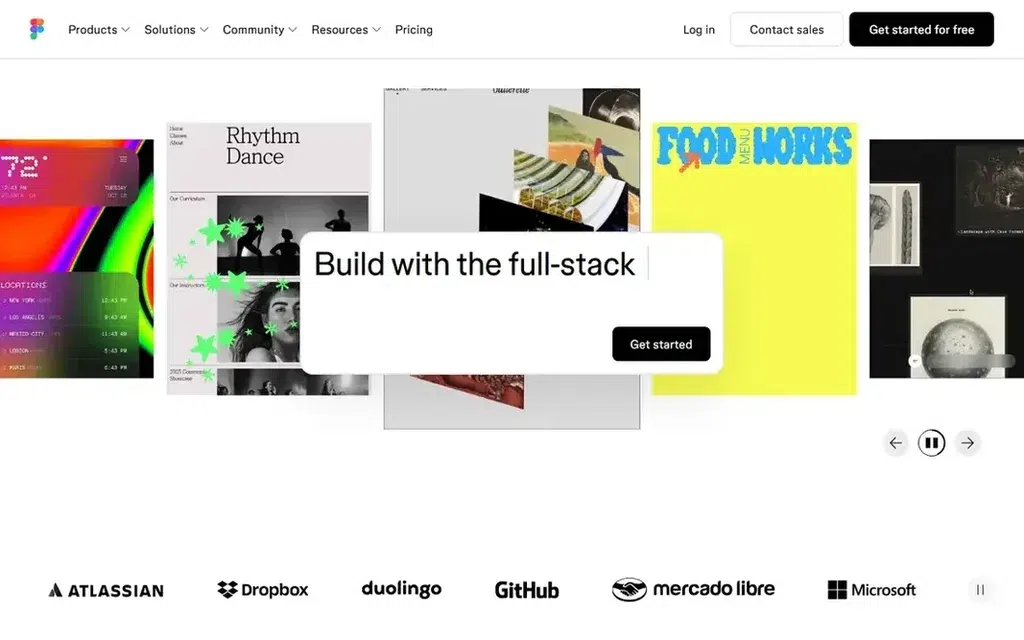
Pick Figma if this describes you: collaborative design and prototyping. For fast, low-fidelity wireframes, a more straightforward tool like Balsamiq might be more efficient. It supports wireframing, prototyping, and design systems, making it suitable for UX designers working in cross-functional teams.
That said, Figma's deep feature set may overwhelm those who only need entry-level wireframing, and it depends on web connectivity. In daily use, choose Figma when collaboration and end-to-end design are priorities. The starting price for Figma: $3 per month. On free options: Not stated.
The main drawbacks: Can become complicated for straightforward wireframing.
- Live collaboration on a shared canvas
- Integrated design, prototyping, handoff
- Needs internet connection for full functionality
Our selection method
Before you commit
- Get a written quote from Adobe XD; the list shows no starting price for them.
- Test the free plan from Miro against your real workload before relying on it.
- Use real work to test the free trial from Balsamiq and Sketch, rather than a demo project.
- Before choosing Balsamiq, weigh its main limit: limited high-fidelity design capabilities.
- Ask Miro about contract length, onboarding fees and user minimums before you sign.
- Ask whether Axure RP integrates with your current software, and whether that comes standard or as an add-on.
FAQ
Do these tools publish their prices?
Not all of them. Adobe XD publishes no starting price, so expect a quote request for it. The rest, Balsamiq included, show a starting price, though seats and billing terms still change the final cost. Each of the 6 options in this Wireframing software for UX designers guide has its own card above with the price, free plan and limits.
What is the best wireframing software for beginners?
Start with Balsamiq if you need quick low-fidelity wireframing. Sketch is the better match for Mac-based designers seeking focus, and Axure RP for complicated interactive prototypes. The best choice depends on budget, team size and workflow.
Can I try these tools before paying?
Often, yes. Miro has a free plan and Balsamiq and Sketch offer a free trial. Use your own data and a real task during the test, and check what the free tier or trial limits before you rely on it. All 6 picks in this Wireframing software for UX designers comparison list a starting price, free plan details and the main limits on their cards above.
What is the cheapest option for wireframing software for UX designers in this list?
On published monthly entry prices, Figma is the lowest here at $3 per month. Entry price is only part of the cost, because seats, add-ons and billing terms can change the total. For the full picture, the cards above cover all 6 entries of this Wireframing software for UX designers list, including price, free plan and limits.
Which tool is a good match for creating interactive prototypes?
For most readers this guide would start with Balsamiq, built for quick low-fidelity wireframing. Sketch is the alternative for Mac-based designers seeking focus, and Axure RP for complicated interactive prototypes. The right answer depends on budget and workflow.
Is Balsamiq the right pick for everyone comparing wireframing software for UX designers?
No single tool suits every team. Balsamiq comes first because it fits fast low-fidelity wireframing, while Sketch suits Mac-based designers seeking focus and Axure RP suits complex interactive prototypes. Match the tool to your own size, budget and workflow before deciding.
Sources
- https://balsamiq.com
- https://www.sketch.com
- https://www.axure.com
- https://miro.com
- https://www.adobe.com/products/xd.html
- https://www.figma.com